
Free
All sections included · Built for Shopify
Section Shop
See current plans
Check the provider’s listing
Shogun
Check the provider’s current plans and terms. Feature descriptions are a general workflow comparison, not a live pricing feed.
| Feature | Section Shop Free | Shogun |
|---|---|---|
| Pricing & plans | ||
| Pricing | Free app — every section in the library is free today | See the provider’s current plans |
| Store coverage | Works on the store where the app is installed | One store per subscription |
| Workflow | ||
| Approach | Native theme sections and page templates, plus app-powered shopping tools | Full page builder platform with team workflows |
| Where you edit | Theme editor for sections/templates; in-app editors for bundles and cart drawer | Separate Shogun editor |
| Theme compatibility | Any free or paid Online Store 2.0 theme | Works alongside any theme, pages live in Shogun |
| Ownership & speed | ||
| After uninstall | Native section files remain; app blocks, bundles and cart drawer depend on the app | Pages managed inside the platform |
| Storefront weight | Native Liquid sections; interactive and app-powered features can load JavaScript | Platform runtime on top of your theme |
Where Shogun shines
- Polished visual editor with collaborative team workflows
- A/B testing and personalization on upper tiers
- Positioned and supported for larger stores and agencies
Plans, feature limits and prices change. Check the provider’s current listing before deciding.
The honest verdict
Choose based on the pages you need, the editor you prefer and the features you will use. Preview Section Shop’s sections and templates, and compare them with Shogun using your own products and theme.
Try Section Shop freeWhat you get with Section Shop — 164 sections, free
Browse all →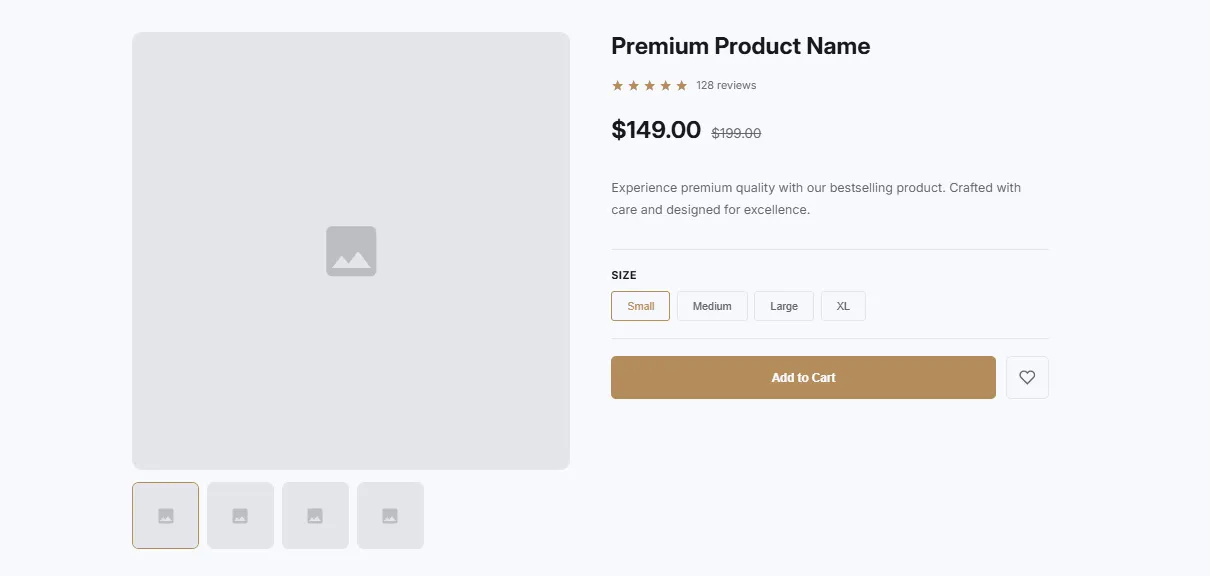 Free
Free Product Gallery
65 installsProduct Showcases
Product with image gallery and thumbnails. Main image display with thumbnail navigation, zoom on hover, and product info section with price and CTA.
View section →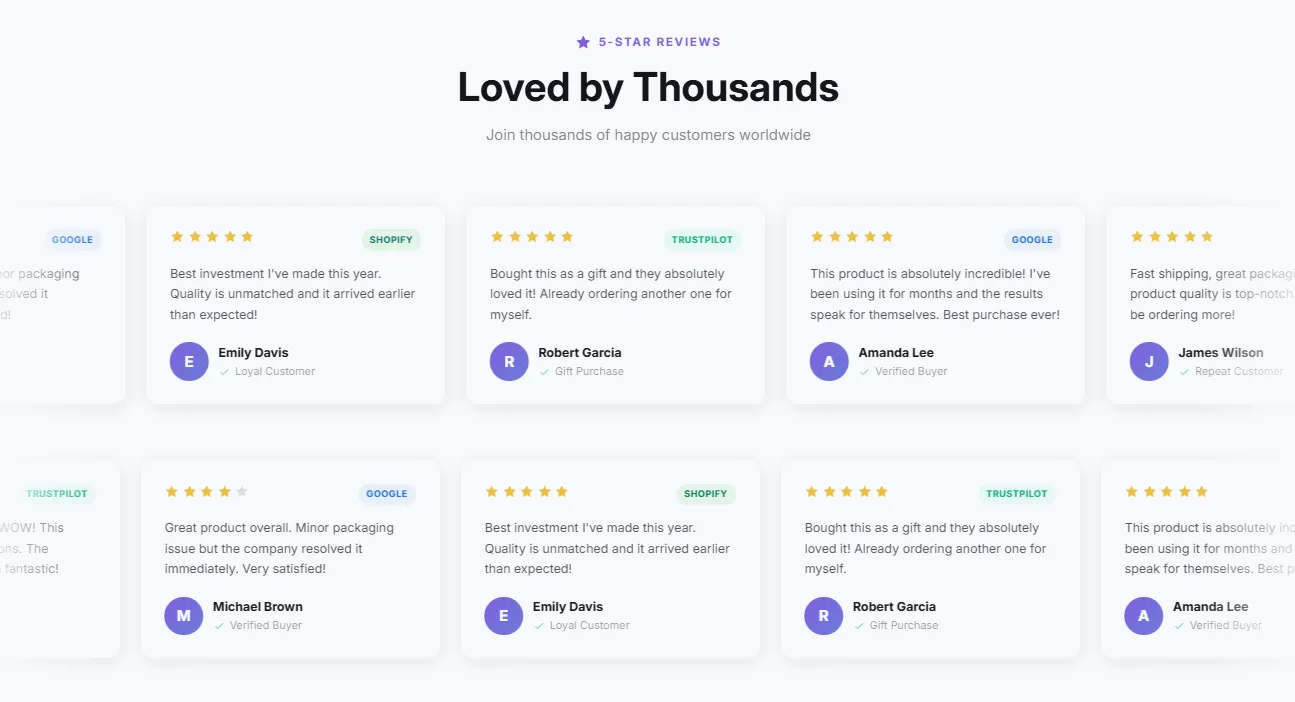 Free
Free Reviews Marquee
61 installsTestimonials & Reviews
Infinite scrolling ticker-style reviews with modern design. Continuous horizontal scroll, pause on hover, customizable speed, and clean card design.
View section →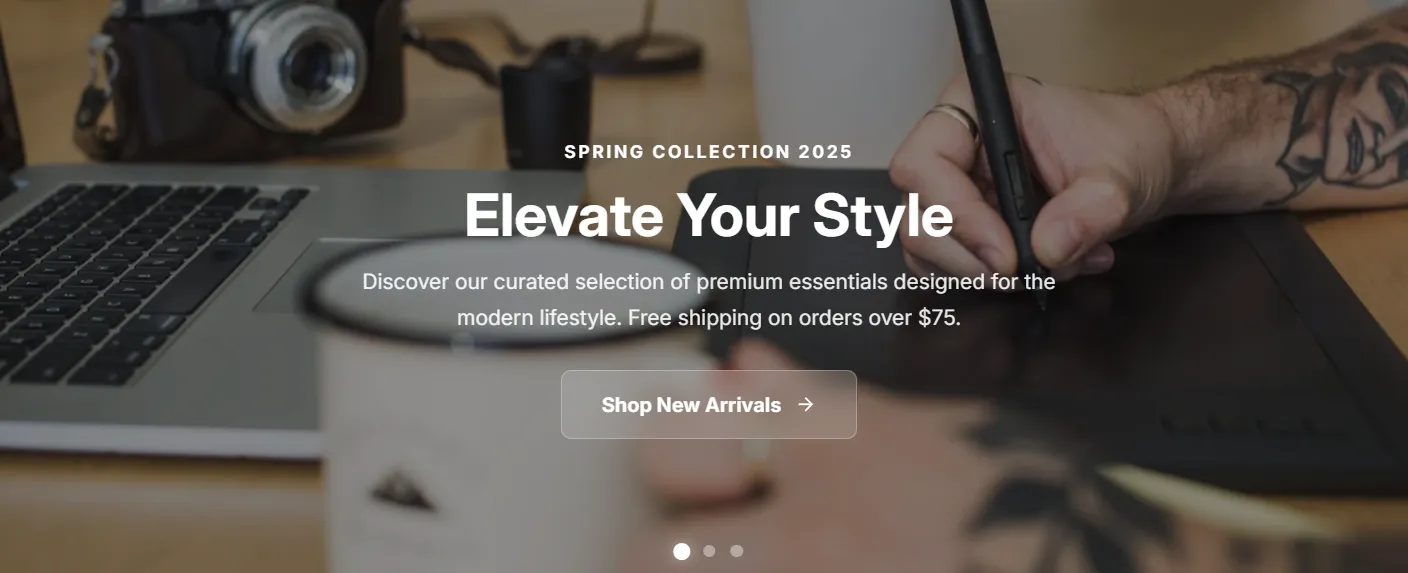 Free
Free Rotating Carousel Banner
55 installsHero & Banners
Interactive carousel with JavaScript controls, Ken Burns zoom effect, progress bar, dot indicators, navigation arrows, and touch support. Features autoplay, glass/solid/outline buttons, and smooth slide transitions.
View section →Section Shop vs Shogun — FAQ
What is the main difference between Section Shop and Shogun?
Shogun is a page builder: you design entire pages inside its own editor, and those pages are managed by the app. Section Shop does a different job — it adds ready-made native Online Store 2.0 sections to the theme you already run. You keep your theme, your pages and your editor; the sections appear in Shopify's theme editor and inherit your theme's fonts automatically.
Is Shogun or Section Shop better for Shopify?
Compare Shogun with Section Shop for your actual workflow. Section Shop offers native sections and ready-made page templates, product blocks, and beta bundle and cart drawer tools. Neither replaces the other for every store: the honest answer depends on whether your next project is a standalone custom page or a better storefront on your current theme.
How much does Shogun cost compared with Section Shop?
Plans, feature limits and prices change. Check the provider’s current listing before deciding. Section Shop is free to install and every section in its 164-section library is free today — there is no subscription, no per-section charge, and the app carries Shopify's Built for Shopify badge.
Will Section Shop or Shogun slow my store down?
Performance depends on the layouts, images, videos and app features you enable. Section Shop installs native theme sections and also offers app-powered tools. Compare both apps on your own theme and measure the finished page on mobile before publishing.
What happens to my pages if I uninstall Shogun — or Section Shop?
Sections added by Section Shop are standard theme files: they remain in your theme after uninstall. App-powered blocks, bundles and Cart Drawer still require the app. With Shogun: pages managed inside the platform.
Can I use Section Shop and Shogun together?
Yes, and many stores do: keep Shogun for dedicated campaign pages, and use Section Shop's free sections to upgrade the theme itself — home page, product pages, FAQ. Test overlapping features before publishing, especially cart drawers and offers.
Who should choose Section Shop instead of Shogun?
Choose Section Shop if you want your existing theme to look custom without a page-builder subscription or a second editor: 164 free sections, one-click installs, native theme-editor customization, fonts inherited from your theme, and sections that remain yours after uninstall. Shogun remains the better fit for: polished visual editor with collaborative team workflows.