
Conversion
Sticky Add to Cart
Keep product details, variants and an add-to-cart button within reach as shoppers scroll.
THE DETAILS THAT HELP BUYERS DECIDE
Add the information, reassurance and shopping tools your product page needs. Arrange compatible app blocks in your Shopify theme editor and make them feel like your brand.
THE COMPLETE BLOCK LIBRARY
Explore every product block: buying tools, delivery details, reviews, benefits and media.
Keep product details, variants and an add-to-cart button within reach as shoppers scroll.
Give a genuine offer a clear deadline with customizable countdown layouts.
Style the buy button with gradients, pricing, hover effects and a reassuring note.
Display up to three offers with codes shoppers can copy in one tap.
Show available stock, low-stock messages and sold-out states in your brand colors.
Show estimated delivery dates using your handling time, transit time and cutoff.
Highlight key benefits with up to five compact icon or emoji badges.
Arrange icons, titles and short descriptions in a neat two-, three- or four-card grid.
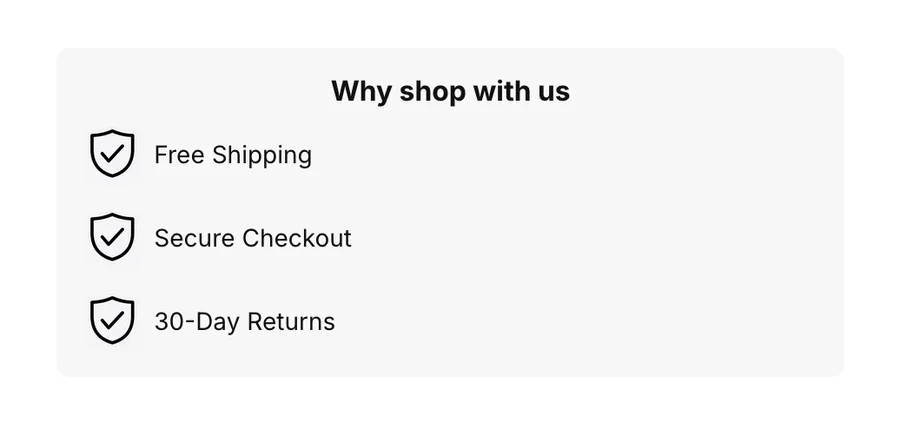
Bring up to five selling points together in an icon list or row.
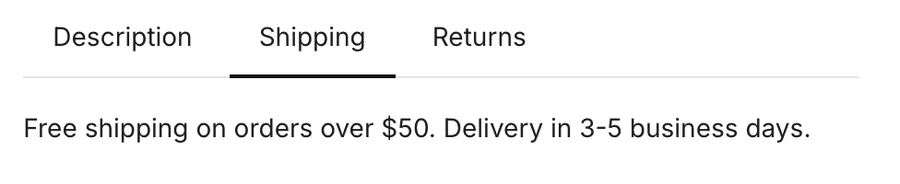
Organize descriptions, reviews and payment information in customizable tabs.
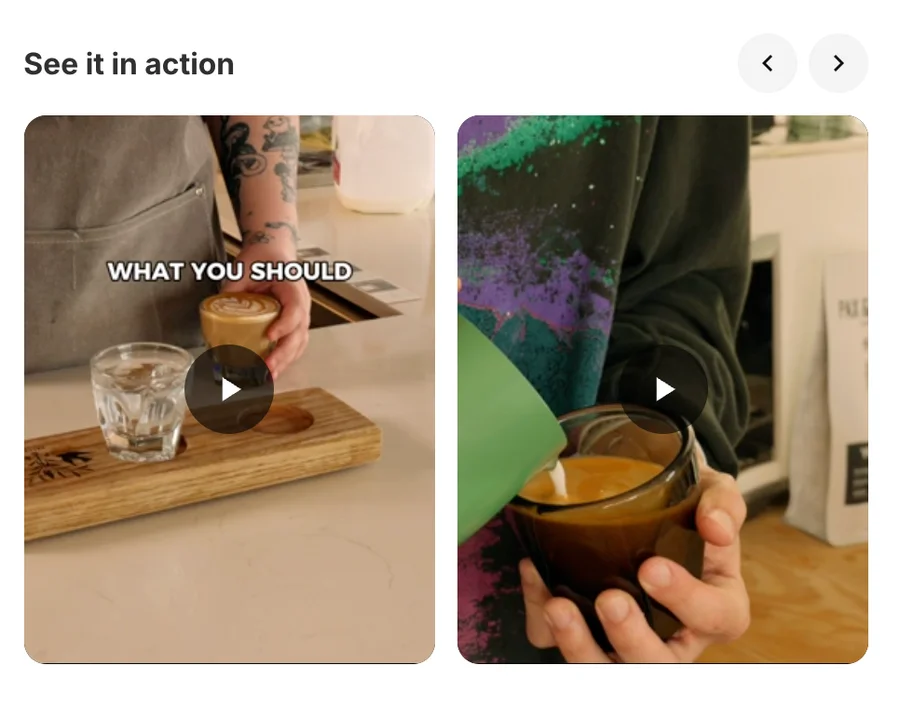
Show vertical videos with cover images, playback controls and flexible layouts.
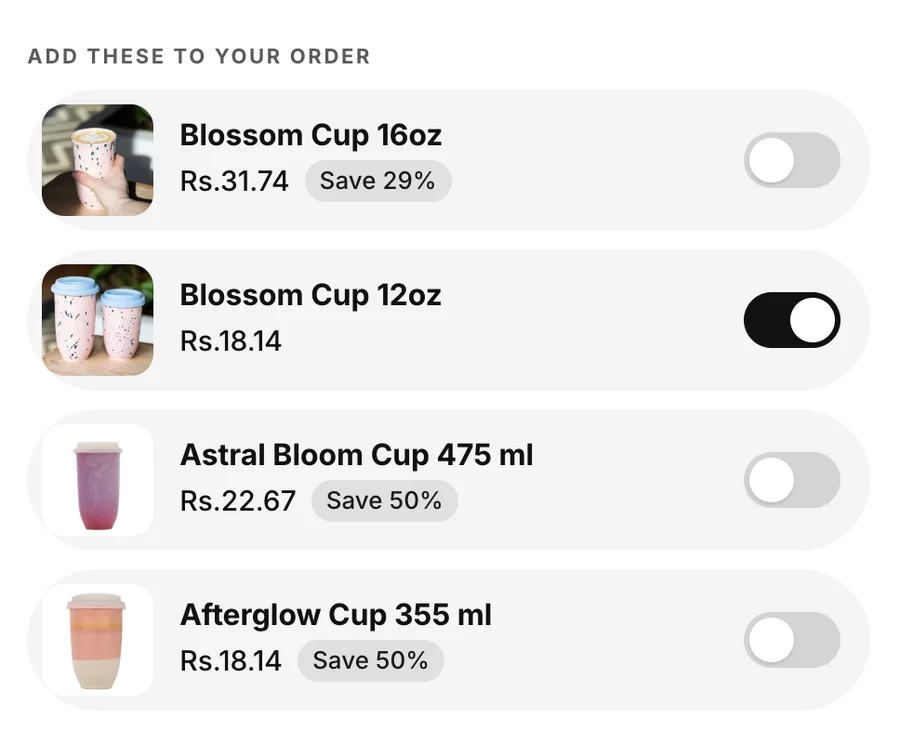
Offer complementary products with toggles and add the selection together.
Let shoppers choose extras from a checklist with variant and quantity options.
Explain the delivery journey with ordered, shipped and delivered milestones.
Pair customer portraits with a short, customizable social-proof message.
Present a rating with customizable stars, colors and supporting text.
Show the payment methods your store accepts, with optional custom icons.
Showcase customer reviews with photos, ratings and carousel navigation.
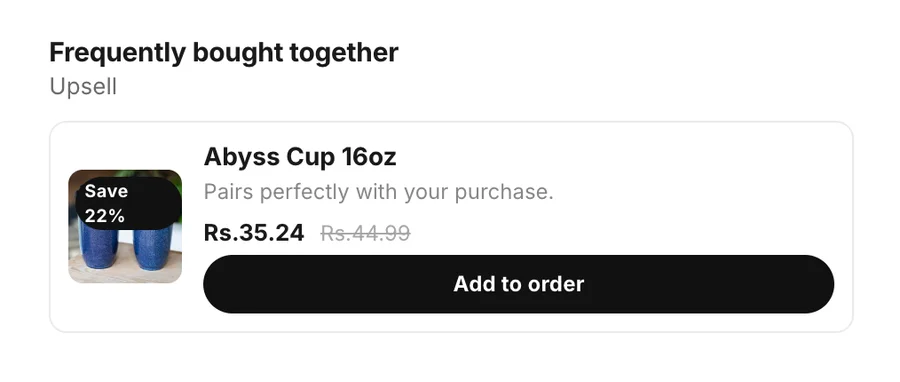
Spotlight a complementary product with pricing, savings and a quick add button.
No matching blocks. Try another search or category.
Real Section Shop block designs with sample products, offers and reviews. Customize them with your own content in the theme editor. Preview shopping controls are inactive.
01
Bring benefits, product tabs, delivery information and size information closer to the buy button.
02
Use add-to-cart buttons, a sticky buy bar and relevant product add-ons. Configure each block for your store.
03
Change text, colors, typography and spacing. Available block placements depend on the theme.
Explore 164 sections, complete page templates and shopping tools. Install Section Shop free and build on your existing theme.
Built for Shopify · Free to install · For Online Store 2.0 themes · No code