Section Shop

Find your next section.

164 individual sections. Find a design, preview it, then customize it in your theme.

Looking for product blocks? Explore all 19 →

164 sections

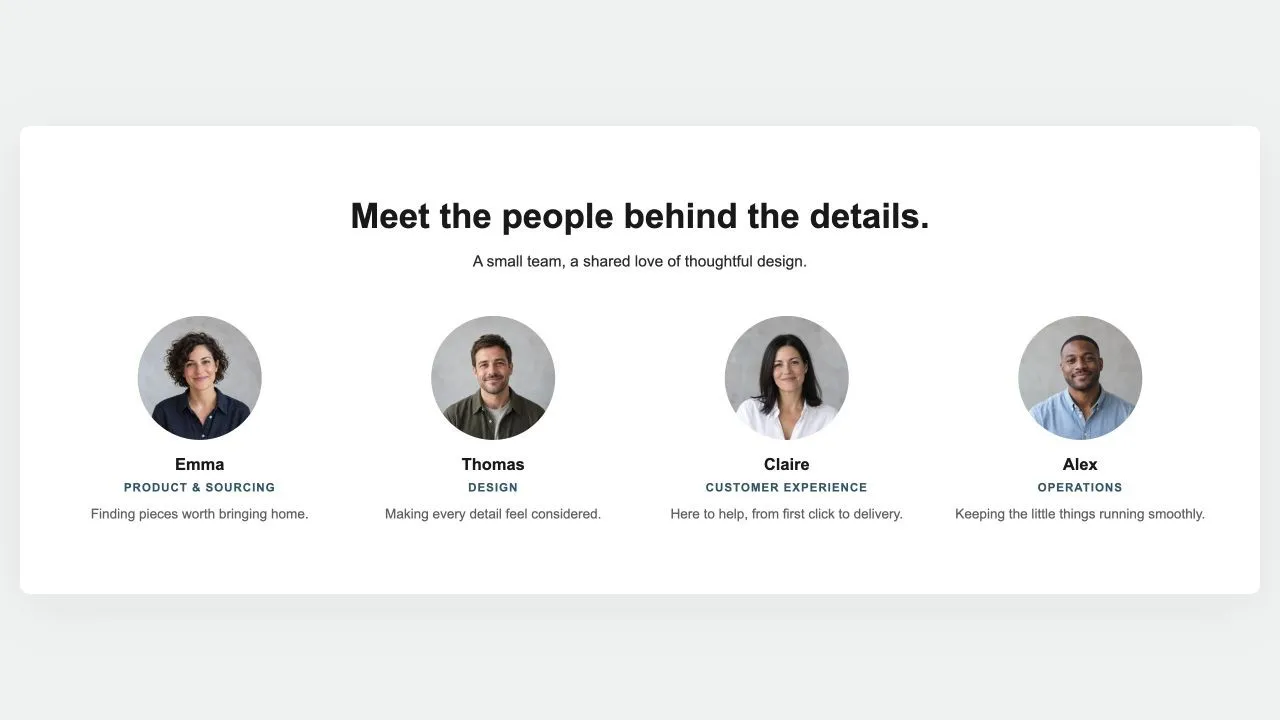
Preview of the Team Grid 1 Shopify section Free

Team Grid 1

Content & Extras

The people behind the shop: a heading, a few lines that turn "we" into faces, then the team in a grid with a round photo, a first name, a role and one line each. Three or four per row, the last row centred.

View section →
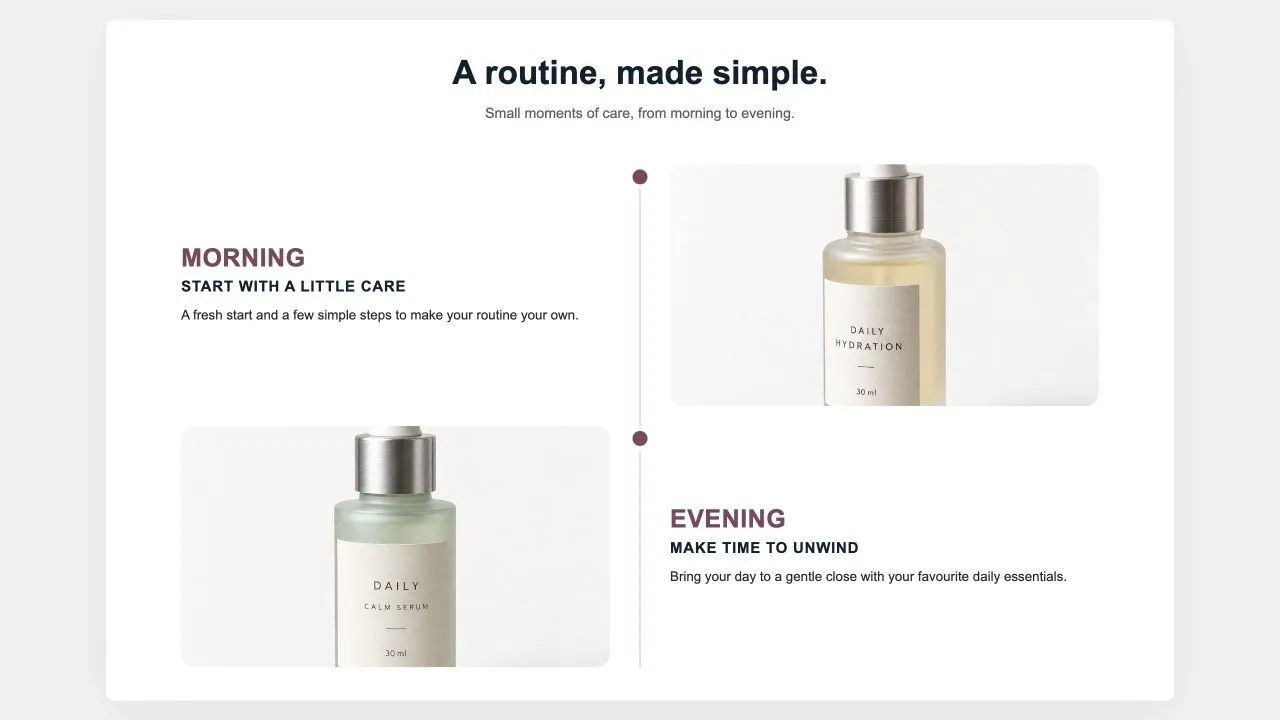
Preview of the Results Timeline 1 Shopify section Free

Results Timeline 1

Feature Highlights

Milestones down a centre line: a big time label, a title, a few lines, a customer quote in a card and a photo on the other side, alternating. For "what to expect and when" on a product page.

View section →
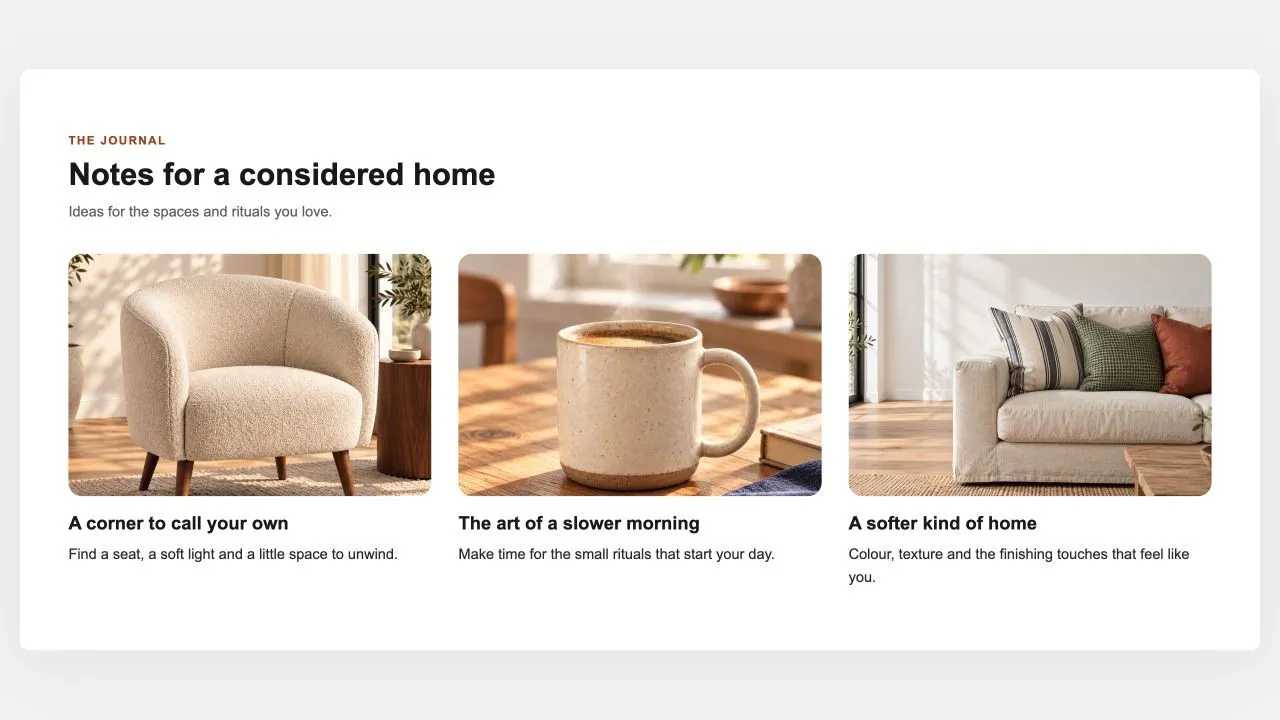
Preview of the Blog Posts 1 Shopify section Free

Blog Posts 1

Content & Extras

The latest posts of a blog as cards: photo, date, title, an excerpt and a read-more link, two to four per row. On an article page it leaves the current post out, so it reads as "read next".

View section →
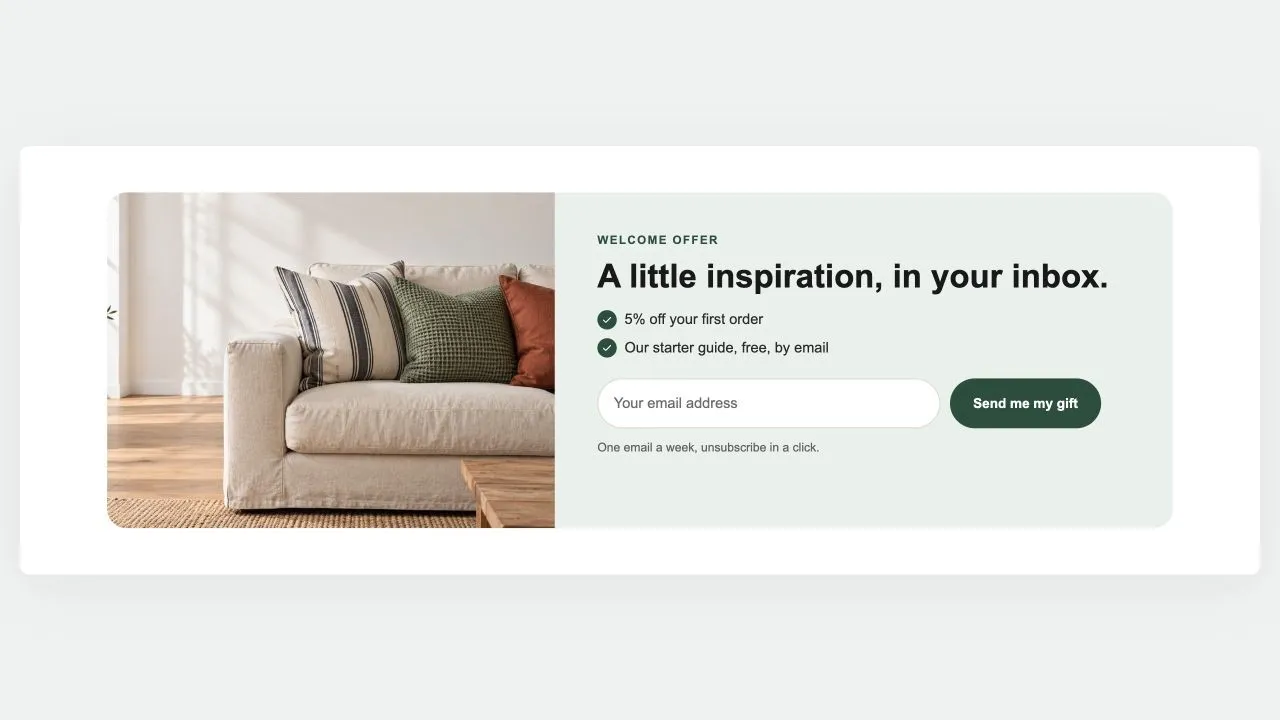
Preview of the Newsletter Band 1 Shopify section Free

Newsletter Band 1

Hero & Banners

A sign-up band with an offer: a heading, three perks with a tick, the email field and the button, a photo beside it if you like. Subscribers get the newsletter tag; the thank-you shows in place.

View section →
Preview of the Review Cards 1 Shopify section Free

Review Cards 1

15 installs

Testimonials & Reviews

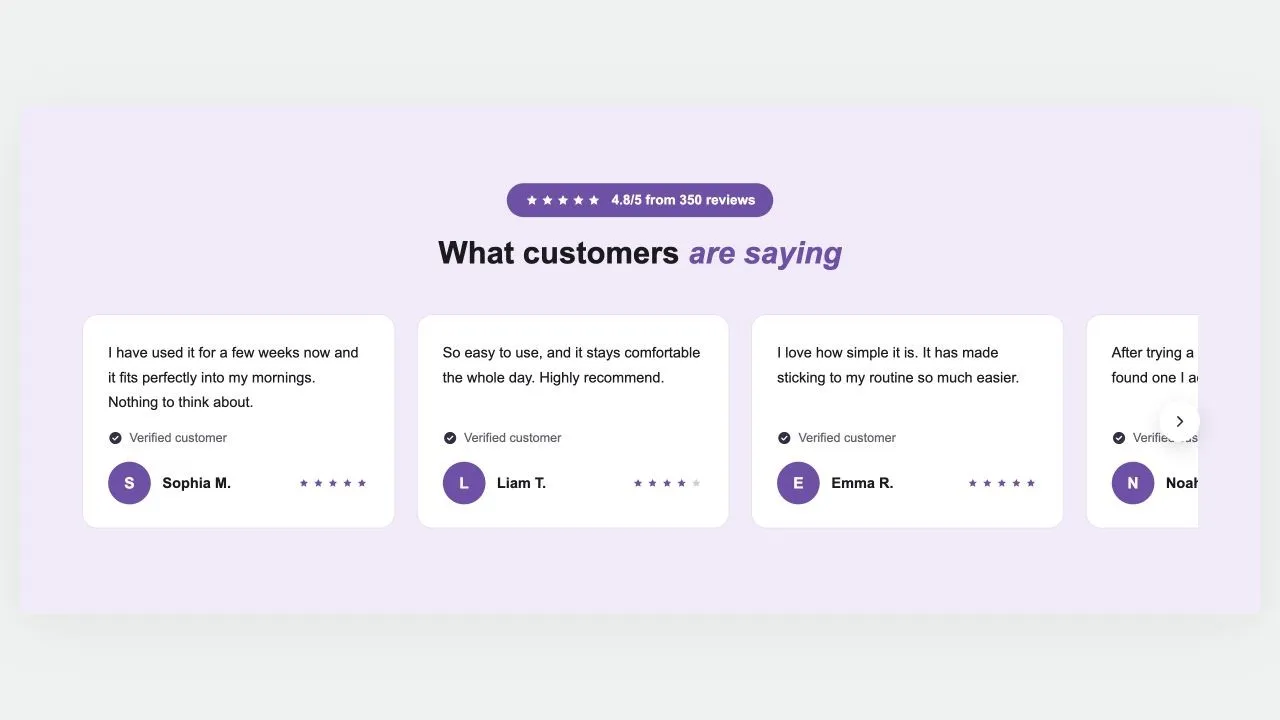
Customer reviews on a coloured band: a star rating in a pill, a heading and a row of cards that scrolls, each with the review, a verified mark, an initial or photo, the name and stars. Arrows on computers, a swipe on phones, and wavy edges if you want them.

View section →
Preview of the Benefits Panel 1 Shopify section Free

Benefits Panel 1

Feature Highlights

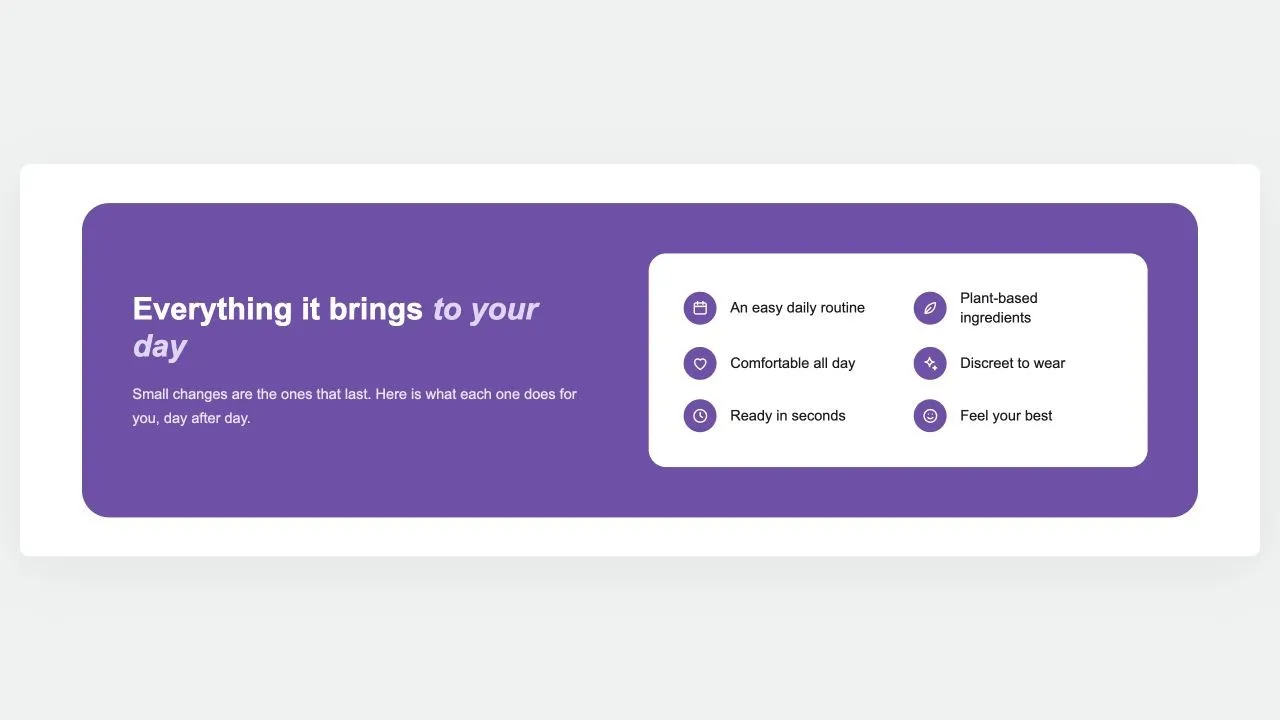
A rounded panel in your brand colour: the argument and a button on one side, and on a white card every benefit as an icon and a short label, reading down one or two columns.

View section →
Preview of the Benefit Cards 1 Shopify section Free

Benefit Cards 1

Feature Highlights

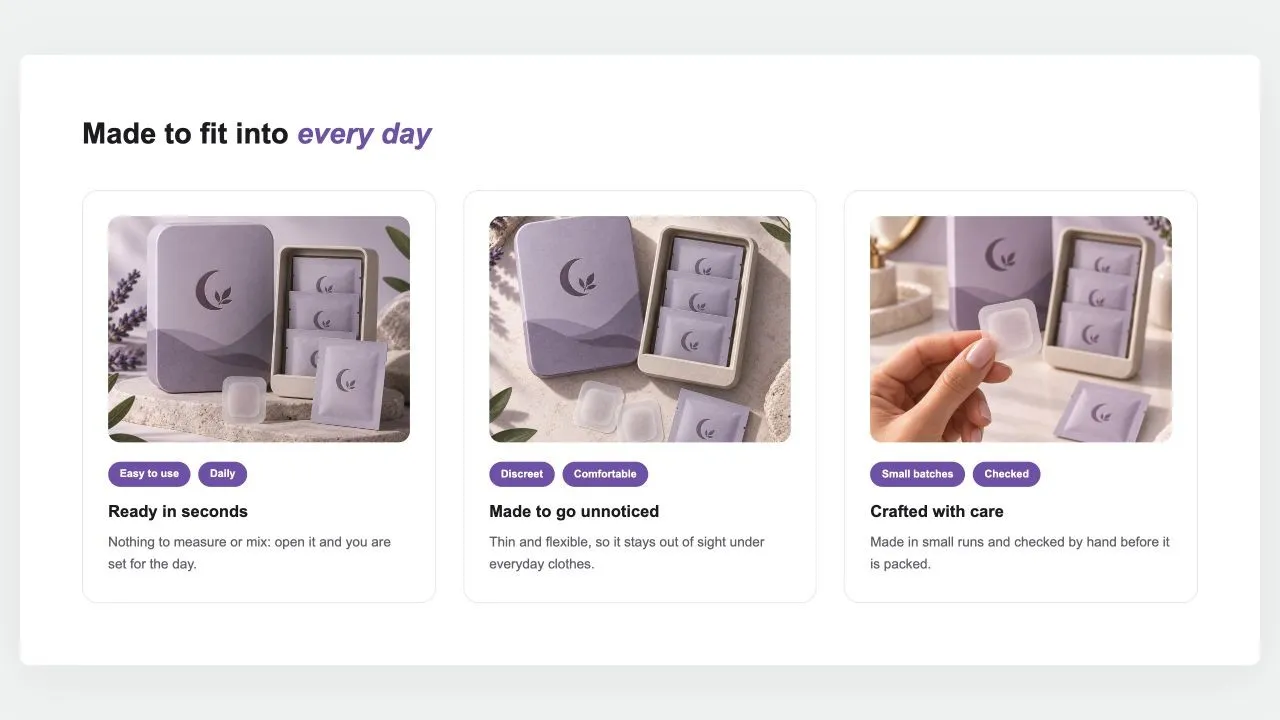
A heading over cards that each make one case: a photo set in from the card's edge, two short tags, a title and a sentence. Side by side on computers; a swipe row or a stack on phones.

View section →
Preview of the Comparison Table 1 Shopify section Free

Comparison Table 1

24 installs

Comparison Tables

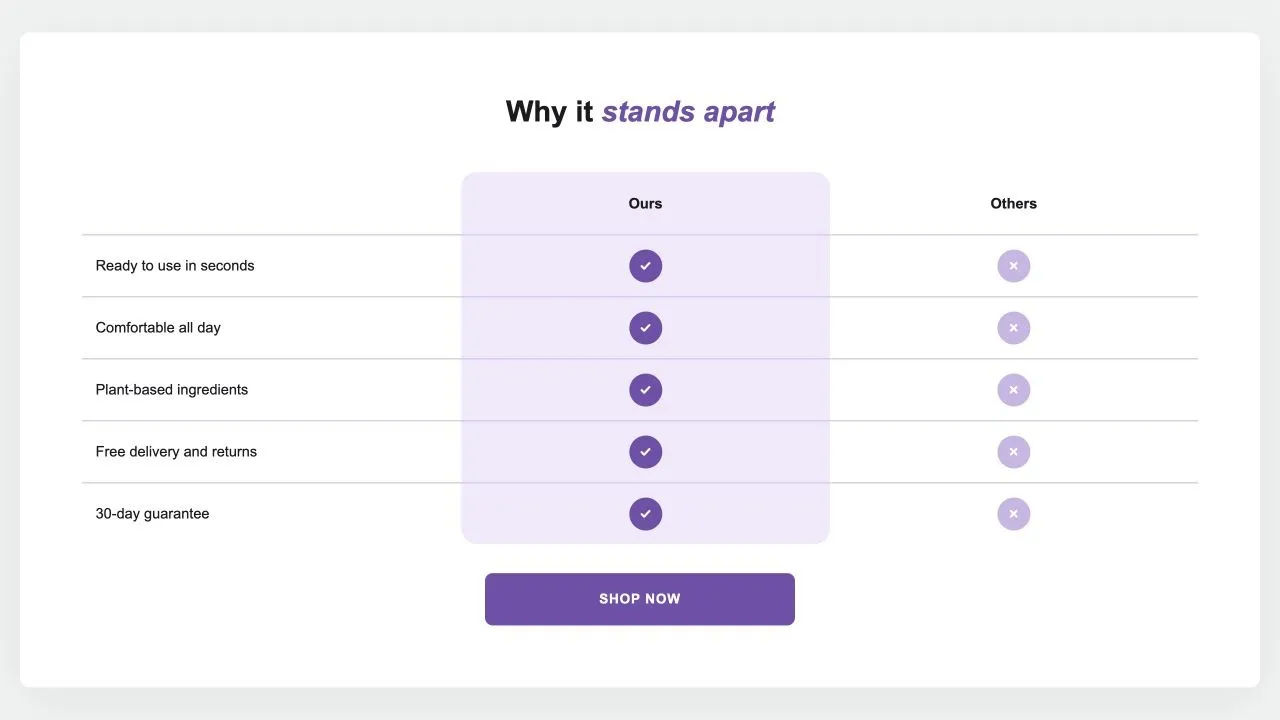
Your product against the alternatives in a real table: a tinted or framed column with a tick on every row, crosses or words for the others, an optional third column and a button underneath. {title} in the words becomes the product's title.

View section →
Preview of the Stat Rings 1 Shopify section Free

Stat Rings 1

Image with Text

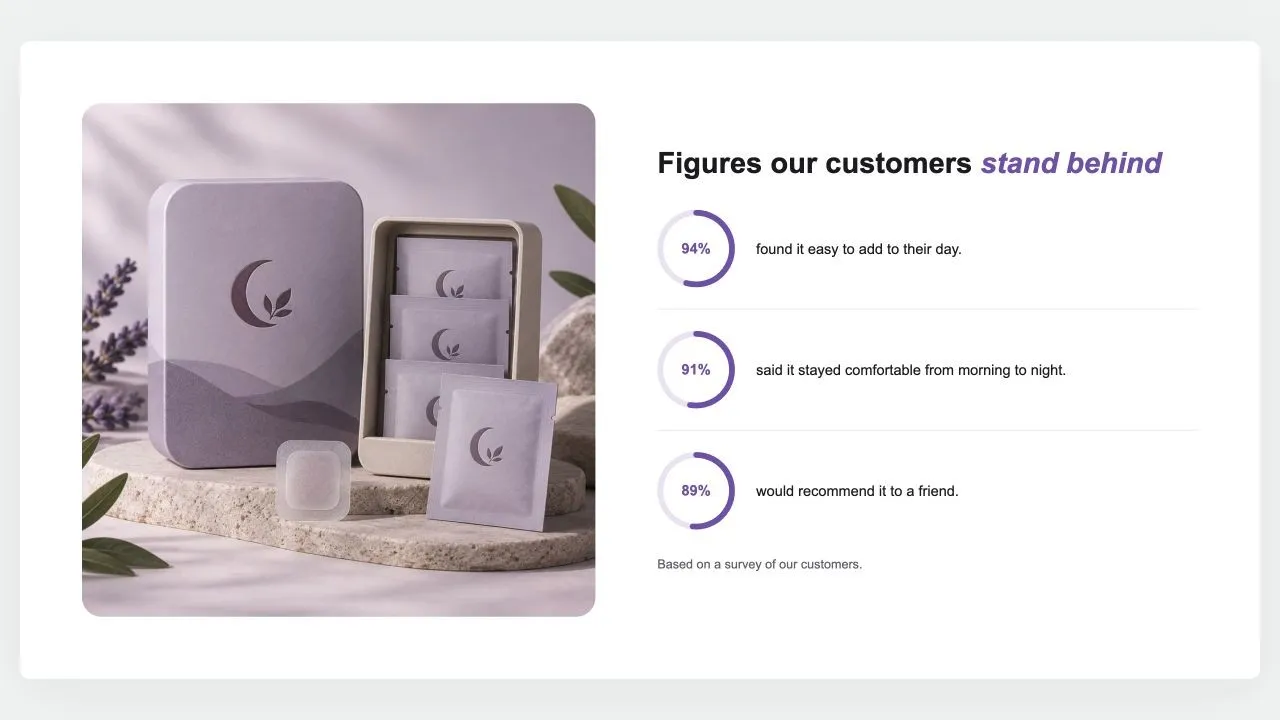
A photo beside a heading and up to six figures, each a ring filled to its percentage with the number inside and a line of text. The rings fill as they scroll into view, and a note says where the figures come from.

View section →
Preview of the Reviews Summary 1 Shopify section Free

Reviews Summary 1

Testimonials & Reviews

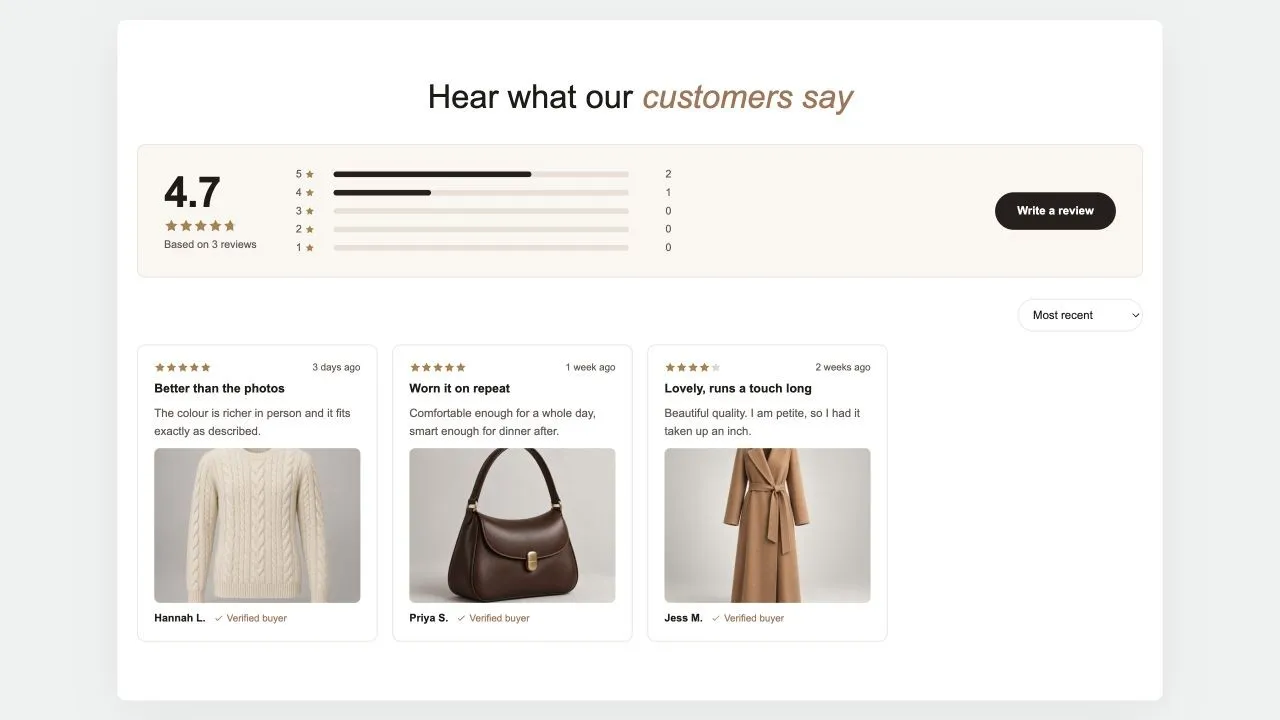
A reviews page in one section: the average and how many reviews it rests on, a bar for each star, a button to write one, then the reviews in a masonry wall with a sort menu and a Load more button. The summary is worked out from the reviews added here, or typed in when the real numbers live in another app.

View section →
Preview of the Photo Reviews 1 Shopify section Free

Photo Reviews 1

Testimonials & Reviews

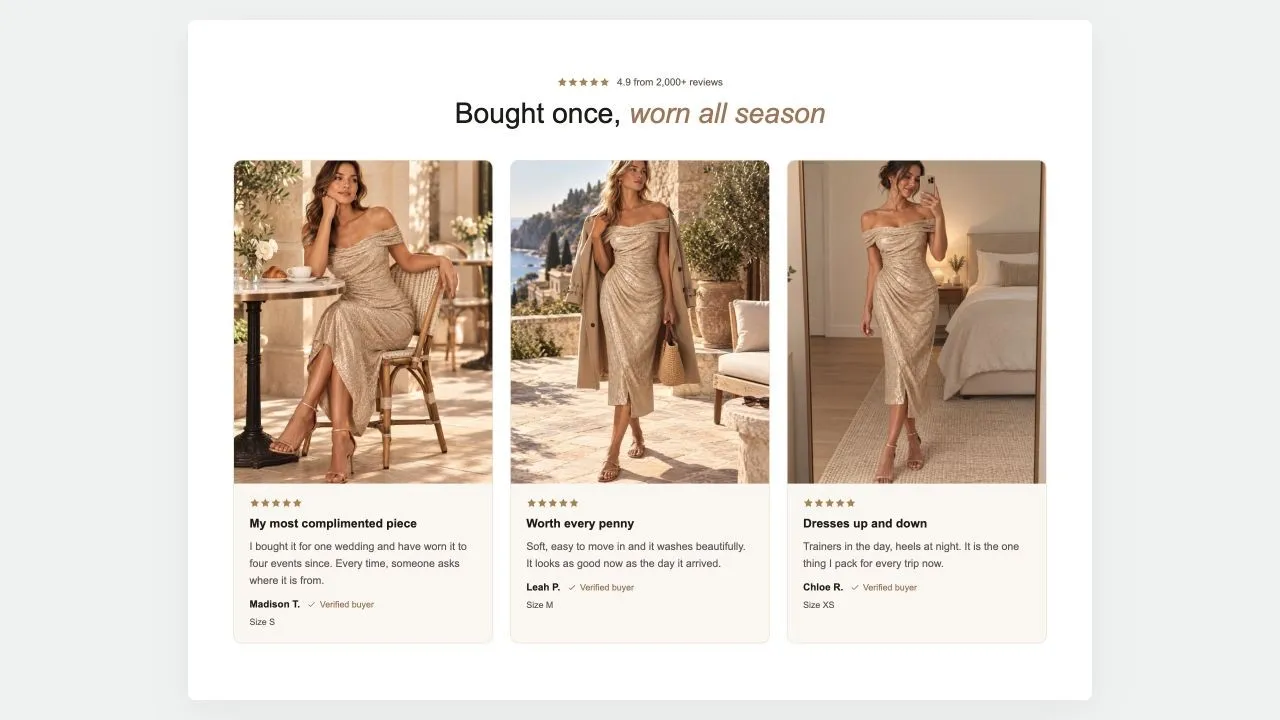
Customer reviews that lead with the photo: the piece being worn, then the stars, a title, the words and who wrote them with a verified mark. A rating line sits over the heading, the cards form a grid of two to four, and on phones they become a swipe row.

View section →
Preview of the Product Callouts 1 Shopify section Free

Product Callouts 1

Product Showcases

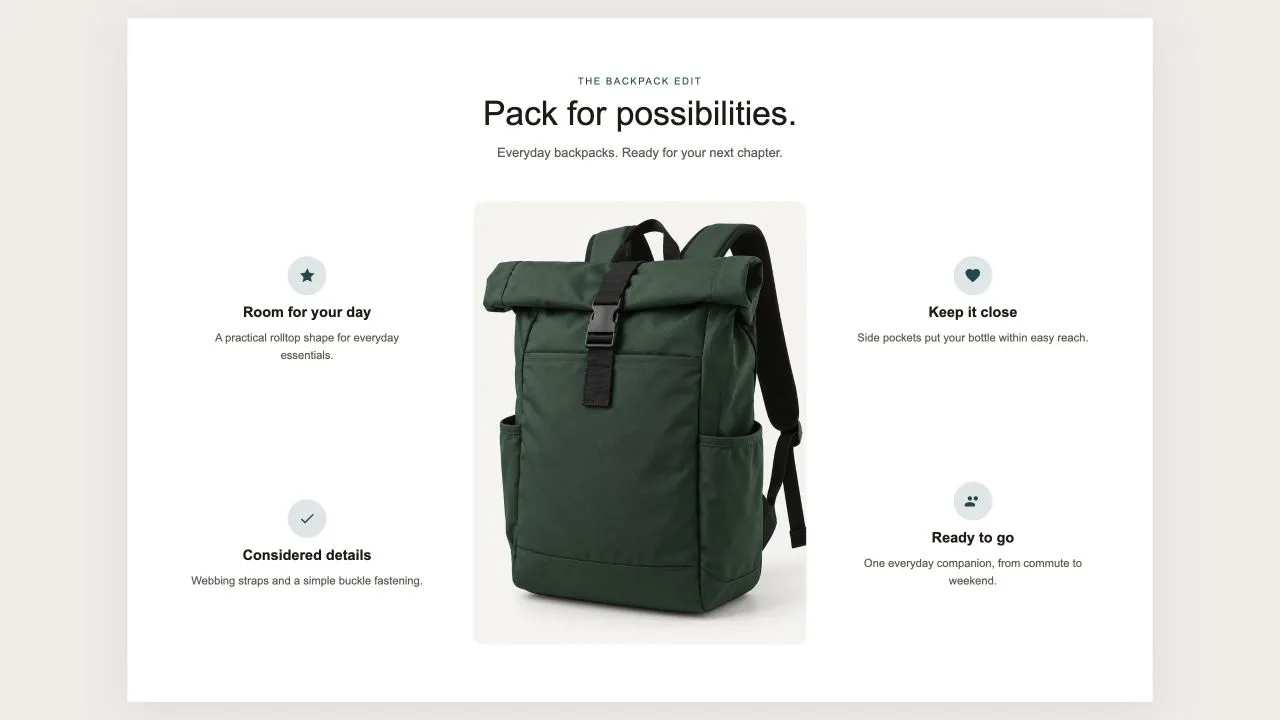
One photo in the middle and the reasons to buy set around it, half on each side, each with an icon from the shared set or your own, a title and a line of text. On a product page the photo can be the product's own until you pick another, and on phones the callouts fall into a tidy grid under the picture.

View section →
Preview of the FAQ Split 1 Shopify section Free

FAQ Split 1

FAQ Sections

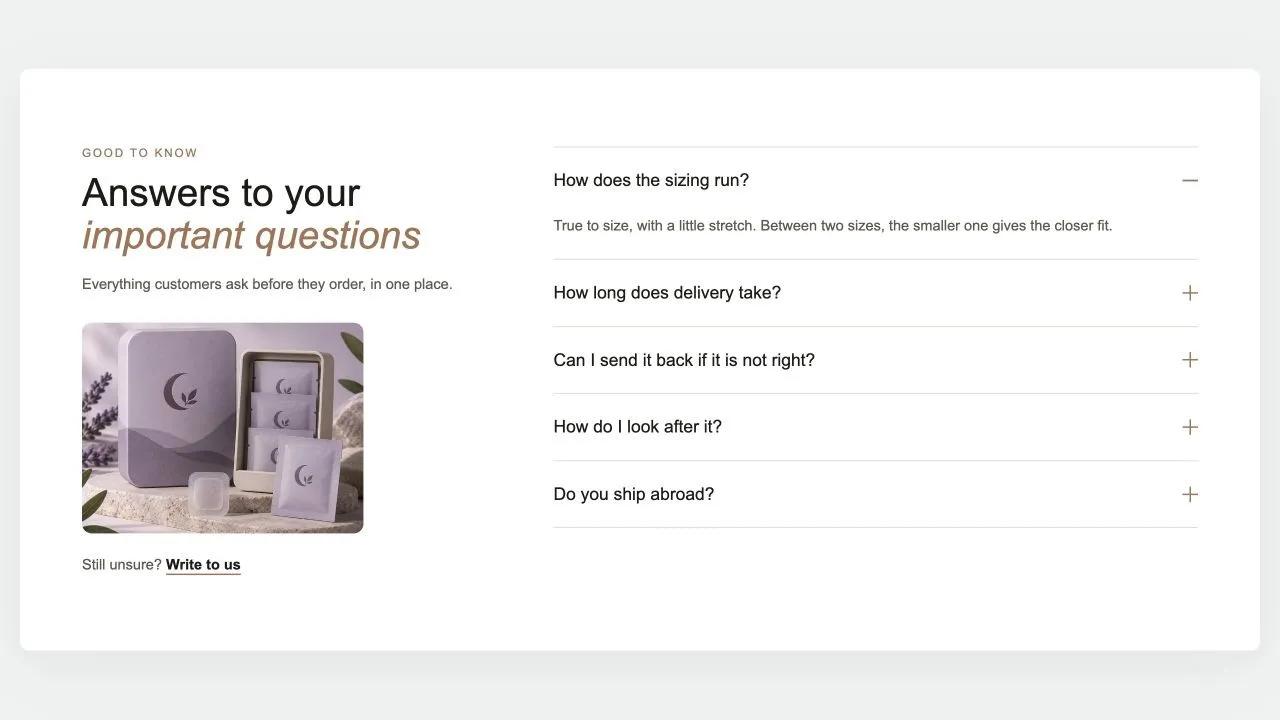
The heading, a word of reassurance, an optional photo and a contact link on one side; the questions on the other, opening one at a time with no script. The side column stays in view while the answers scroll, and every question is published as FAQ structured data for search engines.

View section →
Preview of the Guarantee Band 1 Shopify section Free

Guarantee Band 1

Image with Text

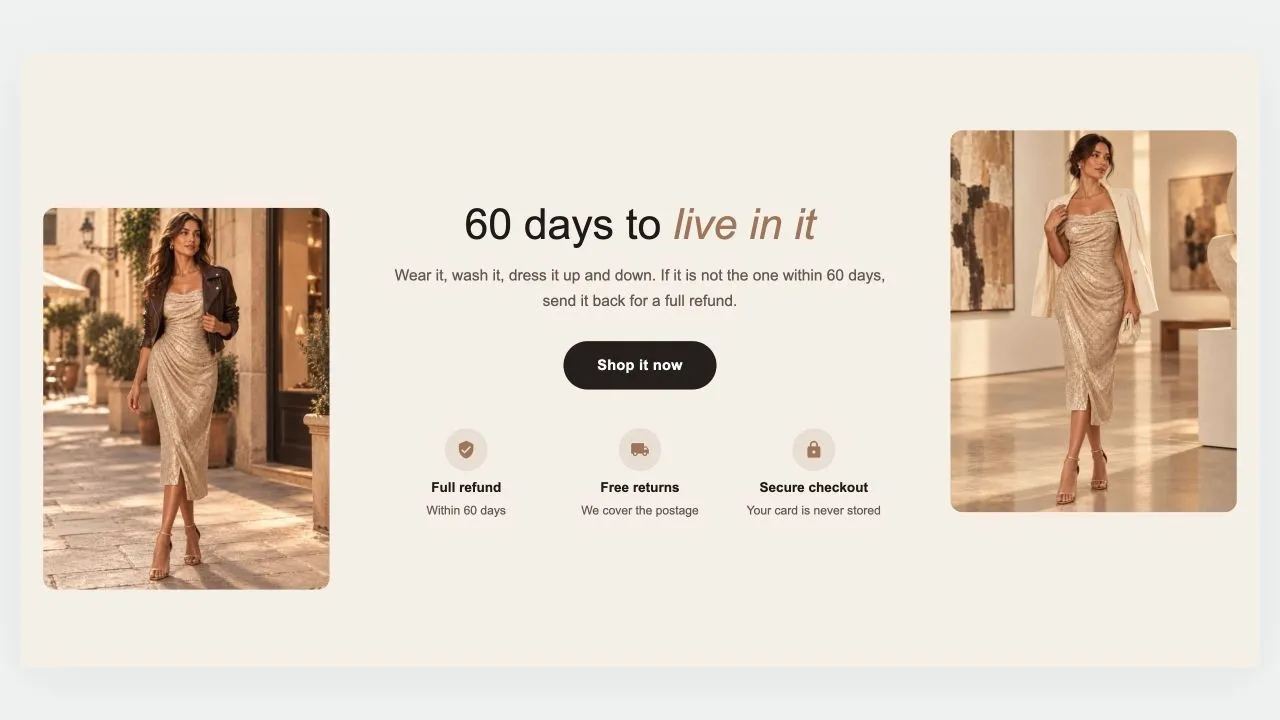
A guarantee told between two photos: a heading, a short promise and a button in the middle, a row of reassurances underneath, and a picture on each side, staggered for a little movement. On phones the photos sit side by side above the words, or step aside altogether.

View section →
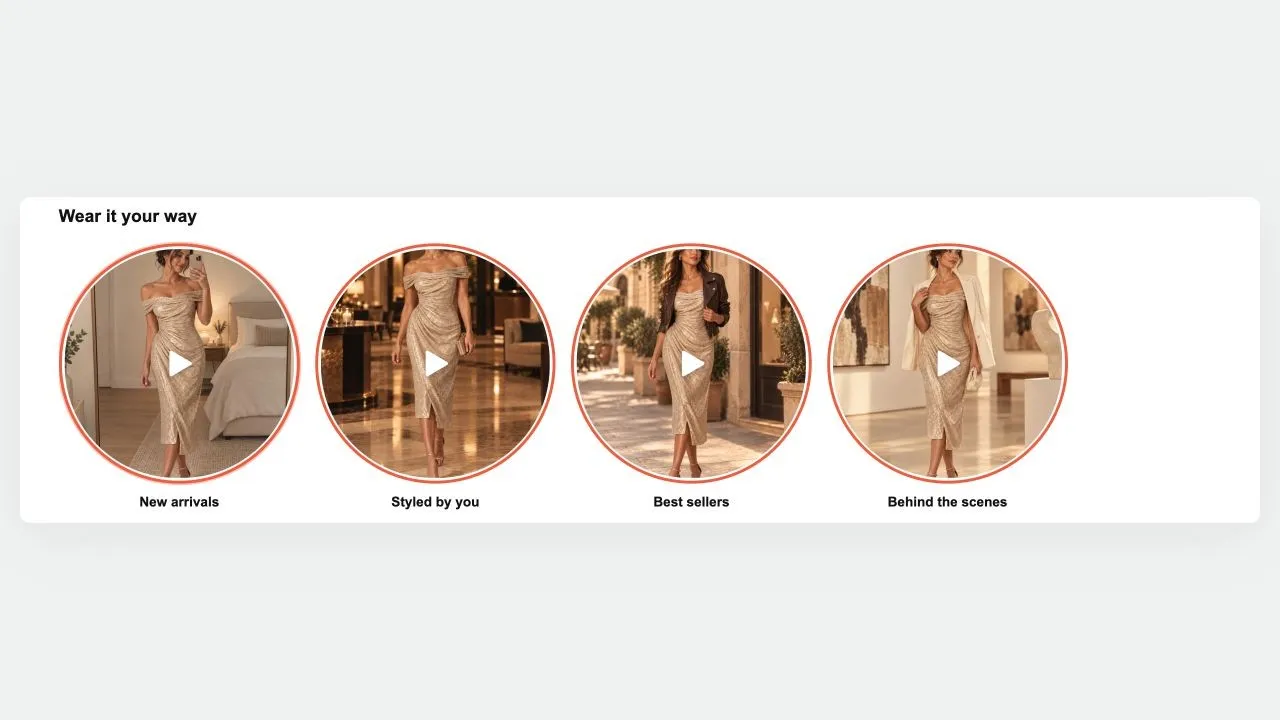
Preview of the Shoppable Stories Shopify section Free

Shoppable Stories

40 installs

Shoppable Video & Stories

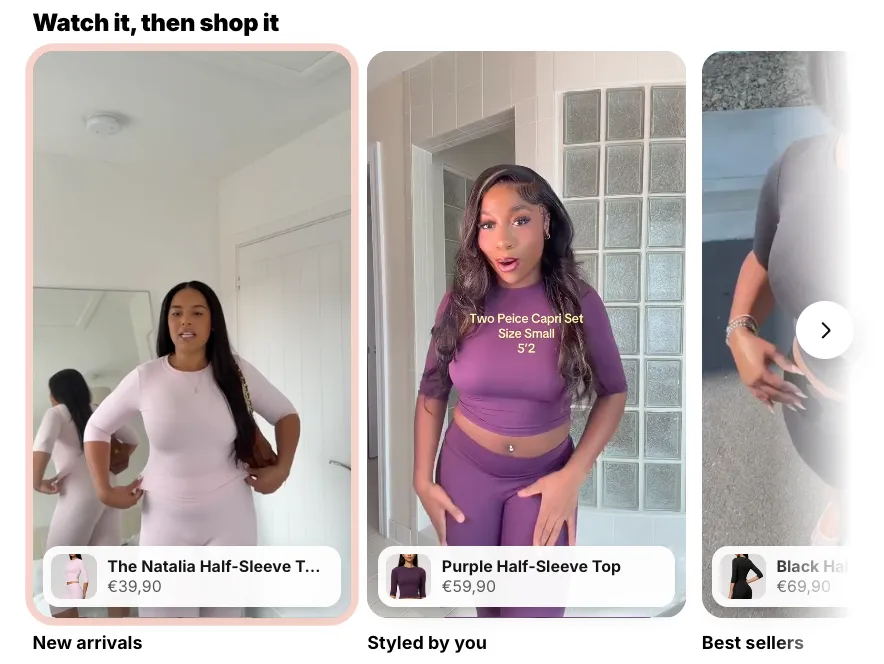
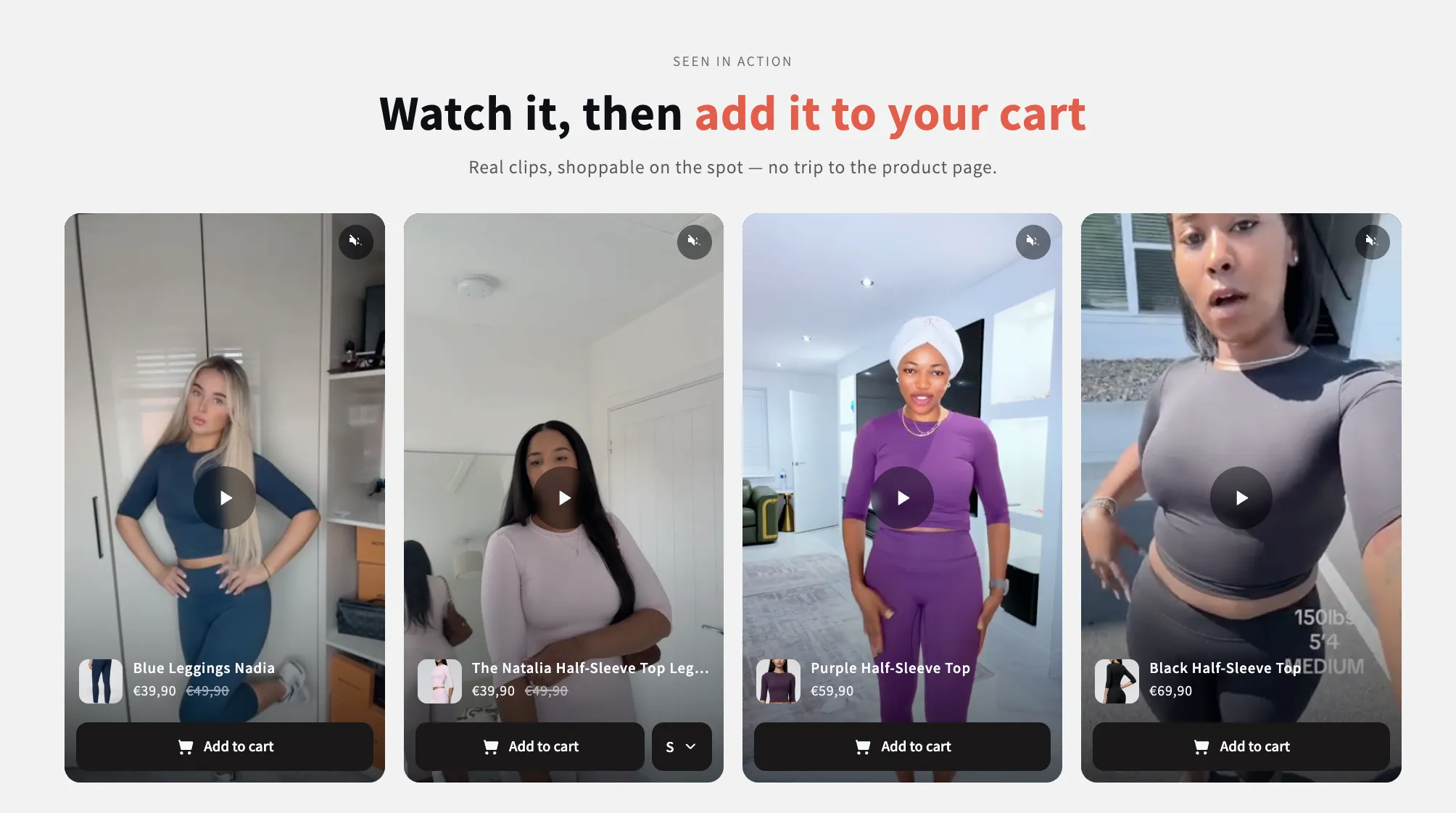
Short videos that sell, as story bubbles or vertical reels. Previews play silently while on screen; a tap opens a full-screen player with progress bars, sound, and a swipe from one video to the next, and beside each video (over it on phones) sit the products it shows — options, price and an add to cart that never leaves the video. On a product page the stories can sit right inside the product details: under or above the buy buttons, under the title or under the description, and a video left without products sells the product of the page. No external libraries.

View section →
Preview of the Island Header Shopify section Free

Island Header

Headers & Navigation

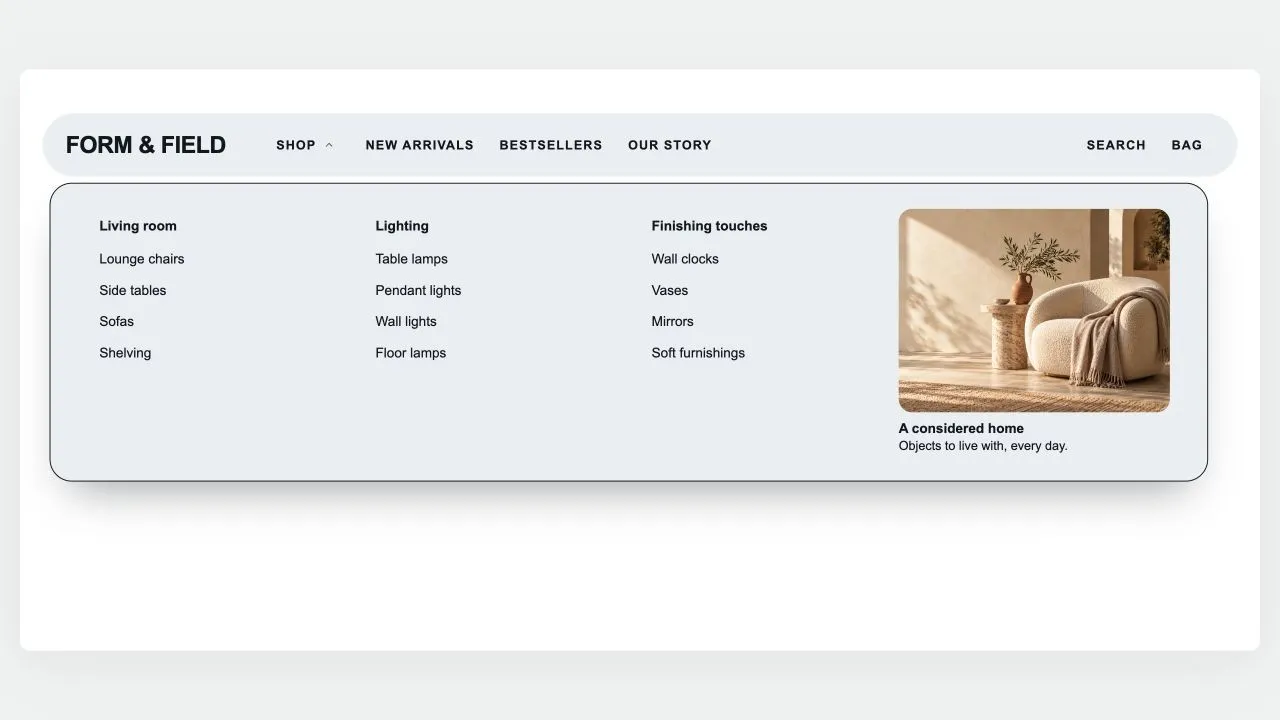
A floating, rounded header that sits on the page like an island: the menu on one side, your logo in the middle (or first, with the space beside it yours to set), search, account and cart on the other. A pill glides between menu items and rests on the page being viewed; drop-downs open as a card sized to their links, as wide as the island or across the whole screen, show each collection's picture in front of its link (square, rounded or round, as you set), group three-level menus and hold stacked pictures or banners on either side of the links. Any menu item can wear a small label such as HOT or NEW in your colours, with a twinkling icon if you like: above the name on computers, beside it on phones. The phone menu can show the same pictures, opens each sub-menu on the item's name, on "All" in the shopper's language or on words of your own, and places pictures, short texts and your own code above or below the links of the item they belong to; a Custom code block also takes CSS to restyle anything in the header. Search opens a panel with quick links, then live results as product cards with photo and price. Shoppers sign in through Shopify's own account button — with Shop, Google, Facebook or a code by email, without leaving the page — and choose their country (and so their currency) and language in a compact panel with a search box for long lists, or in two rows at the foot of the phone menu. The cart, with your own icon if you like, opens a drawer of its own — quantities, discounts, subscriptions, a free-shipping progress bar and checkout — that keeps working with your theme's header switched off and can open by itself after an add to cart. It can float see-through over your first section and turn solid once past it, stays pinned as the page scrolls (slimmer, or hiding on the way down), and works out every quiet tone from your colours with contrast checked.

View section →
Preview of the Mega Search Header Shopify section Free
Mega Search Header

Headers & Navigation

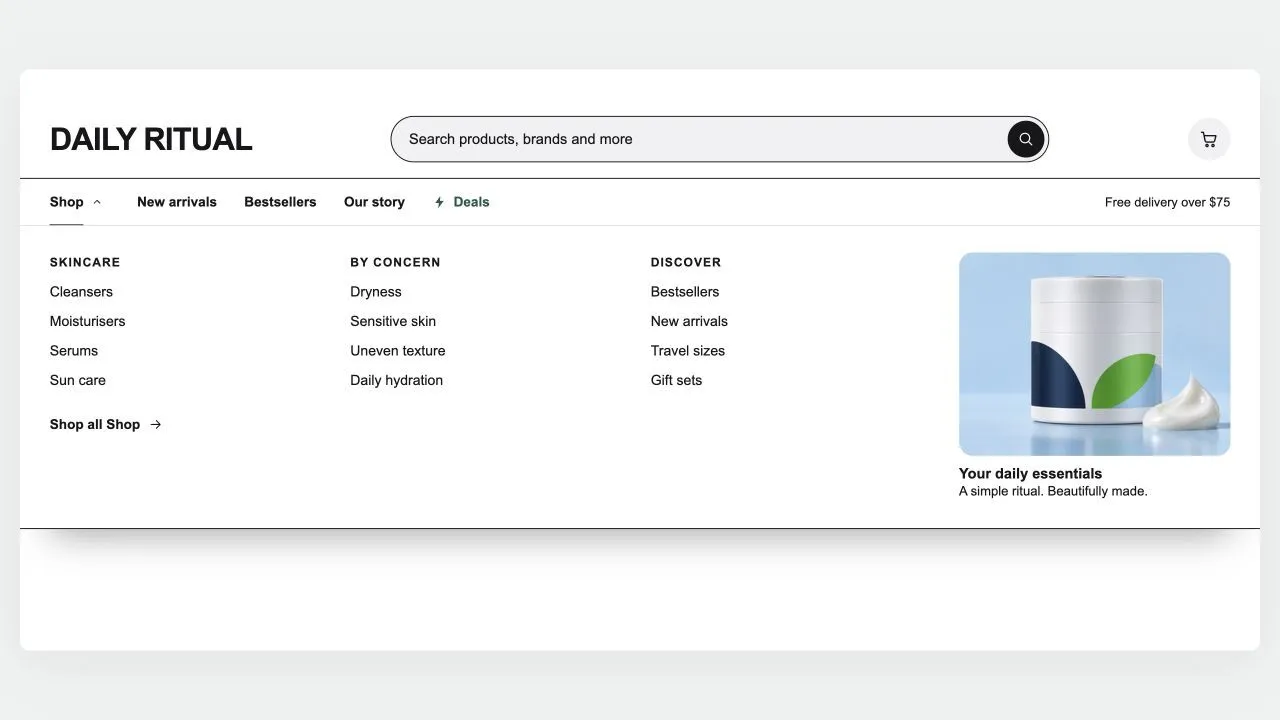
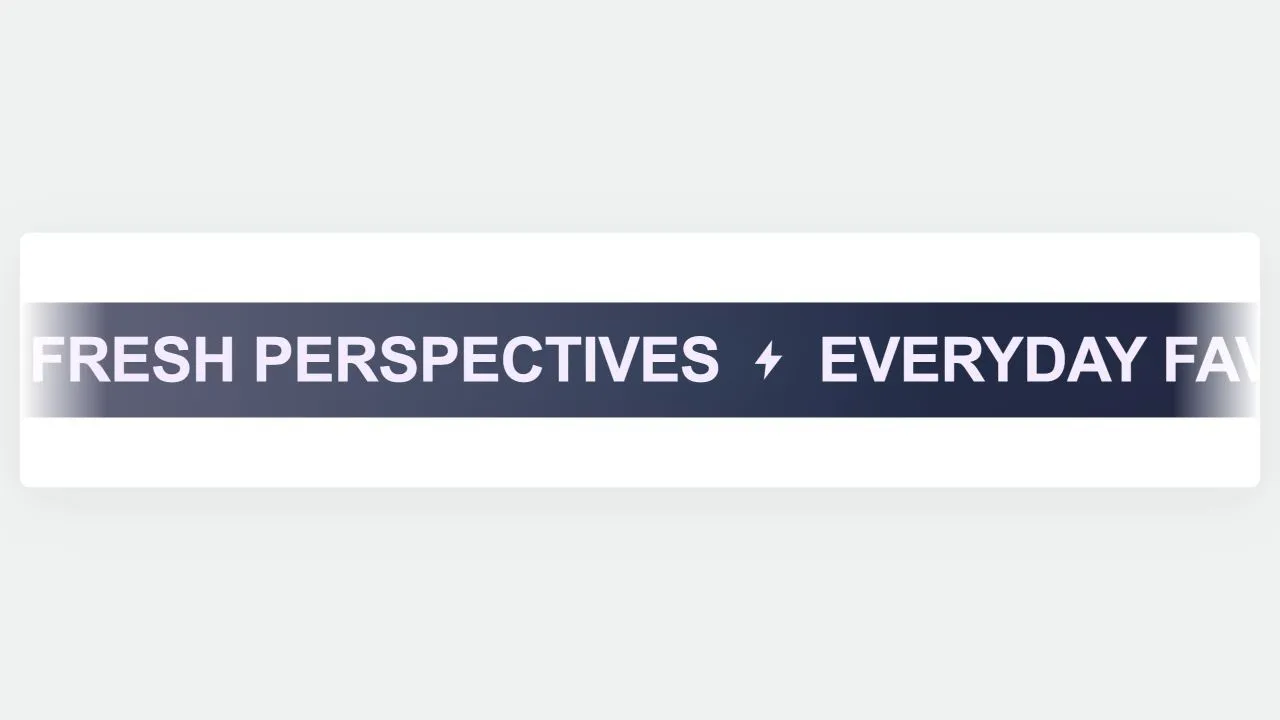
A header built around search, for large catalogues: a wide search bar with a product-type picker and live suggestions (matching searches first, then products with photo and price), and a menu row whose items open panels across the full width, as wide as the page, or as a card sized to their links — headed columns for three-level menus, each collection's picture in front of its link (square, rounded or round, as you set), a "Shop all" link, and stacked pictures or banners on either side of the links. Any menu item can wear a small label such as HOT or NEW in your colours, with a twinkling icon if you like. A deal link shines in your accent colour, and the cart can wear your own icon. Shoppers sign in through Shopify's own account button and choose their country (and so their currency) and language in a compact panel with a search box for long lists. It stays on top as the page scrolls (slimmer, hidden on the way down, or down to the menu row alone), keeps the cart count right after any add to cart, and becomes a side-sheet menu on phones with its own search row, the same pictures and labels, short texts and your own code above or below each item's links, and the first link of each sub-menu worded as you like. Every in-between tone is computed from your colours and checked for contrast.

View section →
Preview of the Coverflow 2 Shopify section Free
Coverflow 2

Hero & Banners

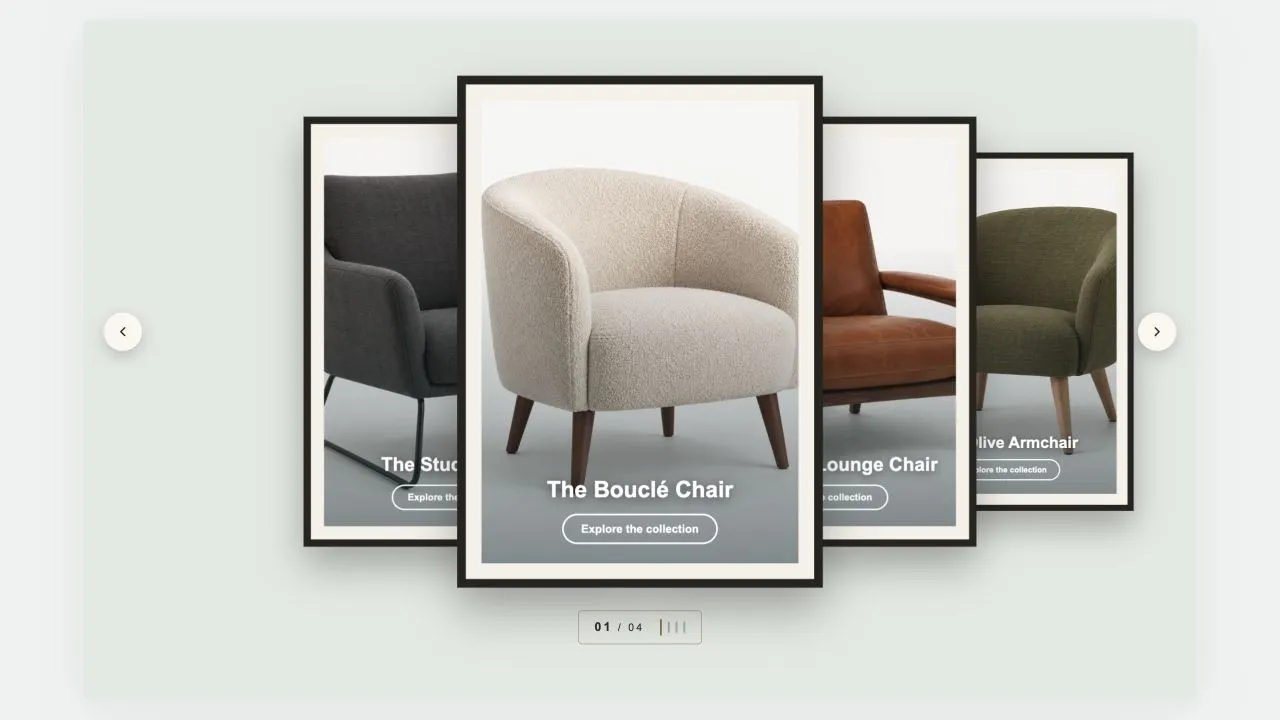
A gallery wall: each photograph sits in a mat and a frame, hung in a row that recedes to either side of the one in front. Navigation is a brass plaque with the piece number and a row of tick marks, the way a wall label works. Hangs flat by default, and leans as far as you want it to.

View section →
Preview of the Coverflow 1 Shopify section Free
Coverflow 1

Hero & Banners

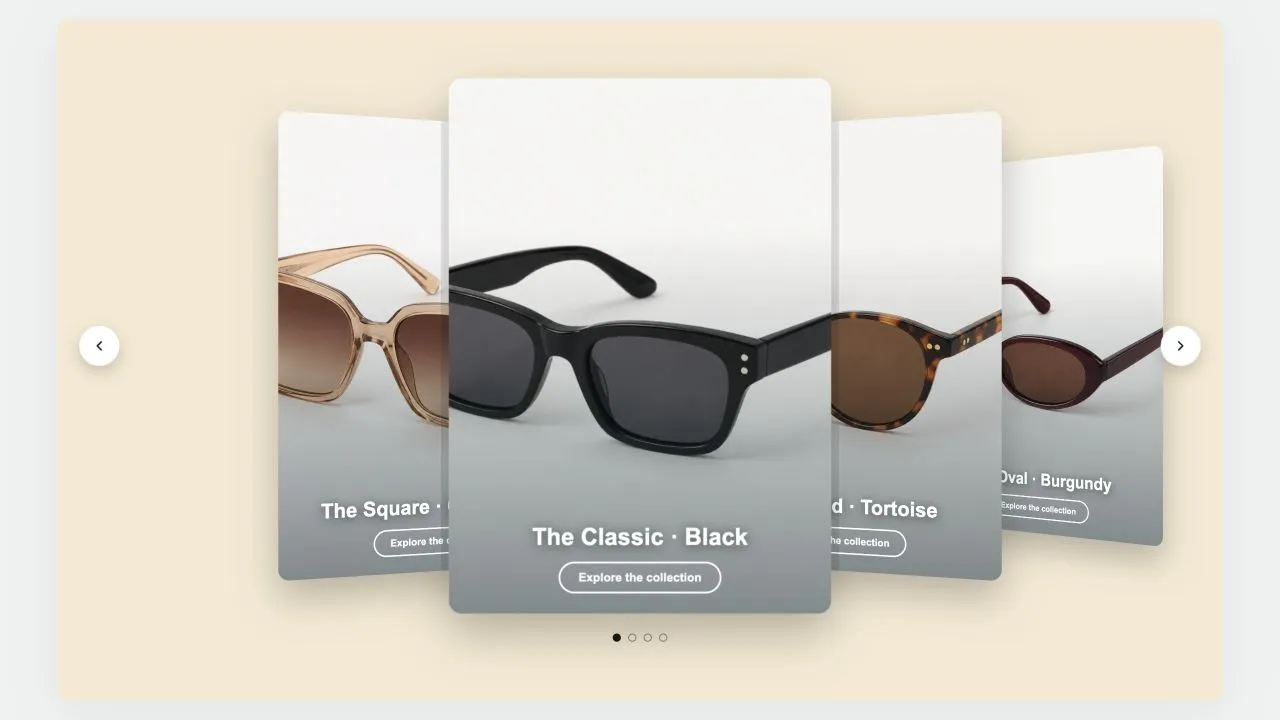
A leaning deck of cards: one in front, its neighbours fanned out behind and shrinking with distance. Each card carries a signed offset from the centre as a CSS custom property and one transform rule reads it, so moving the deck rewrites numbers rather than markup. Clicking a card behind brings it forward.

View section →
Preview of the Slideshow 4 Shopify section Free
Slideshow 4

Hero & Banners

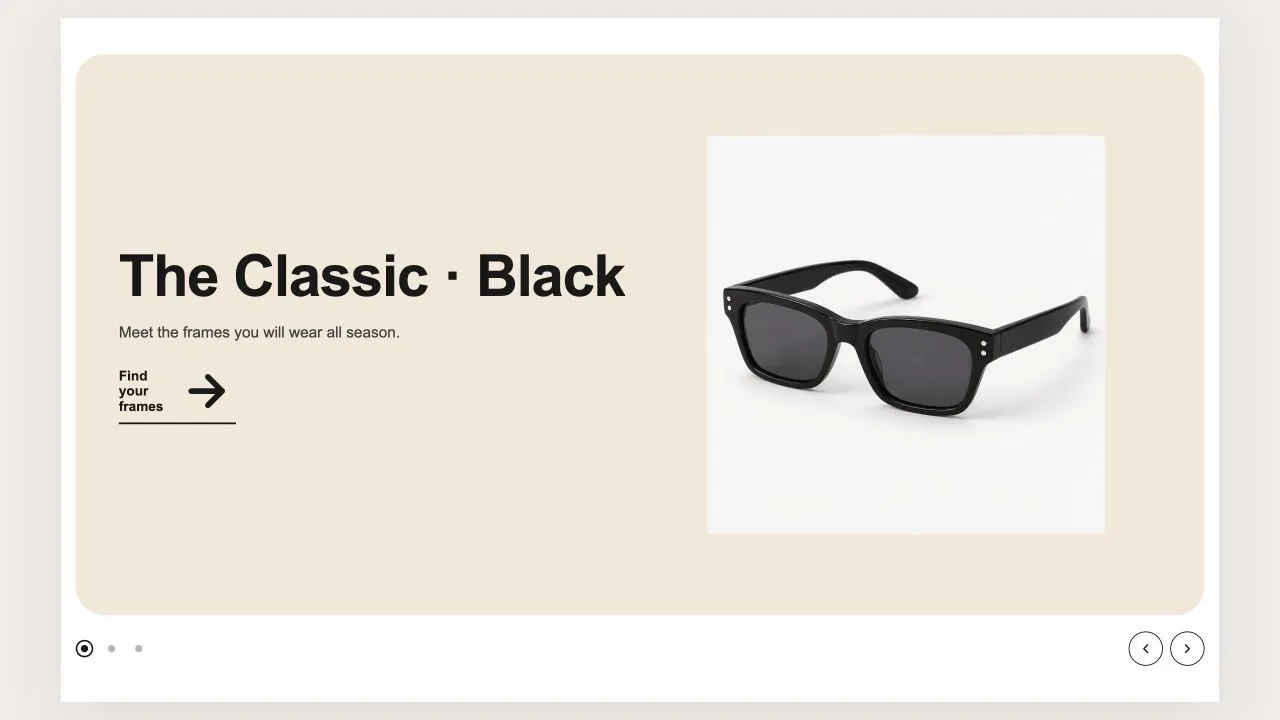
A product slideshow where each slide brings its own colours: a coloured ground, a soft halo, and a cut-out product floating on top with the words beside it. The navigation borrows the active slide's colours, so a dot never disappears on a dark slide. With autoplay on, the active dot fills a progress ring as the timer runs.
View section →
Preview of the Slideshow 3 Shopify section Free
Slideshow 3

Hero & Banners

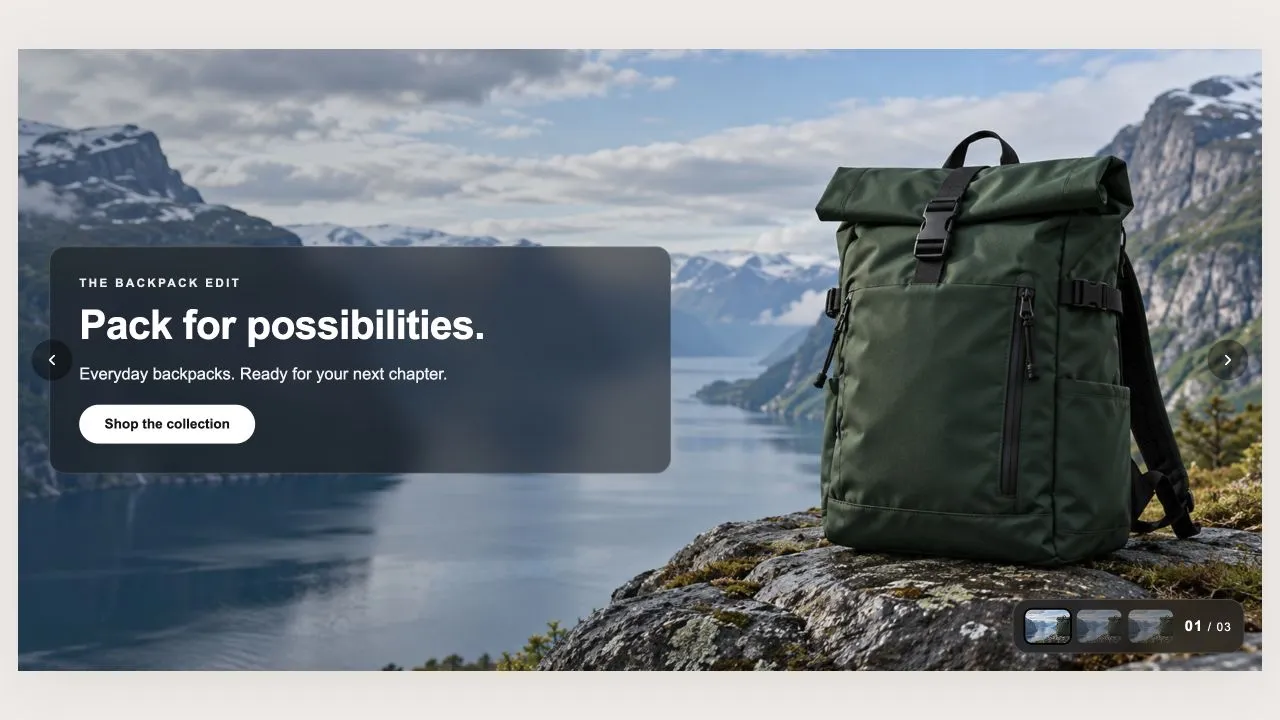
A slideshow whose words sit on a frosted glass card, navigated by thumbnails on a matching frosted plate. One tint drives the card, the plate and the veil, so recolouring cannot pull the three apart. A slide can carry a silent looping video instead of a photo, started only when motion is welcome.

View section →
Preview of the Slideshow 2 Shopify section Free
Slideshow 2

Hero & Banners

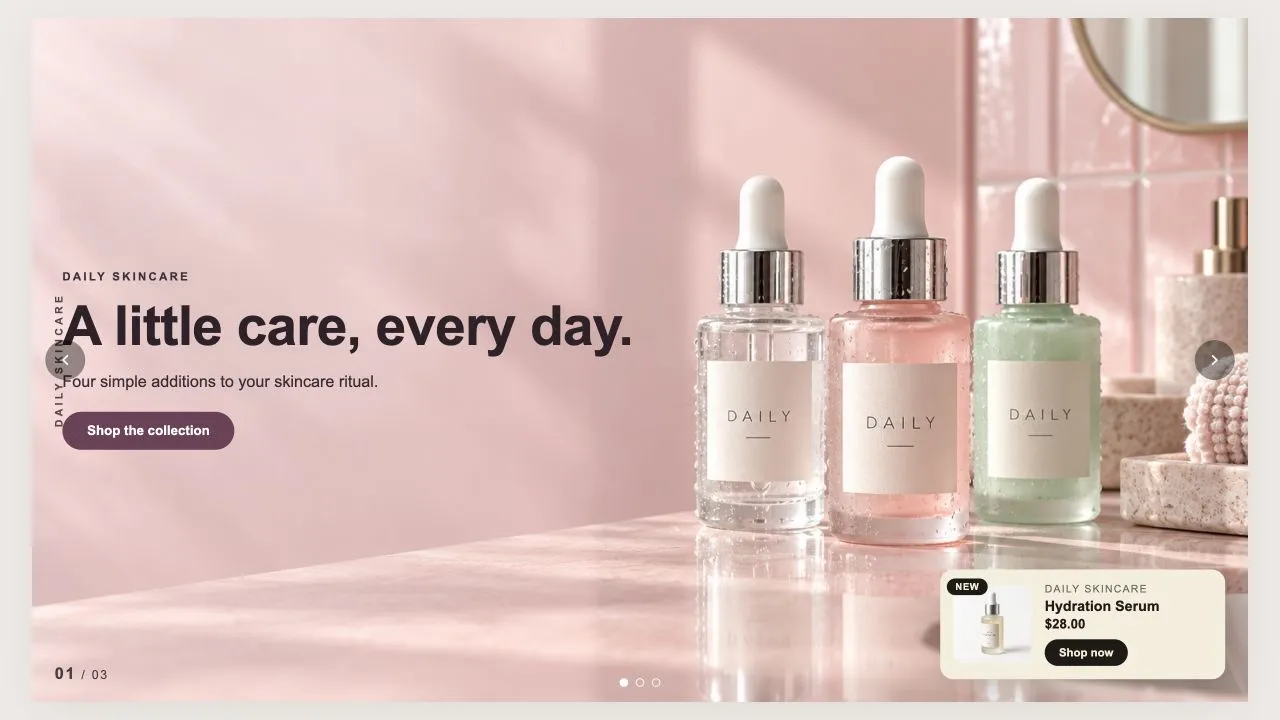
An editorial slideshow: a rotated category label down the edge, a slide counter, and an optional product card pinned to the corner. Pick a product and the card fills itself in, or override any field by hand. Each slide declares whether its photo is light or dark, which moves the text colour and the veil together.

View section →
Preview of the Slideshow 1 Shopify section Free
Slideshow 1

Hero & Banners

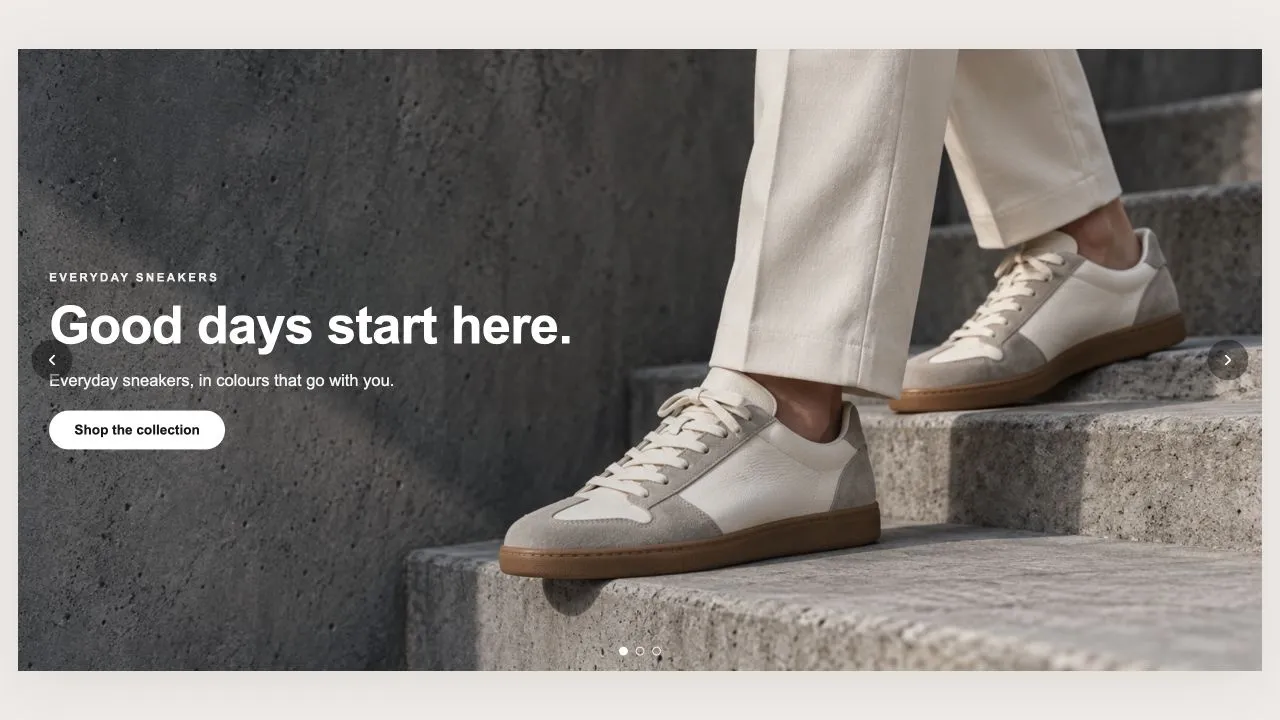
A full-bleed slideshow: one photo per slide with its own words and up to two buttons. Matching the first photo's proportions is worked out server-side, so the stage holds its space before anything loads. A banner mode keeps the first slide's words still while only the photos rotate, and nothing is deleted when you switch it back.

View section →
Preview of the Countdown Drop 1 Shopify section Free
Countdown Drop 1

Countdown Timers

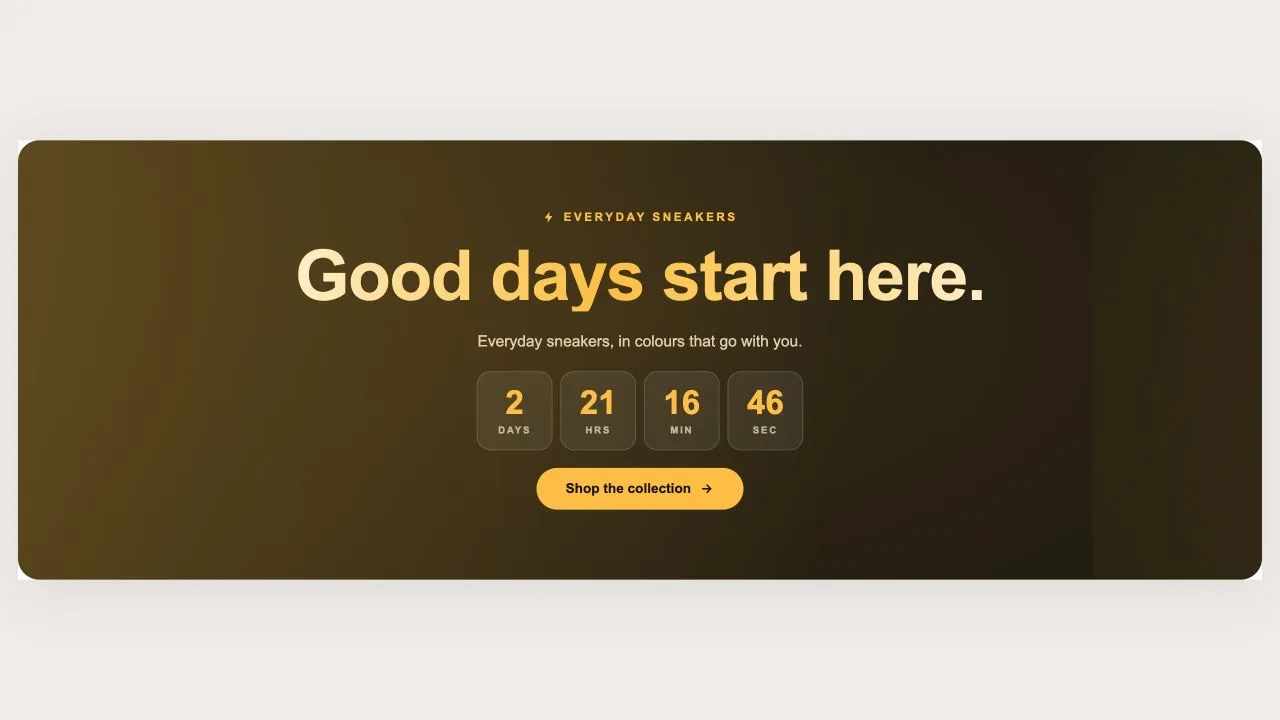
A holographic banner for a launch or a restock, running either as a countdown to a scheduled drop or as a pulsing live badge for one already open. The drop name is rendered as a holographic wordmark with a plain-colour fallback, so it is never invisible on an older browser.
View section →
Preview of the Countdown Sale 5 Shopify section Free

Countdown Sale 5

Countdown Timers

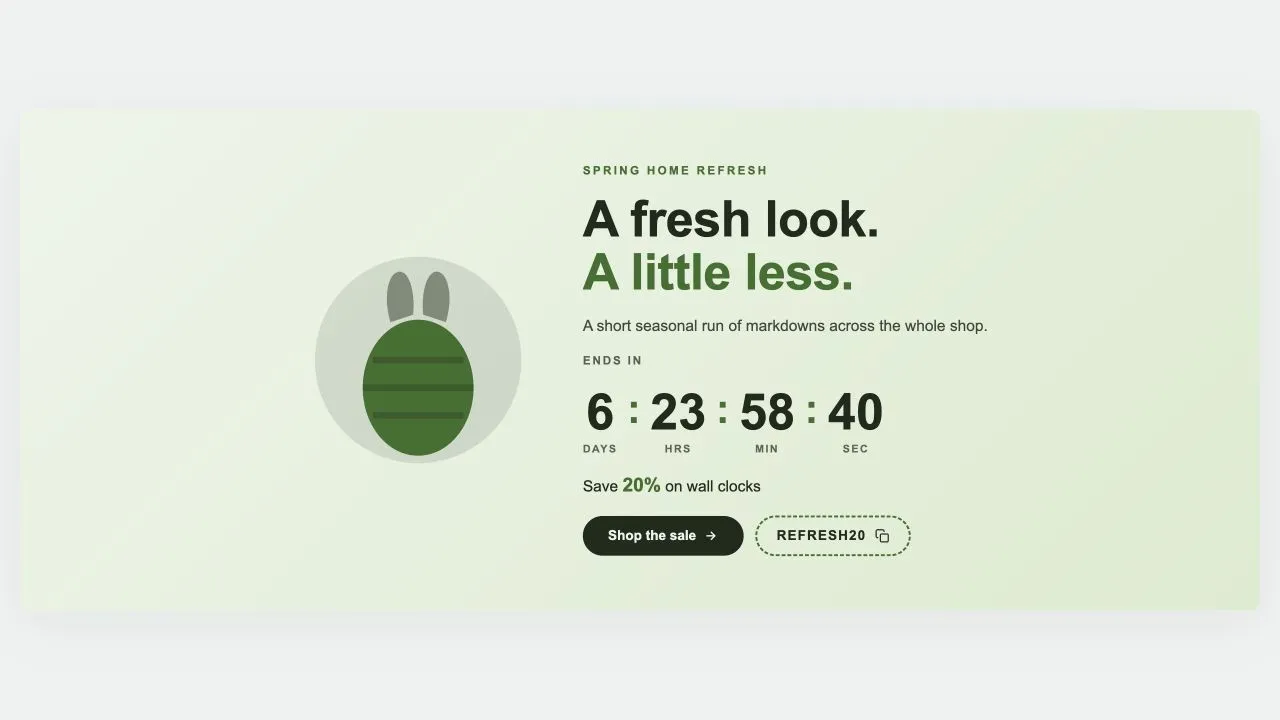
A seasonal sale band with an illustration beside the wording: pick Easter, Mother's Day, Summer, Launch day or Lunar New Year and the artwork changes while everything else stays put. Every season is drawn inline in the band's own two colours, so switching costs no extra request and can never clash. Ships with five ready-made presets.

View section →
Preview of the Countdown Sale 4 Shopify section Free

Countdown Sale 4

Countdown Timers

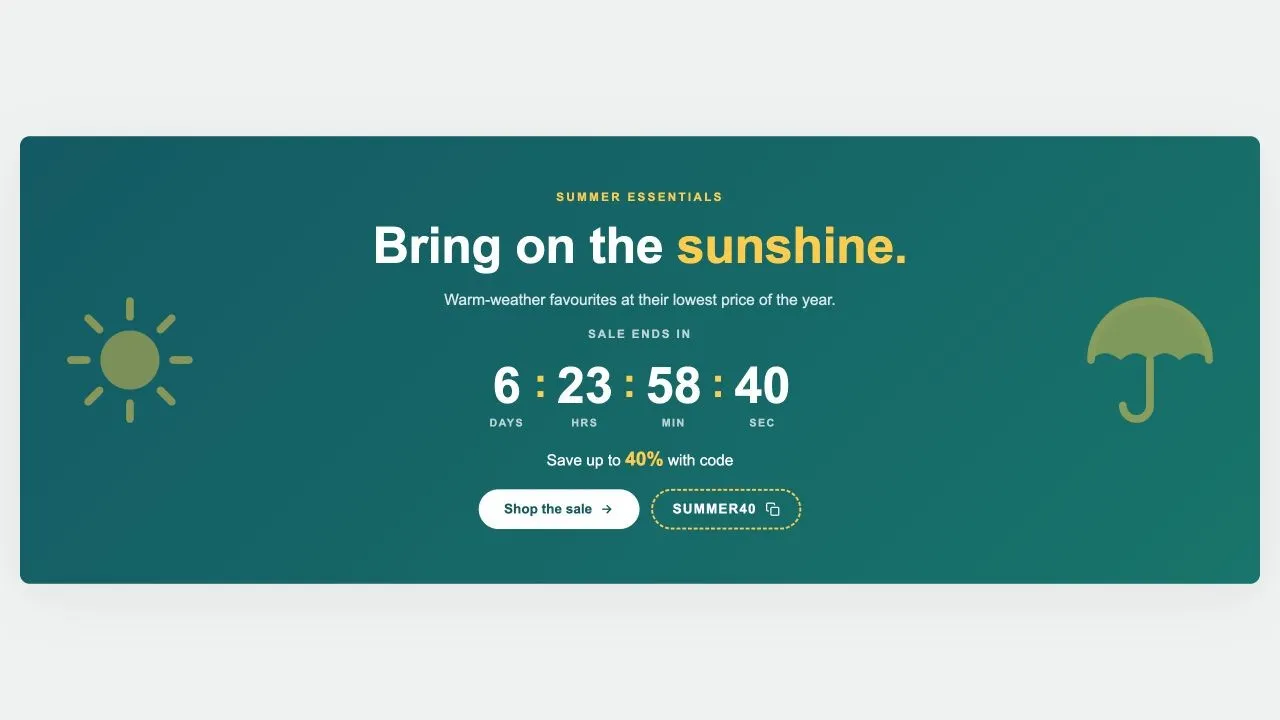
A seasonal sale band flanked by two large emblems, from a sun and a parasol to a pumpkin and a bat. The emblems are inline SVG in the band's own highlight colour, fade back on tablets, and step aside entirely on phones where the wording needs the room.

View section →
Preview of the Countdown Sale 3 Shopify section Free

Countdown Sale 3

Countdown Timers

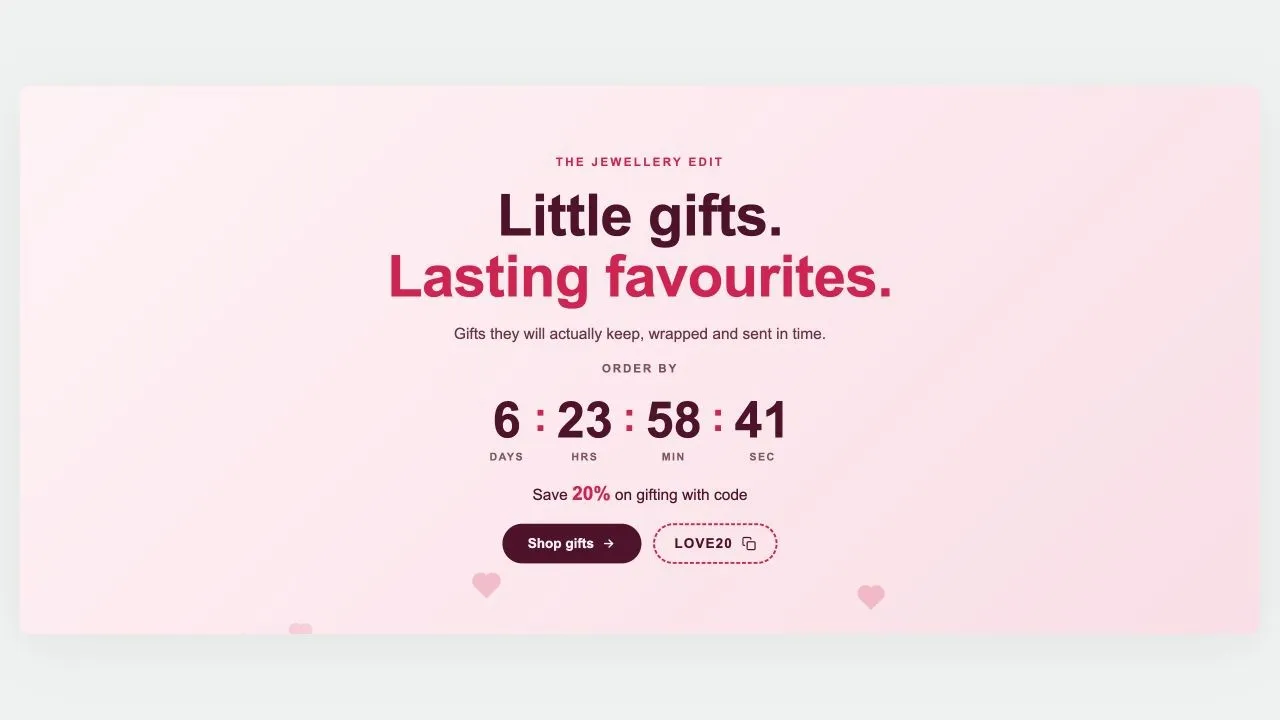
A Valentine's countdown band with hearts rising slowly behind the wording. The hearts are CSS shapes rather than an image, so they cost no request and take their colour from the band. Carries the same clock, offer line, button and tap-to-copy code.

View section →
Preview of the Countdown Sale 2 Shopify section Free

Countdown Sale 2

Countdown Timers

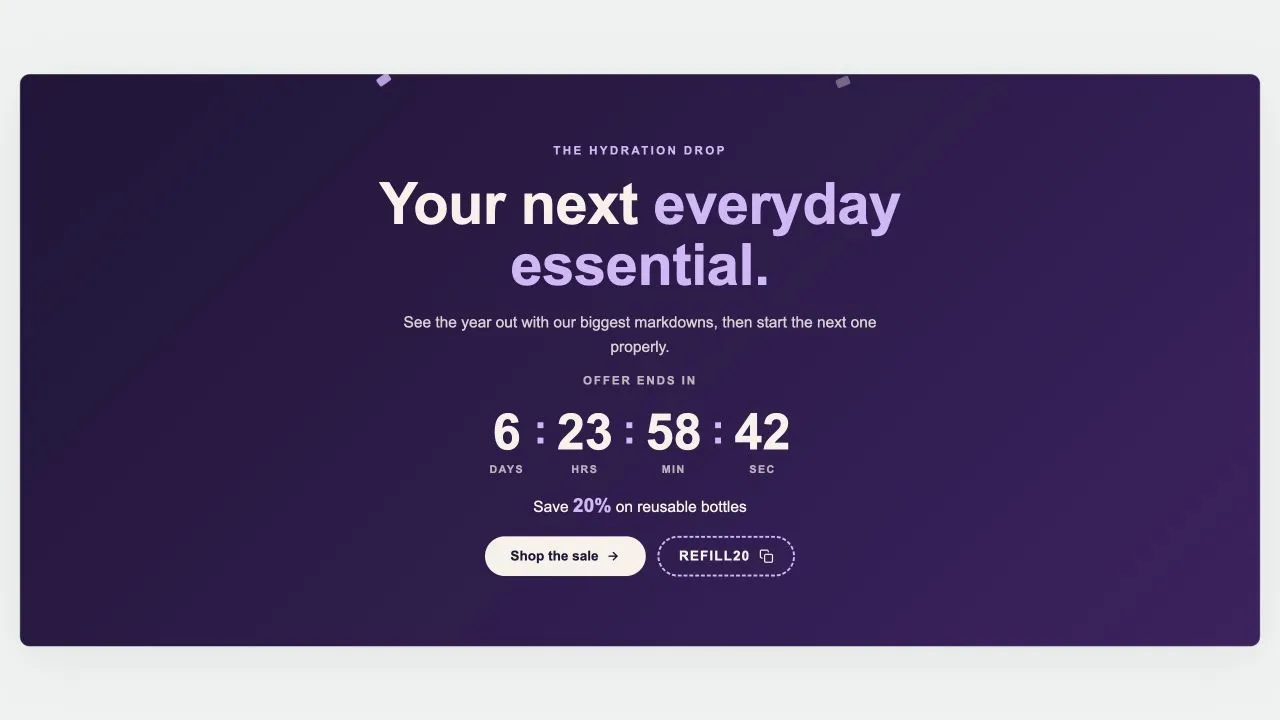
A New Year countdown band with confetti drifting behind the wording. The confetti is drawn in CSS from a handful of shapes rather than an image, so it costs no request and recolours with the band. Carries the same clock, offer line, button and tap-to-copy code.

View section →
Preview of the Countdown Sale 1 Shopify section Free

Countdown Sale 1

Countdown Timers

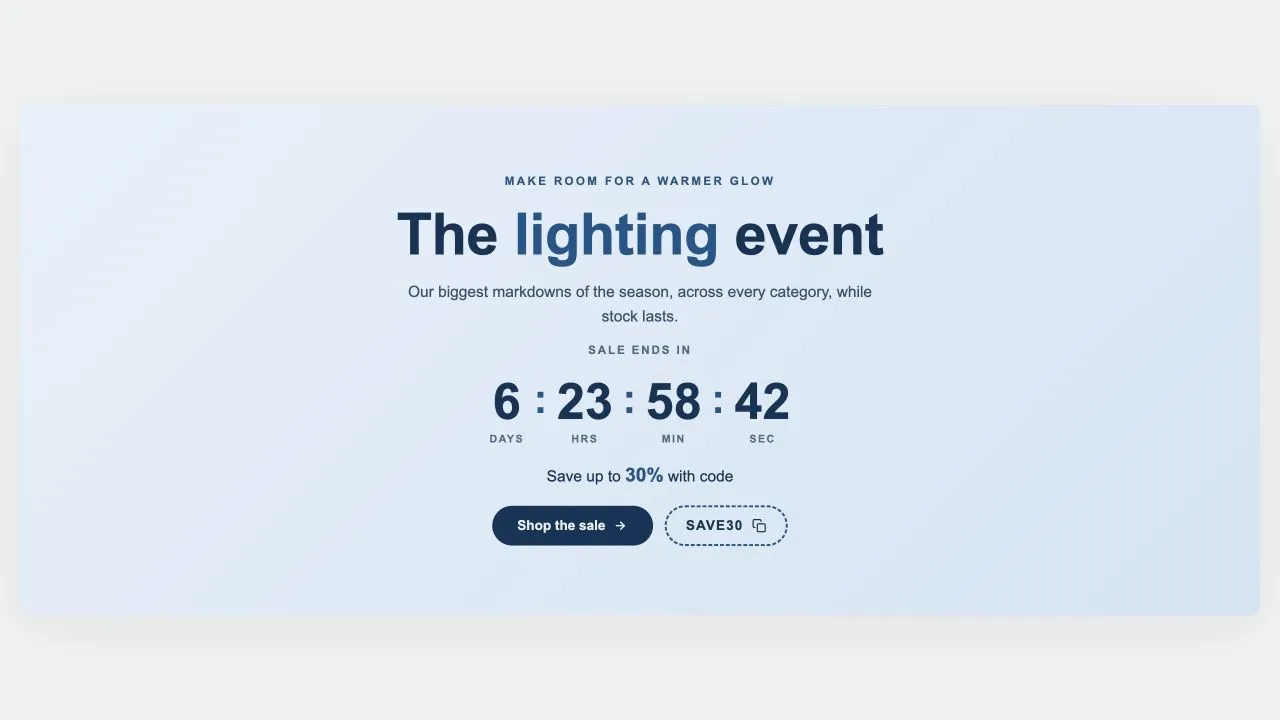
A festive promotional band: heading, live countdown, offer line, button and a tap-to-copy discount code, over your own photo or a warm built-in gradient. The days column hides itself on the final day, so the clock reads hours, minutes and seconds instead of a permanent zero.

View section →
Preview of the Countdown Media 1 Shopify section Free

Countdown Media 1

Countdown Timers

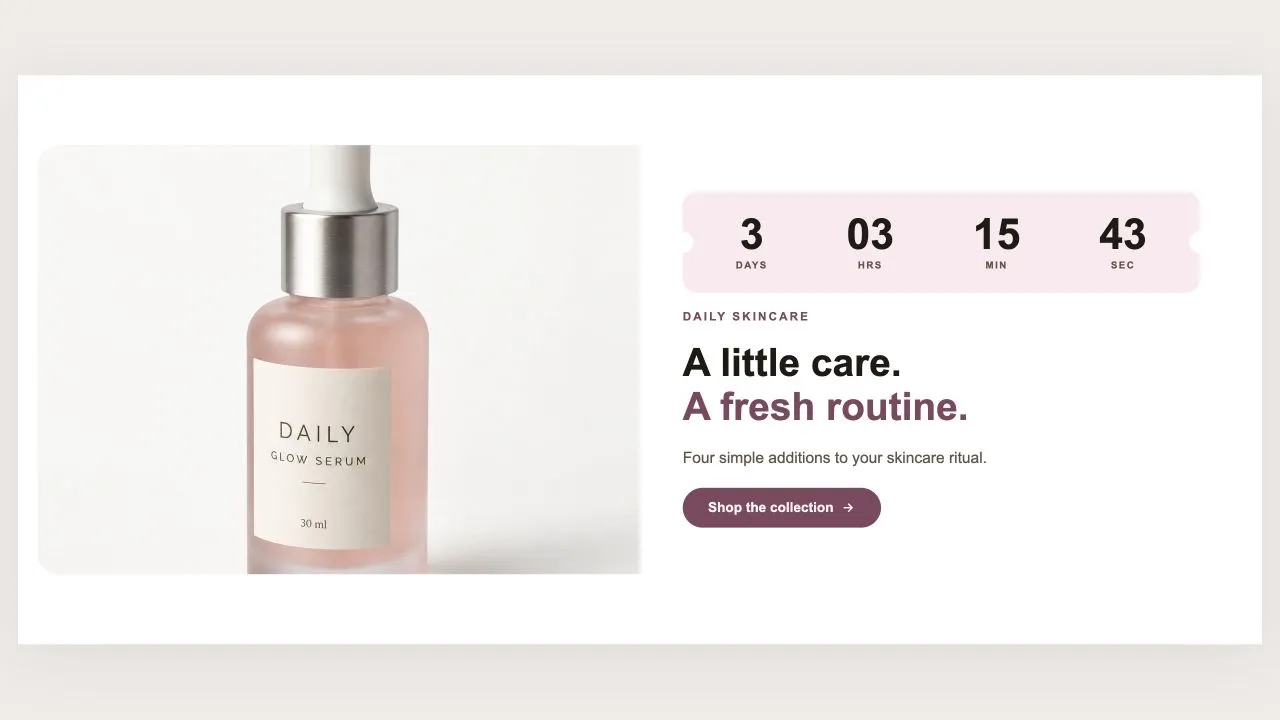
A photograph or video beside an offer panel, with the clock drawn as a torn ticket. The ticket's notches are painted in the colour that sits behind the card, so they read as punched holes rather than grey circles. A YouTube or Vimeo video is not embedded until a shopper actually presses play.

View section →
Preview of the Countdown Split 1 Shopify section Free

Countdown Split 1

Countdown Timers

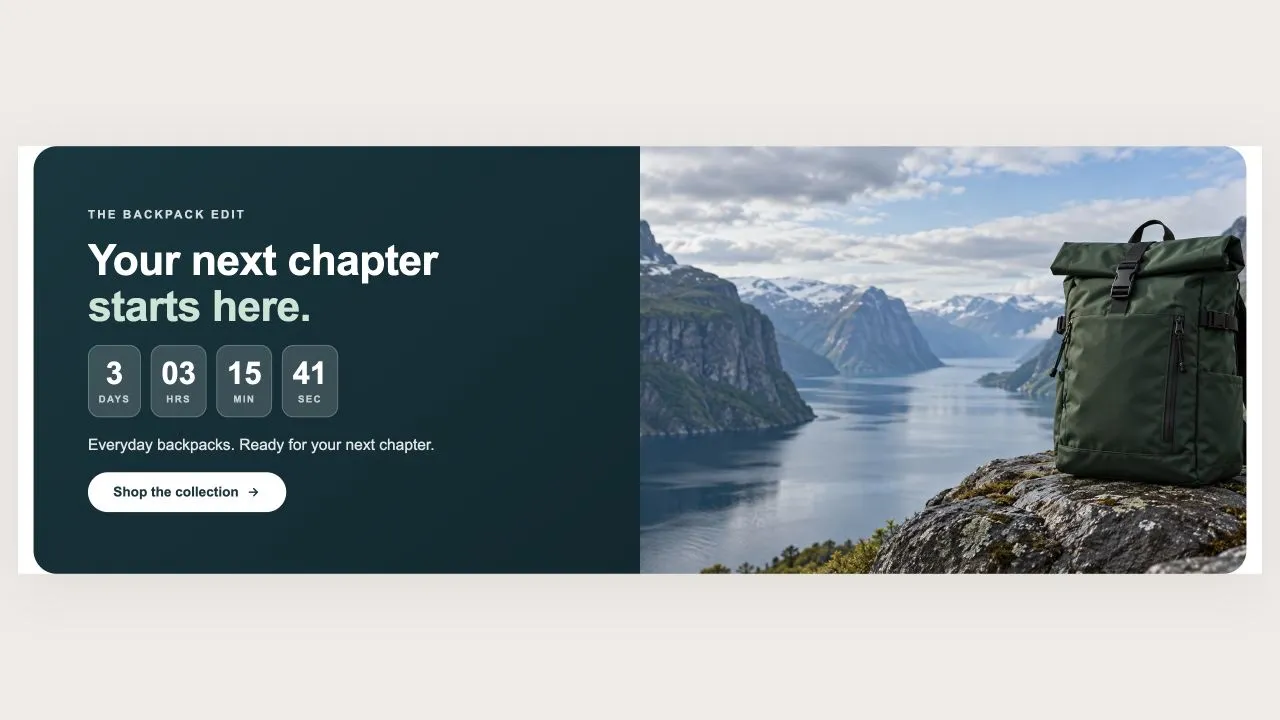
A coloured panel of words and a clock beside a full-height photograph. The panel side can be swapped, and on phones the photo moves above the panel so the wording is never squeezed into a narrow column. Three clock styles, from tiles to plain numbers.

View section →
Preview of the Countdown Hero 2 Shopify section Free

Countdown Hero 2

Countdown Timers

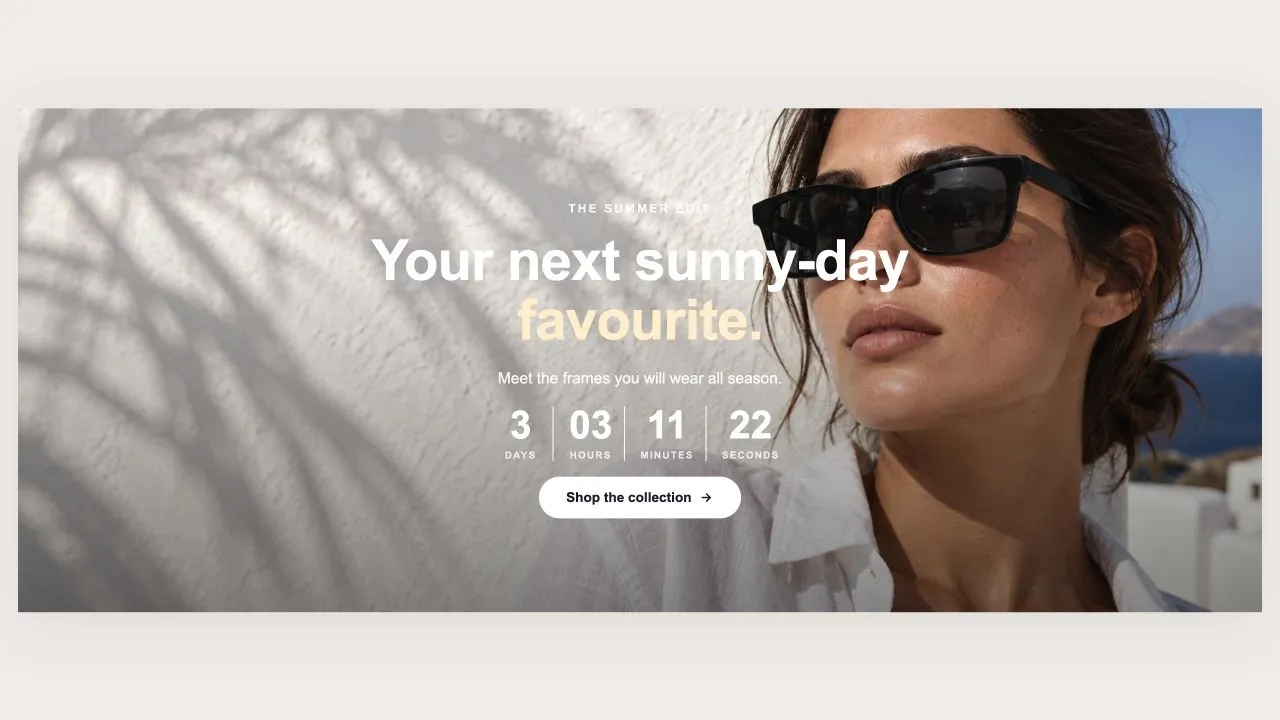
A full-bleed hero with the offer, a live clock and a button set over one or more photographs. Add a second photo and it becomes a slideshow; with one it draws no navigation and loads no slideshow code. Heights are measured against the screen a phone actually shows, so the hero is never taller than the visible area.

View section →
Preview of the Countdown Bar 1 Shopify section Free

Countdown Bar 1

Countdown Timers

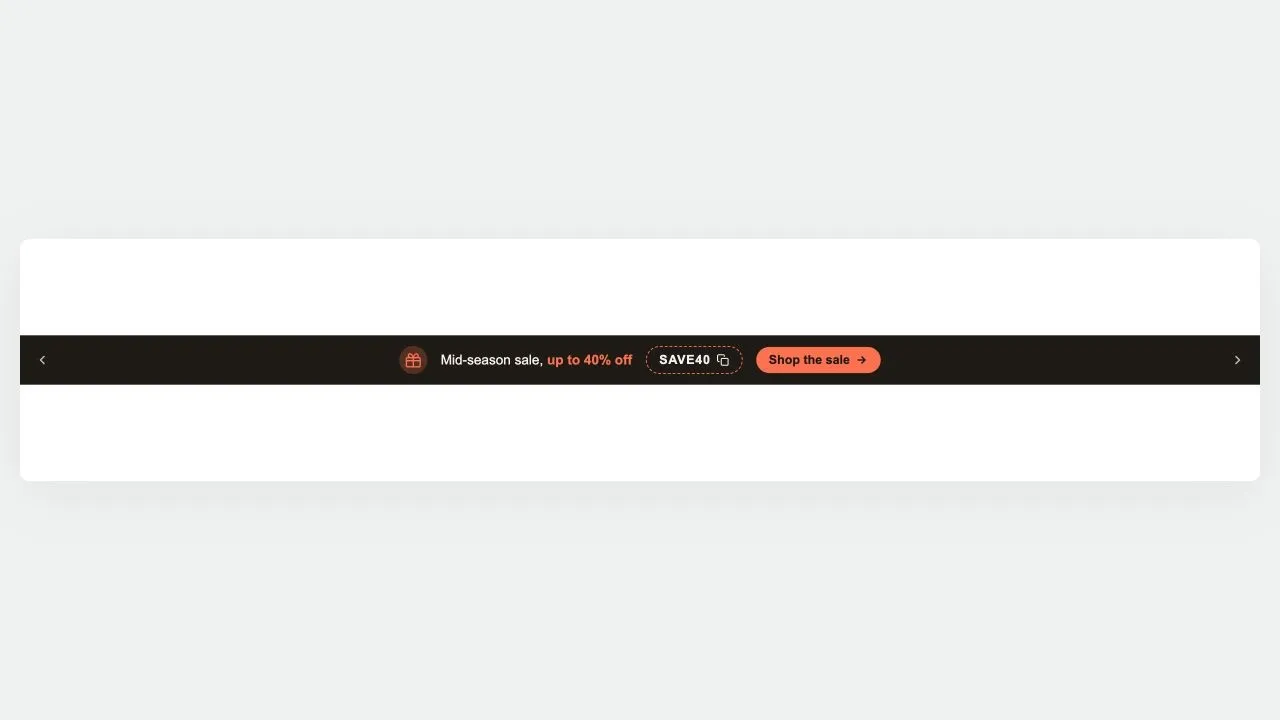
A slim bar that rotates through several promotions, each able to carry its own live clock, tap-to-copy discount code and button. A promotion whose date has passed is dropped server-side, so an expired offer is never in the page at all. Closing the bar is remembered for the visit and scoped to the campaign, so changing a date brings it back.

View section →
Preview of the Marquee 4 Shopify section Free

Marquee 4

Announcement Bars

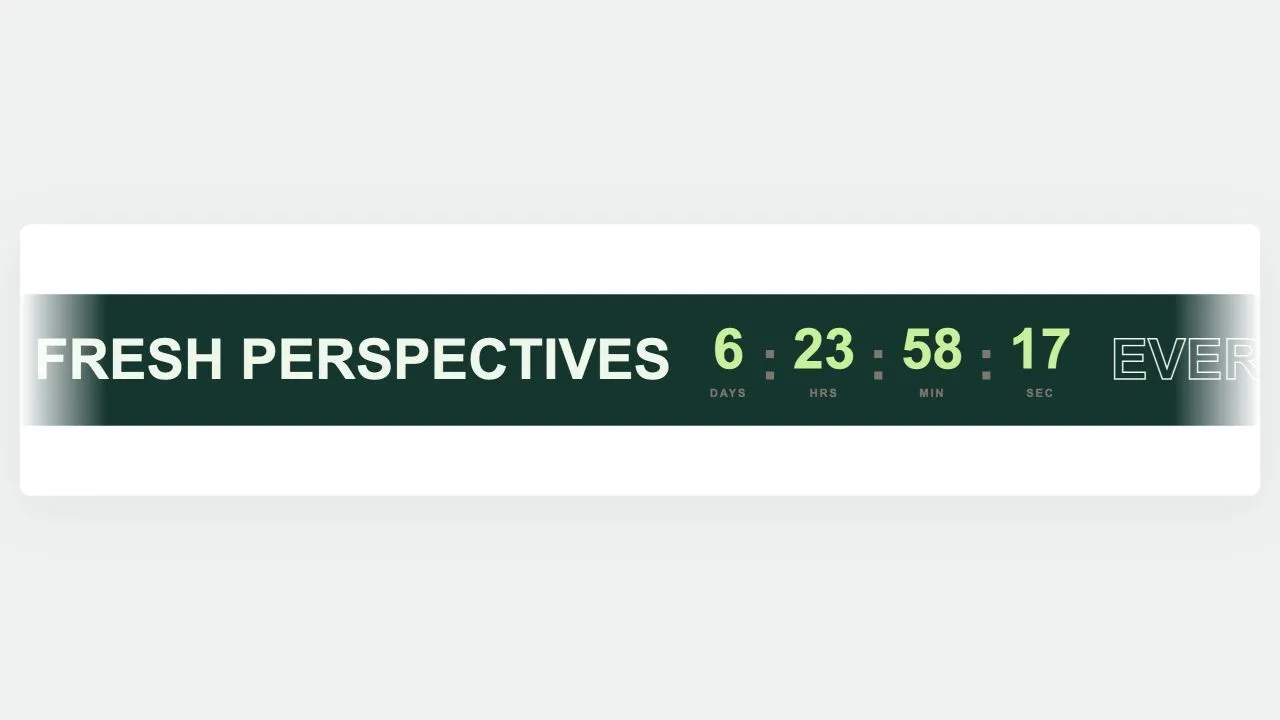
A scrolling band that can carry words, images, buttons and a live countdown together. The digits use tabular figures and the days field reserves the width it needs at render time, so a tick can never change the set width and jog the loop. The clock is worked out server-side first, so the numbers are right at first paint.

View section →
Preview of the Marquee 3 Shopify section Free

Marquee 3

Announcement Bars

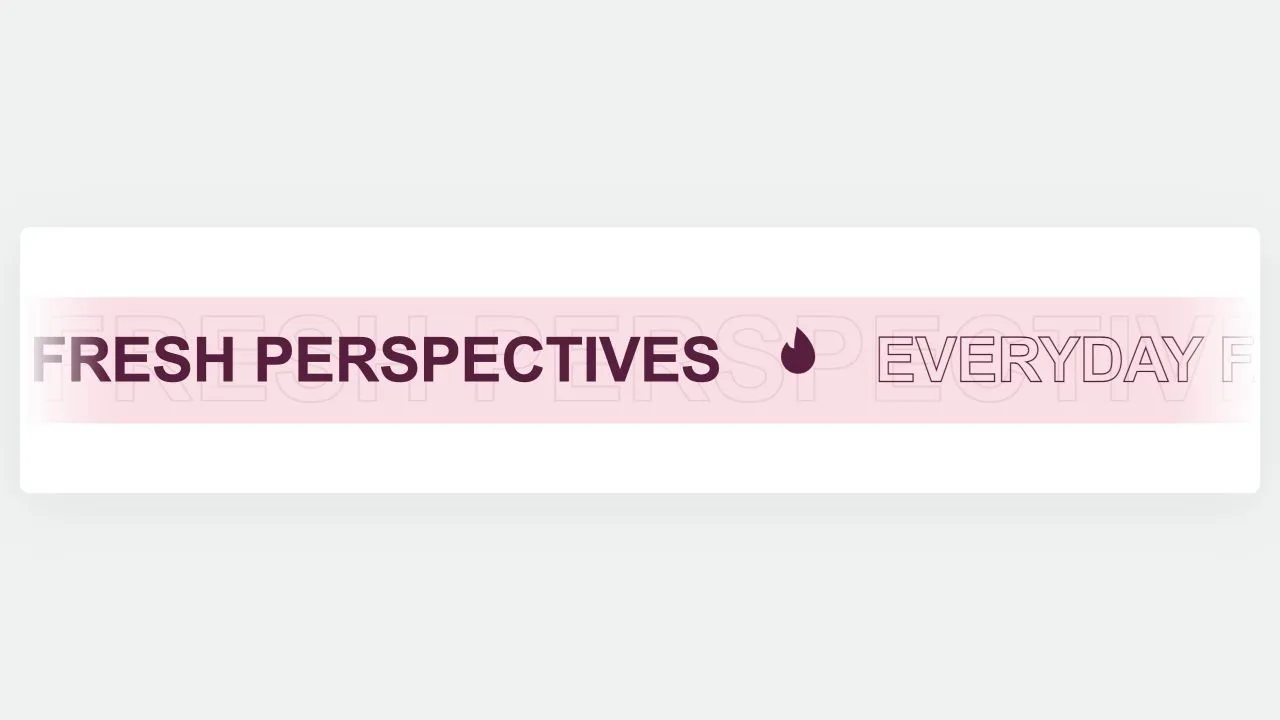
A sale marquee with depth: a faint oversized ghost of the same words drifts behind at half speed, and the emblems bob gently in place. Words alternate filled and hollow, which is what gives the band its rhythm without needing a second colour. An emblem set to turn keeps turning, because spin and bob both animate the same property.

View section →
Preview of the Marquee 2 Shopify section Free

Marquee 2

Announcement Bars

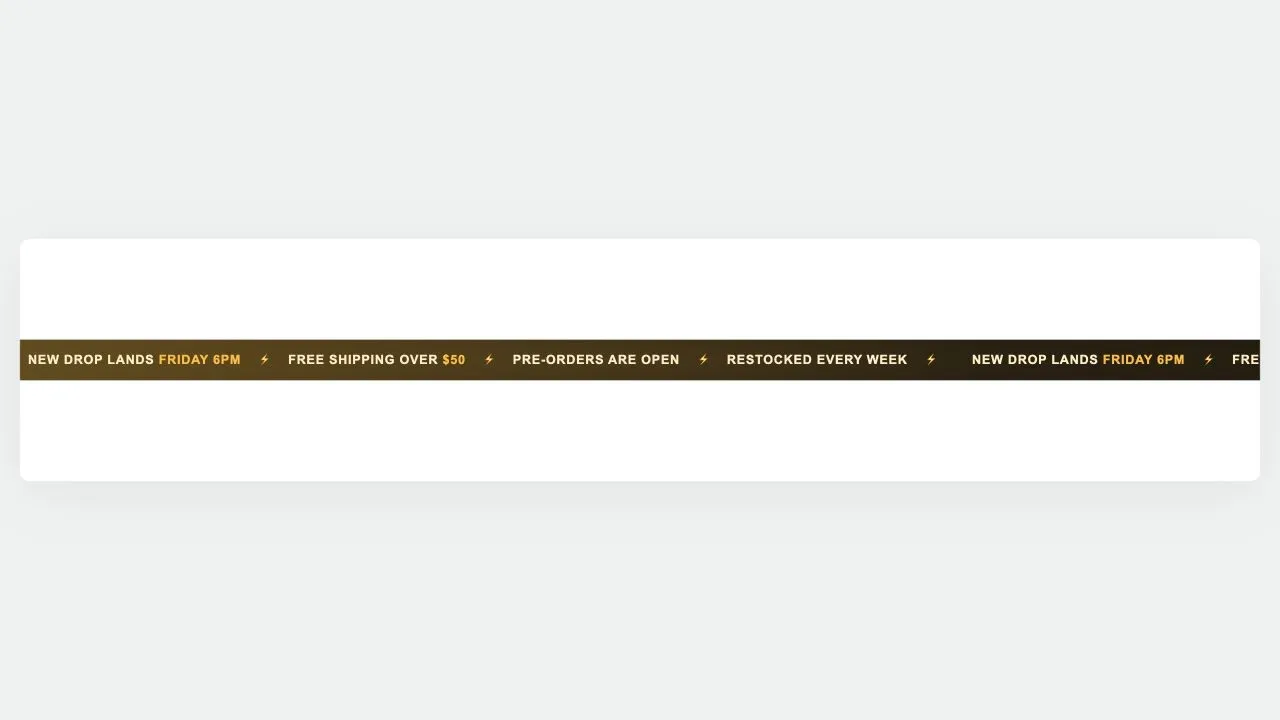
A holographic drop band for launches and restocks. One glow palette retunes the background, the words and the emblems together, with a Custom option for your own colours. A slow band of light drifts across behind the words, and stops for anyone who asks for reduced motion.

View section →
Preview of the Marquee 1 Shopify section Free

Marquee 1

Announcement Bars

A large scrolling band of words and emblems, in one row or two running opposite ways. Twelve emblems are drawn inline as SVG in filled and outlined weights, and words can be filled or hollow. The loop is pure CSS, so nothing has to be measured at runtime.

View section →
Preview of the Utility Bar 1 Shopify section Free

Utility Bar 1

Headers & Navigation

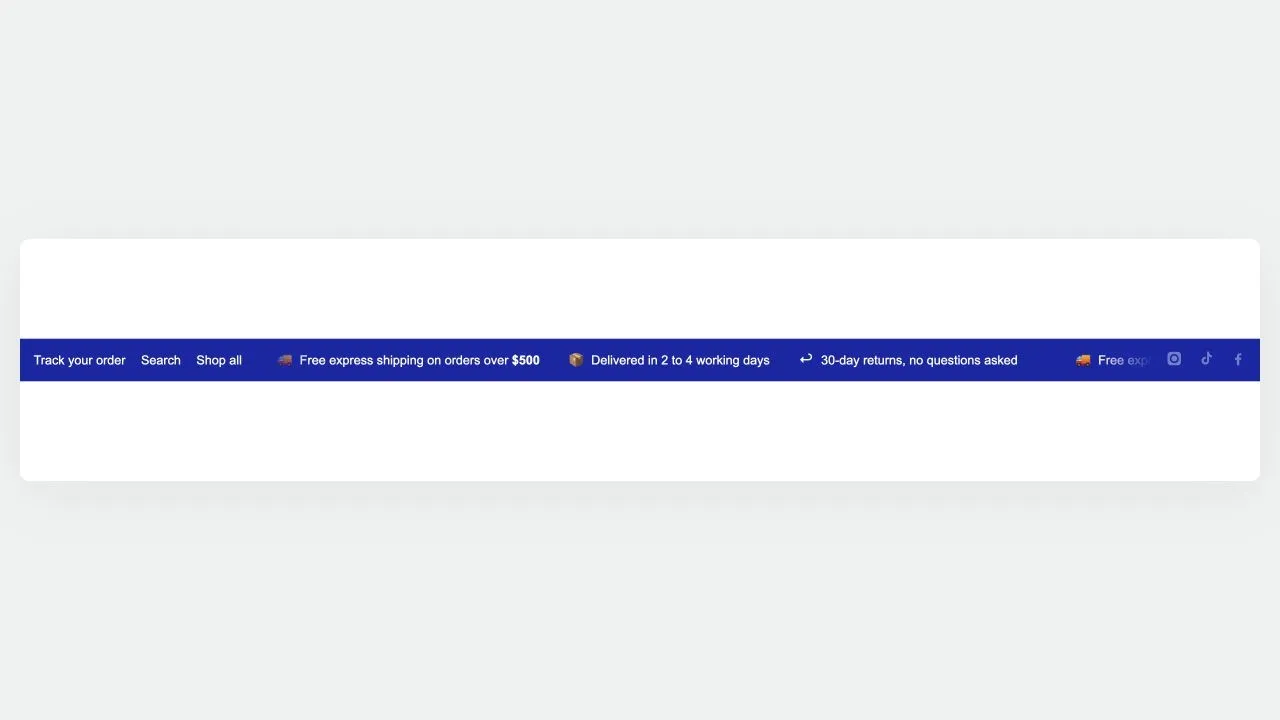
A three-zone top rail: quick links on the left, a scrolling message in the middle, and country, language and social links on the right. Only the middle moves, so the links and the country picker stay clickable. The softer divider tone is worked out from your text colour and measured against the background, so recolouring the bar cannot quietly drop it below a readable contrast.

View section →
Preview of the Announcement Bar 5 Shopify section Free

Announcement Bar 5

Announcement Bars

A holographic strip for launches and restocks. Picking a glow palette retunes the background, the text and the highlight together, so the strip can never be left half-recoloured, and a Custom palette hands the three colours back. The sheen and the loop are both CSS, and both hold still under reduced motion.

View section →
Preview of the Announcement Bar 4 Shopify section Free

Announcement Bar 4

Announcement Bars

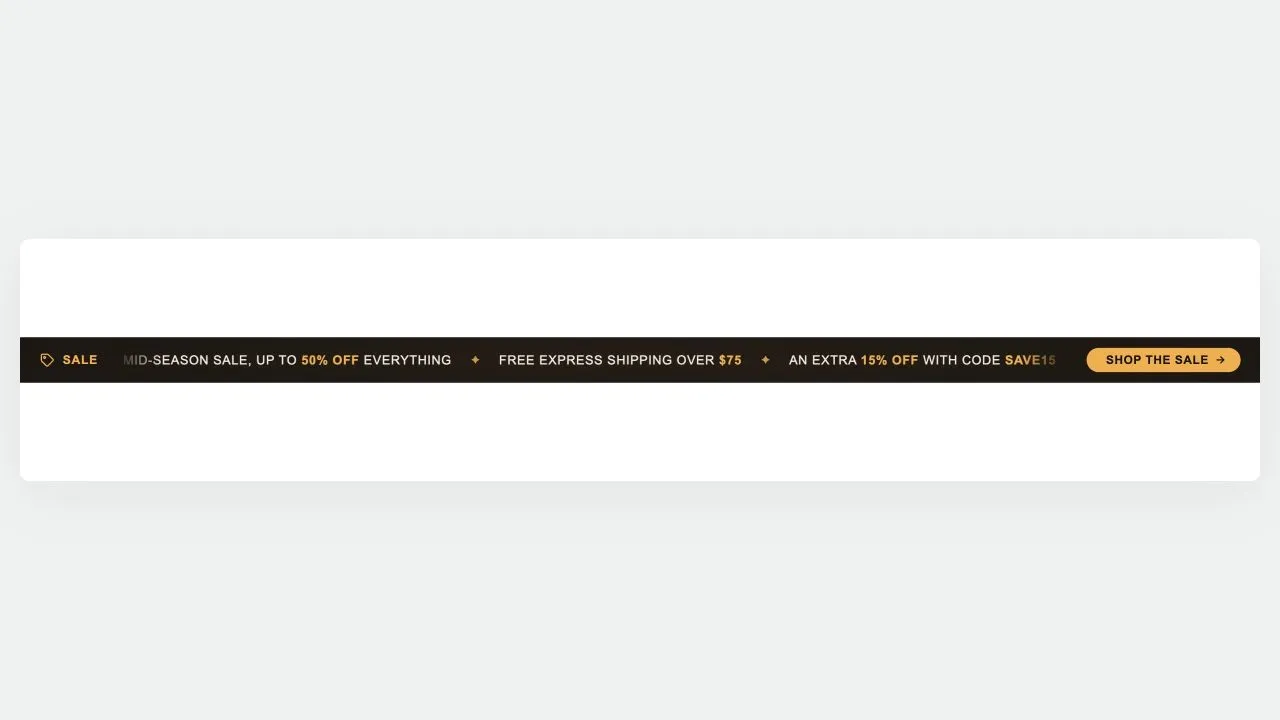
A marquee bar with two pinned ends: a fixed label on the left and a fixed button on the right, with the messages scrolling between them. Only the middle moves, so the offer name and the call to action stay readable and clickable. On phones the button can shrink to an arrow to leave the messages room.

View section →
Preview of the Announcement Bar 3 Shopify section Free

Announcement Bar 3

Announcement Bars

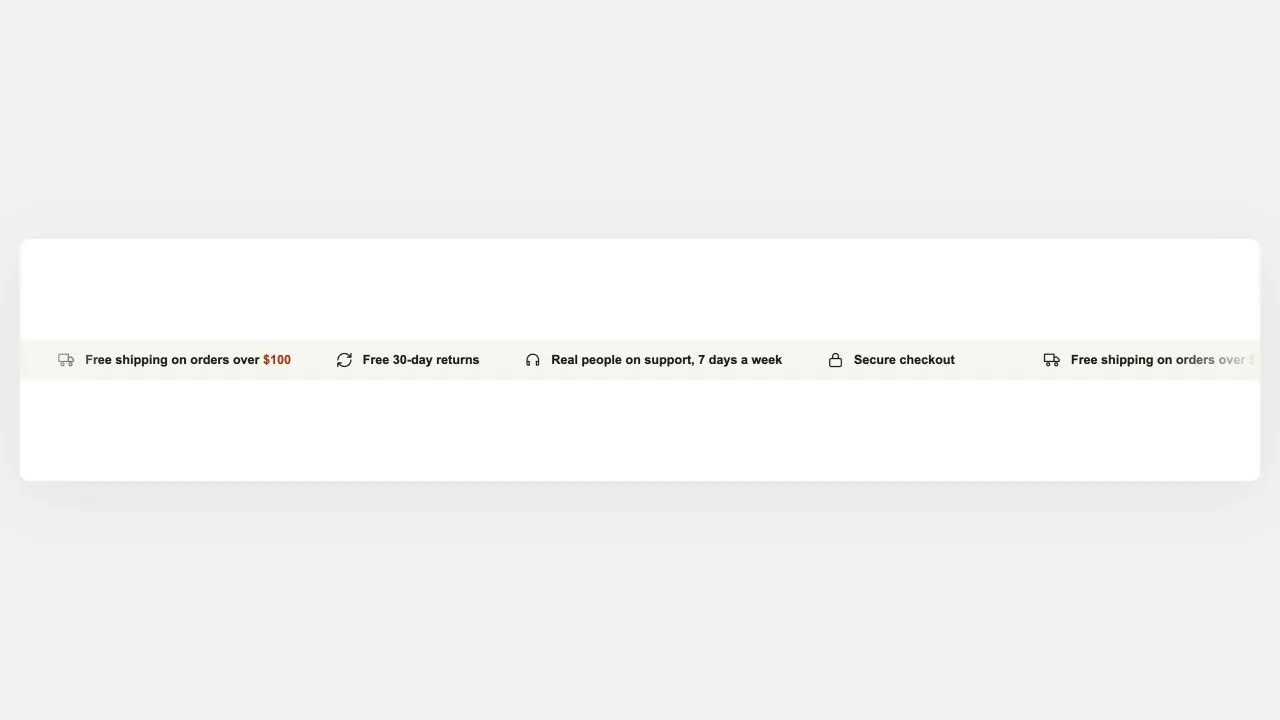
Each message carries its own icon, so the bar reads as a row of store promises rather than one long sentence. Eighteen icons are drawn inline as SVG, with emoji and uploaded images as alternatives, so nothing can 404 when the theme changes.

View section →
Preview of the Announcement Bar 2 Shopify section Free

Announcement Bar 2

Announcement Bars

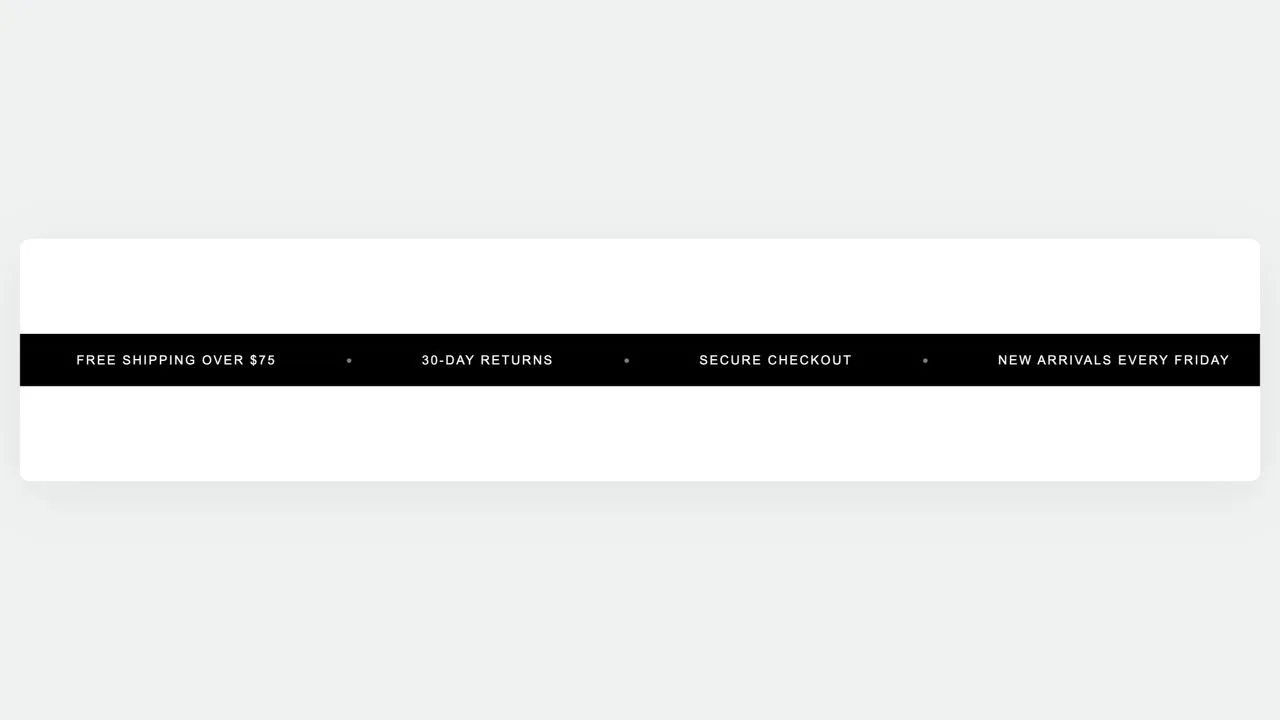
A wide-tracked statement bar. The messages are plain text on purpose, which is what lets the whole bar safely become one link: a message that could contain a link of its own would put an anchor inside an anchor, and browsers quietly tear that apart. Letter spacing is what gives the bar its look.

View section →
Preview of the Announcement Bar 1 Shopify section Free

Announcement Bar 1

Announcement Bars

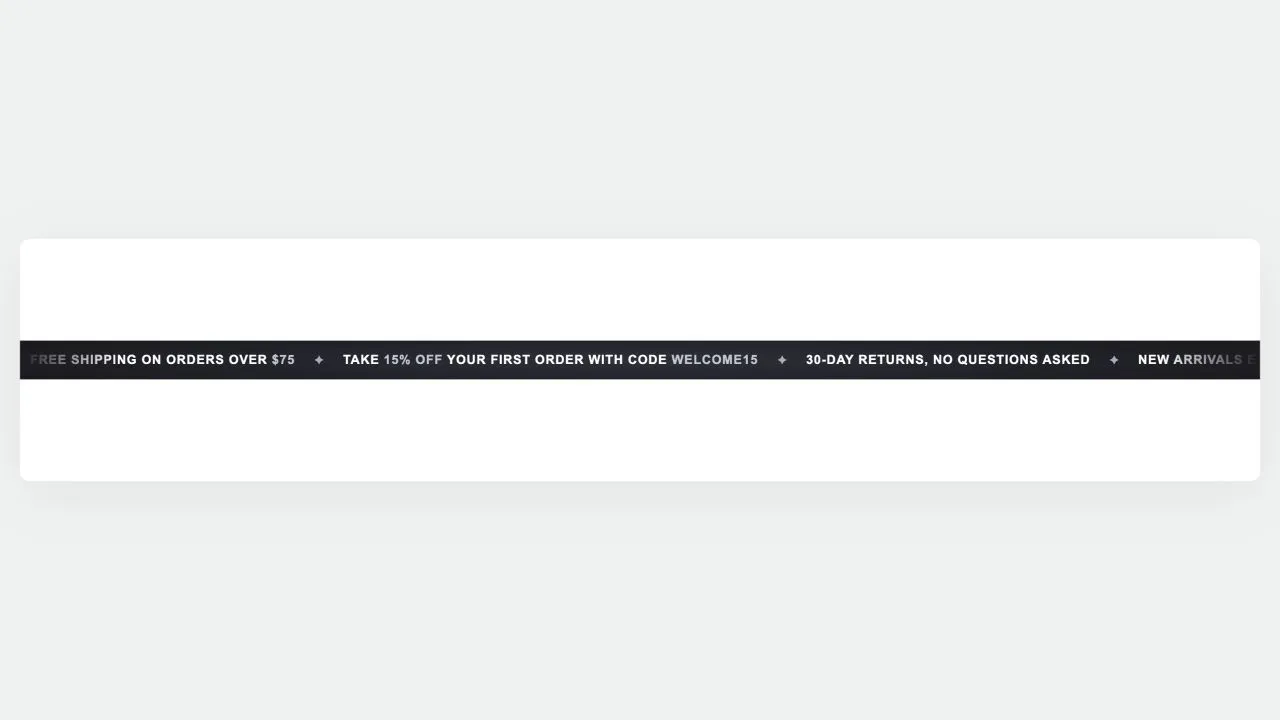
A slim promotional bar whose messages loop across the top of the page. The loop is pure CSS: the message set is rendered twice and the track slides exactly half its width, so it repeats with no seam and no JavaScript at all. With a single message the bar simply stays still and centred, instead of sliding away and leaving a blank strip.

View section →
Preview of the Hero Slider 1 Shopify section Free

Hero Slider 1

Hero & Banners

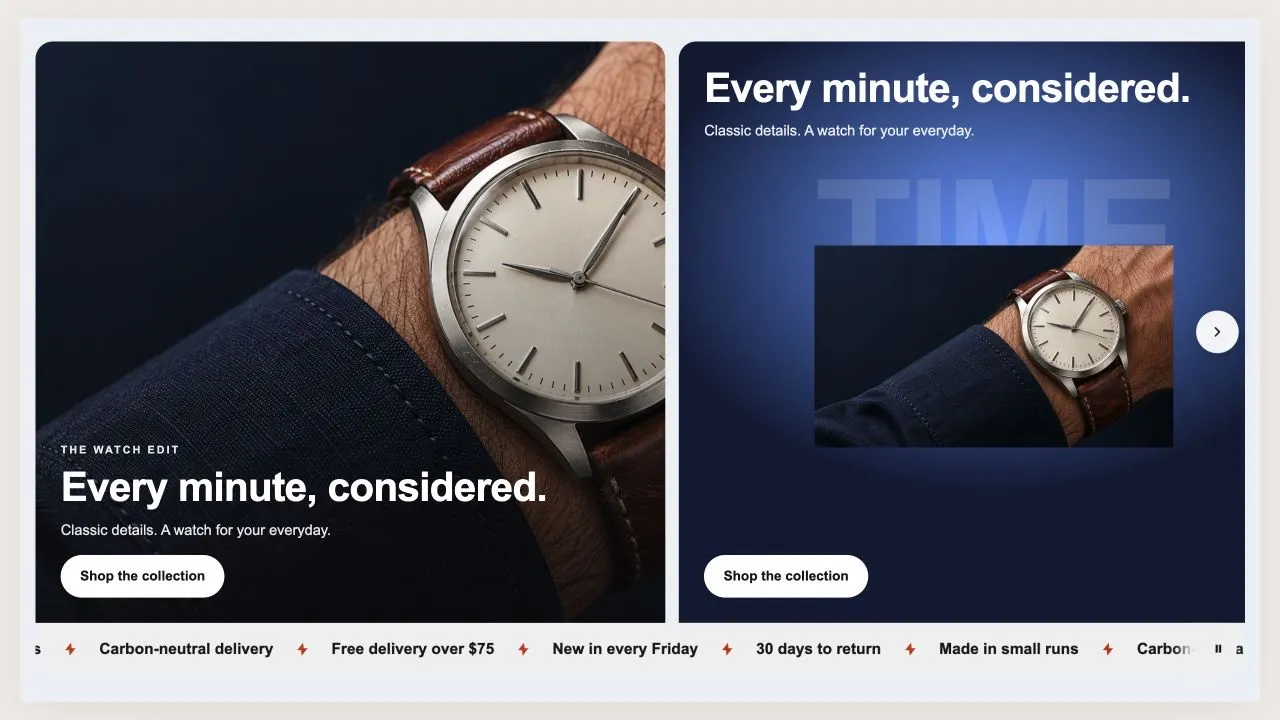
A row of hero panels a shopper swipes through, with a band of promises welded to the bottom. Each panel is either a photograph with the words over it, or a product on a colour of your choosing under a big faded word — and a showcase panel measures its own background, so a pale panel flips the text to dark rather than losing it.

View section →
Preview of the Hero Review 2 Shopify section Free

Hero Review 2

Hero & Banners

The same proof as Hero Review 1, gathered into one frosted panel instead of set loose in the column — which is what lets it hold up over a bright or busy photograph. Where a browser cannot frost, the panel falls back to its solid tint so the words stay readable either way.

View section →
Preview of the Hero Review 1 Shopify section Free

Hero Review 1

Hero & Banners

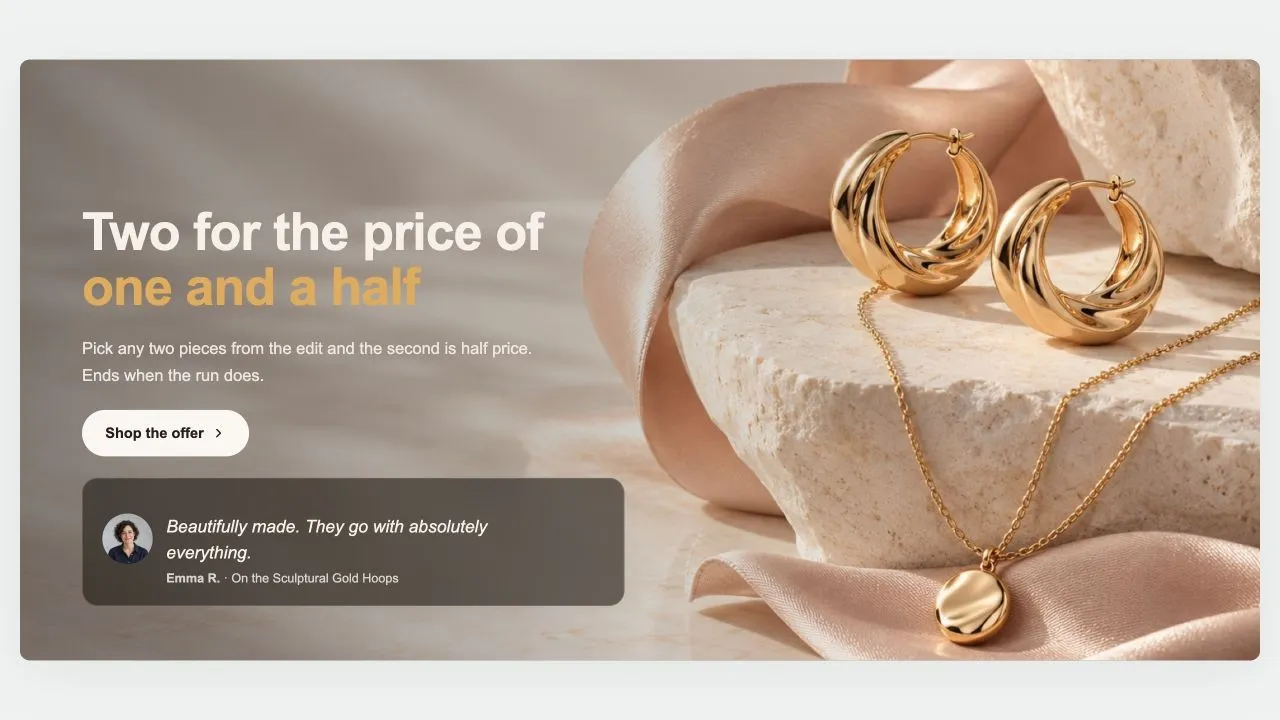
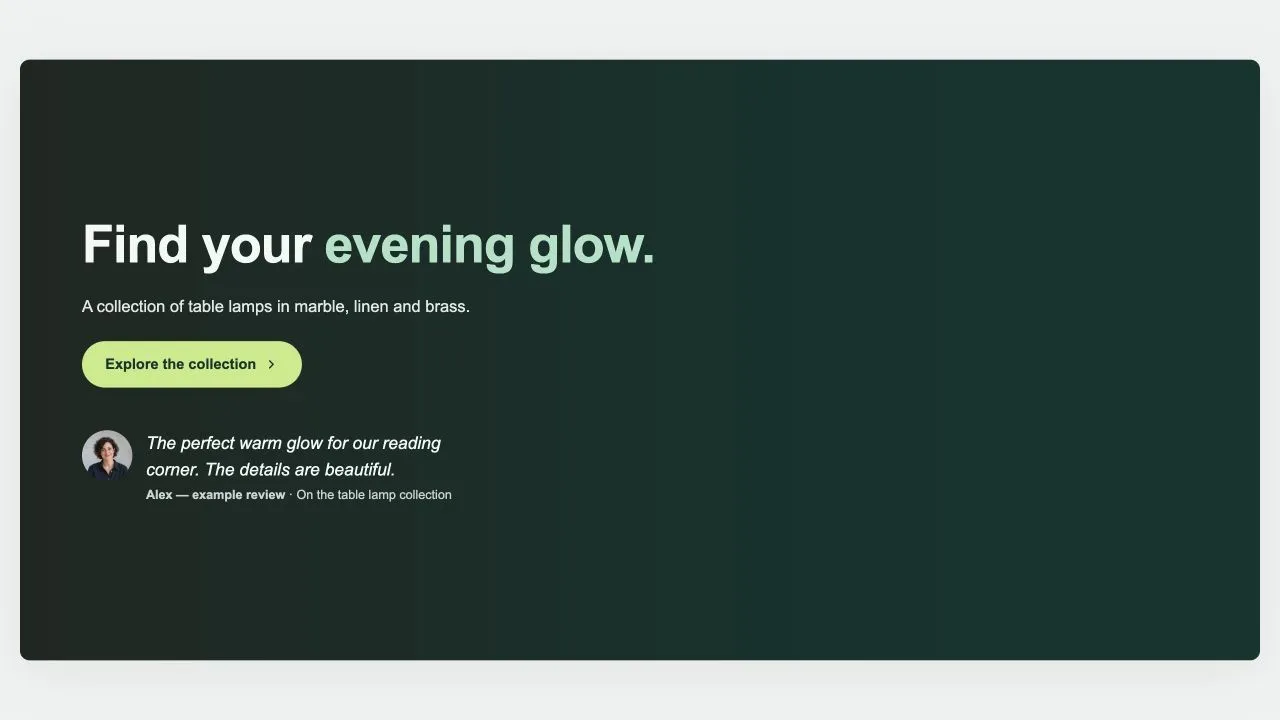
A hero whose proof sits in the flow: the heading, then the stars, then one real customer quote, all in the same column. Nothing is invented — the stars, the score and the count are all typed by you, and every one of them is off until you turn it on.

View section →
Preview of the Hero Stats 1 Shopify section Free

Hero Stats 1

Hero & Banners

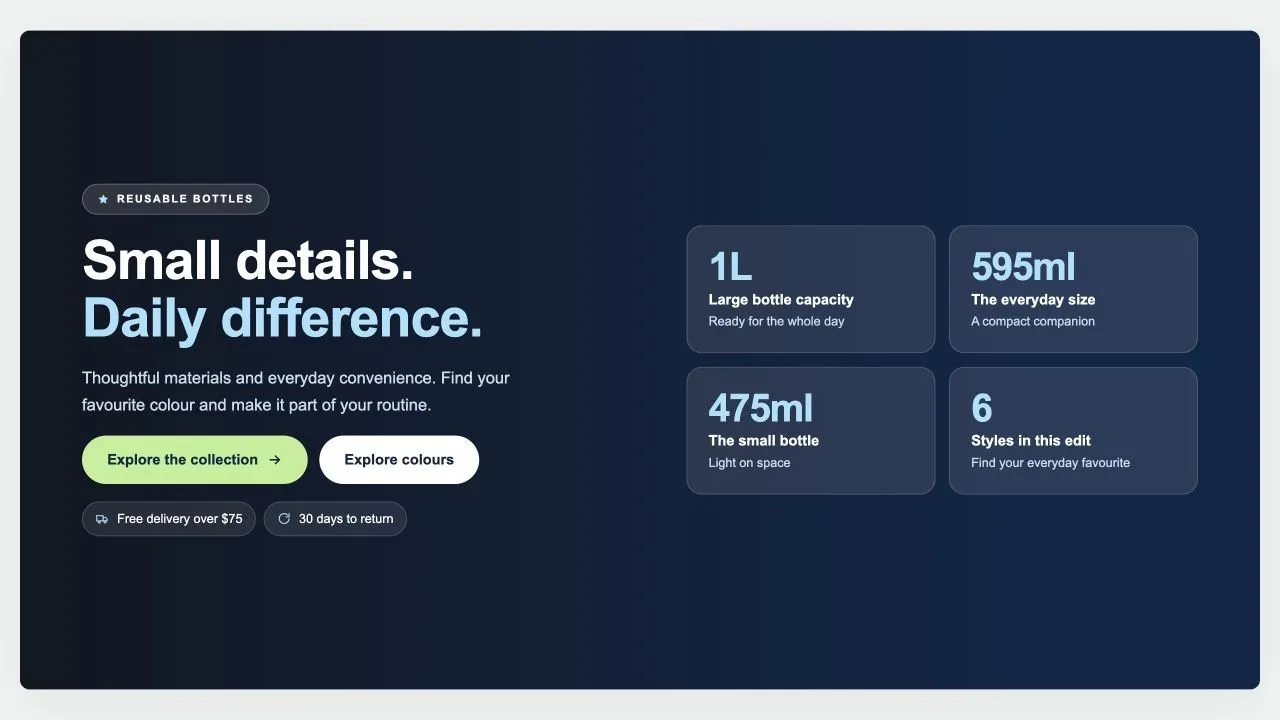
A headline beside a set of figure cards that count up as they scroll into view. The count reads the number you typed and rebuilds it — prefix, suffix and decimals included — so a figure like £1.2m+ animates and still lands on exactly what you wrote. Anything with no number in it is left alone.

View section →
Preview of the Hero Split 3 Shopify section Free

Hero Split 3

Hero & Banners

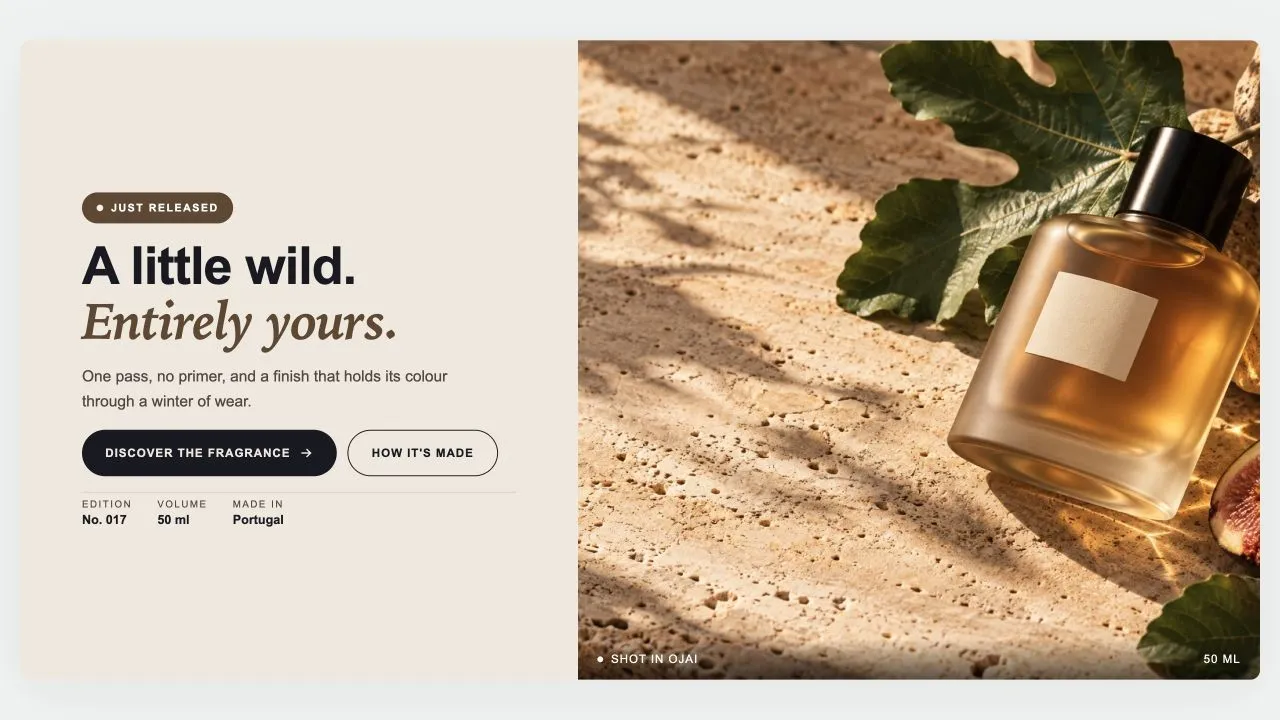
A text panel beside a photograph, with a tag above the heading, a caption bar across the bottom of the photo and a row of short facts under the buttons. Built for a product launch page where the detail matters as much as the headline.

View section →
Preview of the Hero Split 2 Shopify section Free

Hero Split 2

Hero & Banners

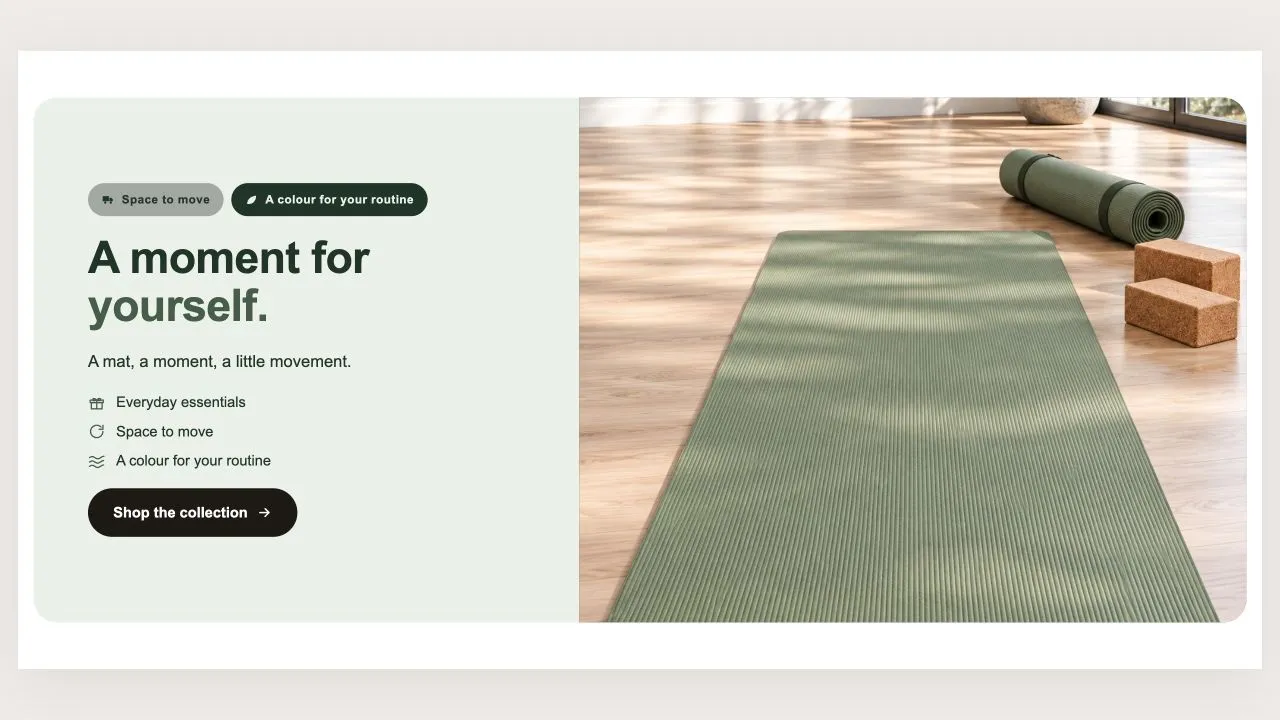
A deep colour panel beside a photograph, with badges above the heading and a short list of reassurances under it. Every colour that carries text is measured against the panel it actually lands on, so a pale panel does not swallow the words. An optional small photo tucks over the corner on a computer.

View section →
Preview of the Hero Split 1 Shopify section Free

Hero Split 1

Hero & Banners

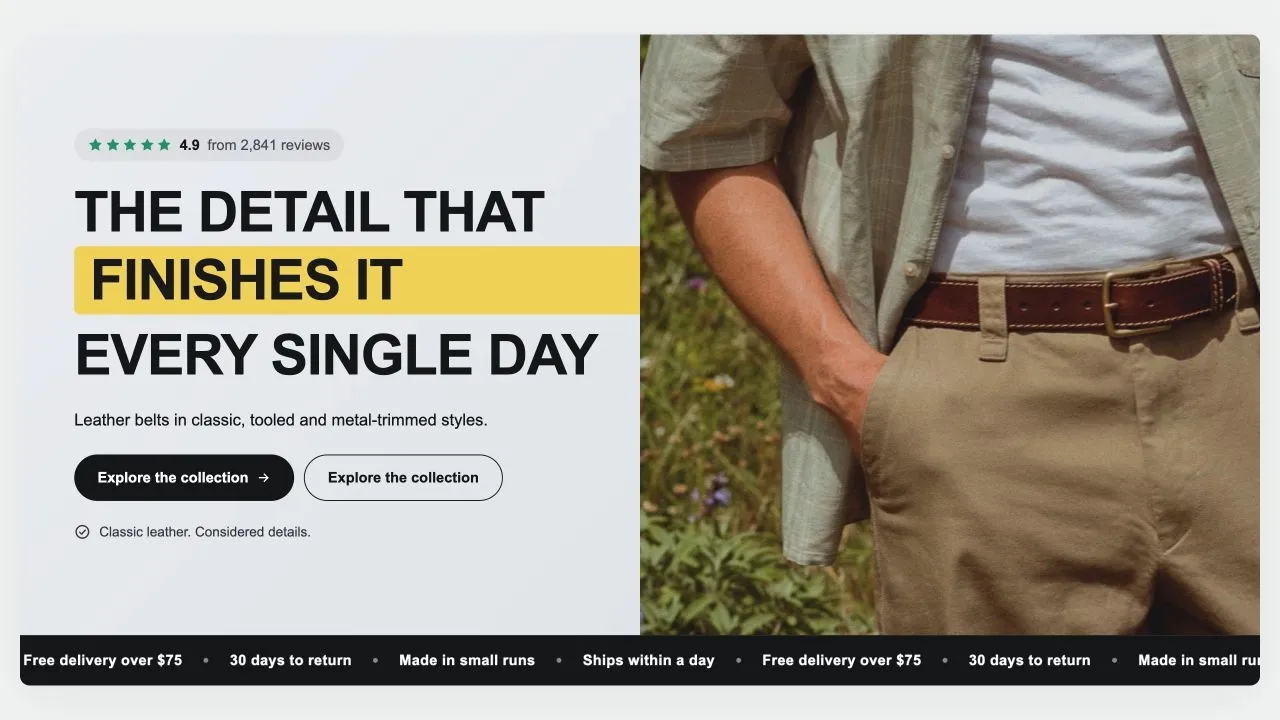
A colour panel beside a photograph, with a highlighted word in the heading that can cycle through several, and a band of promises scrolling along the bottom. The highlighter can hold one width sized to the longest word, so the line does not shift sideways every time the word changes.

View section →
Preview of the Hero Grid 1 Shopify section Free

Hero Grid 1

Hero & Banners

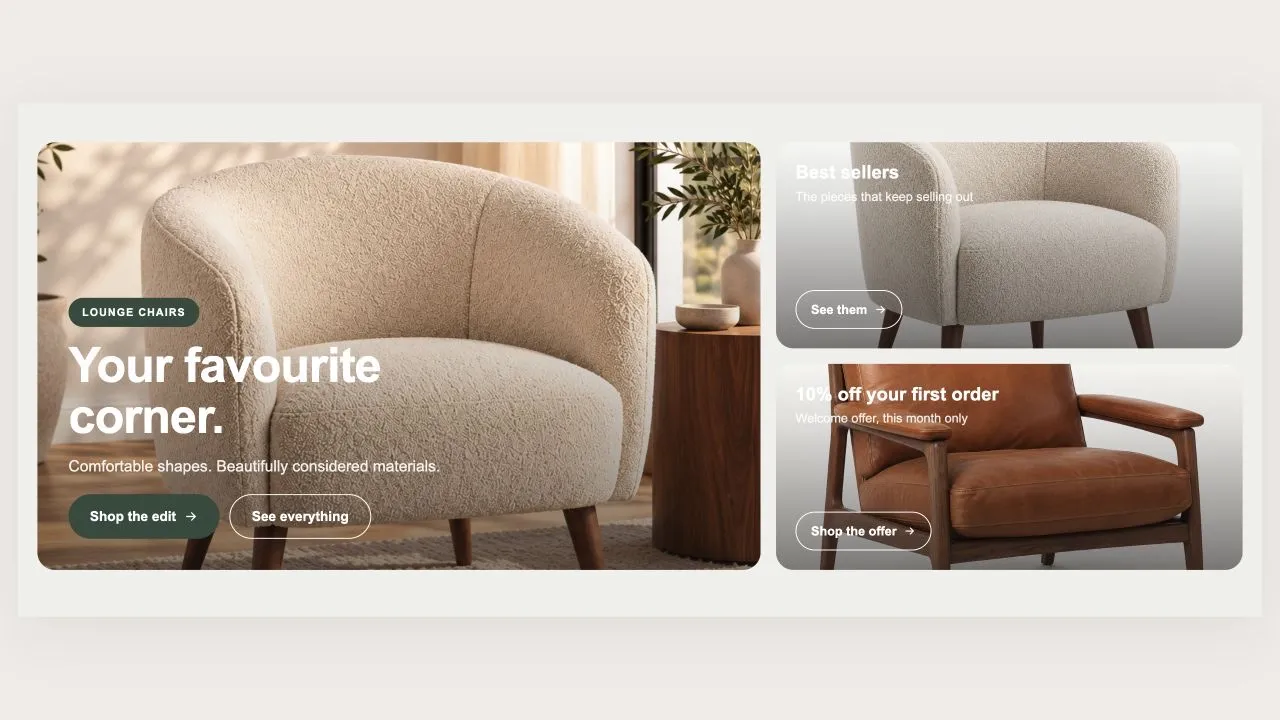
One large card next to a column of smaller promo tiles. The big card takes a photo as a full background or as a cut-out bleeding off the corner; each tile takes its own photo or a colour blend. Wherever words sit over a photo, their colour is measured against what is genuinely behind them.

View section →
Preview of the Hero Image 3 Shopify section Free

Hero Image 3

Hero & Banners

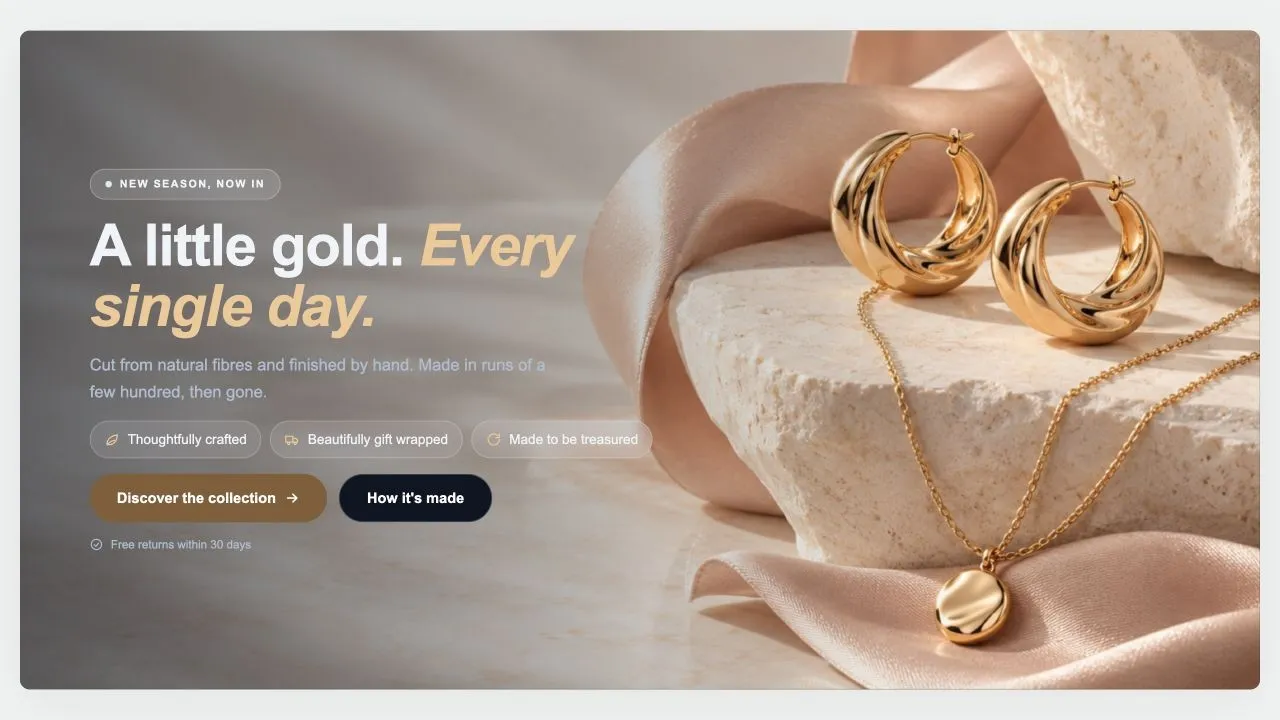
A photo, a looping video or a colour behind a badge, a heading, a row of benefit pills and the buttons. The video only downloads once the hero is on screen, pauses when it leaves, and is never fetched at all for anyone who has asked for reduced motion — the still frame carries the hero instead.

View section →
Preview of the Hero Image 2 Shopify section Free

Hero Image 2

Hero & Banners

A photo, a gradient or a colour behind a heading whose middle word cycles. The rotation is a plain vertical scroll of words the page already holds, so with no script — or for anyone whose device asks for reduced motion — the first word simply stays and the sentence still reads.

View section →
Preview of the Hero Image 1 Shopify section Free

Hero Image 1

Hero & Banners

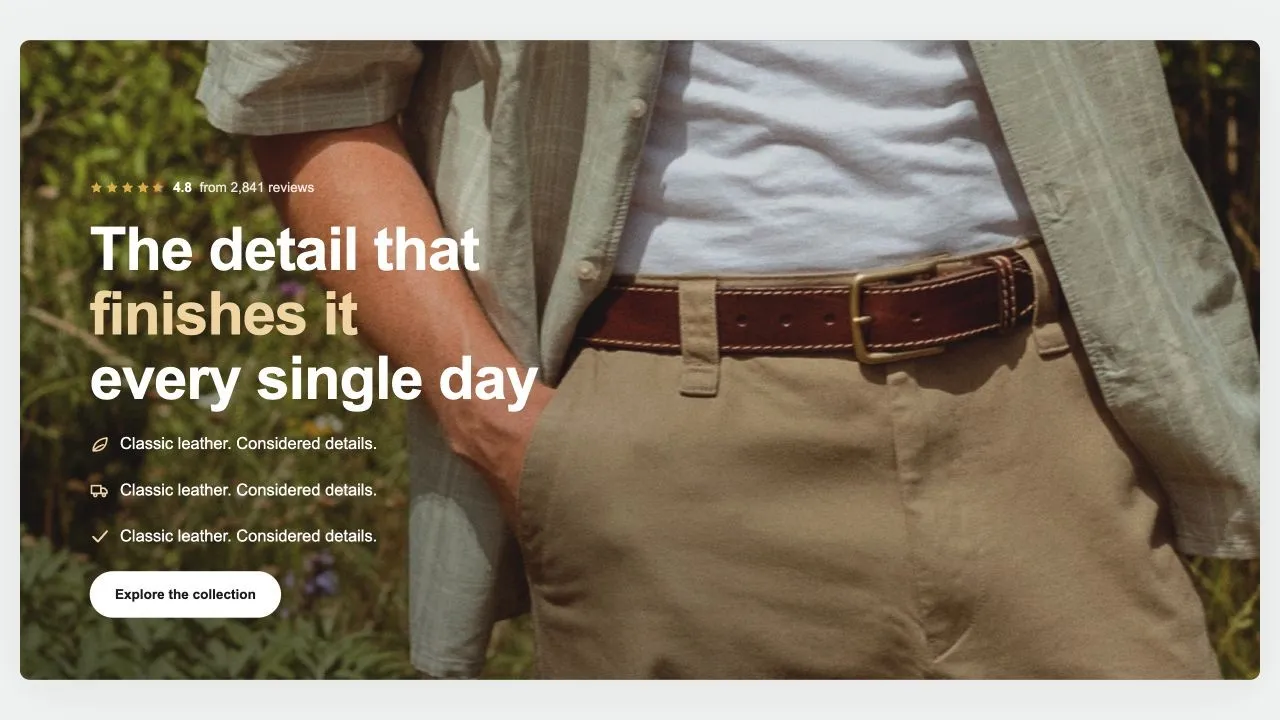
One photograph, edge to edge, with the words set over it. A separate photo can be uploaded for phones, which matters more than it sounds: a wide shot cropped to a phone loses about two thirds of its width, and usually the subject with it. Heights are measured against the visible screen, so the hero is never taller than what a shopper can actually see.

View section →
Preview of the Product Tiles 1 Shopify section Free

Product Tiles 1

Product Showcases

Three tall tiles, each carrying one product under a big display word. The photo flips on hover when a second one is set, and the caption trades places with the buy button. On a phone the caption can sit on the photo or under it, and the text is contrast-checked for whichever you choose.

View section →
Preview of the Product Banner 2 Shopify section Free

Product Banner 2

Product Showcases

The restrained treatment of the same shape: a light banner, one button per card, no glow, and the arrows on the banner itself rather than in a strip under the row. A lit seam is drawn where the cards meet the banner, so the overlap reads as placed rather than cropped.

View section →
Preview of the Product Banner 1 Shopify section Free

Product Banner 1

Product Showcases

A wide banner with the message on it and the product cards tucked up over its bottom edge, so the two read as one object rather than two stacked blocks. Two buttons per card — one to buy, one to read more — and a coloured glow behind the banner photo.

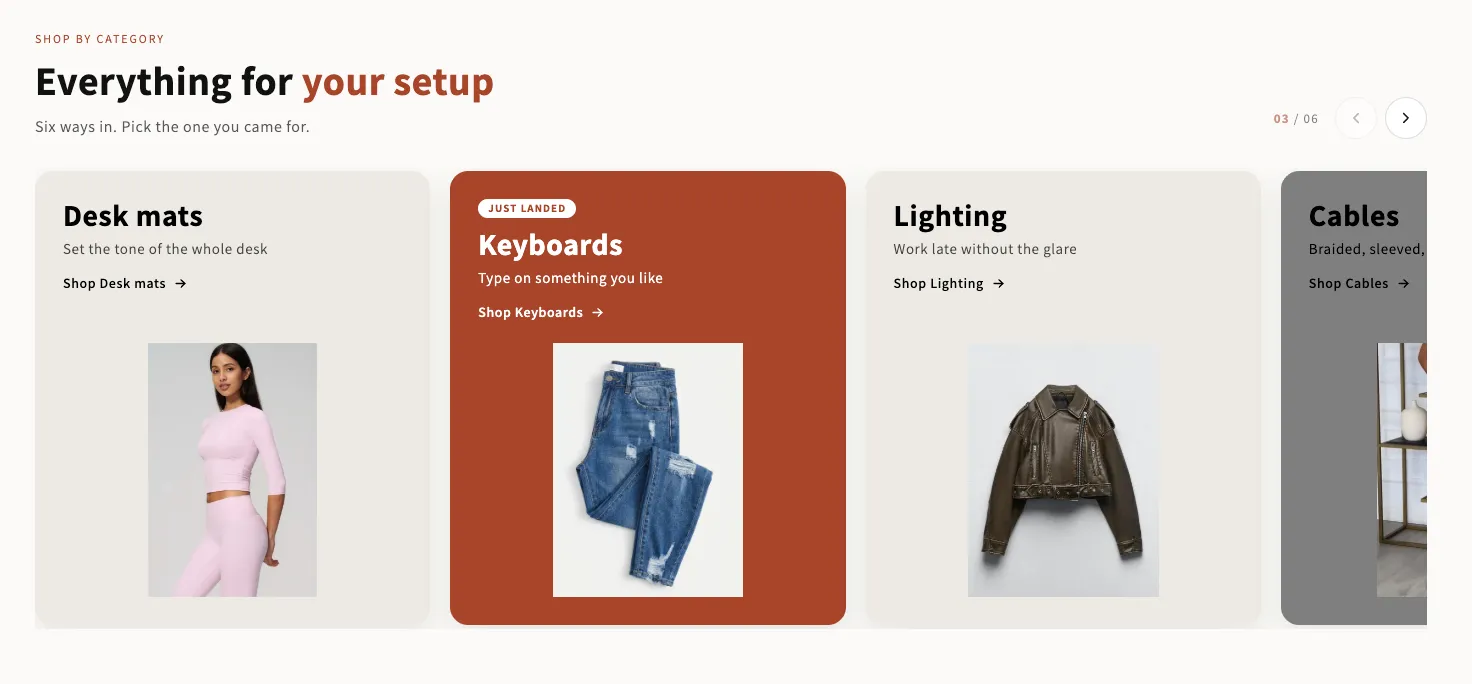
View section →
Preview of the Product Slider 11 Shopify section Free

Product Slider 11

Product Showcases

A big heading over a band of tall product tiles, each with a small info plate under the photo. Badges are read from real data — sold out, then a genuine reduction, then how recently the product was added. The arrows sit over the row or up in the heading, and can be shown on a computer without appearing on a phone.

View section →
Preview of the Product Slider 10 Shopify section Free

Product Slider 10

Product Showcases

A quiet row of products under a heading and one button, with a progress line and a counter underneath. The arrows and the progress only appear when there is genuinely more to see, and the counter reads the real scroll position so it follows a swipe as well as the arrows.

View section →
Preview of the Product Slider 9 Shopify section Free

Product Slider 9

Product Showcases

A swipe row where every card carries a size menu and a quantity menu, so a shopper can buy three of something in one go. Badges come from your own product tags, never from stock levels, and the photo follows whichever size is picked.

View section →
Preview of the Product Slider 8 Shopify section Free

Product Slider 8

Product Showcases

A swipe row of framed product cards. A size row opens on the photo so a shopper can add without leaving the page, and the eye button opens a quick look with the options, a quantity and the buy buttons. Both ship as plain links and are upgraded by script, so nothing on the card is ever a control that does nothing.

View section →
Preview of the Product Slider 7 Shopify section Free

Product Slider 7

Product Showcases

A large lifestyle tile on the left and a swipe row of products on the right, with tabs across the top so one section covers new in, dresses and knitwear. Size buttons on the card update the price and link straight to that size.

View section →
Preview of the Product Grid 6 Shopify section Free

Product Grid 6

Product Showcases

A shelf that can be a grid or a swipe row, with optional tabs across the top. Every card carries a size menu and a quantity menu, so a shopper can buy two of something without adding it twice. Card height is decided once for the whole section, so switching tabs never makes the shelf jump.

View section →
Preview of the Product Grid 5 Shopify section Free

Product Grid 5

Product Showcases

A compact buy grid built for bundles and repeat purchases: small photo, name, price and the buttons right there. On a phone the card turns sideways so more fits on screen. A product with more than one size links to its own page rather than guessing.

View section →
Preview of the Product Grid 4 Shopify section Free

Product Grid 4

Product Showcases

A grid with an optional large lead tile beside it, and a line under the price that adapts to what you sell: colour dots and a size range for clothing, or spec chips read from tags. Saved items live in the shopper's own browser, so no account is needed.

View section →
Preview of the Collection Grid Shopify section Free

Collection Grid

Collection Showcases

Replaces your theme's own product grid on a collection page: products, sorting and pagination, with the caption rows built from blocks you can reorder or remove. Every card in a row shares an identical height, photo bottom, name top and button top, because the vendor and rating rows are decided once for the whole grid rather than card by card.

View section →
Preview of the Product Story 1 Shopify section Free

Product Story 1

Product Showcases

One product per slide, told as an editorial spread: the lifestyle photo on the left, a card on the right carrying the packshot, the name, the price and the button. Swipes natively, with a progress line and a slide counter. No slider library and no webfont — every type option uses a face already on the shopper's device.

View section →
Preview of the Product Slider 6 Shopify section Free

Product Slider 6

Product Showcases

The workhorse: one collection, a swipe row of product cards with badges read from real data, an optional saved-items heart, quick add, star ratings and colour dots. Flip one switch and the row becomes a stacked grid instead.

View section →
Preview of the Product Slider 5 Shopify section Free

Product Slider 5

Product Showcases

Tabs over a swipe row where the size picker lives on the card itself, so a shopper can add without leaving the page. The photo and the price both follow the size that is picked, and the photo map is keyed by image so a thirty-variant product does not carry thirty entries.

View section →
Preview of the Product Slider 4 Shopify section Free

Product Slider 4

Product Showcases

A rail of best sellers where the rank is earned, not decorative: the numbers only appear when the collection is genuinely sorted by best selling, and the theme editor tells you when it is not. Star ratings come from whatever review app you already run.

View section →
Preview of the Product Slider 3 Shopify section Free

Product Slider 3

Product Showcases

Tabs under a centred heading, and inside each tab a coloured promo card sitting beside the products. Each tab gets its own message, its own colour and its own button, and the text on the card is coloured for contrast automatically.

View section →
Preview of the Product Slider 2 Shopify section Free

Product Slider 2

Product Showcases

A column on the left holding the heading, the tabs and one button that follows whichever tab is open; the products swipe past on the right. The low-stock badge reads real inventory, so it can never invent scarcity.

View section →
Preview of the Product Slider 1 Shopify section Free

Product Slider 1

Product Showcases

A swipeable rail of product cards with a quick-look panel carrying the photo, price, description, quantity and buy-now. Pulls a collection, or hand-picked products when no collection is set. No slider library — the rail is native scroll-snap.

View section →
Preview of the Product Grid 3 Shopify section Free

Product Grid 3

Product Showcases

Tabs with an underline that travels, one product grid under each and a button per tab. A tab takes a collection or a hand-picked list. On phones the grid becomes a swipe row so a peek of the next product invites the scroll.

View section →
Preview of the Product Grid 2 Shopify section Free

Product Grid 2

Product Showcases

A tall rotating showcase on the left and a tabbed product grid on the right, so one section covers new in, dresses and sale without stacking three. Quick look opens a panel; single-variant products add straight to the bag.

View section →
Preview of the Product Grid 1 Shopify section Free

Product Grid 1

Product Showcases

A collection grid with an optional large lead tile beside it, a saved-items heart, quick add, star ratings from your review app, automatic Sale, New and Sold-out badges, and a colour or spec row under the price. The button label is measured for contrast against whatever colour you pick.

View section →
Preview of the Shop Collections 7 Shopify section Free

Shop Collections 7

29 installs

Collection Showcases

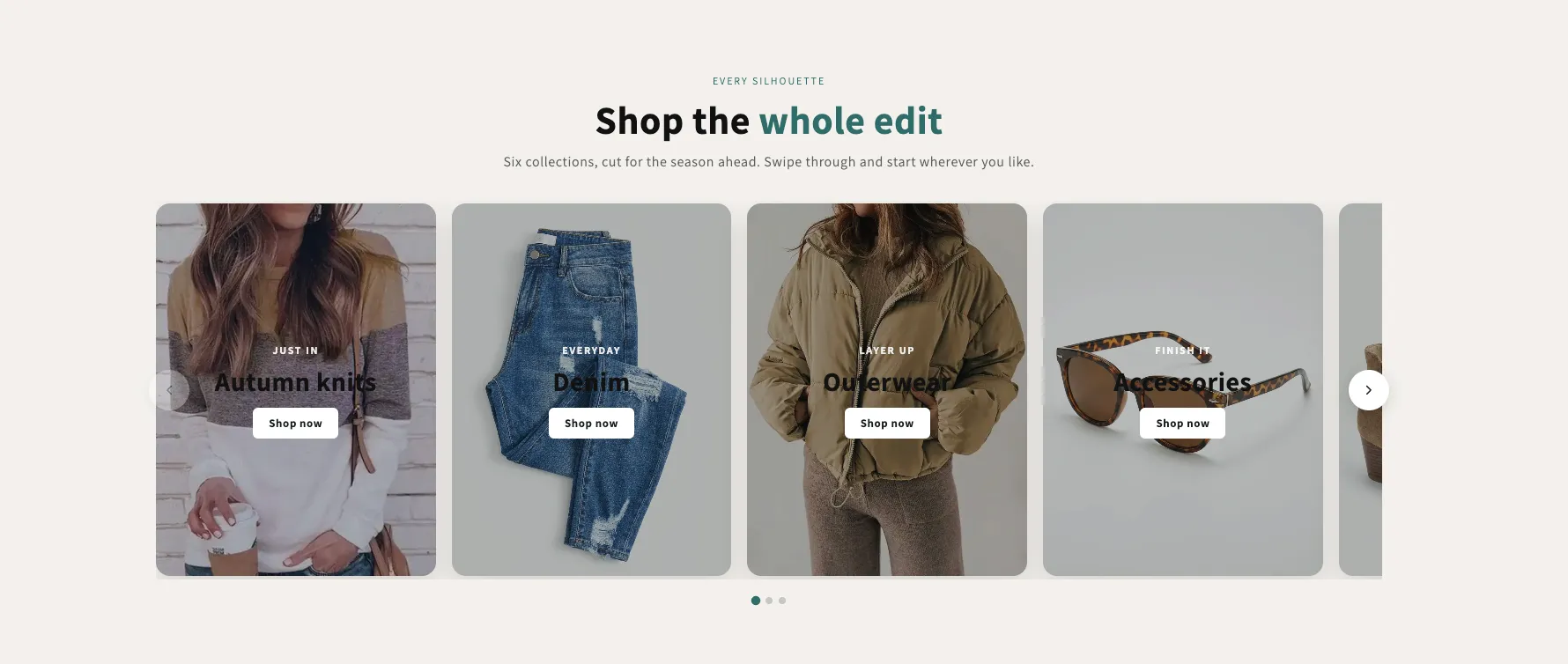
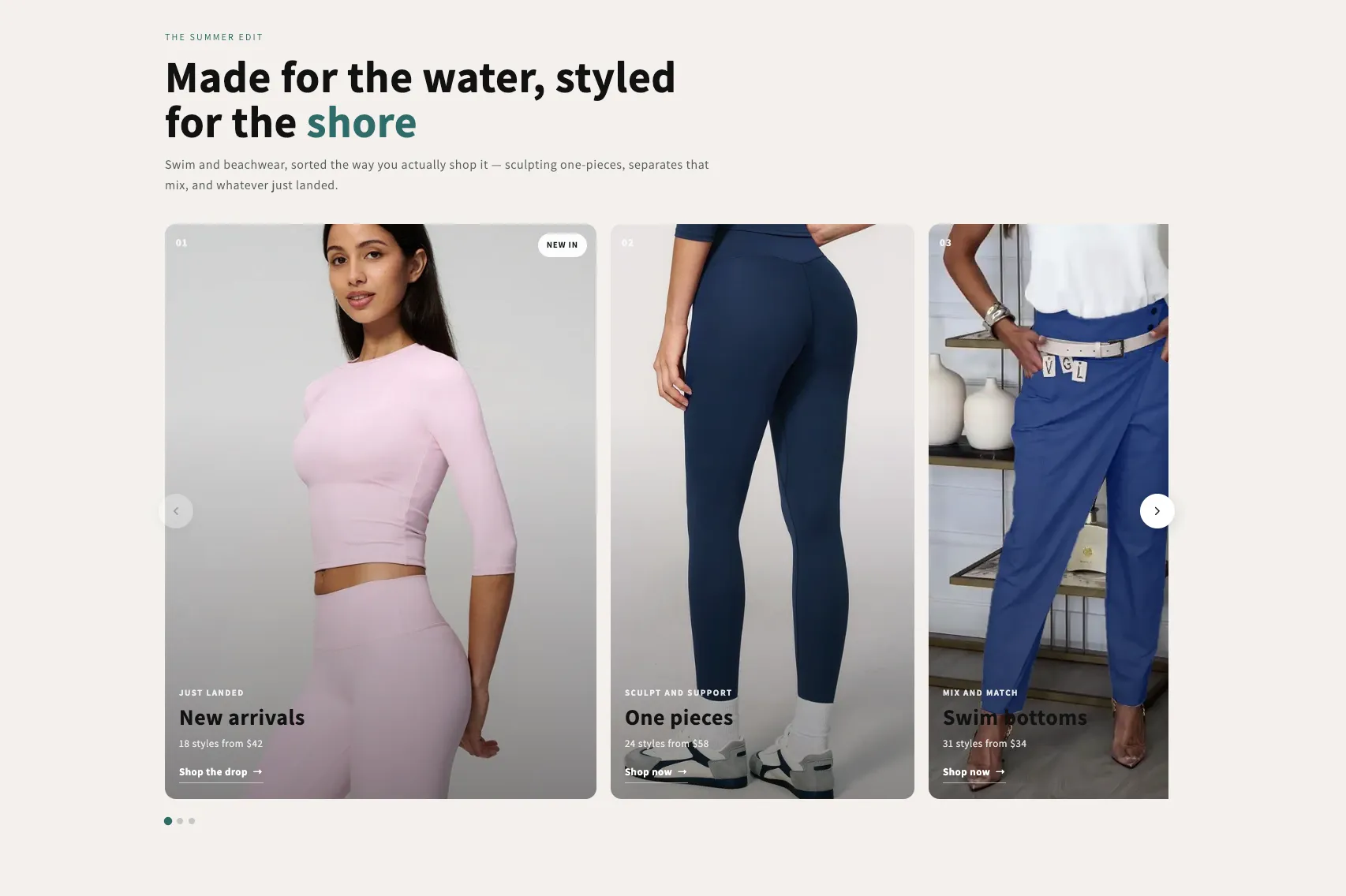
A rail of full-bleed collection cards with the copy laid over the photo, positioned in any of nine spots — set separately for desktop and phones. Optional autoplay, dots and arrows, each toggled per screen size.

View section →
Preview of the Shop Collections 6 Shopify section Free

Shop Collections 6

19 installs

Collection Showcases

An editorial rail of collection cards with a numbered index, a badge, a kicker, a title and a meta line over a graded photo. One grade across mismatched photography makes the set read as one. Optional autoplay with a real pause control.

View section →
Preview of the Shop Collections 1 Shopify section Free

Shop Collections 1

17 installs

Collection Showcases

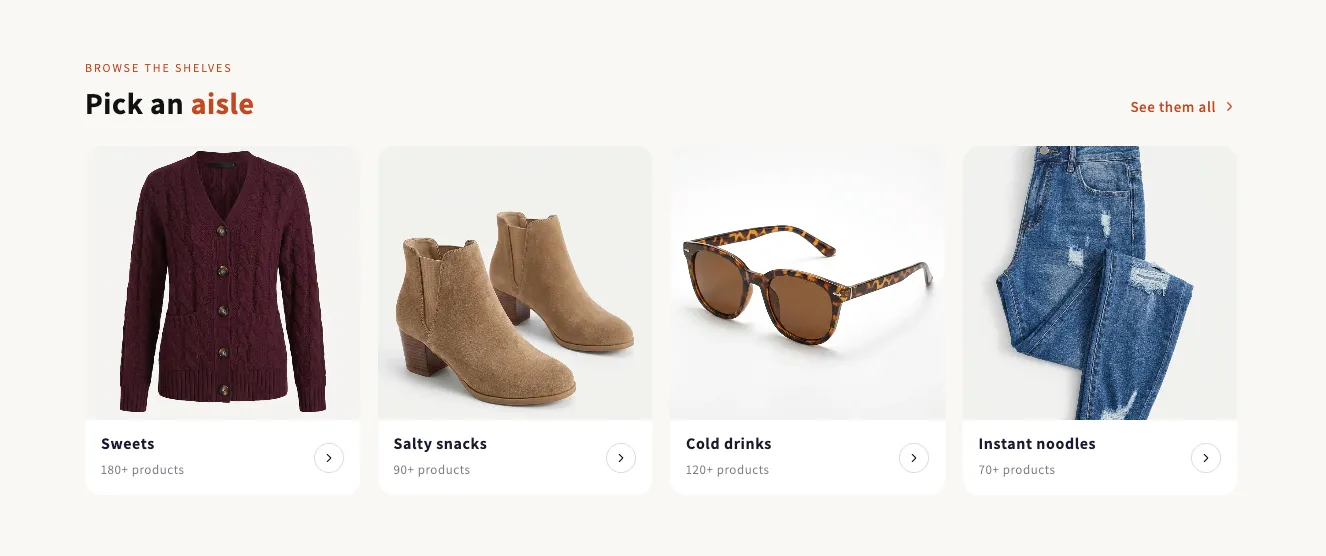
A grid of collection tiles in one of three shapes: a caption under the photo, a caption on the photo, or text-only chips for a shop-by-brand row. Ships with a preset for each. No script at all.

View section →
Preview of the Shop Collections 4 Shopify section Free

Shop Collections 4

17 installs

Collection Showcases

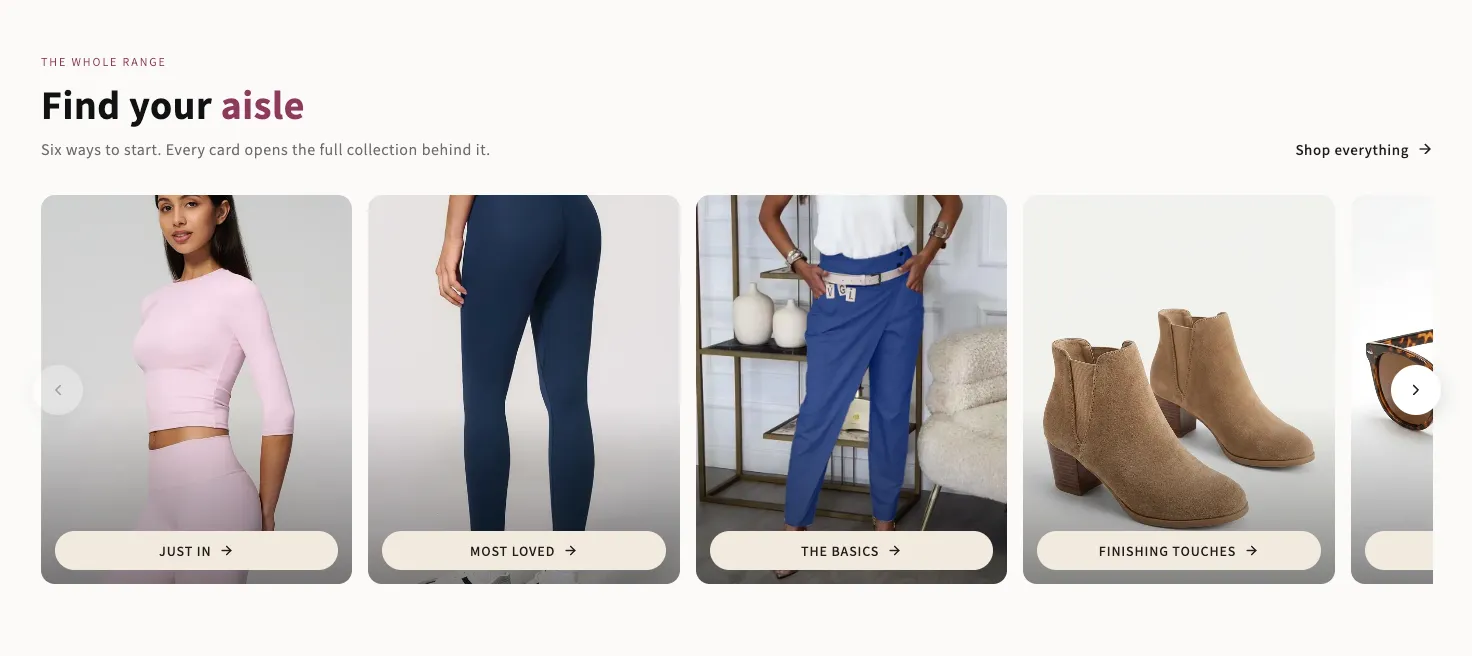
A rail of photo cards with a button sitting on each one. Every colour that ends up as text — including the button's hover state — is measured against the surface it actually lands on. Arrows sit over the cards or in the header.

View section →
Preview of the Shop Collections 5 Shopify section Free

Shop Collections 5

Collection Showcases

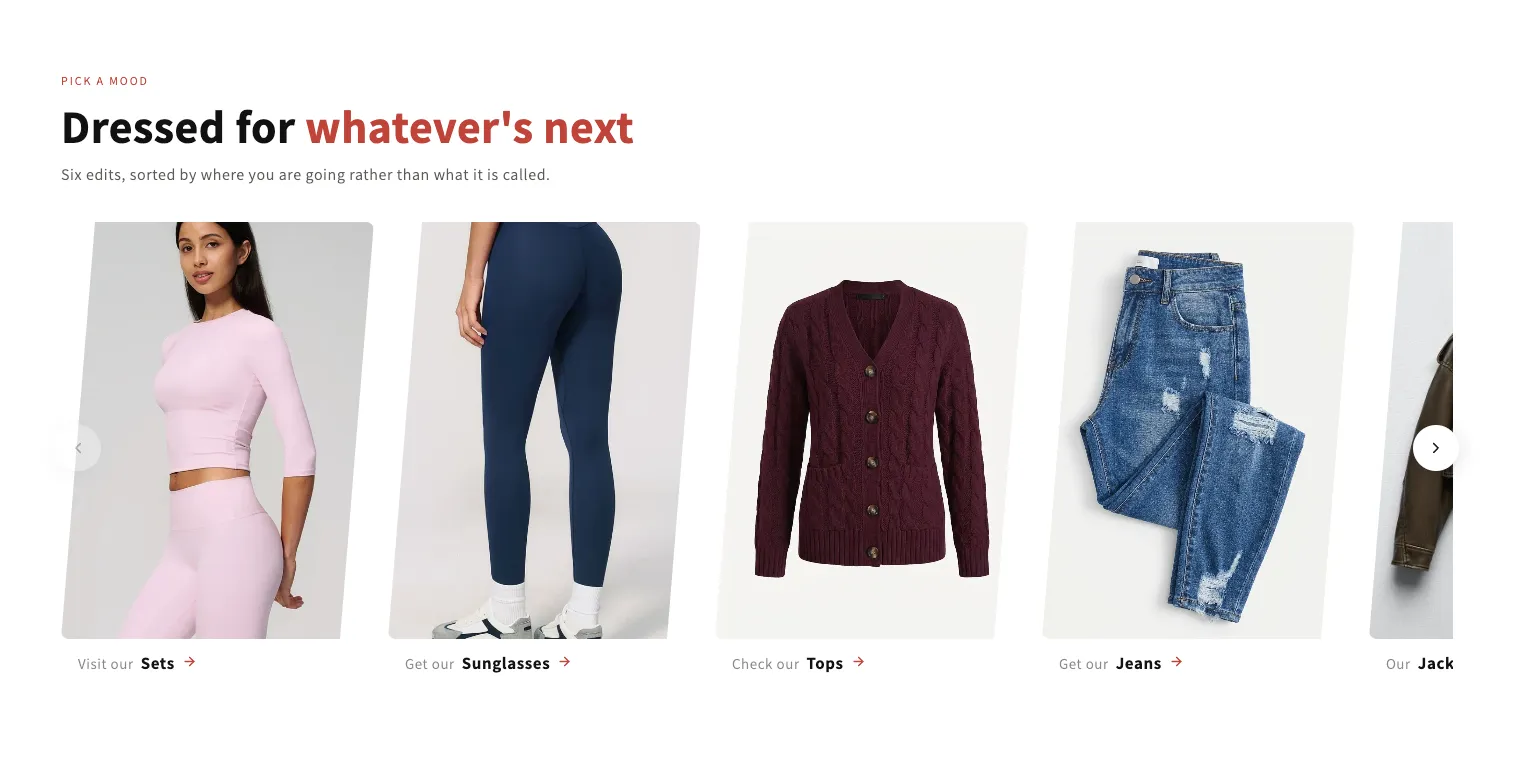
A rail of leaning category cards. The lean is a clip on the photo, so captions stay upright and legible; set it to zero for ordinary rectangles. Each card takes an optional hover photo and a lead word before its title.

View section →
Preview of the Shop Collections 2 Shopify section Free

Shop Collections 2

21 installs

Collection Showcases

A row of category pills that navigates a shop. The pill for the collection being viewed fills itself automatically; on any other page you can flag one to lead with. Optional real product counts, wrapping or swiping on phones.

View section →
Preview of the Shop Collections 3 Shopify section Free

Shop Collections 3

Collection Showcases

A swipeable rail of category cards, each on its own colour with a photo plate underneath the copy. The text colour on every card is measured against that card's own colour, so any palette stays readable. Counter, arrows and a progress bar.

View section →
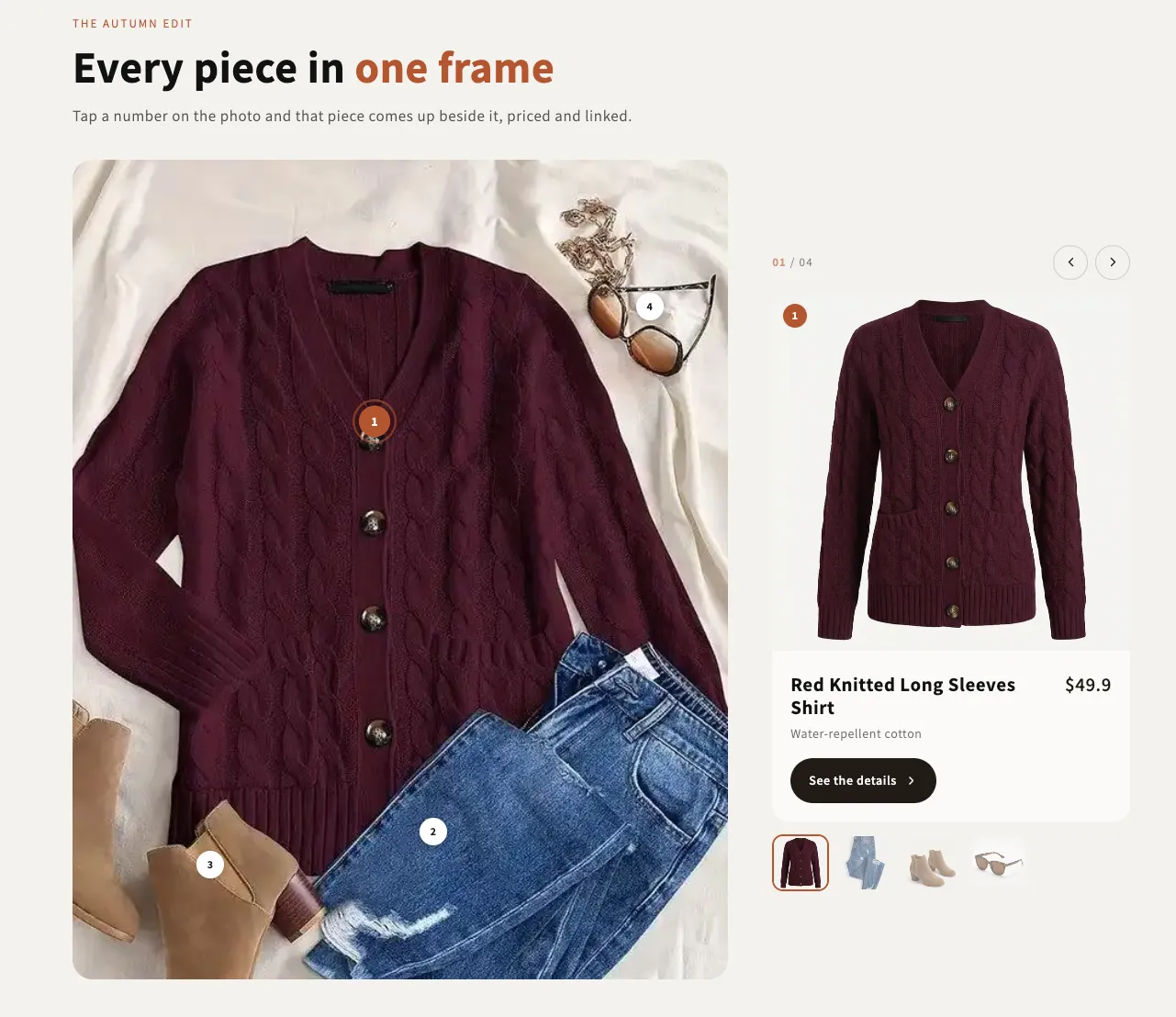
Preview of the Shop The Look 5 Shopify section Free

Shop The Look 5

Product Showcases

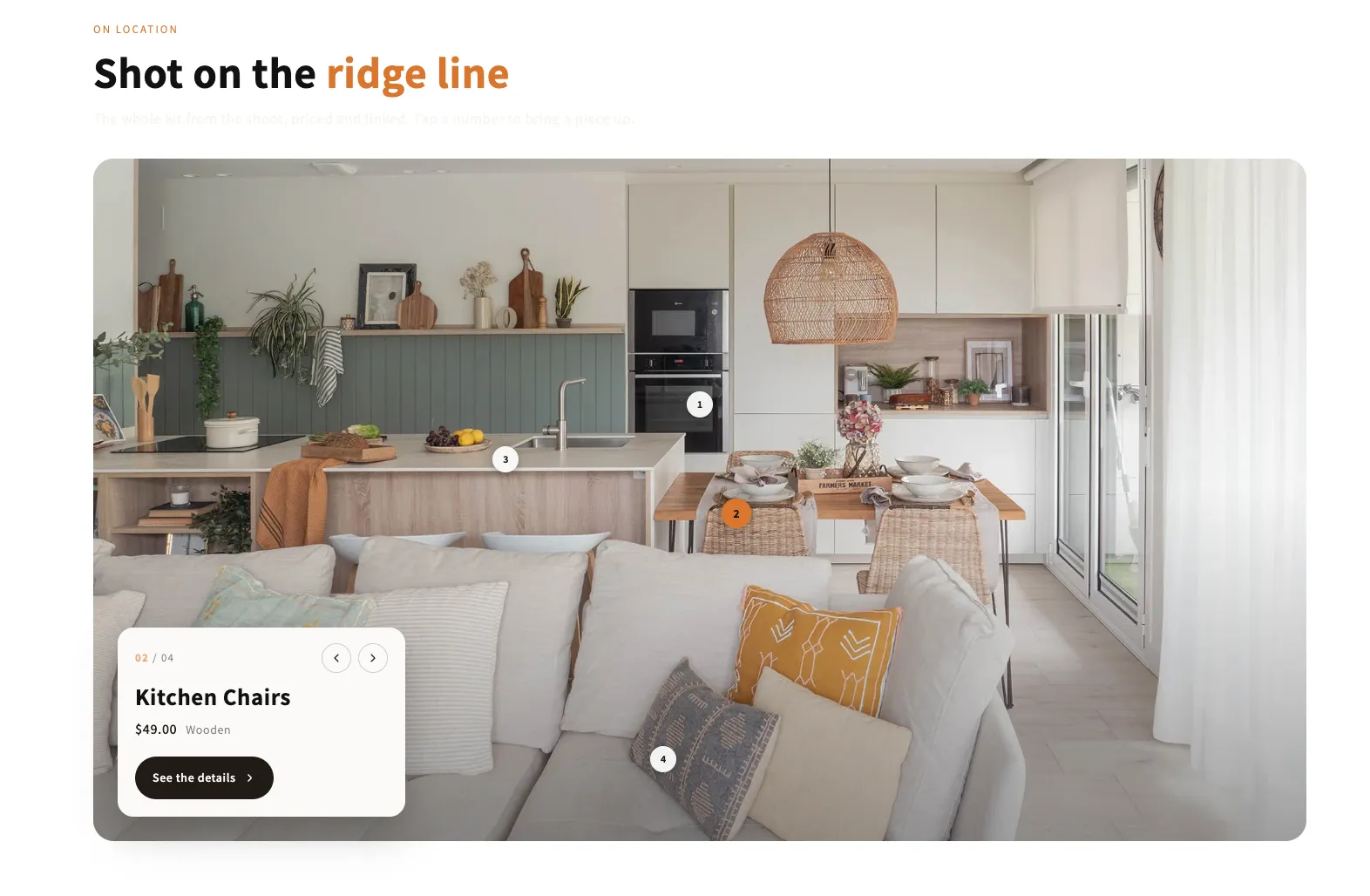
An editorial full-bleed shot with numbered pins and one card floating in a corner of it. The card follows whichever pin is open, and on phones it can drop below the photo instead of covering the look.

View section →
Preview of the Shop The Look 4 Shopify section Free

Shop The Look 4

Product Showcases

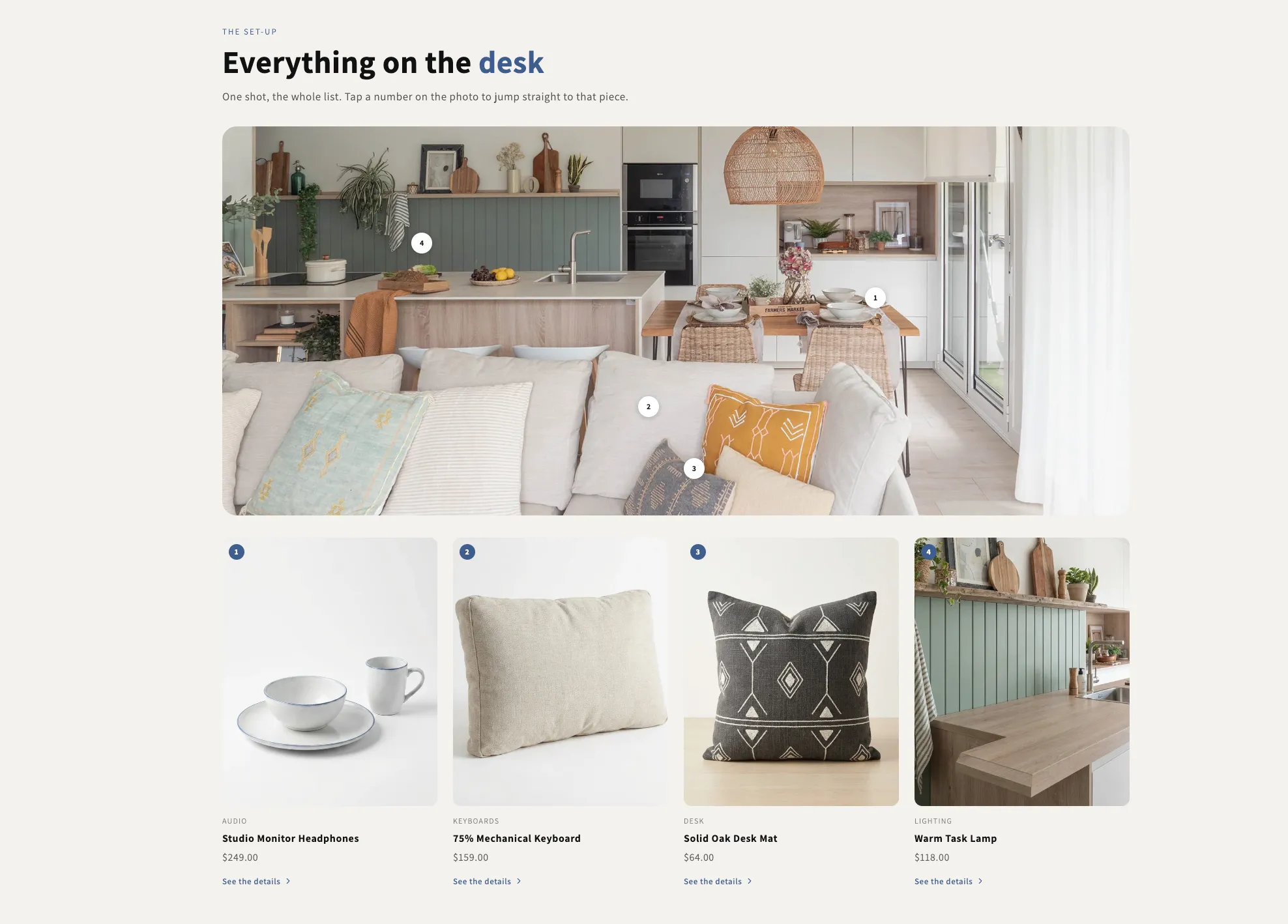
One wide shot with numbered pins and the full list laid out underneath. A pin scrolls its card into view and rings it, and hovering a card lights its pin, so the photo and the grid always read as the same list.

View section →
Preview of the Shop The Look 3 Shopify section Free

Shop The Look 3

Product Showcases

A swipeable rail of styled scenes, each with its own pins and captions. Every pin opens a small product card over the photo, and the badge counting the pieces in a scene is worked out from the pins themselves so it can never go stale.

View section →
Preview of the Shop The Look 2 Shopify section Free

Shop The Look 2

Product Showcases

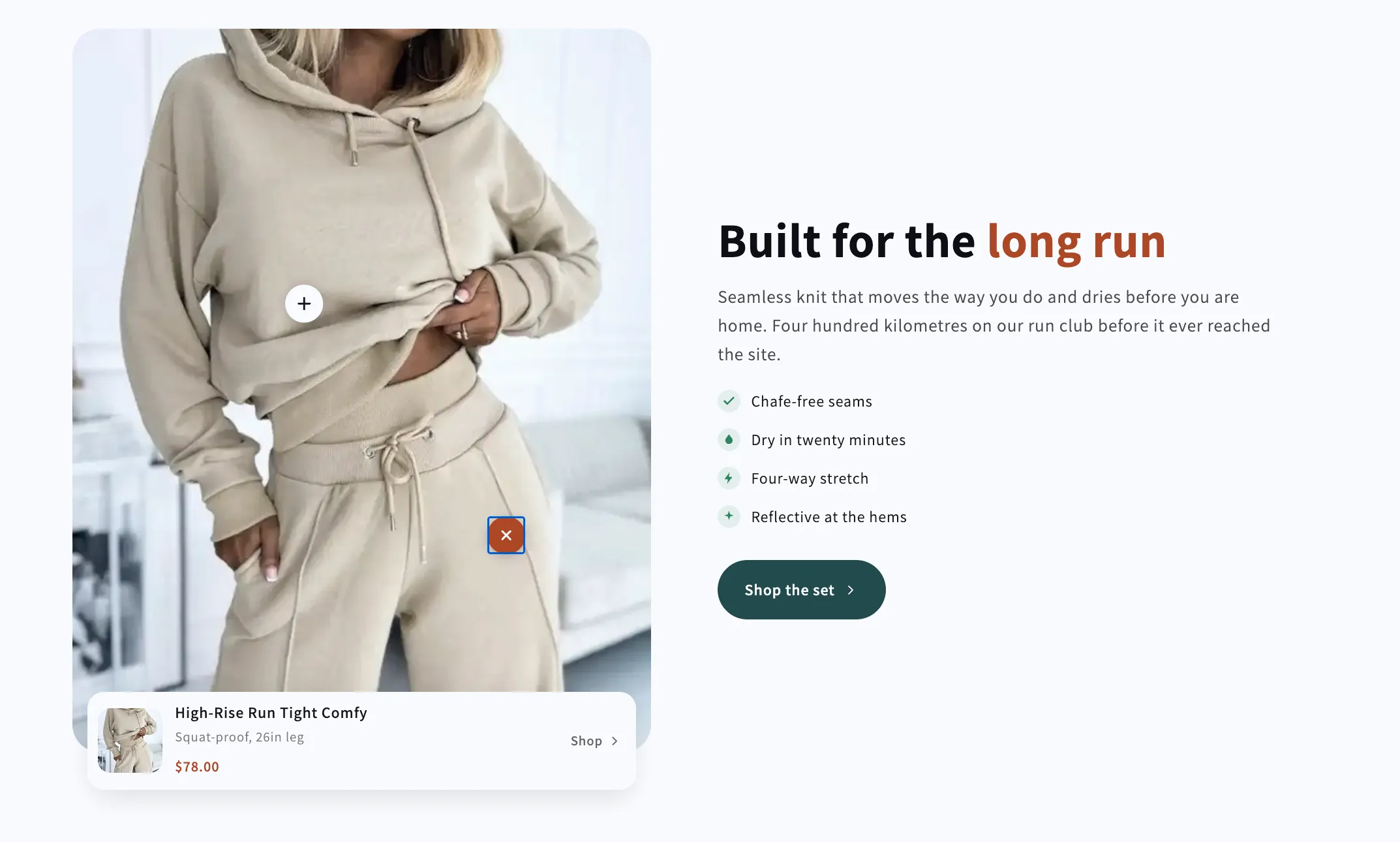
A shoppable photo on one side and the sales copy on the other. Pins open a product card docked to the bottom of the photo, while the copy column is built from heading, text, checklist and button blocks you can reorder freely.

View section →
Preview of the Shop The Look 1 Shopify section Free

Shop The Look 1

Product Showcases

A styled photo with numbered pins and a product card beside it that follows whichever pin is open. Arrows, a counter and a thumbnail row all drive the same index, so the card, the pins and the thumbs can never disagree.

View section →
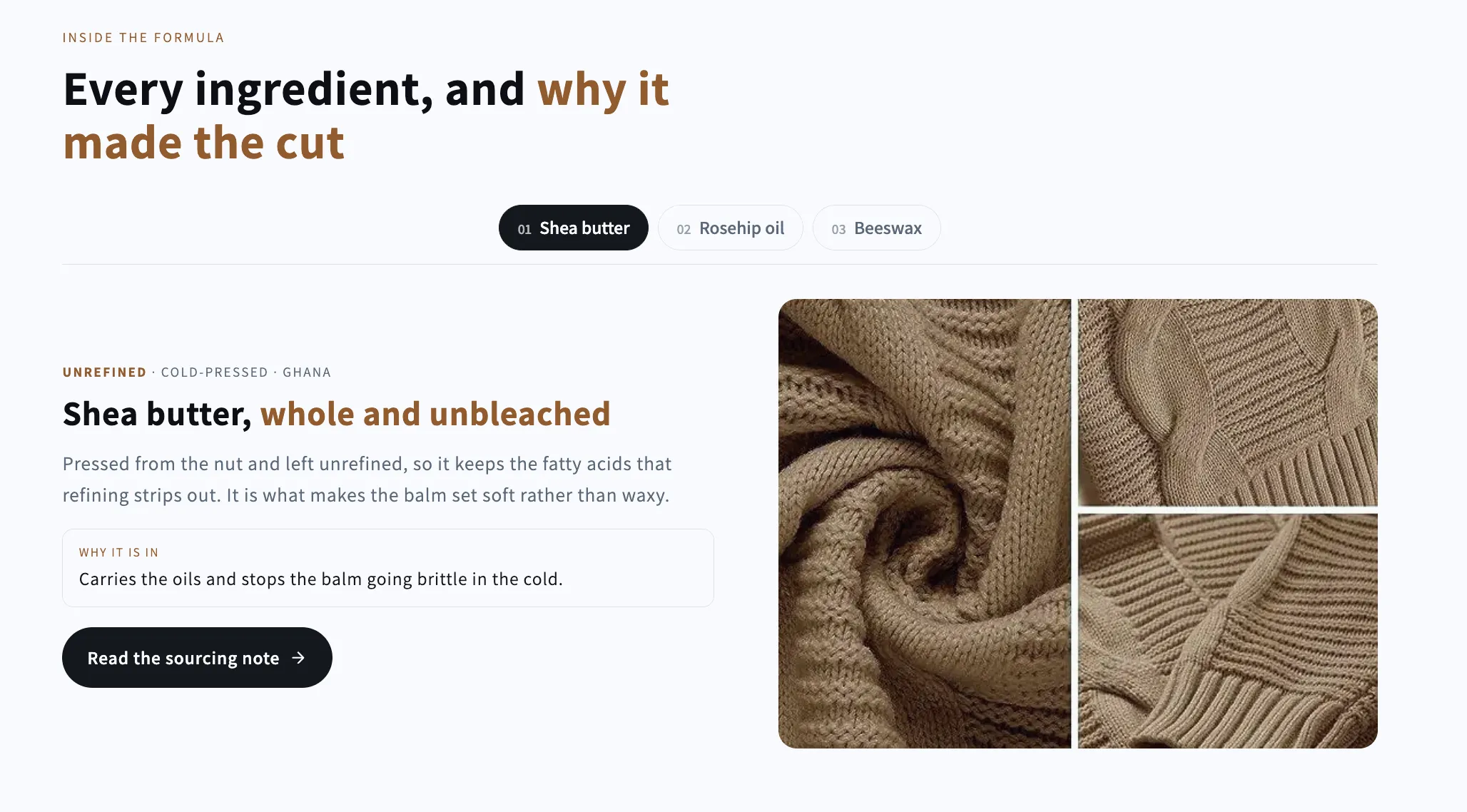
Preview of the Ingredient Tabs Shopify section Free

Ingredient Tabs

Image with Text

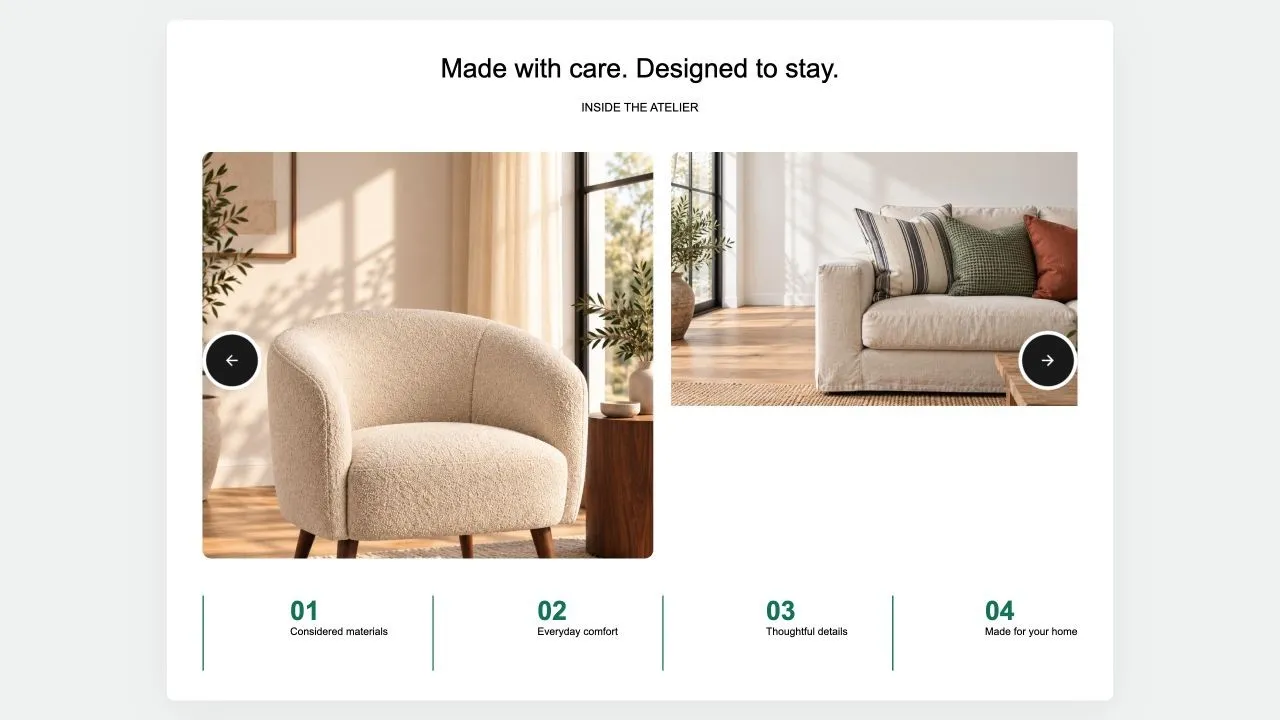
A tab bar that swaps both the picture and the copy: one panel per ingredient, material or step, each with its own credential line, reason and link. Full keyboard navigation.

View section →
Preview of the Media Proof Shopify section Free

Media Proof

Testimonials & Reviews

A large claim beside a tall picture, backed by a credentials list and one real customer review with a half-step star rating you enter yourself.

View section →
Preview of the Media Tabs Shopify section Free

Media Tabs

FAQ Sections

A picture beside an accordion of answers, with optional chips underneath for the offers that close a sale. Takes a separate mobile crop and a link on the image.

View section →
Preview of the Selling Points Shopify section Free

Selling Points

Image with Text

One picture or clip beside the argument for buying: a headline, a paragraph, a numbered checklist of reasons and two buttons. External video opens in a popup that loads nothing until it is clicked.

View section →
Preview of the Image Collage Shopify section Free

Image Collage

16 installs

Content & Extras

Copy and a checklist beside a grid of photos that rearranges itself around how many there are, from one to a full gallery. Every photo takes its own caption and link.

View section →
Preview of the Feature Rows Shopify section Free

Feature Rows

Image with Text

A stack of alternating image-and-text rows under one header, numbered if you want. Each row carries its own link, image label and clickable image.

View section →
Preview of the Media Specs Shopify section Free

Media Specs

Image with Text

A picture beside the claims that close a sale: an optional star rating you enter yourself, then rows pairing what a product does with what it gets the customer.

View section →
Preview of the Editorial Story Shopify section Free

Editorial Story

Image with Text

A magazine-style spread: a large heading with an italic accent beside one picture or clip. The image can link anywhere, and you choose its side on desktop and its position on mobile independently.

View section →
Preview of the Image Text Benefits Shopify section Free

Image Text Benefits

19 installs

Image with Text

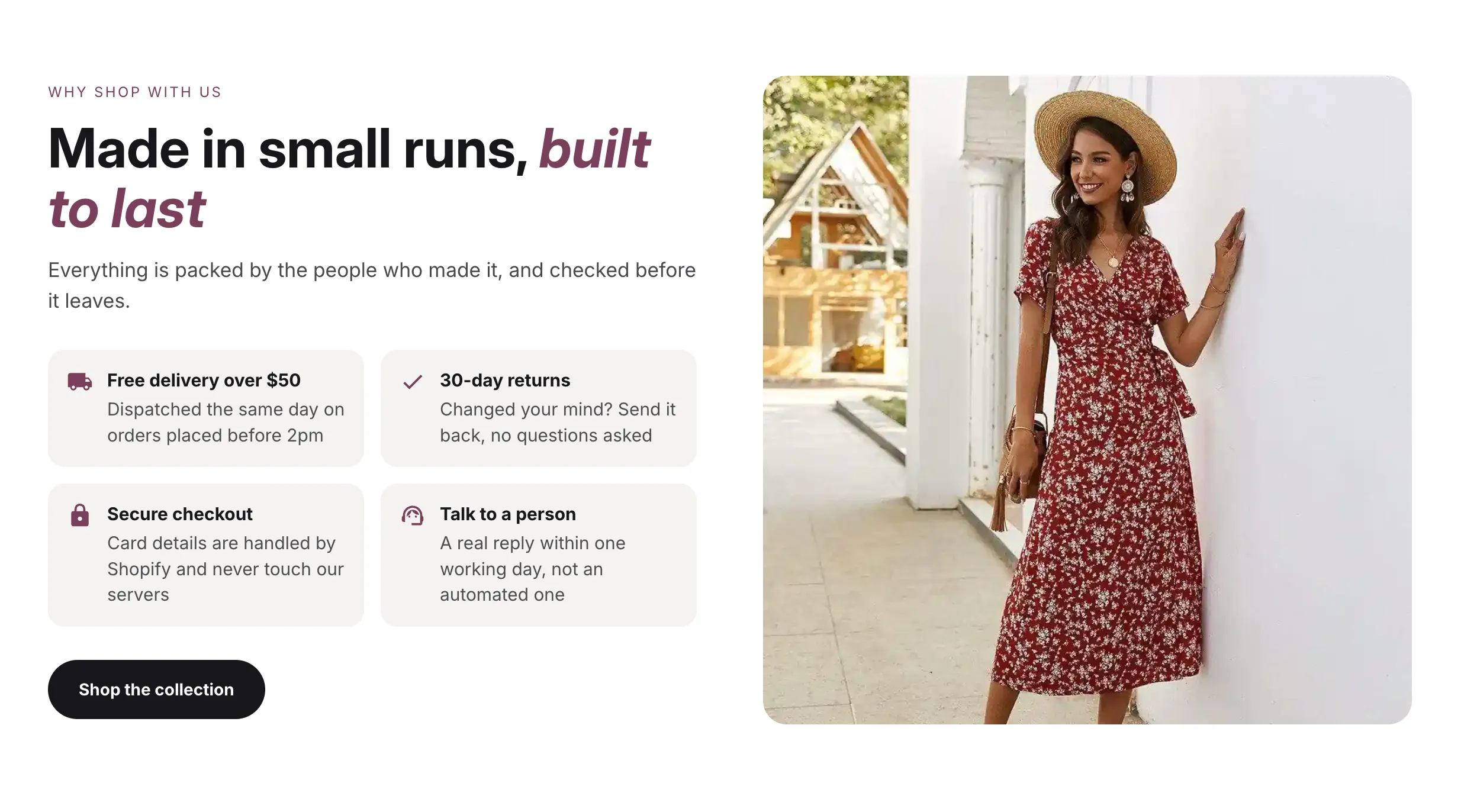
A picture beside a short grid of reasons to buy — free delivery, returns, secure checkout — each with a picked icon or one you upload. The image can link anywhere, and you choose whether it sits above or below the text on mobile.

View section →
Preview of the Video Quick Shop Shopify section Free

Video Quick Shop

16 installs

Shoppable Video & Stories

Shoppable clips that sell without leaving the page: each card carries its product, its variants and an add-to-cart, and opens full size in a popup with the description. Supports uploaded video or YouTube and Vimeo.

View section →
Preview of the Shoppable Slider Shopify section Free

Shoppable Slider

15 installs

Shoppable Video & Stories

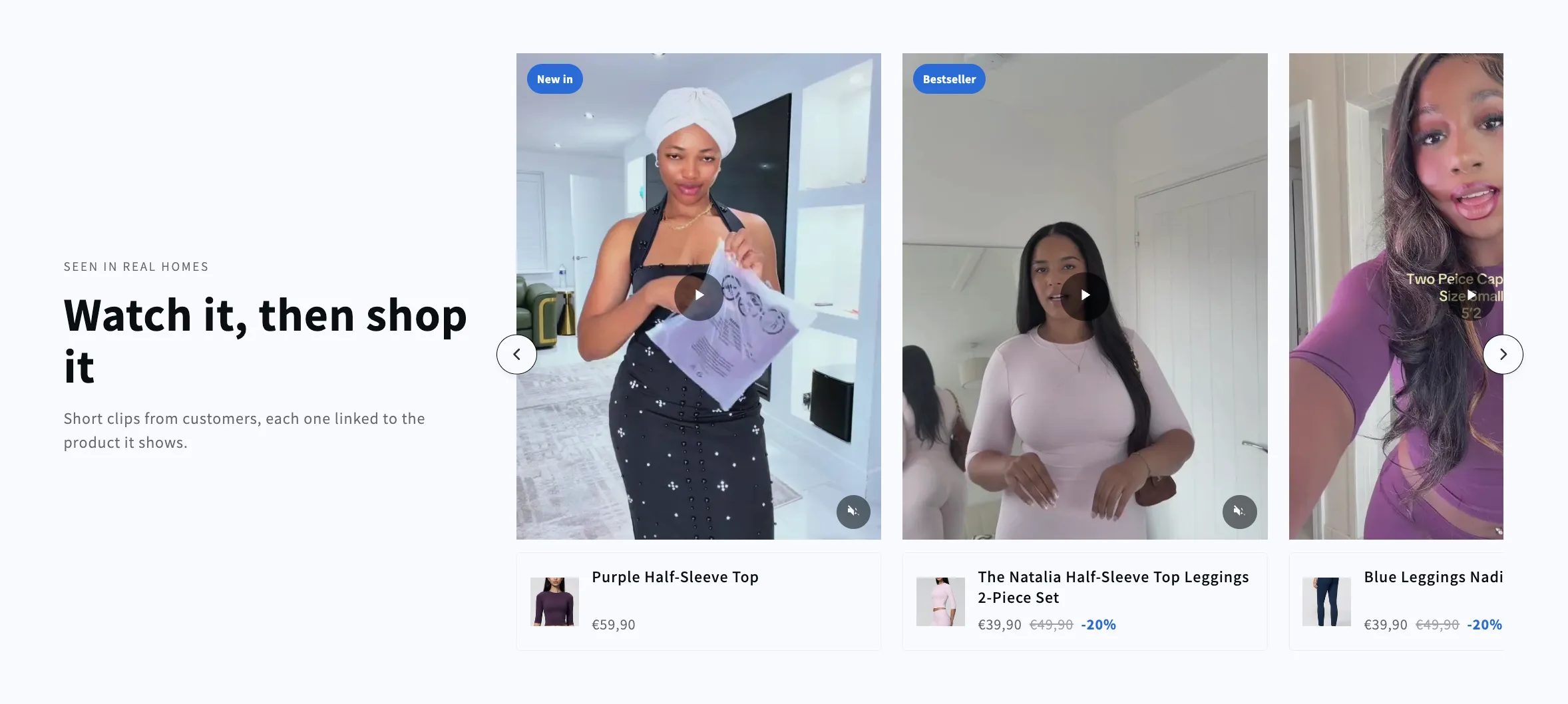
A headline beside a side-scrolling row of shoppable clips. Each video carries the product it shows, with its image, name and price in a card below, and the row keeps its card size however few clips are left.

View section →
Preview of the Social Posts Shopify section Free

Social Posts

Shoppable Video & Stories

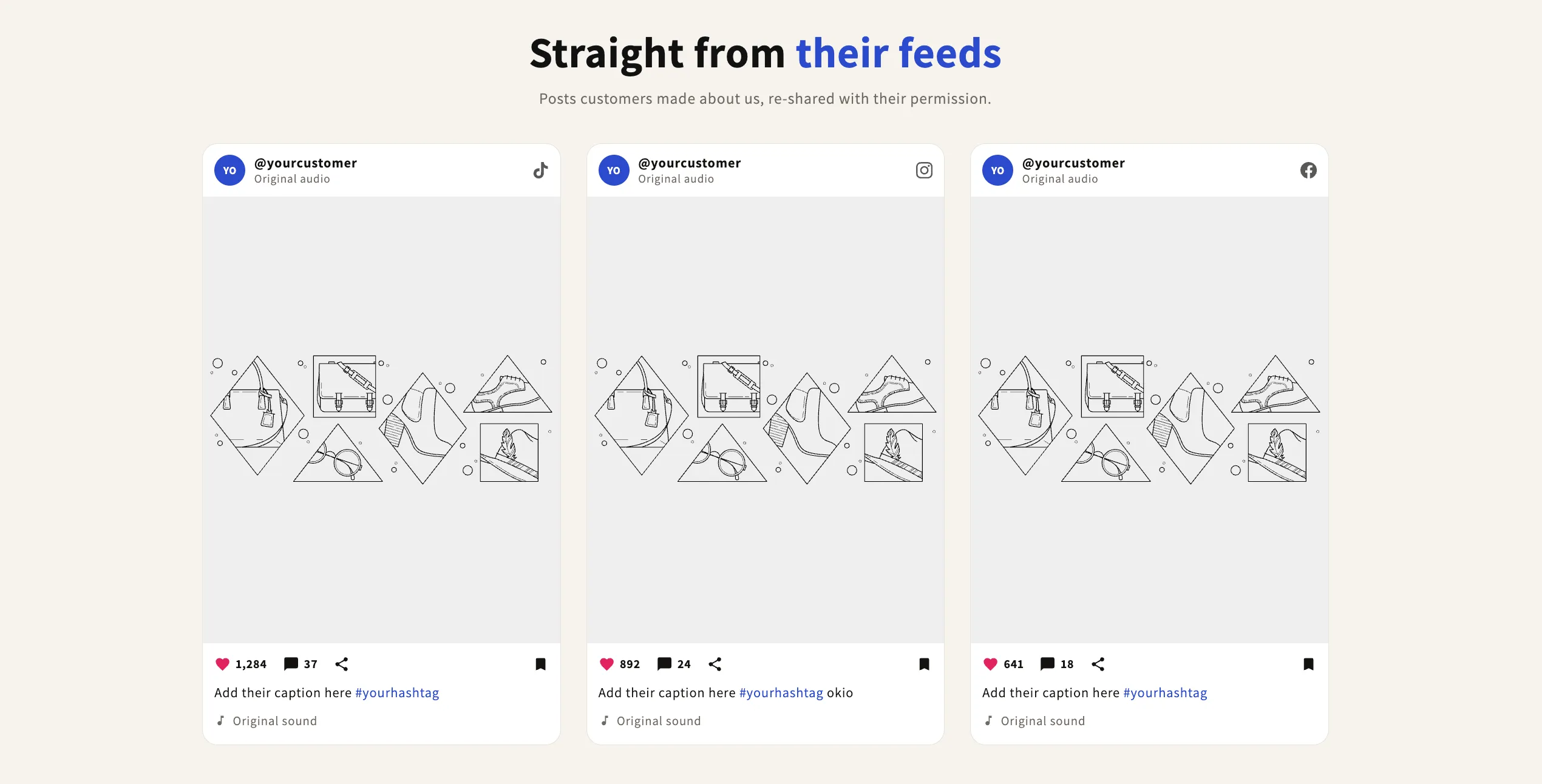
Customer posts in an Instagram or Facebook style card — profile row on top, image or clip in the middle, likes, caption and hashtags below. Three per row by default. The likes and comments row is deliberately decorative: the icons are not buttons and the counts are the real numbers you type. Switch the frame setting to show vertical reels instead.

View section →
Preview of the Social Reels Shopify section Free

Social Reels

Shoppable Video & Stories

Customer clips shown in a social frame — feed post or vertical reel — with handle, caption, platform logo and sound line. Hashtags in the caption tint themselves. The likes and comments row is deliberately decorative: the icons are not buttons and the counts are the real numbers you type, so nothing on the page pretends to be live.

View section →
Preview of the Shoppable Reels Shopify section Free

Shoppable Reels

Shoppable Video & Stories

A scrolling rail of vertical clips, each with a product card floating over it — price, sale price and badges all read from your catalogue. New and discount badges are calculated, never typed, in four styles and two positions. Clips play only as they scroll into view, hide individually, and the card text color adapts to stay readable on any card color.

View section →
Preview of the Shoppable Video Shopify section Free

Shoppable Video

Shoppable Video & Stories

A grid of short vertical videos, each tied to a product with its image, name, price and discount. Play automatically, on hover or on click; YouTube and Vimeo load only when clicked so several embeds never slow the page. Cards hide individually and the grid follows how many are shown.

View section →
Preview of the Collection Circles Shopify section Free

Collection Circles

26 installs

Collection Showcases

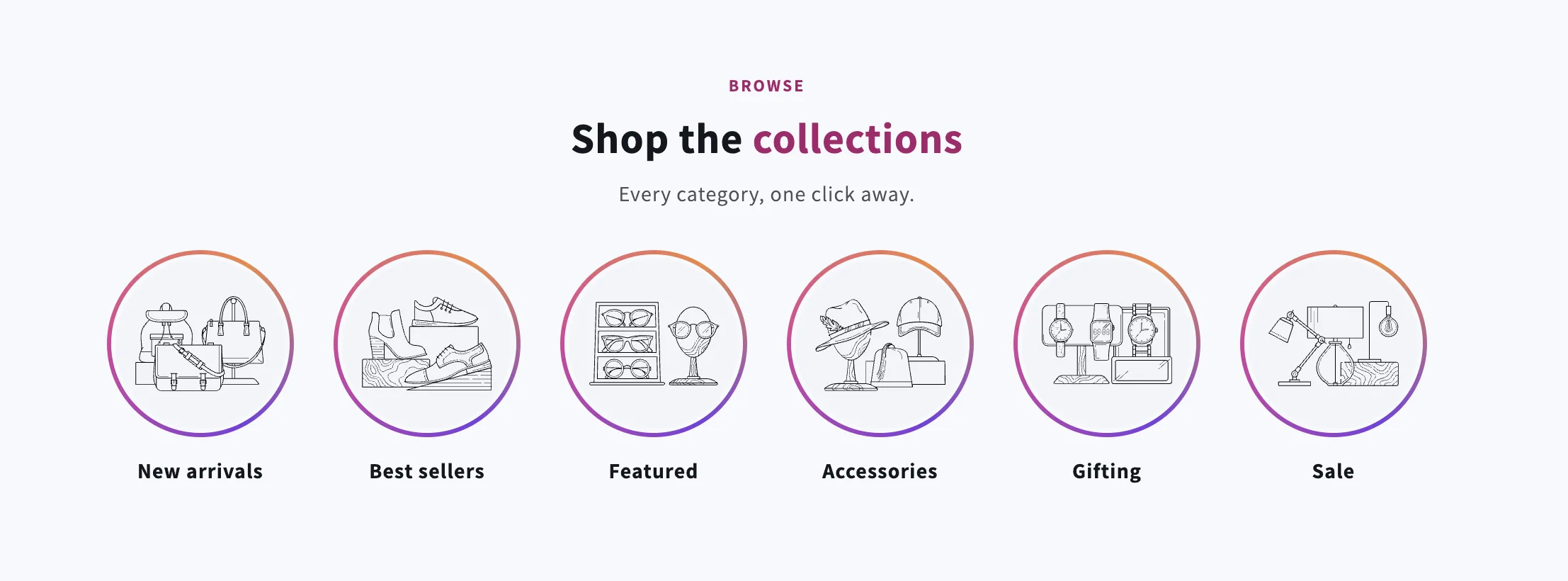
Circular category links in a row that scrolls or wraps, each framed by a gradient or solid ring. Pick a collection to make the whole circle clickable, or point it anywhere with a link. Captions fall back to the collection title, discs hide individually, and everything — ring style, sizes, colors, spacing — is set in the theme editor.

View section →
Preview of the Video Stories Shopify section Free

Video Stories

Shoppable Video & Stories

Instagram-style rail of tappable video bubbles that opens a full-screen player with progress bar, sound toggle, swipe navigation and a call-to-action per video. Places itself anywhere on the product page. No external libraries.

View section →
Preview of the Study Slider Shopify section Free

Study Slider

Hero & Banners

Card slider with heading, description, and navigation buttons. Features customizable card dimensions, gap spacing, stats section, and smooth slide transitions with arrow navigation.

View section →
Preview of the Testimonial Spotlight Shopify section Free

Testimonial Spotlight

42 installs

Testimonials & Reviews

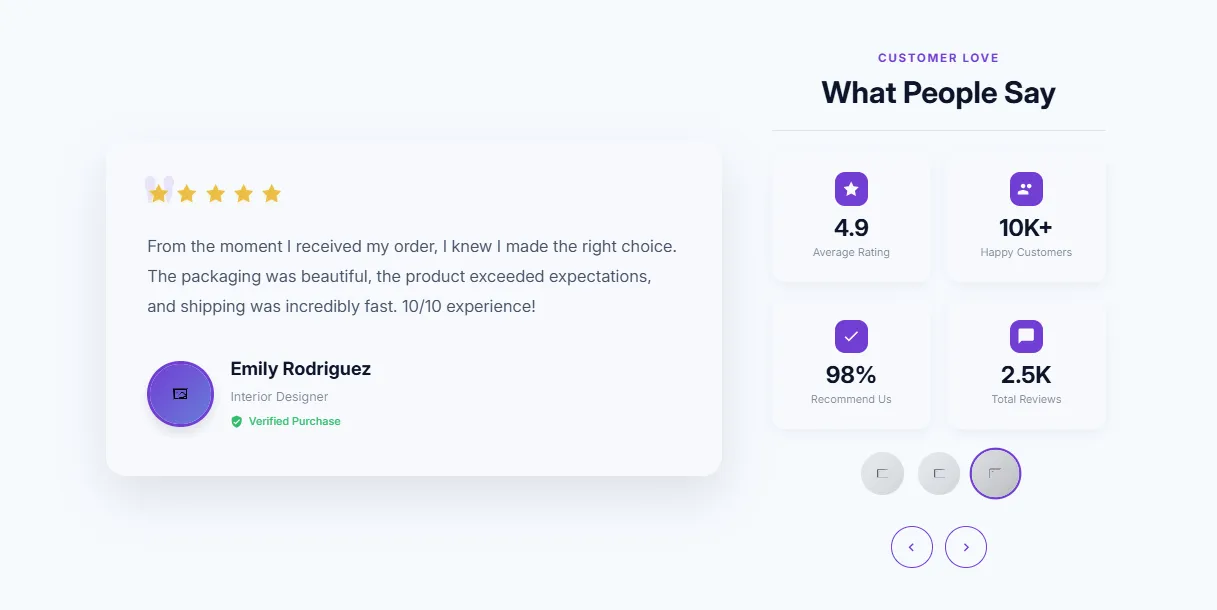
Large featured testimonial with side info panel. Prominent single review display, customer photo, detailed quote, company logo, and supporting statistics.

View section →
Preview of the Reviews Marquee Shopify section Free

Reviews Marquee

61 installs

Testimonials & Reviews

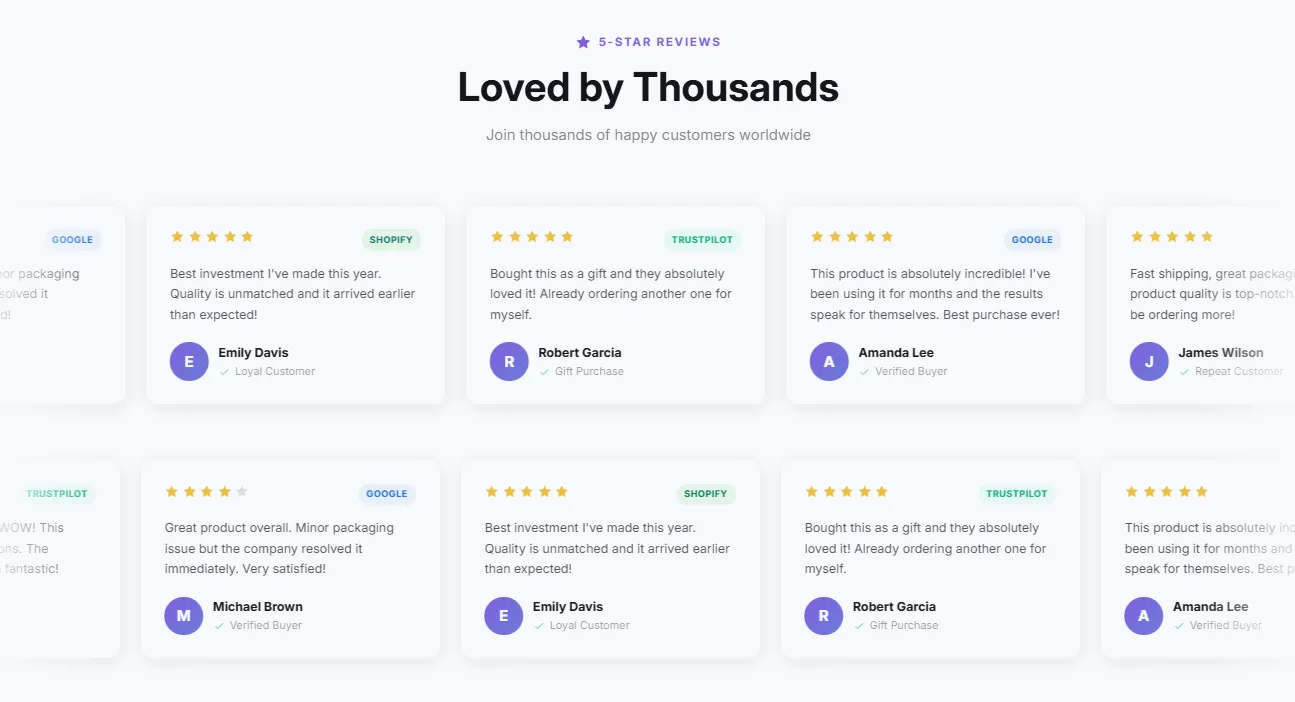
Infinite scrolling ticker-style reviews with modern design. Continuous horizontal scroll, pause on hover, customizable speed, and clean card design.

View section →
Preview of the Video Testimonials Shopify section Free

Video Testimonials

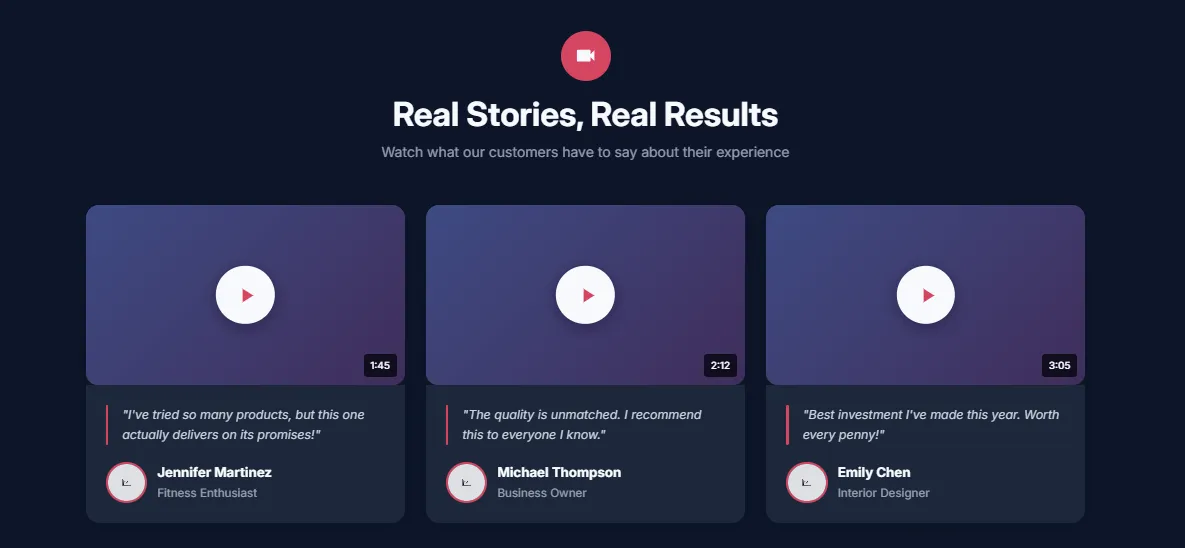
34 installs

Shoppable Video & Stories

Showcase customer video reviews with thumbnails and lightbox. Play button overlay, video modal popup, customer name and title, and thumbnail grid layout.

View section →
Preview of the Reviews Wall Shopify section Free

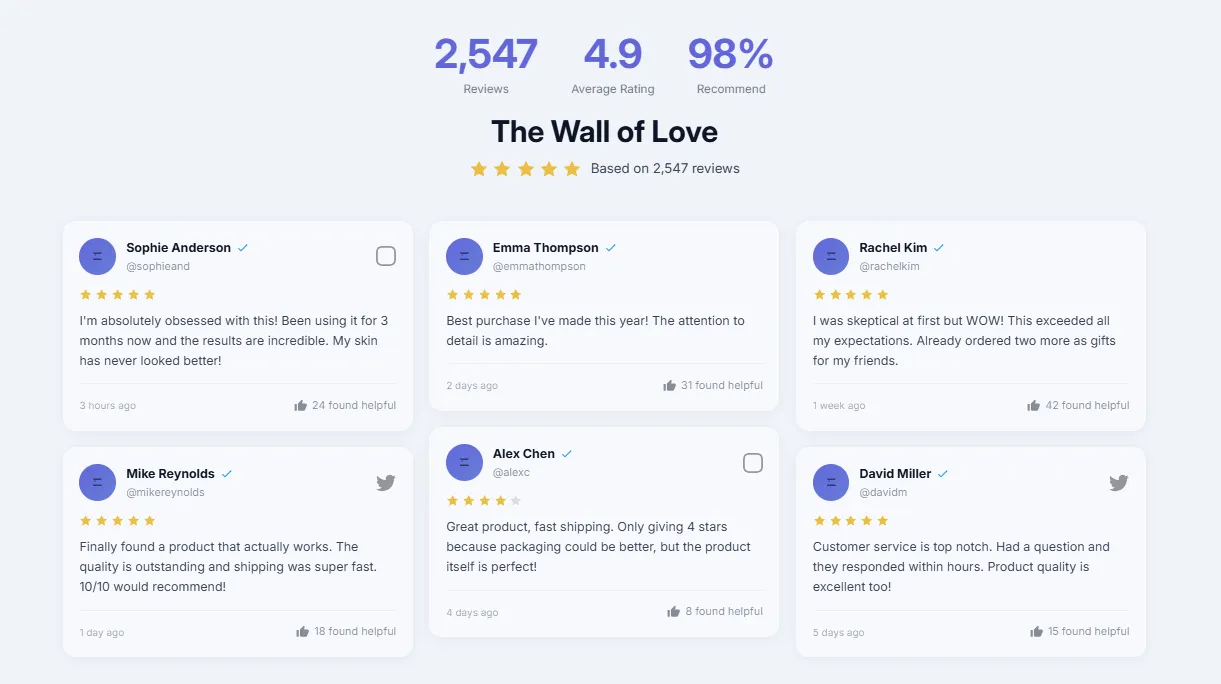
Reviews Wall

51 installs

Testimonials & Reviews

Pinterest-style masonry layout with social media look. Mixed review sizes, source icons (verified, Instagram, etc.), and dynamic flowing layout.

View section →
Preview of the Testimonials Grid Shopify section Free

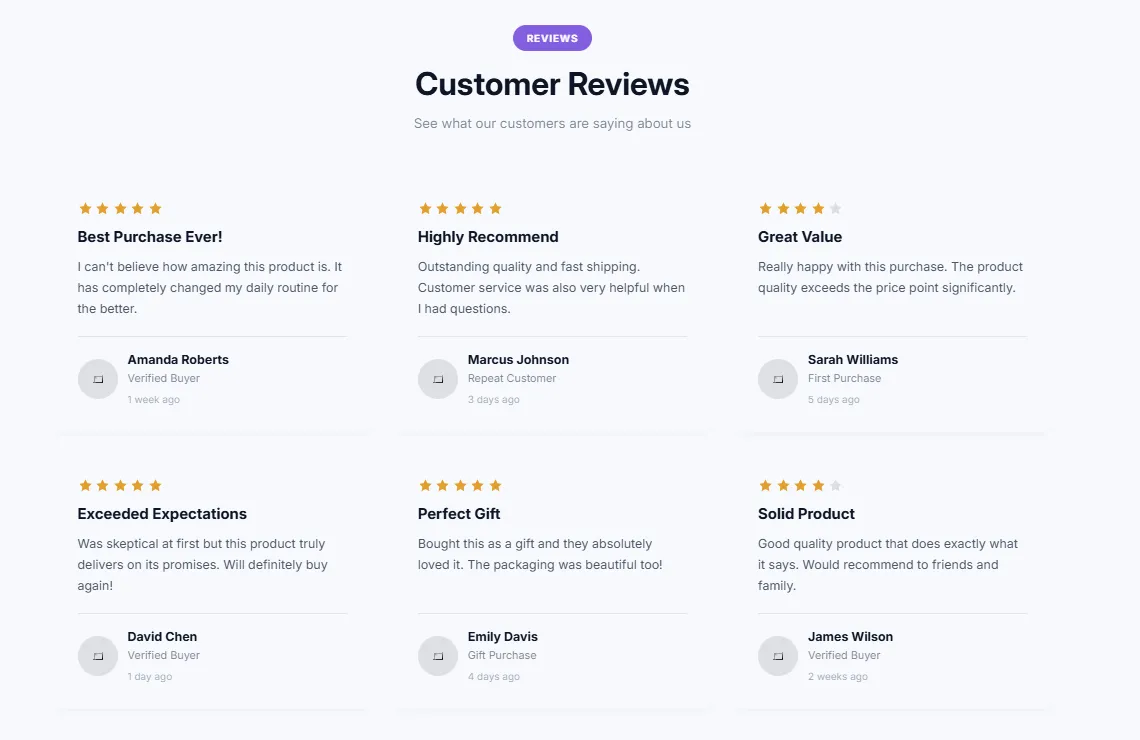
Testimonials Grid

Testimonials & Reviews

Static grid layout for testimonials with hover effects. Customizable columns (2-4), star ratings, customer info, and subtle lift animation on hover.

View section →
Preview of the Testimonials Carousel Shopify section Free

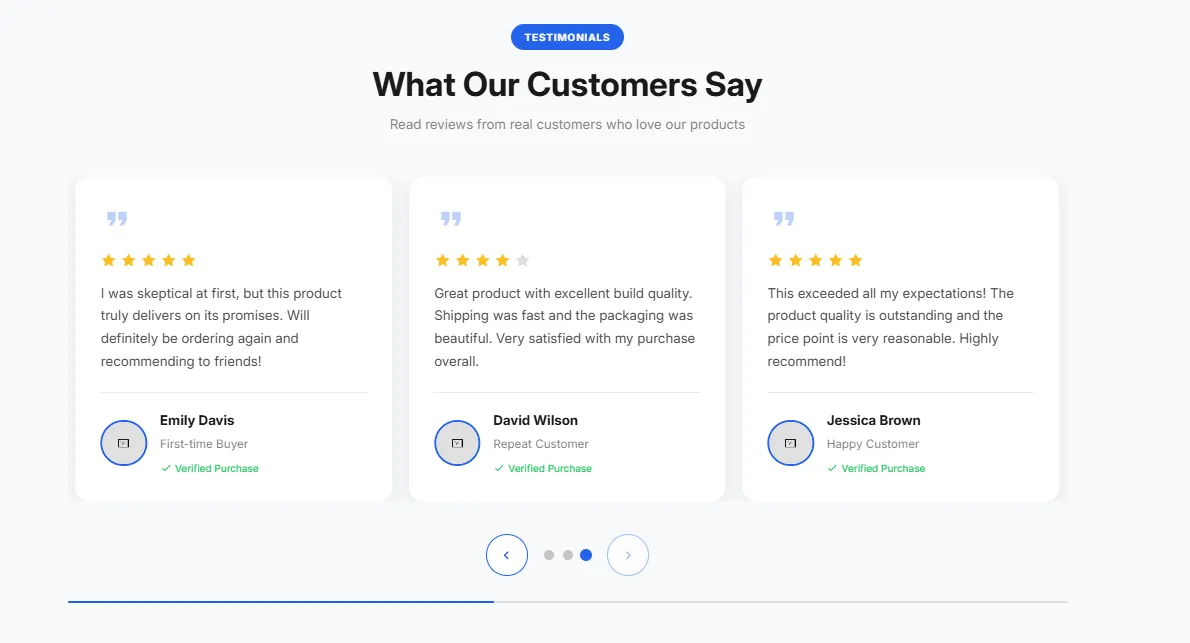
Testimonials Carousel

48 installs

Testimonials & Reviews

Customer reviews carousel with star ratings, customer photos, and smooth slide transitions. Navigation arrows, dot indicators, autoplay option, and touch swipe support.

View section →
Preview of the Product Ingredients Shopify section Free

Product Ingredients

38 installs

Product Showcases

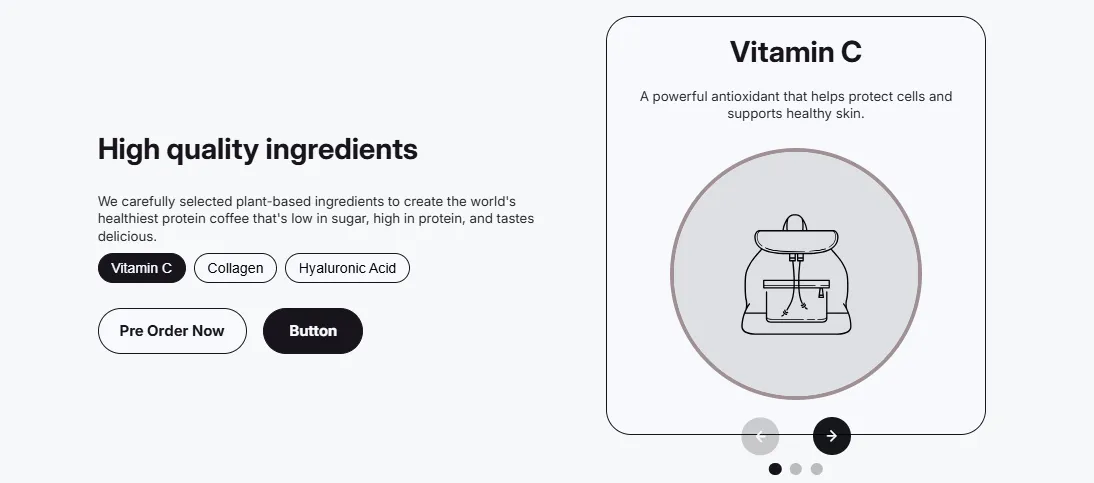
Product ingredients section with ingredient cards showing name, description, and optional image. Perfect for skincare, supplements, or food products.

View section →
Preview of the Product Bundle Shopify section Free

Product Bundle

30 installs

Product Showcases

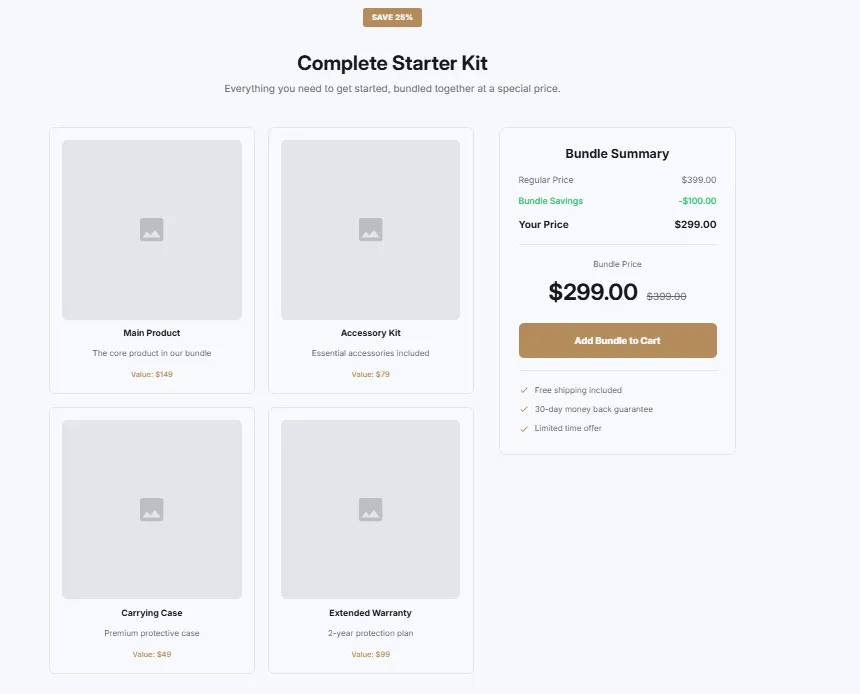
Display product bundle or kit with included items. Bundle image, list of included products, savings badge, total value display, and add bundle to cart CTA.

View section →
Preview of the Product Specifications Shopify section Free

Product Specifications

41 installs

Product Showcases

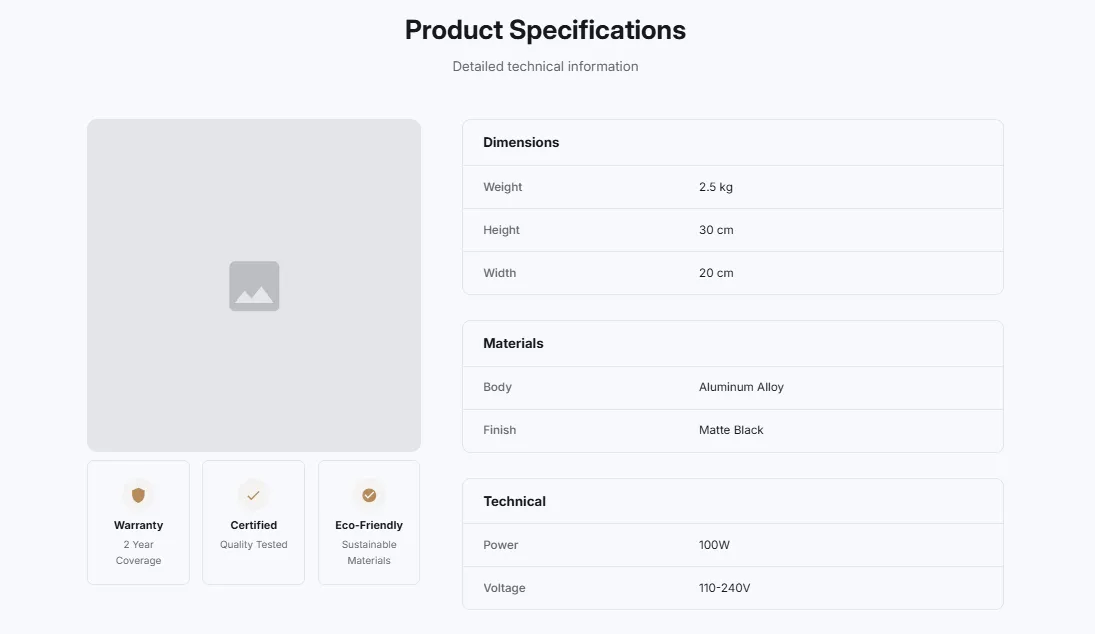
Product with detailed specifications table. Alternating row colors, specification labels and values, product image, and organized technical details.

View section →
Preview of the Product Gallery Shopify section Free

Product Gallery

65 installs

Product Showcases

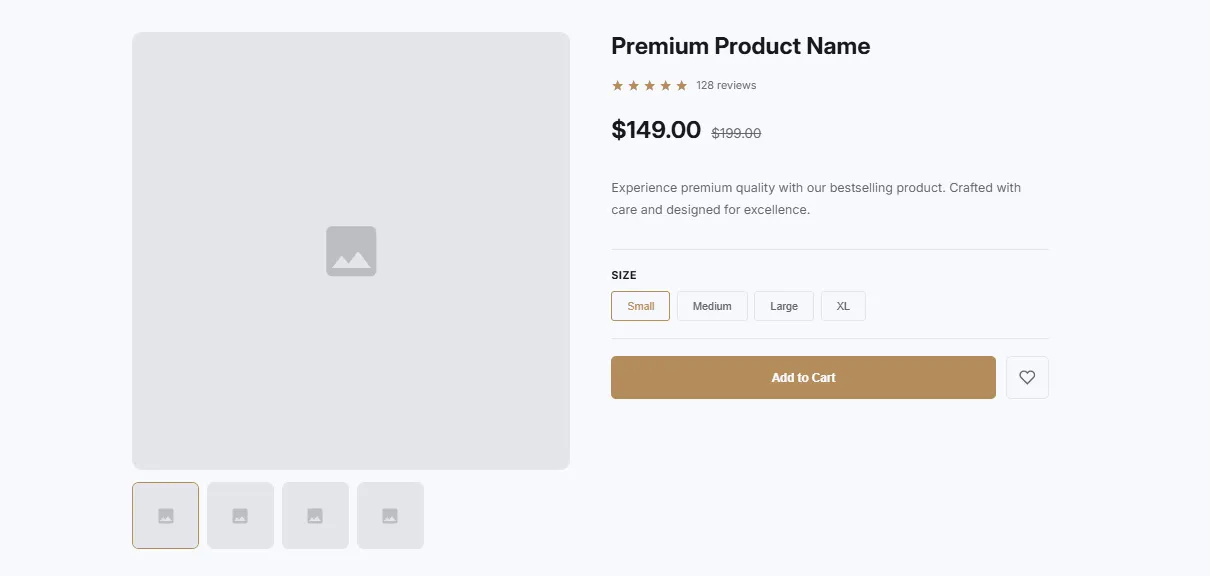
Product with image gallery and thumbnails. Main image display with thumbnail navigation, zoom on hover, and product info section with price and CTA.

View section →
Preview of the Product Features Shopify section Free

Product Features

46 installs

Product Showcases

Product display with feature highlights in a two-column layout. Large product image on one side, feature list with icons on the other, and CTA button.

View section →
Preview of the Features Numbered Shopify section Free

Features Numbered

18 installs

Feature Highlights

Numbered features/steps with descriptions in a timeline style. Circular number badges, connecting lines between steps, and optional feature bullet points per step.

View section →
Preview of the Features Cards Shopify section Free

Features Cards

44 installs

Feature Highlights

Feature cards with images in a grid layout. Image at top, title, description, and optional link. Customizable columns, hover animations, and rounded corners.

View section →
Preview of the Features Icons Grid Shopify section Free

Features Icons Grid

42 installs

Feature Highlights

Features displayed with icons in a responsive grid. SVG icon support, customizable columns (2-4), hover effects, and centered icon with title and description layout.

View section →
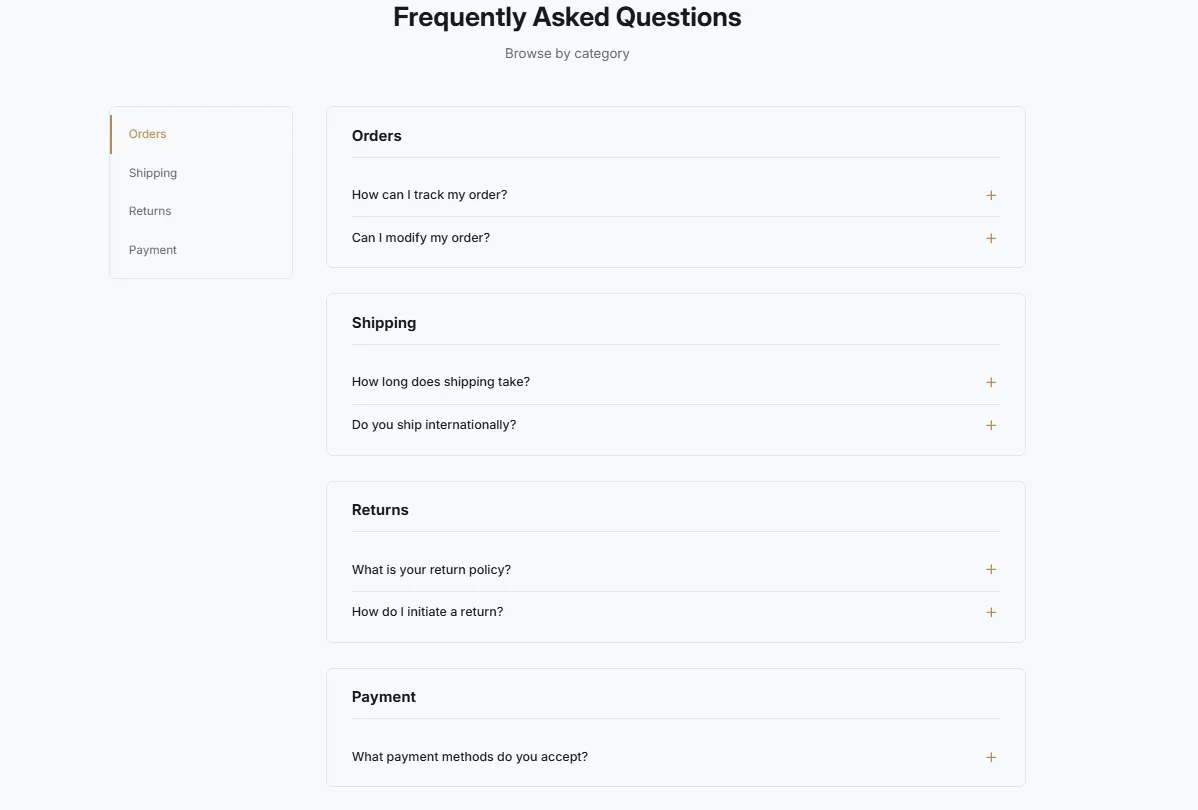
Preview of the FAQ Side Navigation Shopify section Free

FAQ Side Navigation

Headers & Navigation

FAQ with left sidebar navigation for categories. Sticky sidebar with category links, smooth scroll to sections, and active state highlighting on scroll.

View section →
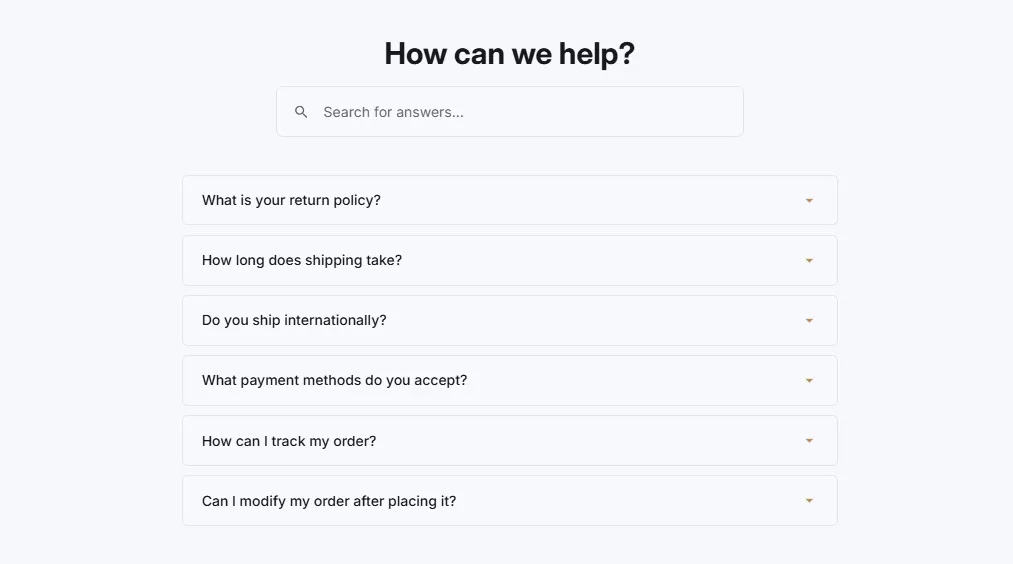
Preview of the FAQ Searchable Shopify section Free

FAQ Searchable

23 installs

FAQ Sections

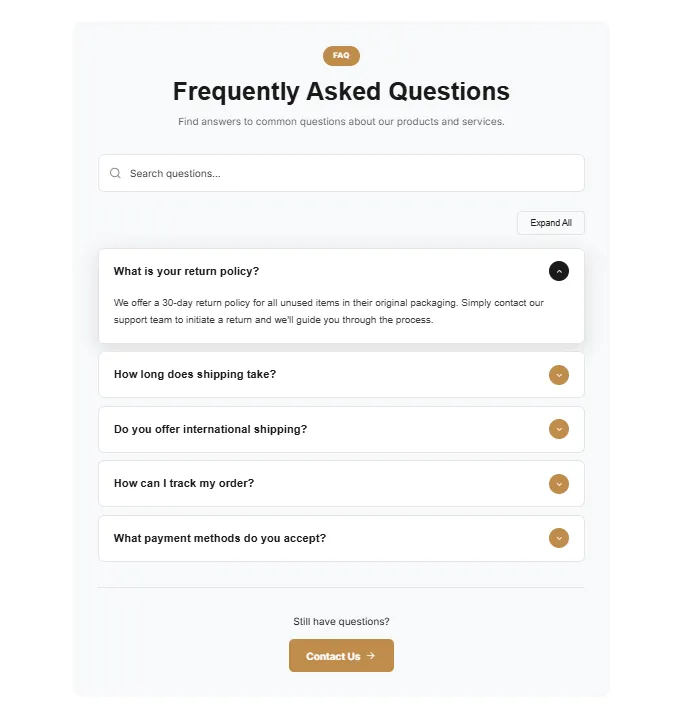
FAQ with search functionality and instant filtering. Search box with icon, real-time filtering as user types, highlight matching questions, and no results message.

View section →
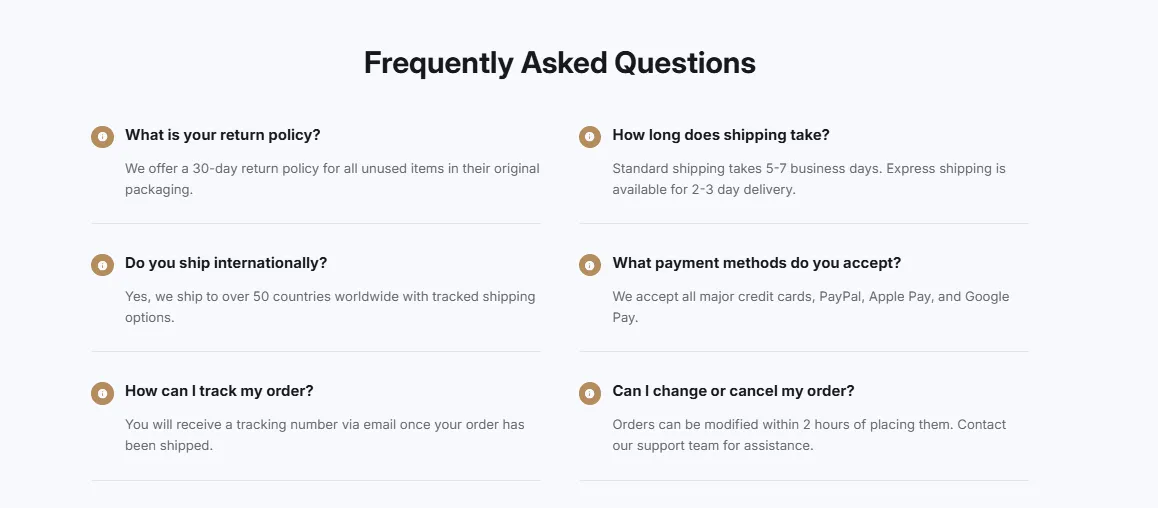
Preview of the FAQ Two Column Shopify section Free

FAQ Two Column

29 installs

FAQ Sections

FAQ displayed in two columns for wider layouts. Questions split across columns, accordion functionality, and responsive single column on mobile devices.

View section →
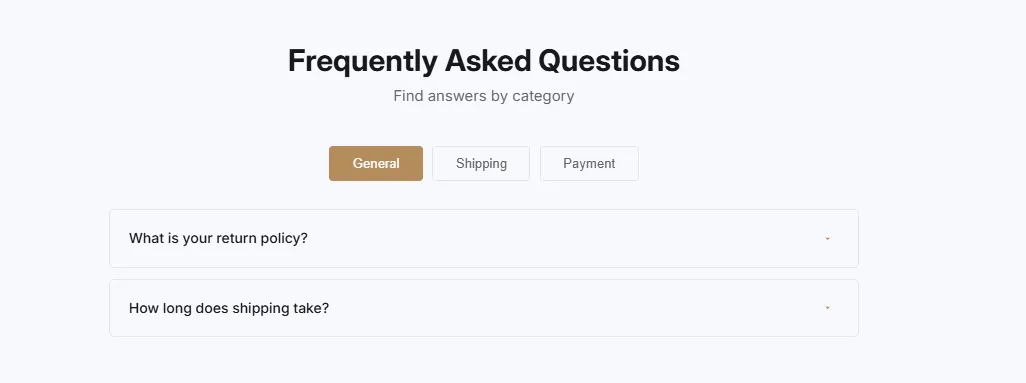
Preview of the FAQ Tabs Shopify section Free

FAQ Tabs

22 installs

FAQ Sections

Categorized FAQ with tab navigation. Organize questions by category with clickable tabs, accordion items within each tab, and smooth tab switching animations.

View section →
Preview of the FAQ Accordion Shopify section Free

FAQ Accordion

34 installs

FAQ Sections

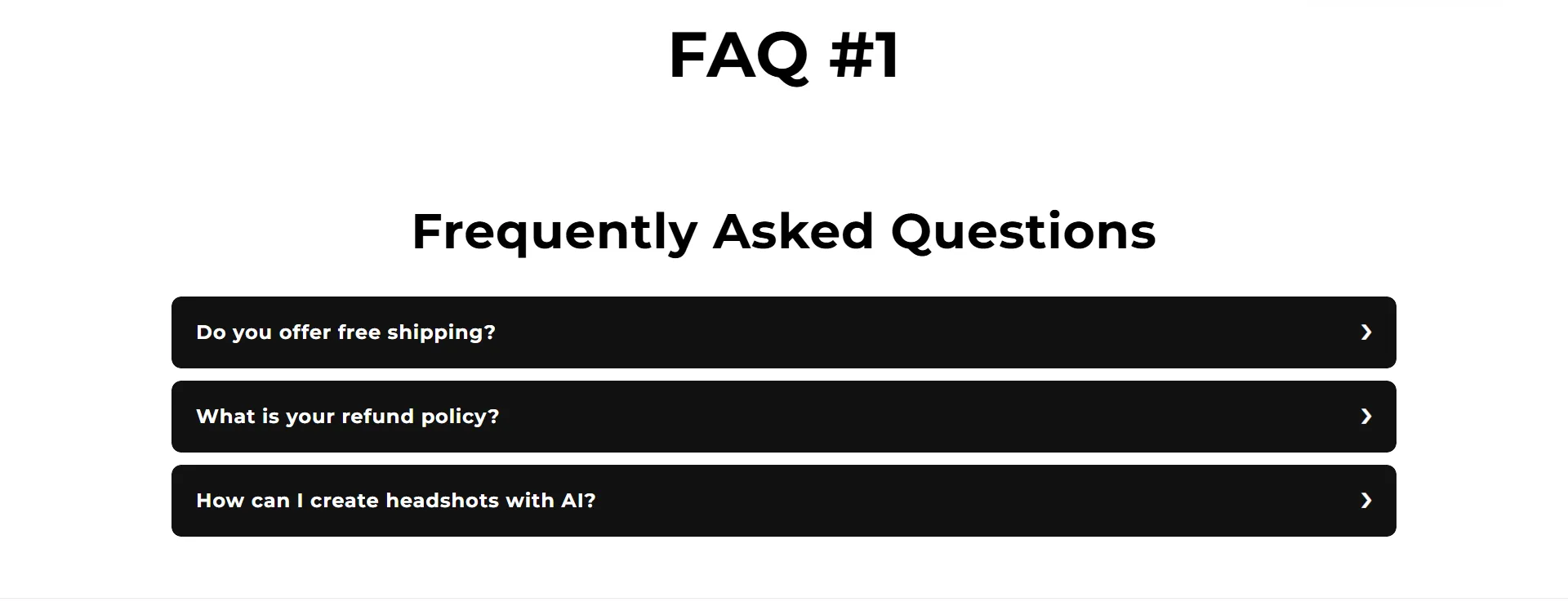
Expandable/collapsible FAQ items with smooth animations. Classic accordion style with plus/minus icons, hover effects, and customizable question/answer backgrounds.

View section →
Preview of the Countdown Product Launch Shopify section Free

Countdown Product Launch

18 installs

Countdown Timers

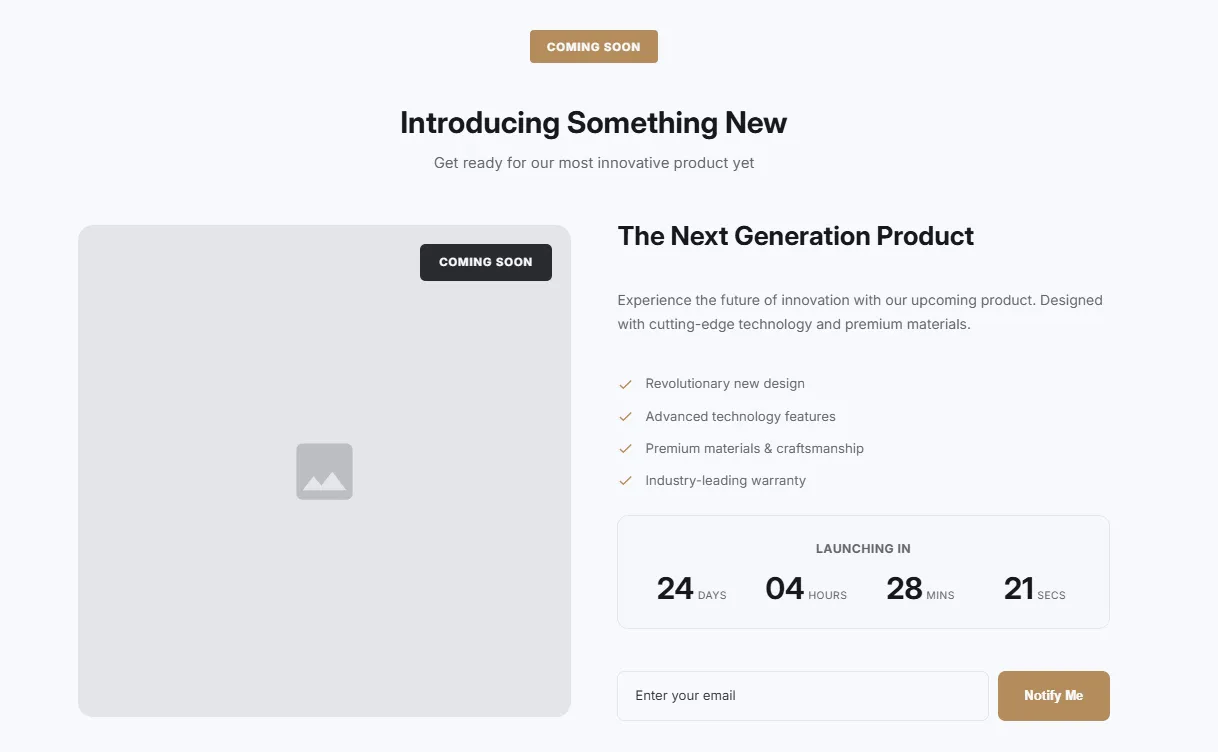
Product launch countdown with product preview image. Features header section, product display, countdown timer, and notify/pre-order button for upcoming releases.

View section →
Preview of the Countdown Minimal Shopify section Free

Countdown Minimal

24 installs

Countdown Timers

Minimal inline countdown timer with text alongside. Clean horizontal layout perfect for subtle urgency messaging without overwhelming the page design.

View section →
Preview of the Countdown Boxed Shopify section Free

Countdown Boxed

Countdown Timers

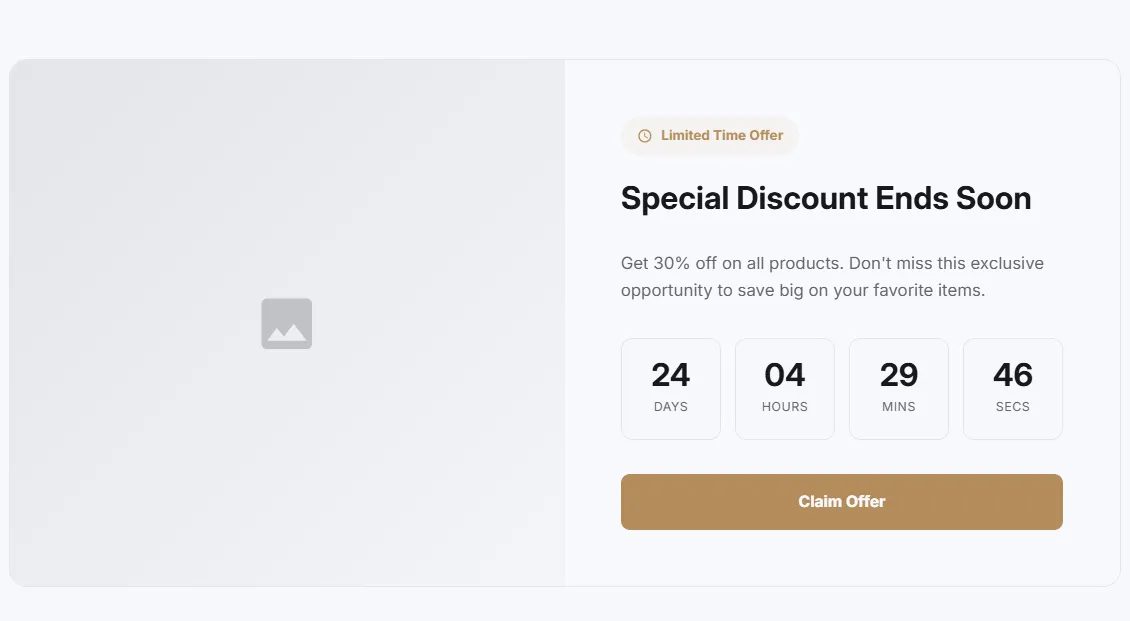
Boxed style countdown with side content layout. Card-based design with border, image support, feature list, and countdown timer in an elegant contained format.

View section →
Preview of the Countdown Hero Shopify section Free

Countdown Hero

Countdown Timers

Full width hero section with background image, overlay, and countdown timer. Features customizable minimum height, overlay opacity, and prominent countdown display.

View section →
Preview of the Countdown Banner Shopify section Free

Countdown Banner

Countdown Timers

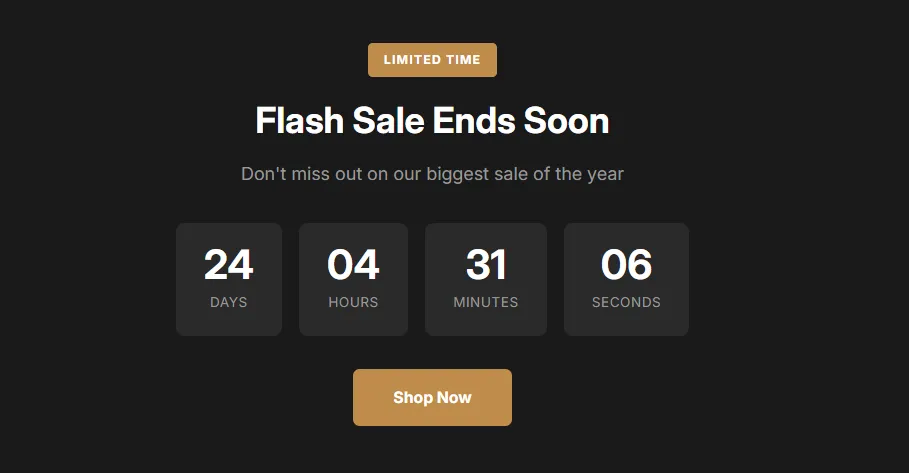
Simple banner style countdown timer with label badge, heading, description, and CTA button. Clean centered layout with customizable time boxes and accent colors.

View section →
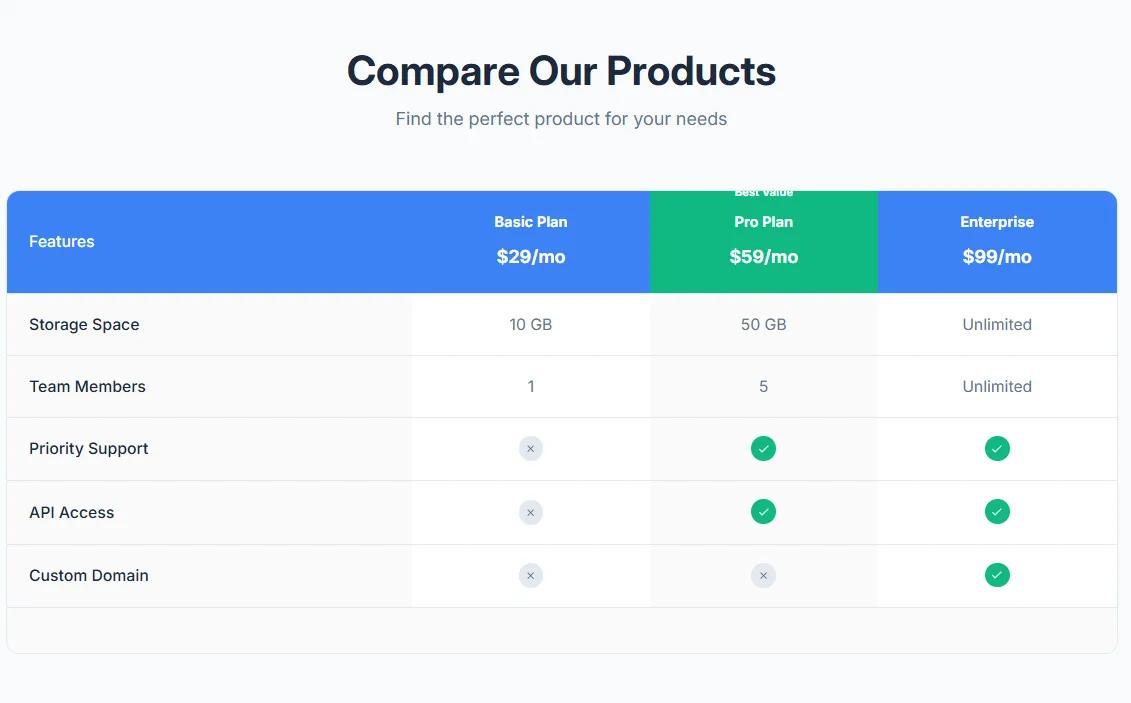
Preview of the Product Comparison Table Shopify section Free

Product Comparison Table

17 installs

Comparison Tables

Compare multiple products side by side with features table. Product images, prices, feature rows with check/X icons, highlighted recommended product, and mobile-responsive with sticky first column.

View section →
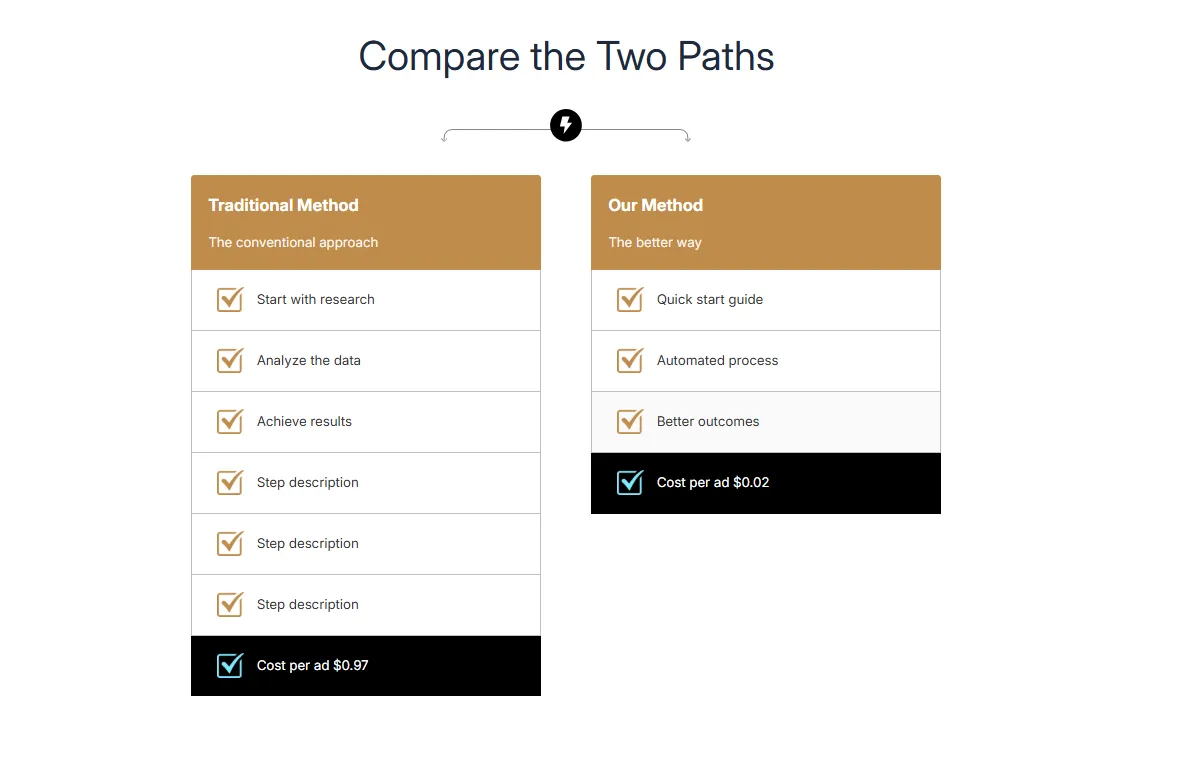
Preview of the Dual Flow Comparison Shopify section Free

Dual Flow Comparison

Comparison Tables

Compare two processes or paths side by side with step-by-step flow. Headers with images, numbered steps, and highlighted final result. Perfect for Old Way vs New Way comparisons.

View section →
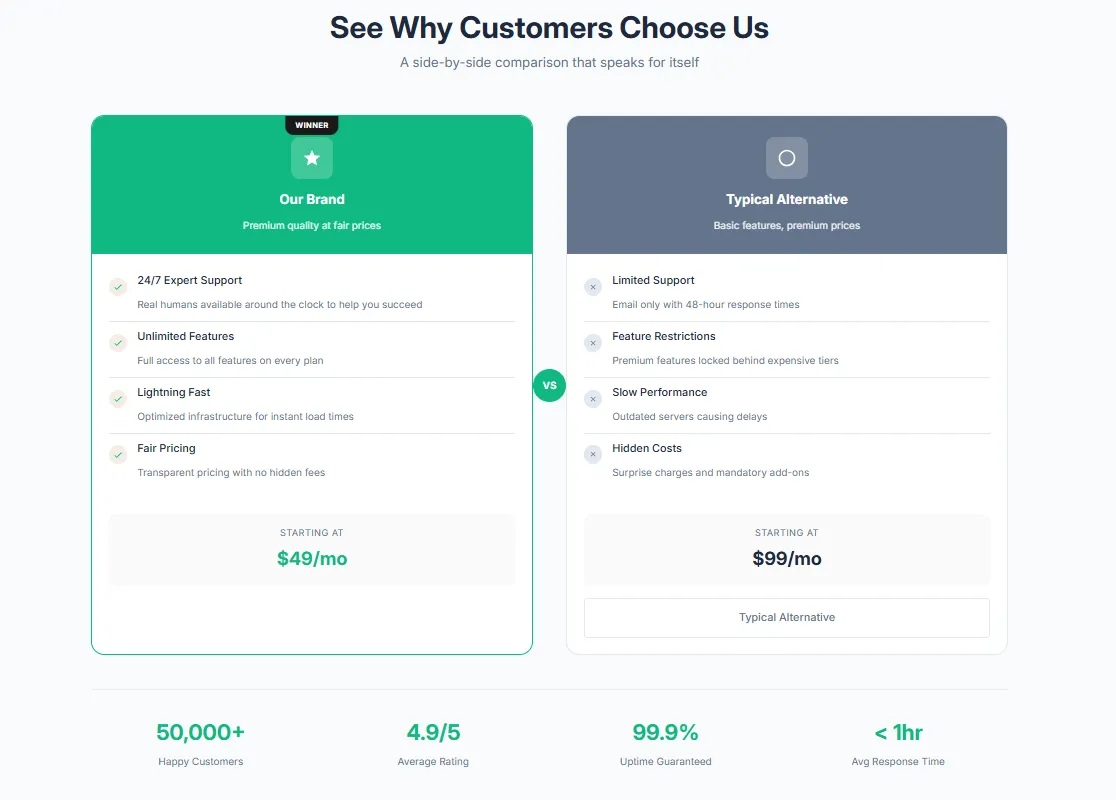
Preview of the Competitor Comparison Shopify section Free

Competitor Comparison

21 installs

Comparison Tables

Visual brand vs competitors side by side with VS badge. Compare your product against competitors with feature rows, brand highlighting, and winner indicators.

View section →
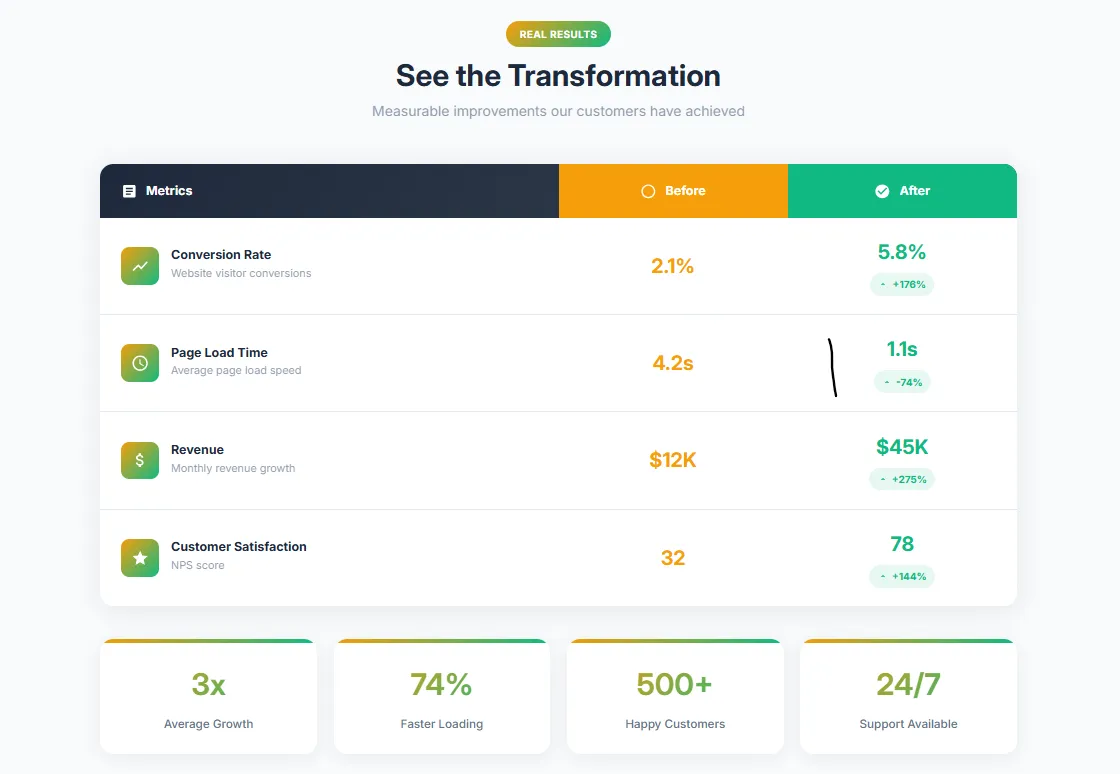
Preview of the Before After Table Shopify section Free

Before After Table

Comparison Tables

Show transformation results in a clean table format with before and after columns. Colored headers, alternating rows, and perfect for showcasing improvements or changes.

View section →
Preview of the Feature Comparison Shopify section Free

Feature Comparison

17 installs

Comparison Tables

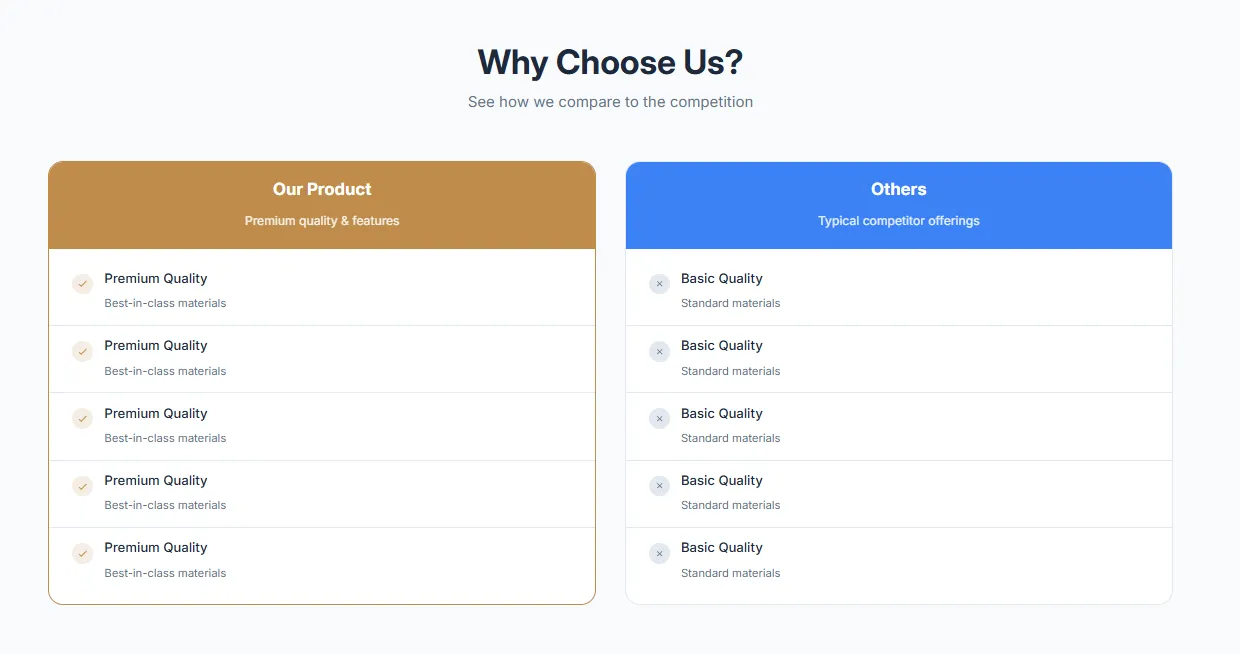
Simple visual two-column comparison with checkmark and X icons. Perfect for showing included vs not included features, pros vs cons, or your product vs alternatives.

View section →
Preview of the Pricing Table Shopify section Free

Pricing Table

18 installs

Comparison Tables

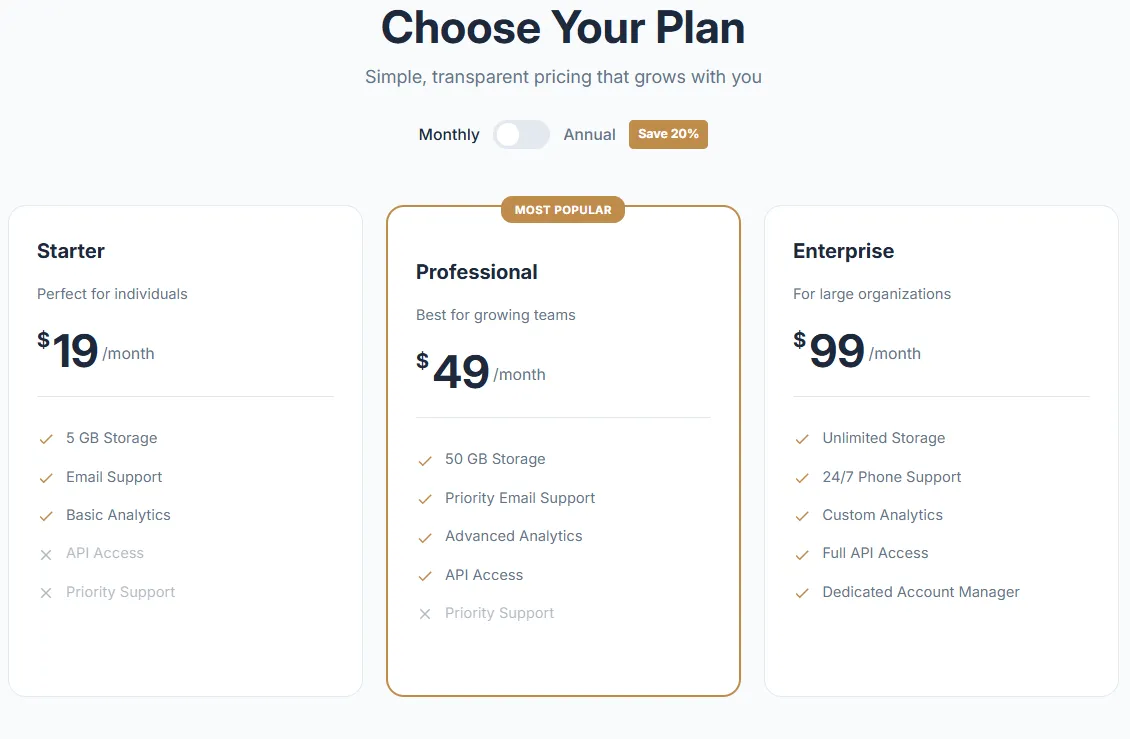
Clean pricing cards with monthly/yearly toggle, featured plan highlighting, feature lists with checkmarks, and CTA buttons. Supports 2-4 pricing tiers with customizable colors.

View section →
Preview of the Hero 9 Banner Shopify section Free

Hero 9 Banner

46 installs

Hero & Banners

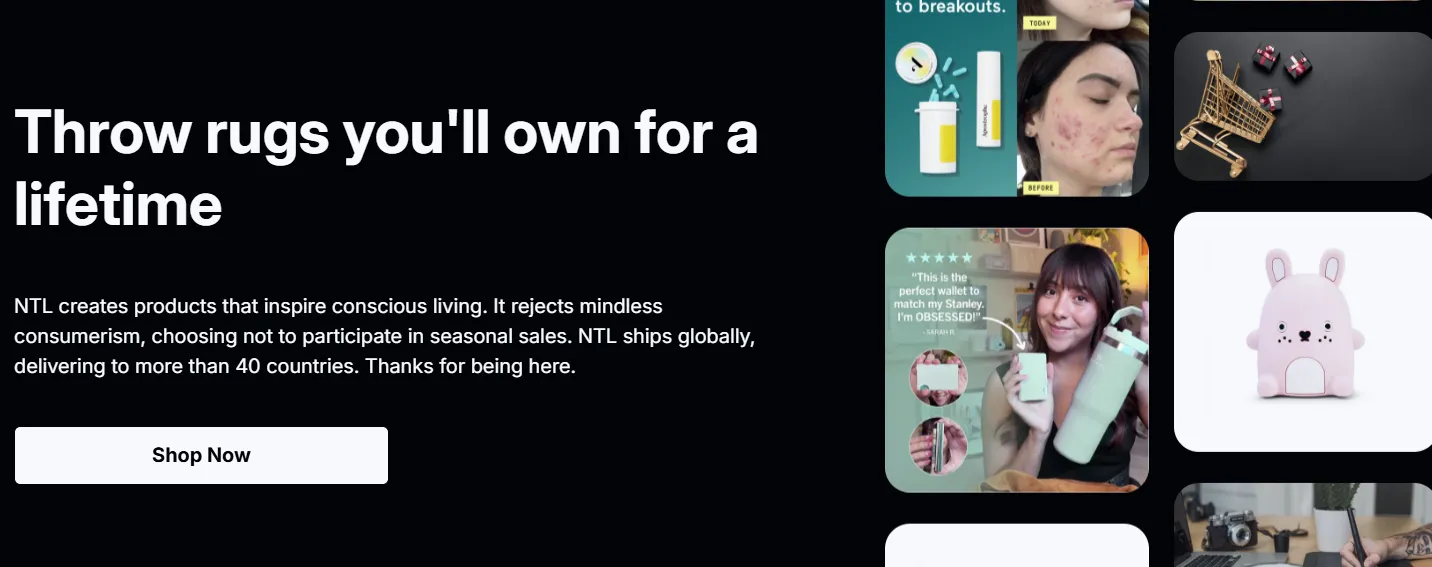
Hero section with dual animated image columns (left and right scrolling) alongside heading, text, and CTA button. Features reversible layout position and customizable typography and button styling.

View section →
Preview of the Image Templates Banner Shopify section Free

Image Templates Banner

27 installs

Hero & Banners

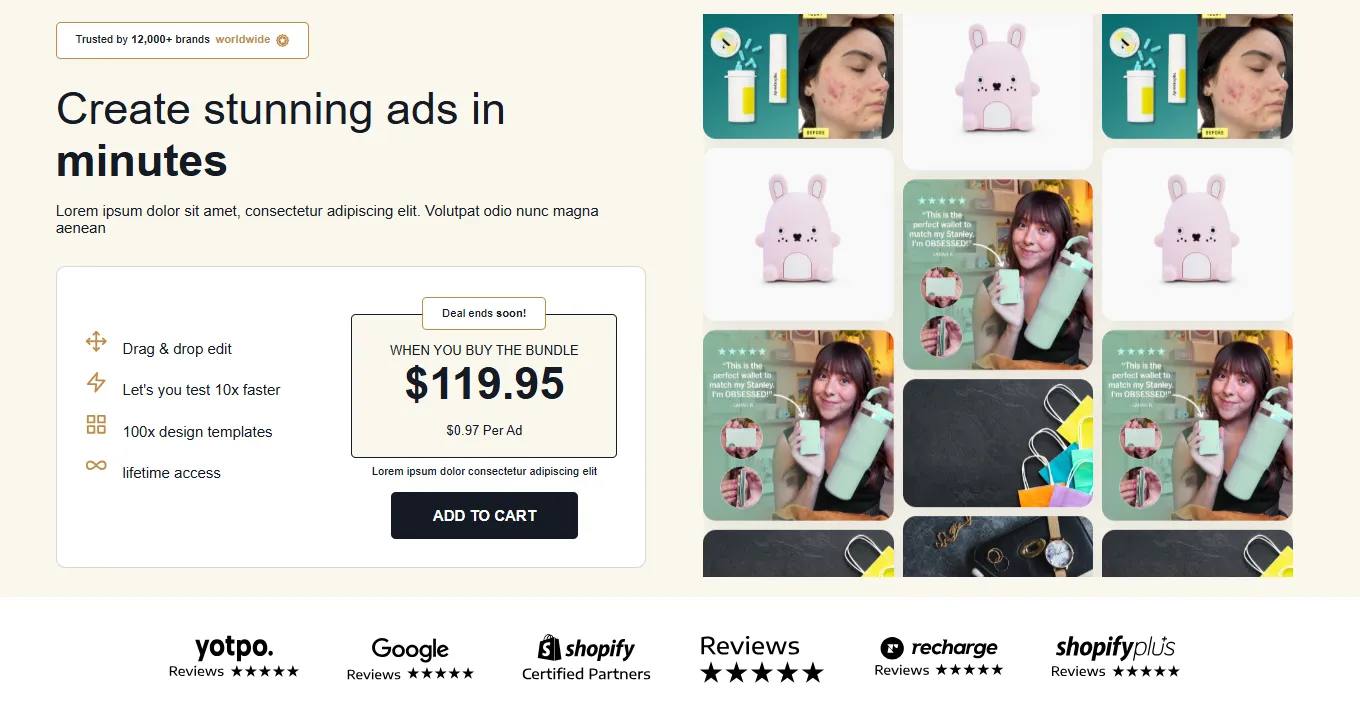
Two-column layout with scrolling image gallery and pricing box. Features animated vertical image columns, trusted brands badge, benefits list with icons, deal countdown styling, and logo strip section.

View section →
Preview of the Rotating Carousel Banner Shopify section Free

Rotating Carousel Banner

55 installs

Hero & Banners

Interactive carousel with JavaScript controls, Ken Burns zoom effect, progress bar, dot indicators, navigation arrows, and touch support. Features autoplay, glass/solid/outline buttons, and smooth slide transitions.

View section →
Preview of the Split Content Banner Shopify section Free

Split Content Banner

21 installs

Hero & Banners

Two-column layout with image and text, smooth animations, and hover effects. Features customizable split ratios (50/50, 40/60, 60/40, 30/70, 70/30), optional badge, accent line, and reversible layout.

View section →
Preview of the Hero Banner Shopify section Free

Hero Banner

Hero & Banners

Premium full-width hero with animated shape dividers (wave, curve, tilt, blob, triangle, zigzag), gradient overlays, and advanced background effects (particles, gradient shift, shimmer, pulse). The ultimate hero section.

View section →
Preview of the Minimal Text Banner Shopify section Free

Minimal Text Banner

Hero & Banners

Clean typography-focused banner with elegant fade-up animations and optional background effects (pulse, float, shimmer). Features glass/solid/outline button options and subtle animated backgrounds for a refined look.

View section →
Preview of the Gradient Overlay Banner Shopify section Free

Gradient Overlay Banner

48 installs

Hero & Banners

Visually striking banner with customizable gradient overlays (bottom, full, radial, left, right), content animations, flexible positioning, and glass/solid/outline button styles. Features hover zoom effect on background image.

View section →
Preview of the 3D Flip Rotator Shopify section Free

3D Flip Rotator

37 installs

Announcement Bars

Stunning 3D flip animations with typewriter effect and progress indicator. Rotates through multiple messages with smooth 3D perspective transforms and customizable timing.

View section →
Preview of the Stock Ticker Pro Shopify section Free

Stock Ticker Pro

Announcement Bars

Stock market style ticker with trend indicators, animated numbers, and flash alerts. Monospace font styling, fixed label section, and smooth scrolling for a professional trading floor look.

View section →
Preview of the Urgency Split Bar Shopify section Free

Urgency Split Bar

43 installs

Announcement Bars

Real countdown timer with animated urgency border and confetti effects. Split layout with highlighted section, pulse ring animation, and countdown functionality for flash sales.

View section →
Preview of the Neon Glow Marquee Shopify section Free

Neon Glow Marquee

36 installs

Announcement Bars

Eye-catching neon effects with glitch animation and rainbow text options. Features smooth scrolling, direction control, pause on hover, and customizable glow intensity.

View section →
Preview of the Gradient Marquee Shopify section Free

Gradient Marquee

26 installs

Announcement Bars

Scrolling marquee with animated gradient backgrounds (sunset, ocean, purple, fire, forest, midnight). Features glow effects, customizable scroll speed, direction control, and pause on hover.

View section →
Preview of the After Before Slider Shopify section Free

After Before Slider

18 installs

Comparison Tables

Interactive before/after image comparison slider with draggable handle. Features rounded corners, shadow effects, customizable gap between columns, and responsive design with configurable padding.

View section →
Preview of the Image With Text Premium Shopify section Free

Image With Text Premium

Image with Text

Luxury-style image with text section featuring multi-image collage layout, Poppins typography, background image support, and four feature text blocks. Perfect for premium brand storytelling.

View section →
Preview of the Image Text Zigzag Shopify section Free

Image Text Zigzag

22 installs

Image with Text

Alternating image-text blocks in a zigzag pattern for storytelling. Includes optional step numbers, individual CTA buttons per block, and elegant flowing layout perfect for How It Works or process explanations.

View section →
Preview of the Image Text Cards Shopify section Free

Image Text Cards

41 installs

Image with Text

Multi-card grid layout showcasing image-text combinations in 2-4 column layouts. Features hover animations, customizable image ratios (square/landscape/portrait), and animated link arrows for engaging storytelling.

View section →
Preview of the Image Text Overlay Shopify section Free

Image Text Overlay

24 installs

Image with Text

Full-width hero section with background image and text overlay. Includes customizable overlay color and opacity, flexible content positioning (left/center/right), dual CTA buttons, and responsive mobile optimization.

View section →
Preview of the Image Text Split Shopify section Free

Image Text Split

27 installs

Image with Text

Classic 50/50 split layout with image on one side and text content on the other. Features reversible image position, feature list with checkmarks, customizable CTA button, and smooth responsive behavior.

View section →
Preview of the Stacked Promotion Banner Shopify section Free

Stacked Promotion Banner

45 installs

Hero & Banners

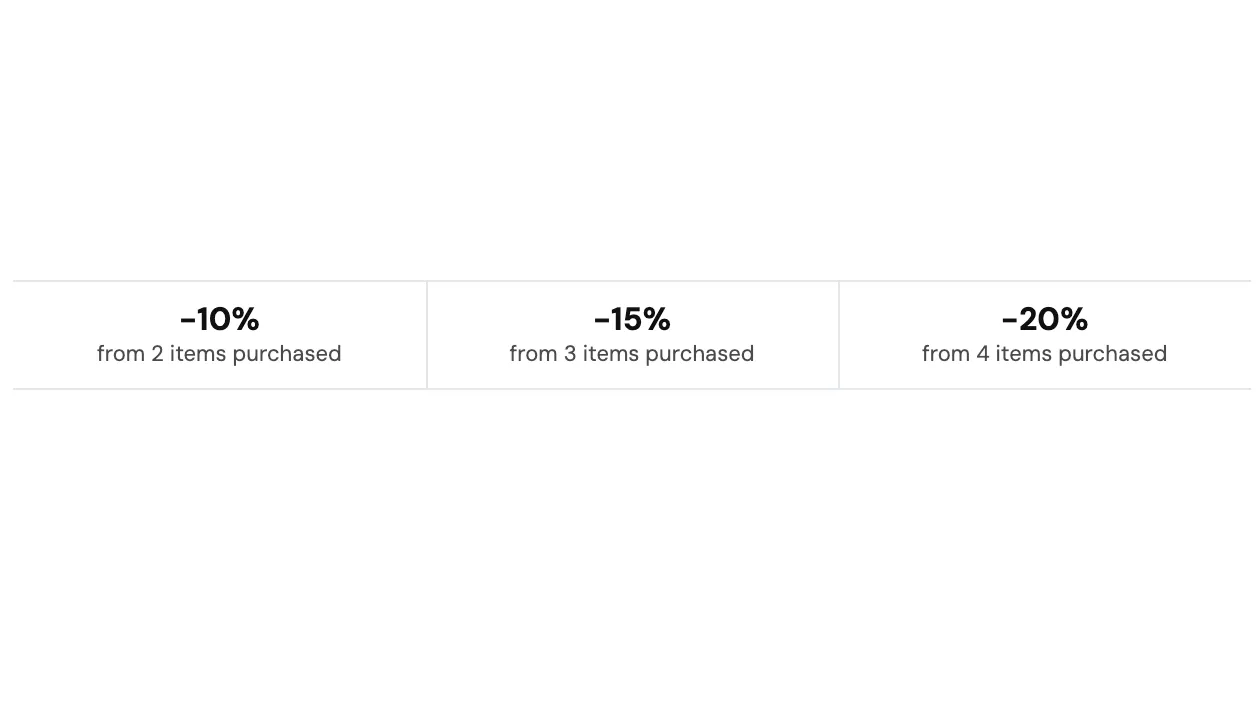
Stacked Promotion with quantity break discount

View section →
Preview of the Back to Top Shopify section Free

Back to Top

22 installs

Content & Extras

Enhance your store’s browsing experience with a simple “Back to Top” button. Smooth, user-friendly navigation helps customers explore your site with ease.

View section →
Preview of the Designed with an Edge Shopify section Free

Designed with an Edge

Image with Text

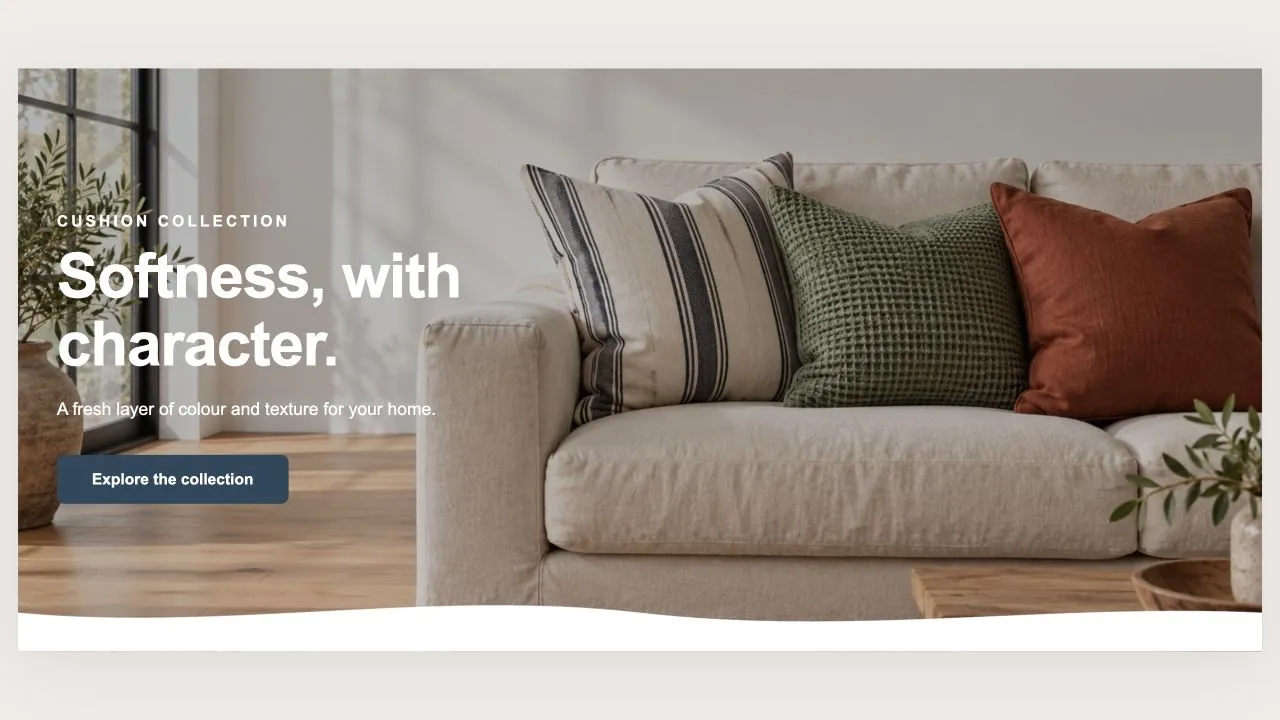
Add a modern sloped design to your store for a bold and dynamic layout. Perfect for separating sections, drawing attention to products, or giving your pages a stylish flow.

View section →
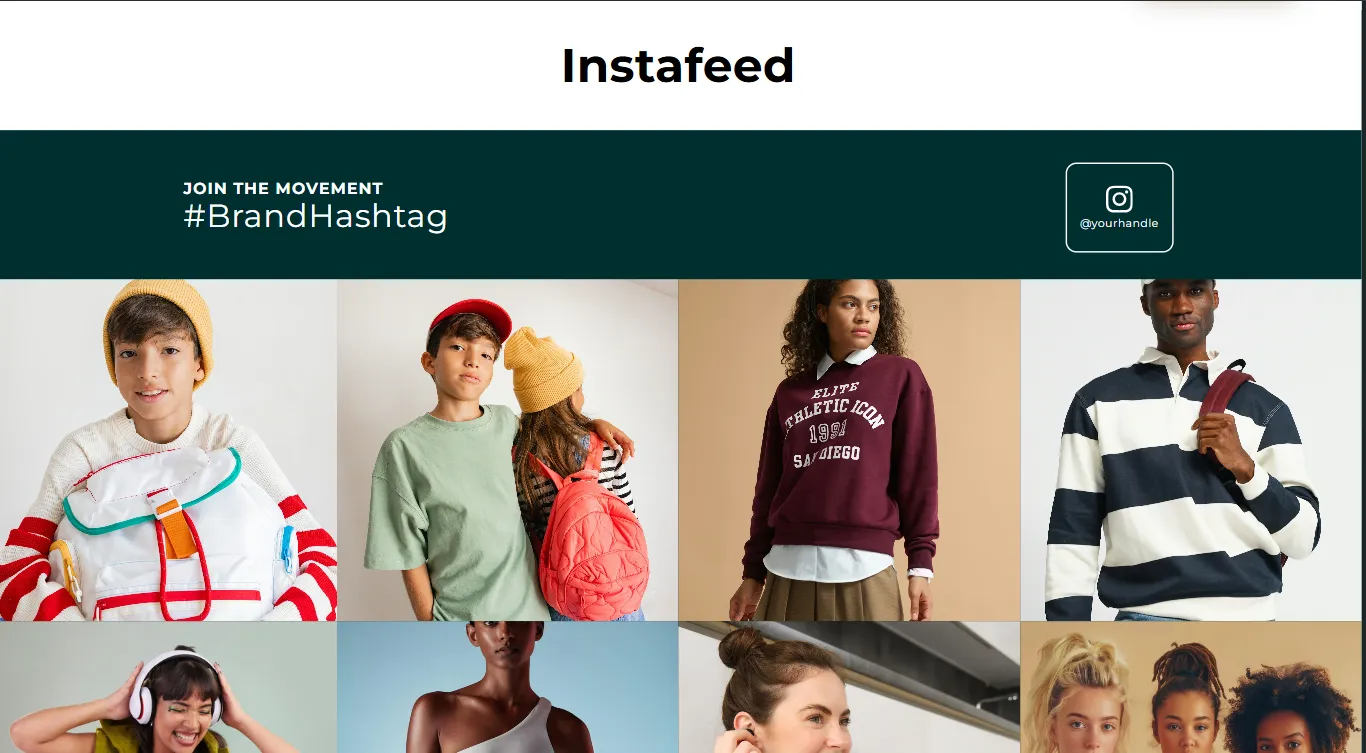
Preview of the Follow the Feed Shopify section Free

Follow the Feed

17 installs

Content & Extras

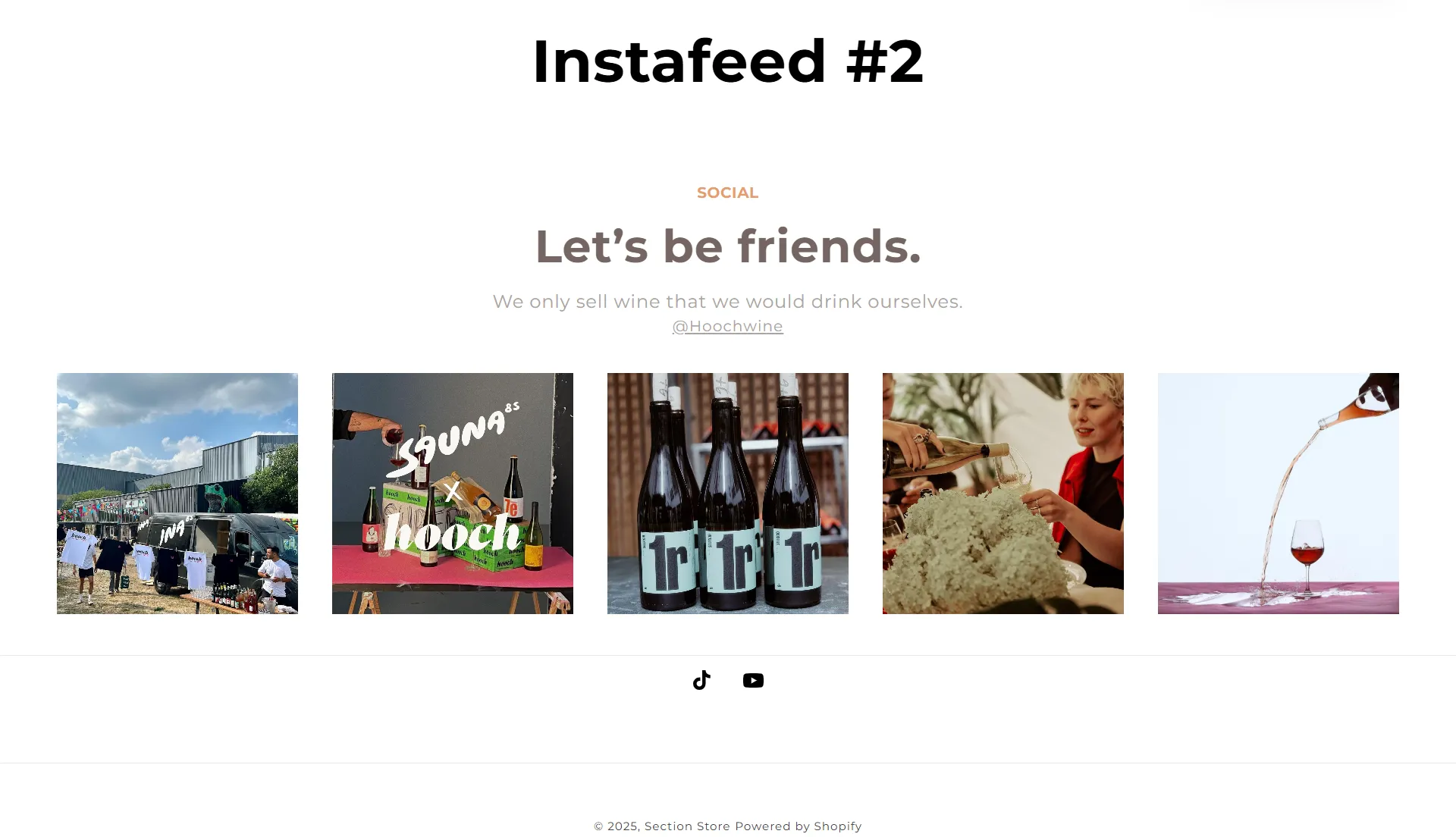
Stay connected with our latest looks, trends, and community highlights—straight from Instagram. Click, explore, and shop your favorite styles directly from the feed.

View section →
Preview of the Frequently Asked Questions Shopify section Free

Frequently Asked Questions

15 installs

FAQ Sections

Find quick answers to the most common questions about our products, shipping, returns, and more. We’ve made it easy for you to get the information you need—right at your fingertips.

View section →
Preview of the Explore Our Gallery Shopify section Free

Explore Our Gallery

25 installs

Image with Text

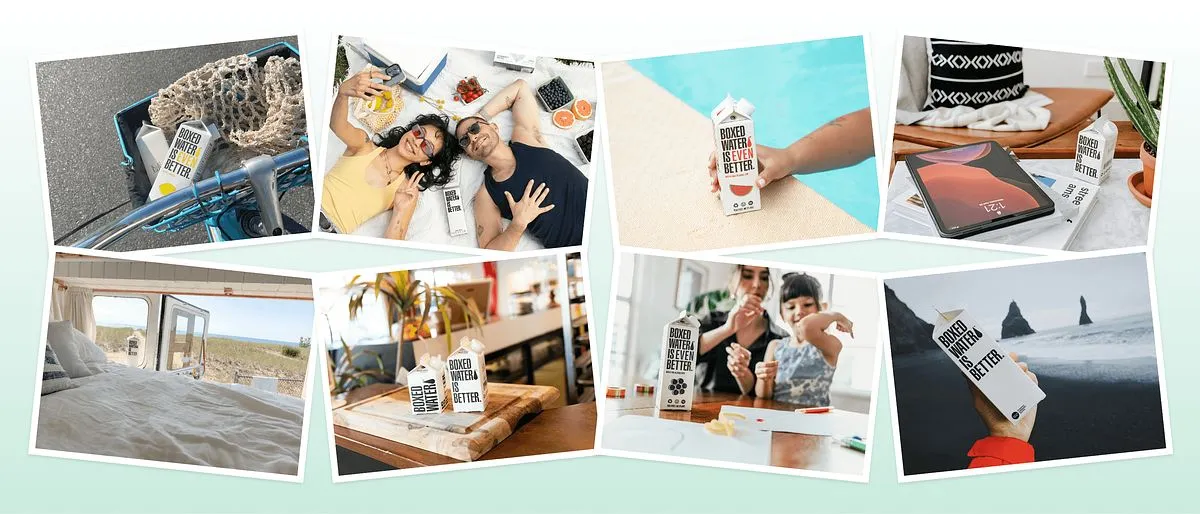
Showcase your products, brand moments, and customer favorites in a stylish grid layout. Our gallery brings your store to life with visuals that inspire and engage shoppers.

View section →
Preview of the From Our Blog Shopify section Free

From Our Blog

Content & Extras

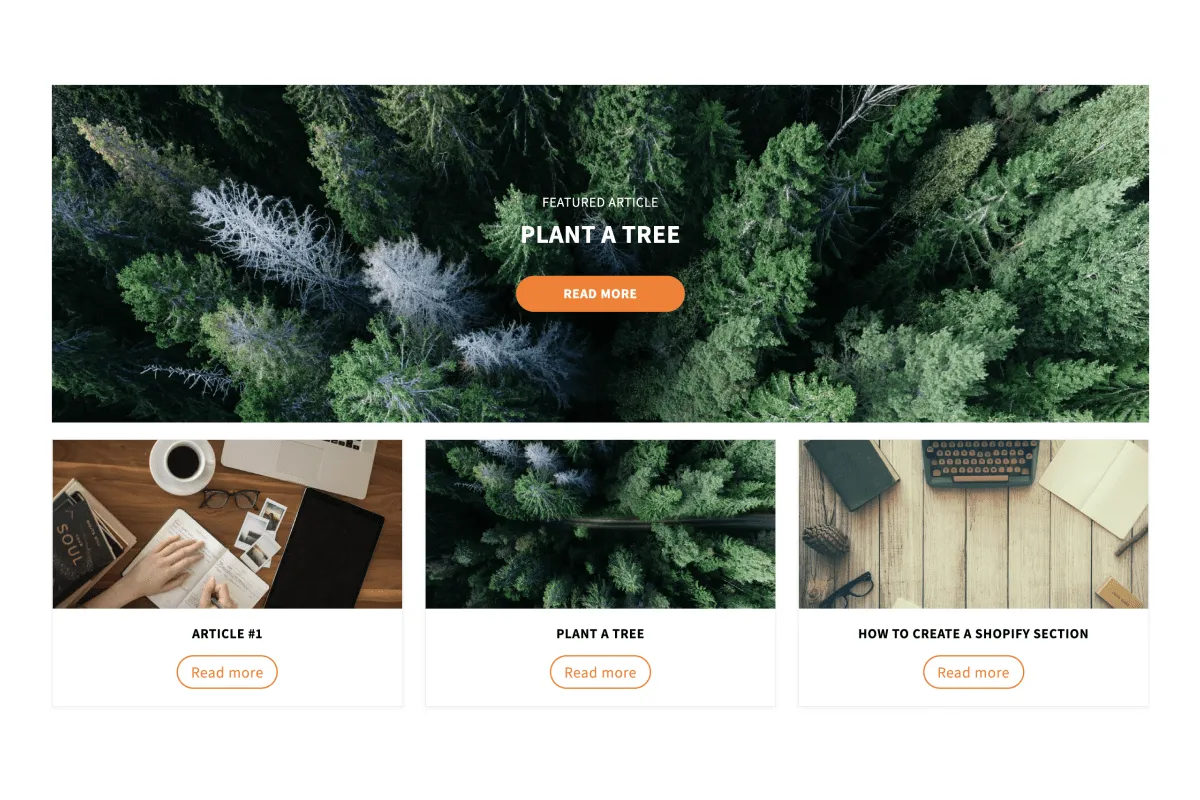
Stay updated with the latest tips, trends, and stories from our team. Explore helpful guides, product highlights, and inspiration to make the most of your shopping experience.

View section →
Preview of the Smooth & Modern Design Shopify section Free

Smooth & Modern Design

19 installs

Content & Extras

Add a stylish wave effect to your store layout. The Wave Section creates natural flow between sections, giving your storefront a clean, modern, and engaging look that keeps customers scrolling.

View section →
Preview of the Discover the Difference Shopify section Free

Discover the Difference

Comparison Tables

Bring your store to life with our Parallax Banner. Eye-catching visuals and smooth scrolling effects create an immersive shopping experience while showcasing your brand in style.

View section →
Preview of the Follow Us on Instagram Shopify section Free

Follow Us on Instagram

15 installs

Content & Extras

Stay inspired and never miss a moment! Explore our latest styles, behind-the-scenes looks, and customer favorites straight from our Instagram feed. Click, shop, and join our community today.

View section →

Your next storefront starts here

Explore 164 sections, complete page templates and shopping tools. Install Section Shop free and build on your existing theme.

Built for Shopify · Free to install · For Online Store 2.0 themes · No code