
Collection Grid
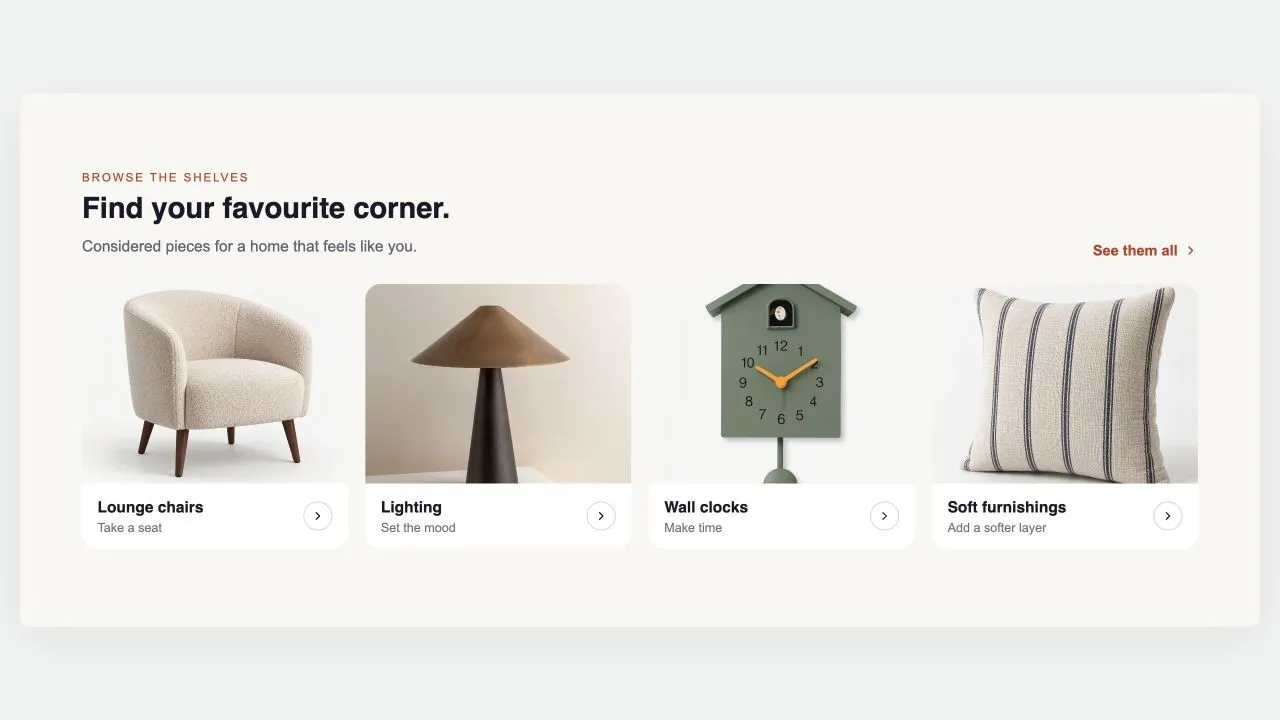
Collection Grid
Replaces your theme's own product grid on a collection page: products, sorting and pagination, with the caption rows built from blocks you can reorder or remove. Every card in a row shares an identical height, photo bottom, name top and button top, because the vendor and rating rows are decided once for the whole grid rather than card by card.
- Price
- Free
- Category
- Collection Showcases
- Merchant installs
- 4
- Works with
- Any OS 2.0 theme
Installs via the Section Shop app · shows as “SShop:Collection Grid” in your editor
- collection page
- product grid
- pagination
- sorting
- blocks
- badges
How to add Collection Grid to your store
- 1
Install Section Shop
Get the free app from the Shopify App Store — takes one click.
- 2
Add “Collection Grid”
Find it in the Collection Showcases category and click Add to theme.
- 3
Customize in your editor
It appears as “SShop:Collection Grid” — edit text, images, colors and fonts, then save.
More collection showcases sections
View all → Free
Free Shop Collections 7
29 installsCollection Showcases
A rail of full-bleed collection cards with the copy laid over the photo, positioned in any of nine spots — set separately for desktop and phones. Optional autoplay, dots and arrows, each toggled per screen size.
View section → Free
Free Shop Collections 6
19 installsCollection Showcases
An editorial rail of collection cards with a numbered index, a badge, a kicker, a title and a meta line over a graded photo. One grade across mismatched photography makes the set read as one. Optional autoplay with a real pause control.
View section →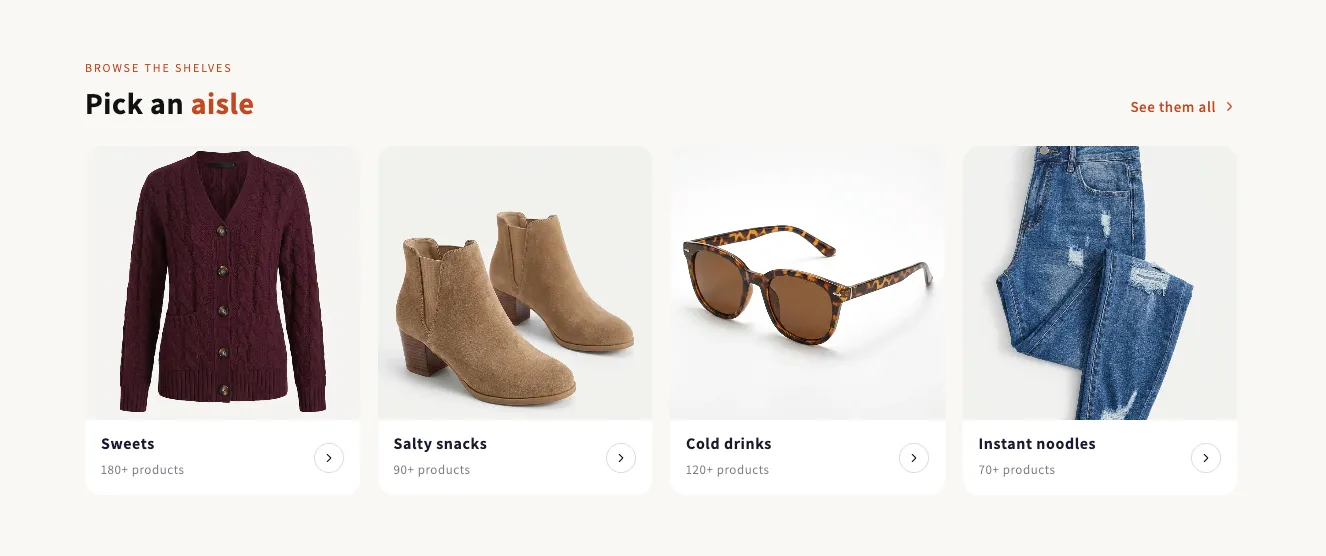 Free
Free Shop Collections 1
17 installsCollection Showcases
A grid of collection tiles in one of three shapes: a caption under the photo, a caption on the photo, or text-only chips for a shop-by-brand row. Ships with a preset for each. No script at all.
View section →