
Comparison Table 1
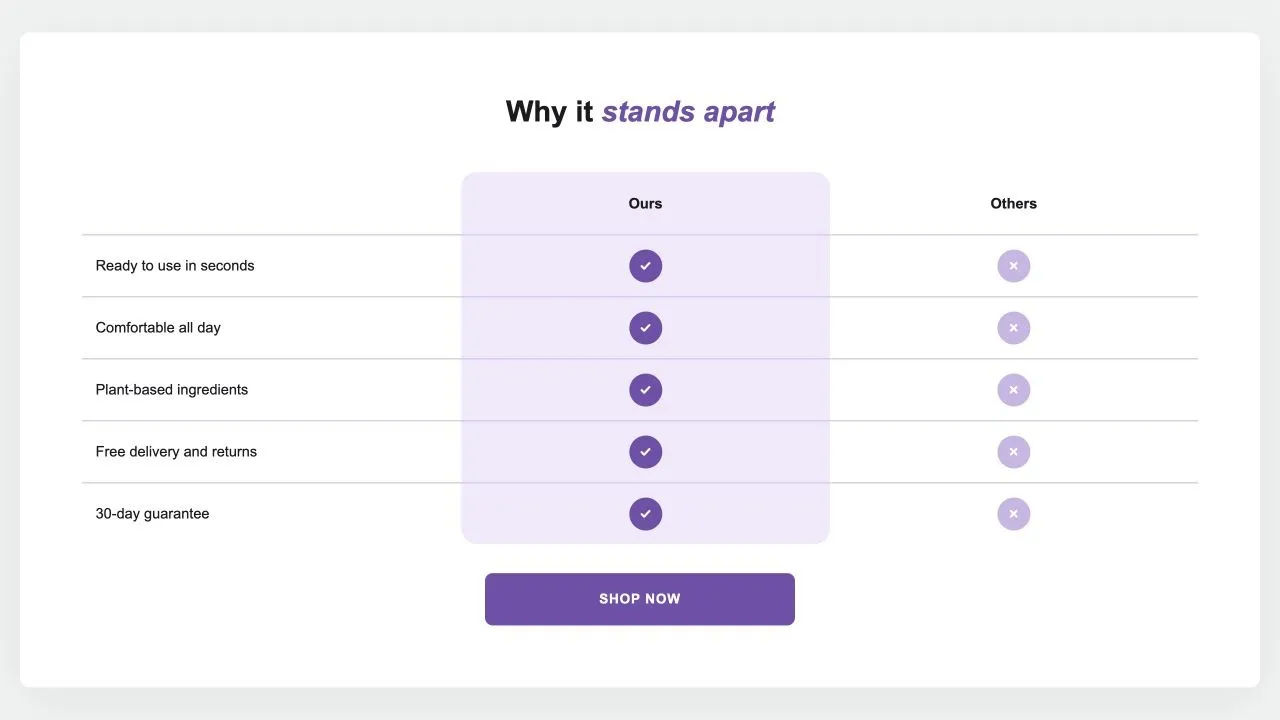
Comparison Table 1
Your product against the alternatives in a real table: a tinted or framed column with a tick on every row, crosses or words for the others, an optional third column and a button underneath. {title} in the words becomes the product's title.
- Price
- Free
- Category
- Comparison Tables
- Merchant installs
- 24
- Works with
- Any OS 2.0 theme
Installs via the Section Shop app · shows as “SShop:Comparison Table 1” in your editor
- comparison
- table
- us vs them
- competitors
- checklist
- product page
How to add Comparison Table 1 to your store
- 1
Install Section Shop
Get the free app from the Shopify App Store — takes one click.
- 2
Add “Comparison Table 1”
Find it in the Comparison Tables category and click Add to theme.
- 3
Customize in your editor
It appears as “SShop:Comparison Table 1” — edit text, images, colors and fonts, then save.
More comparison tables sections
View all →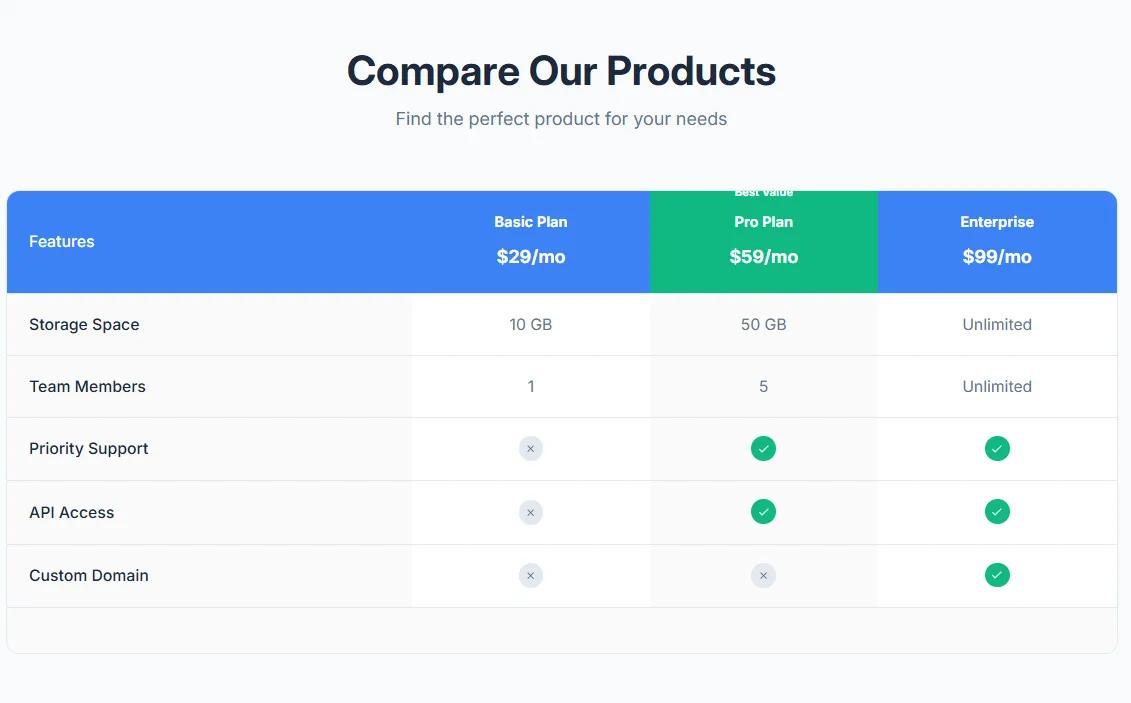 Free
Free Product Comparison Table
17 installsComparison Tables
Compare multiple products side by side with features table. Product images, prices, feature rows with check/X icons, highlighted recommended product, and mobile-responsive with sticky first column.
View section →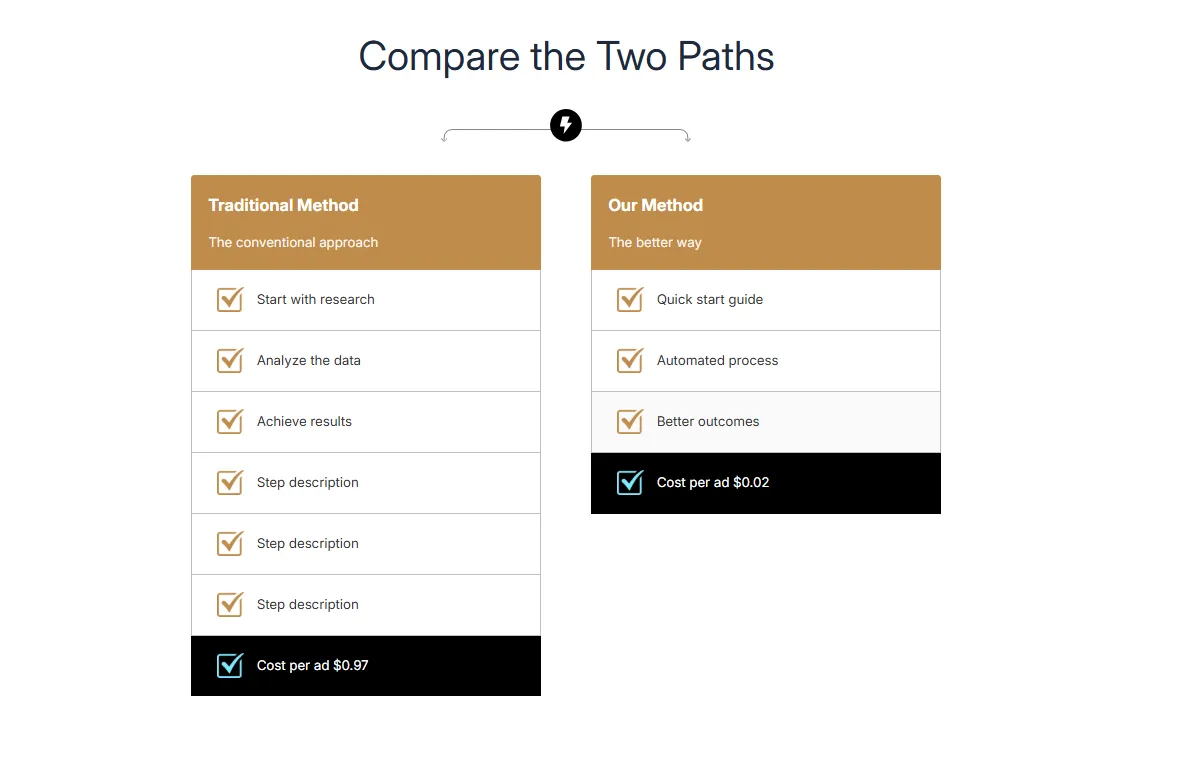 Free
Free Dual Flow Comparison
Comparison Tables
Compare two processes or paths side by side with step-by-step flow. Headers with images, numbered steps, and highlighted final result. Perfect for Old Way vs New Way comparisons.
View section →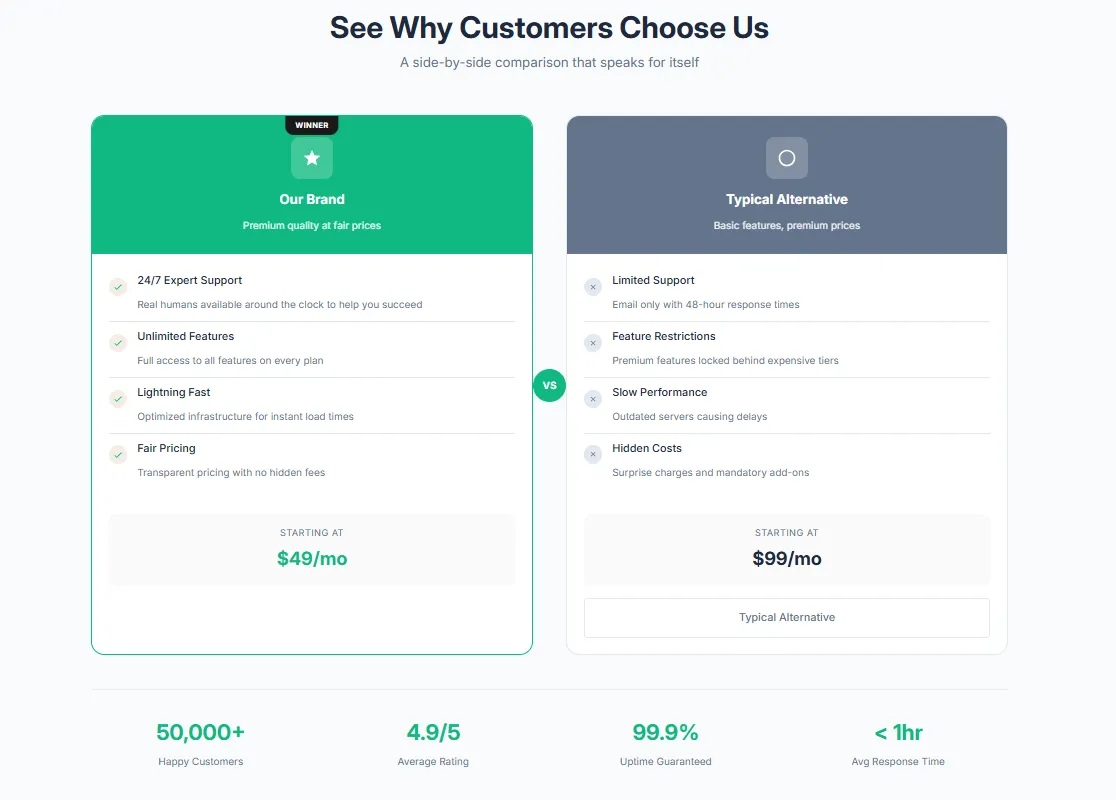 Free
Free Competitor Comparison
21 installsComparison Tables
Visual brand vs competitors side by side with VS badge. Compare your product against competitors with feature rows, brand highlighting, and winner indicators.
View section →