
FAQ Tabs
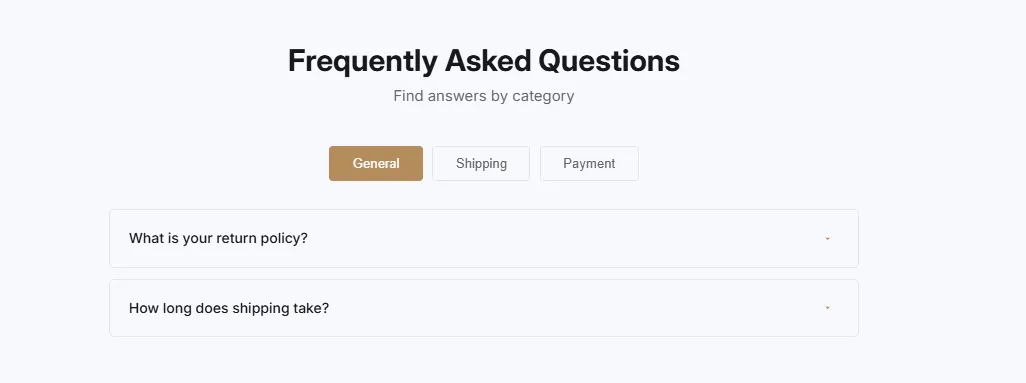
FAQ Tabs
Categorized FAQ with tab navigation. Organize questions by category with clickable tabs, accordion items within each tab, and smooth tab switching animations.
- Price
- Free
- Category
- FAQ Sections
- Merchant installs
- 22
- Works with
- Any OS 2.0 theme
Installs via the Section Shop app · shows as “SShop:FAQ Tabs” in your editor
- FAQ
- tabs
- categories
- organized
- navigation
- grouped
How to add FAQ Tabs to your store
- 1
Install Section Shop
Get the free app from the Shopify App Store — takes one click.
- 2
Add “FAQ Tabs”
Find it in the FAQ Sections category and click Add to theme.
- 3
Customize in your editor
It appears as “SShop:FAQ Tabs” — edit text, images, colors and fonts, then save.
More faq sections sections
View all →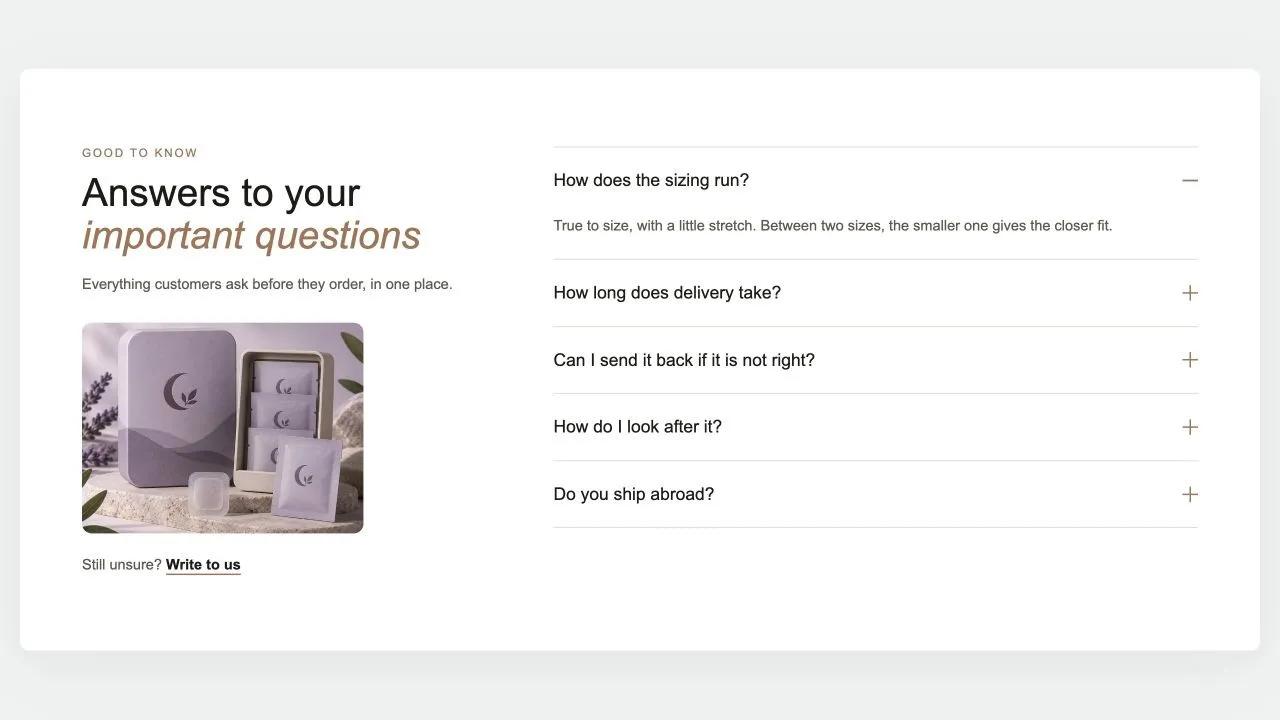 Free
Free FAQ Split 1
FAQ Sections
The heading, a word of reassurance, an optional photo and a contact link on one side; the questions on the other, opening one at a time with no script. The side column stays in view while the answers scroll, and every question is published as FAQ structured data for search engines.
View section →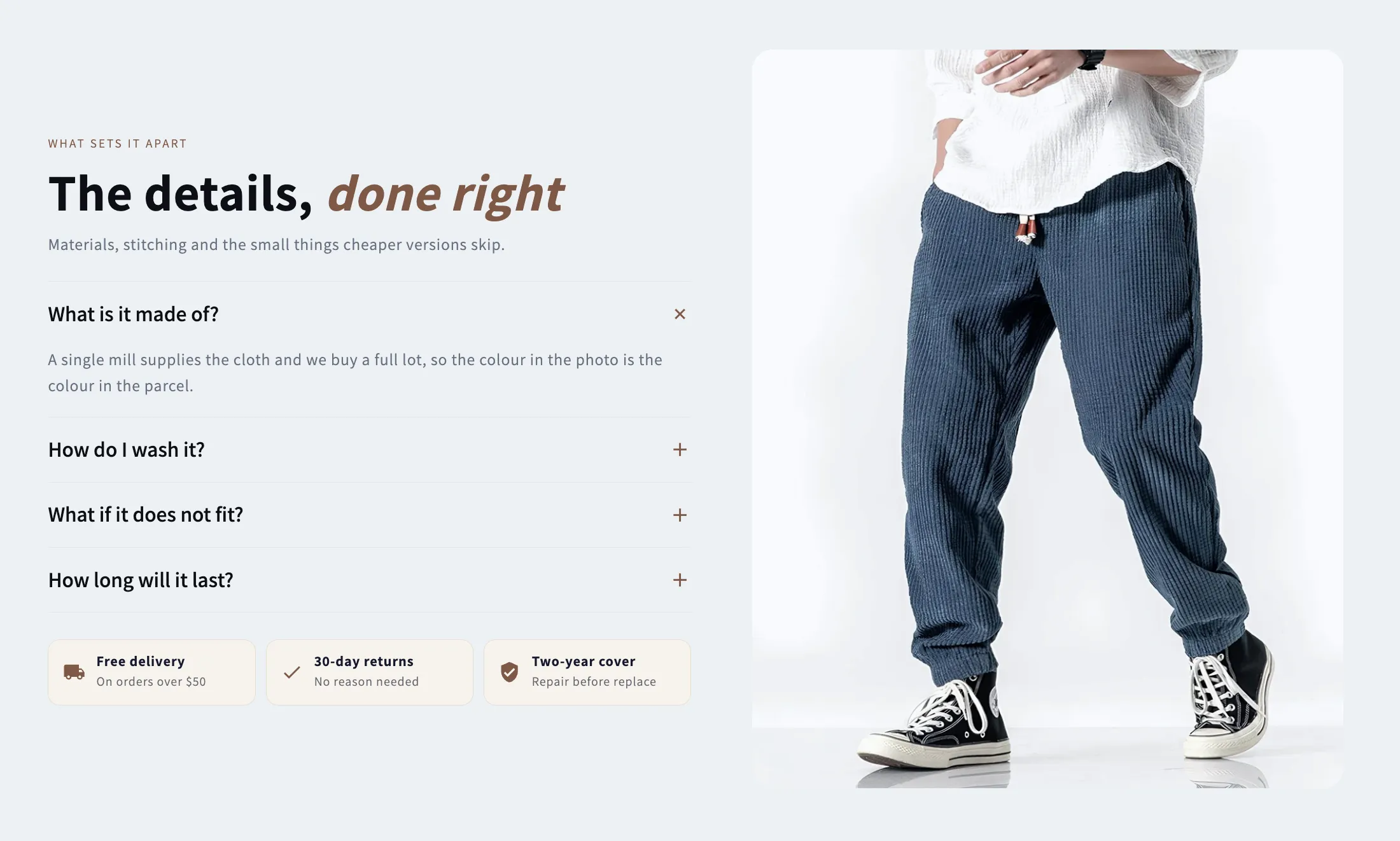 Free
Free Media Tabs
FAQ Sections
A picture beside an accordion of answers, with optional chips underneath for the offers that close a sale. Takes a separate mobile crop and a link on the image.
View section →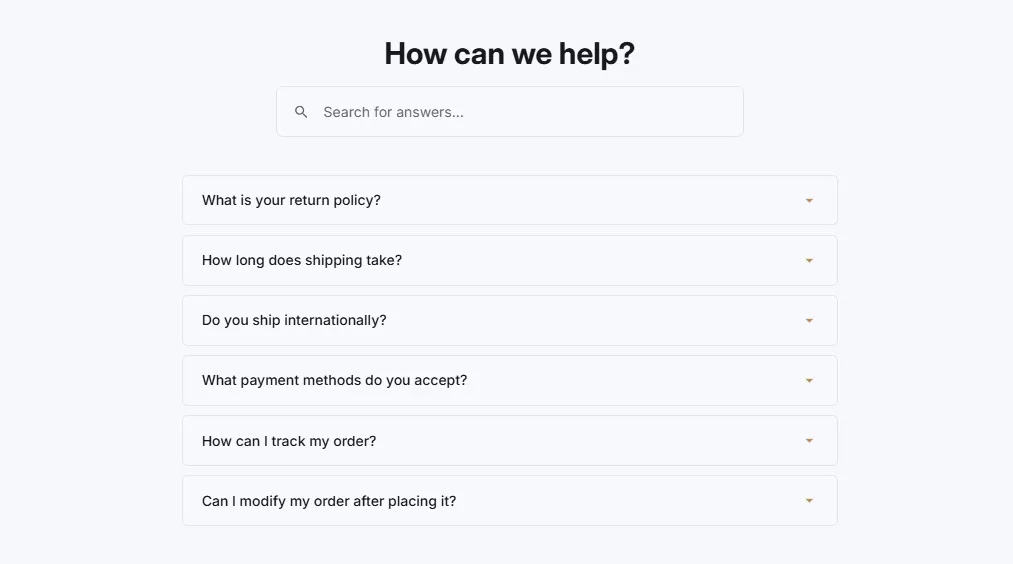 Free
Free FAQ Searchable
23 installsFAQ Sections
FAQ with search functionality and instant filtering. Search box with icon, real-time filtering as user types, highlight matching questions, and no results message.
View section →