
Frequently Asked Questions
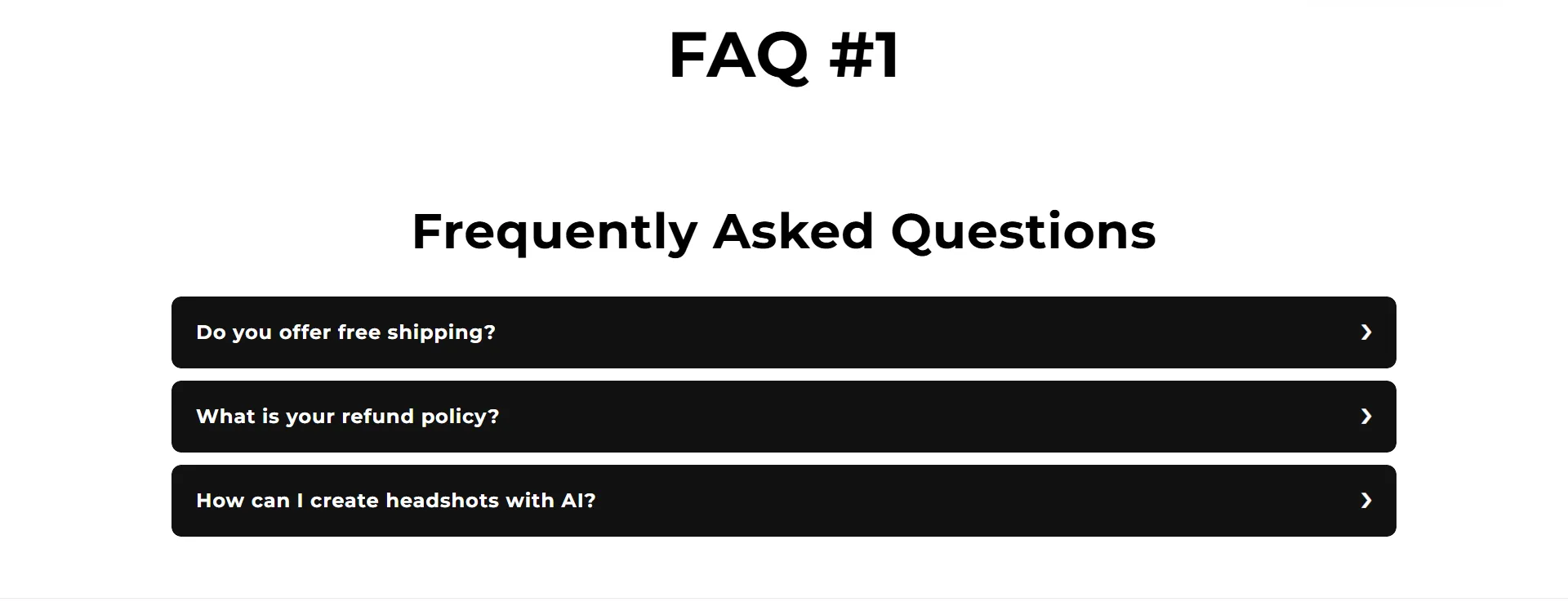
Frequently Asked Questions
Find quick answers to the most common questions about our products, shipping, returns, and more. We’ve made it easy for you to get the information you need—right at your fingertips.
- Price
- Free
- Category
- FAQ Sections
- Merchant installs
- 15
- Works with
- Any OS 2.0 theme
Installs via the Section Shop app · shows as “SShop:FAQ Simple” in your editor
How to add Frequently Asked Questions to your store
- 1
Install Section Shop
Get the free app from the Shopify App Store — takes one click.
- 2
Add “Frequently Asked Questions”
Find it in the FAQ Sections category and click Add to theme.
- 3
Customize in your editor
It appears as “SShop:FAQ Simple” — edit text, images, colors and fonts, then save.
More faq sections sections
View all →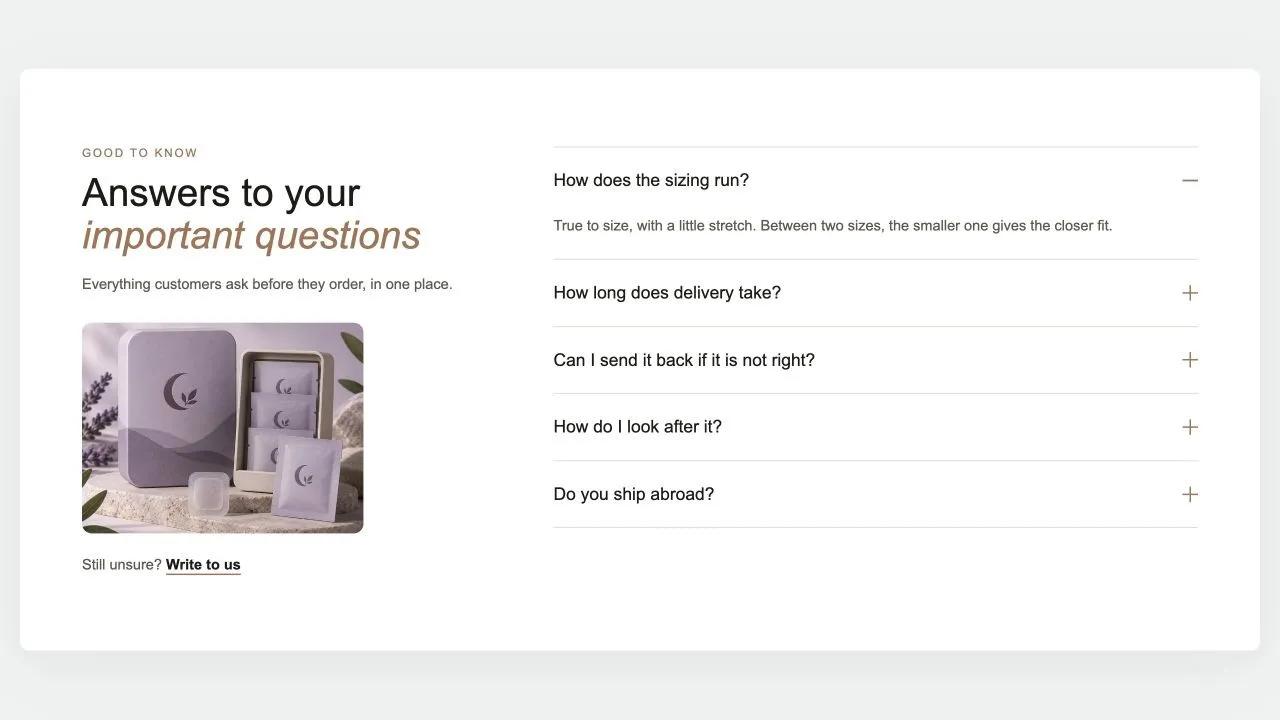 Free
Free FAQ Split 1
FAQ Sections
The heading, a word of reassurance, an optional photo and a contact link on one side; the questions on the other, opening one at a time with no script. The side column stays in view while the answers scroll, and every question is published as FAQ structured data for search engines.
View section →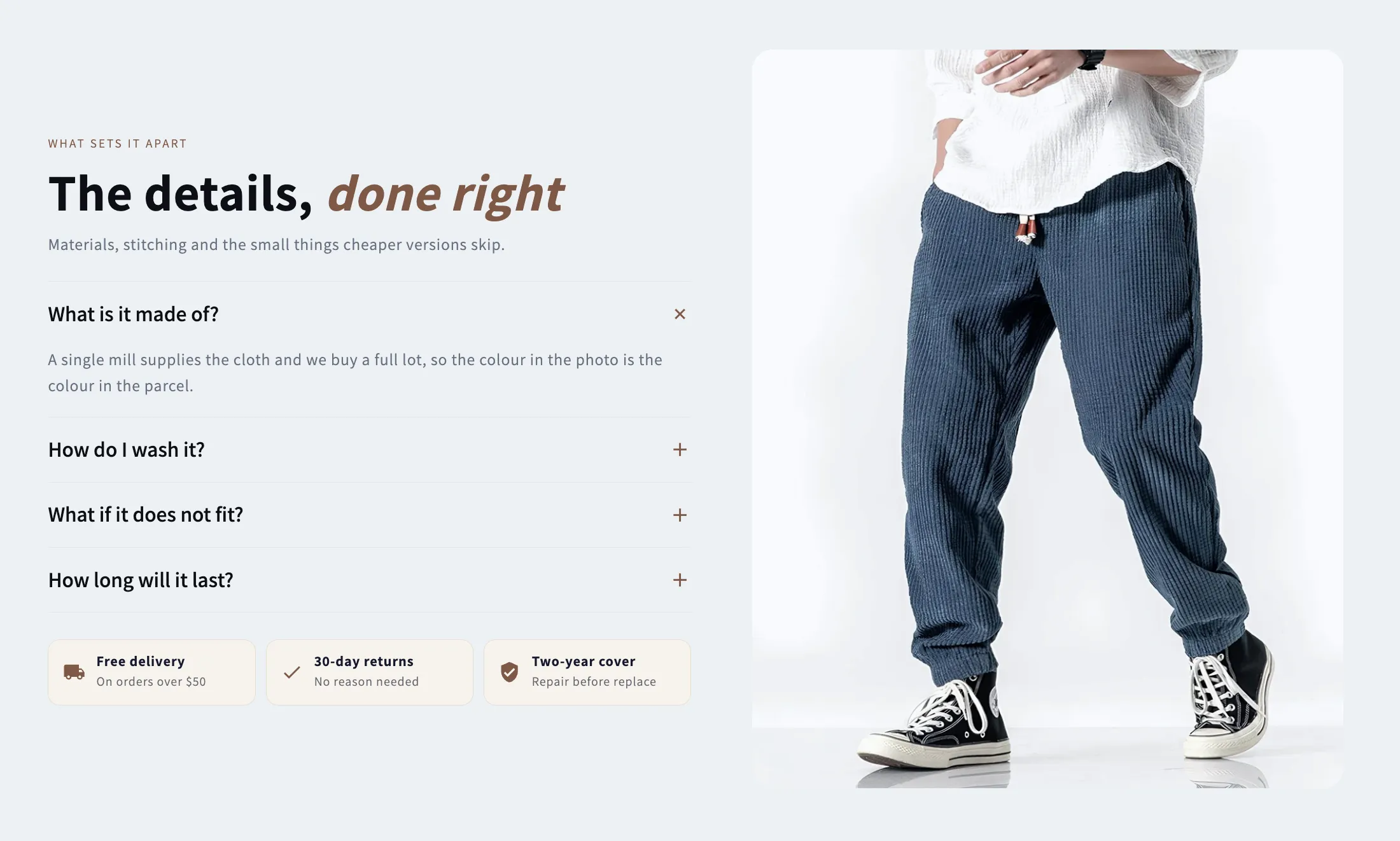 Free
Free Media Tabs
FAQ Sections
A picture beside an accordion of answers, with optional chips underneath for the offers that close a sale. Takes a separate mobile crop and a link on the image.
View section →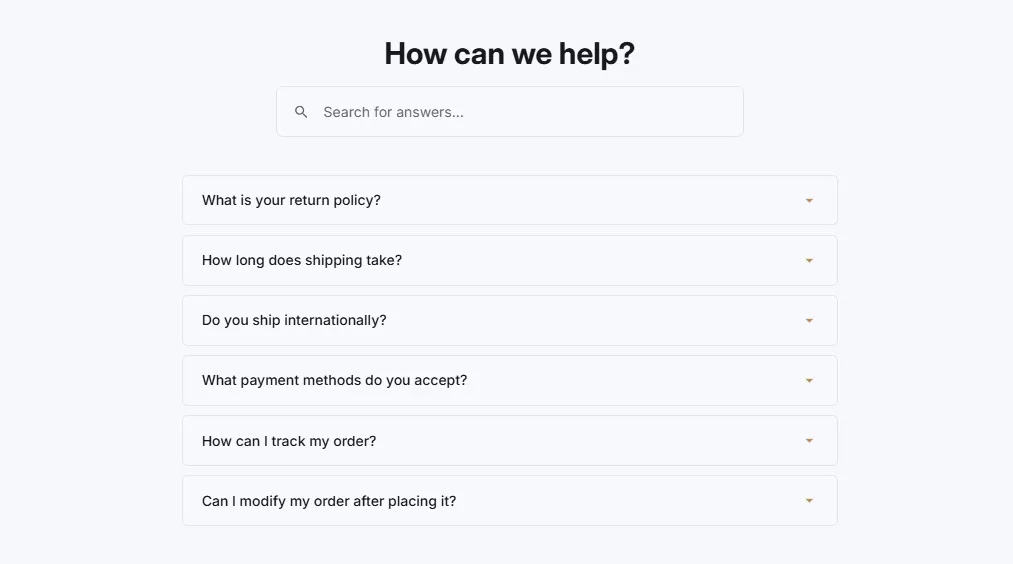 Free
Free FAQ Searchable
23 installsFAQ Sections
FAQ with search functionality and instant filtering. Search box with icon, real-time filtering as user types, highlight matching questions, and no results message.
View section →