
Ingredient Tabs
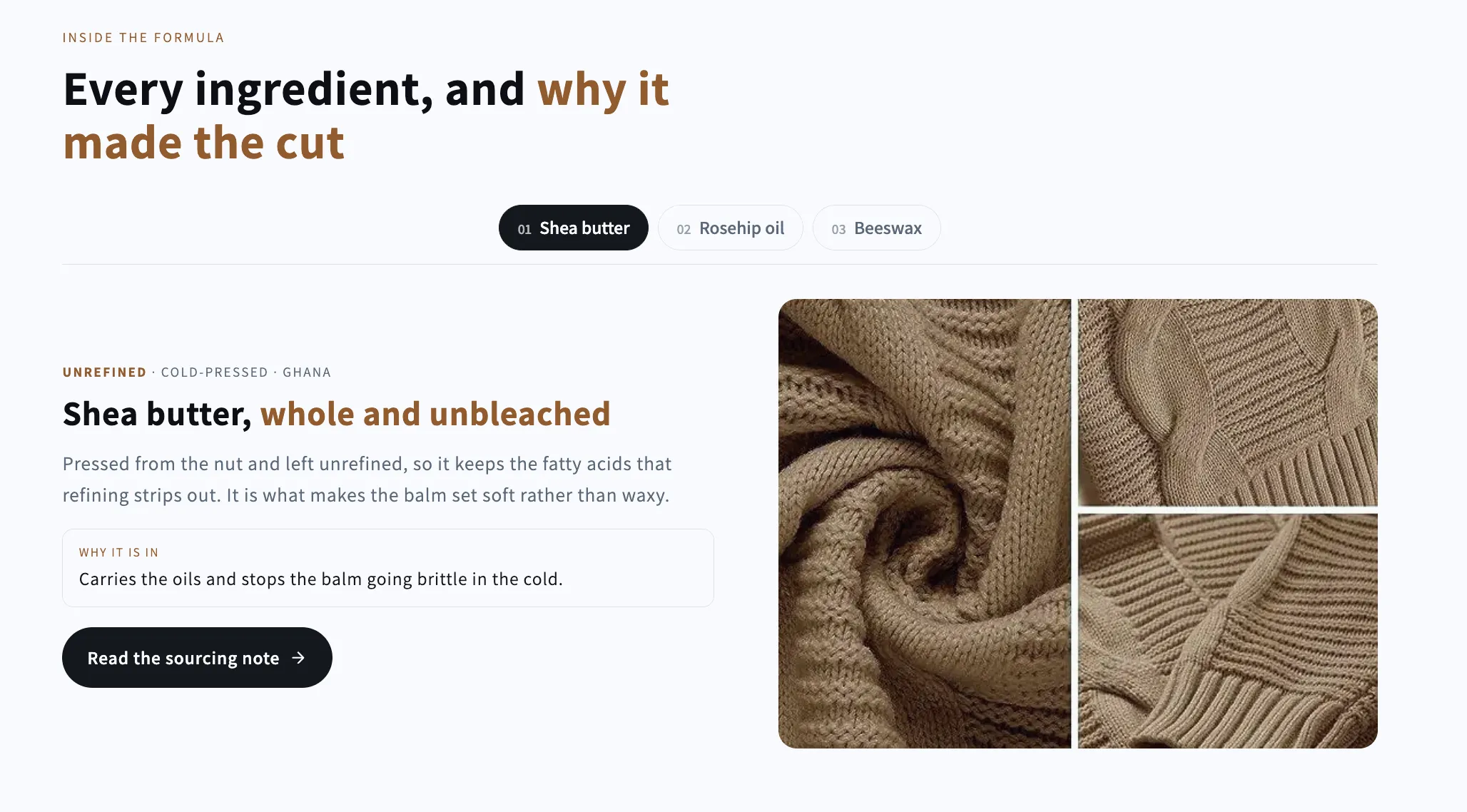
Ingredient Tabs
A tab bar that swaps both the picture and the copy: one panel per ingredient, material or step, each with its own credential line, reason and link. Full keyboard navigation.
- Price
- Free
- Category
- Image with Text
- Merchant installs
- 6
- Works with
- Any OS 2.0 theme
Installs via the Section Shop app · shows as “SShop:Ingredient Tabs” in your editor
- image with text
- tabs
- ingredients
- materials
- steps
- formula
How to add Ingredient Tabs to your store
- 1
Install Section Shop
Get the free app from the Shopify App Store — takes one click.
- 2
Add “Ingredient Tabs”
Find it in the Image with Text category and click Add to theme.
- 3
Customize in your editor
It appears as “SShop:Ingredient Tabs” — edit text, images, colors and fonts, then save.
More image with text sections
View all →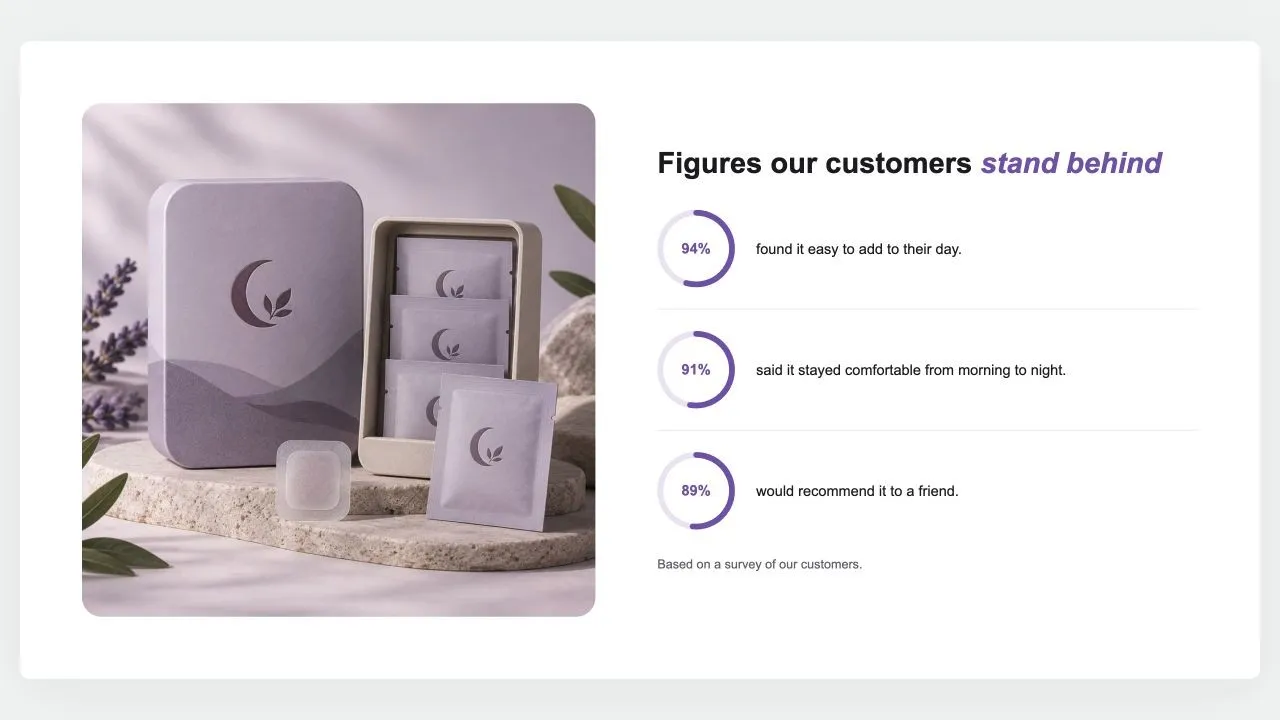 Free
Free Stat Rings 1
Image with Text
A photo beside a heading and up to six figures, each a ring filled to its percentage with the number inside and a line of text. The rings fill as they scroll into view, and a note says where the figures come from.
View section →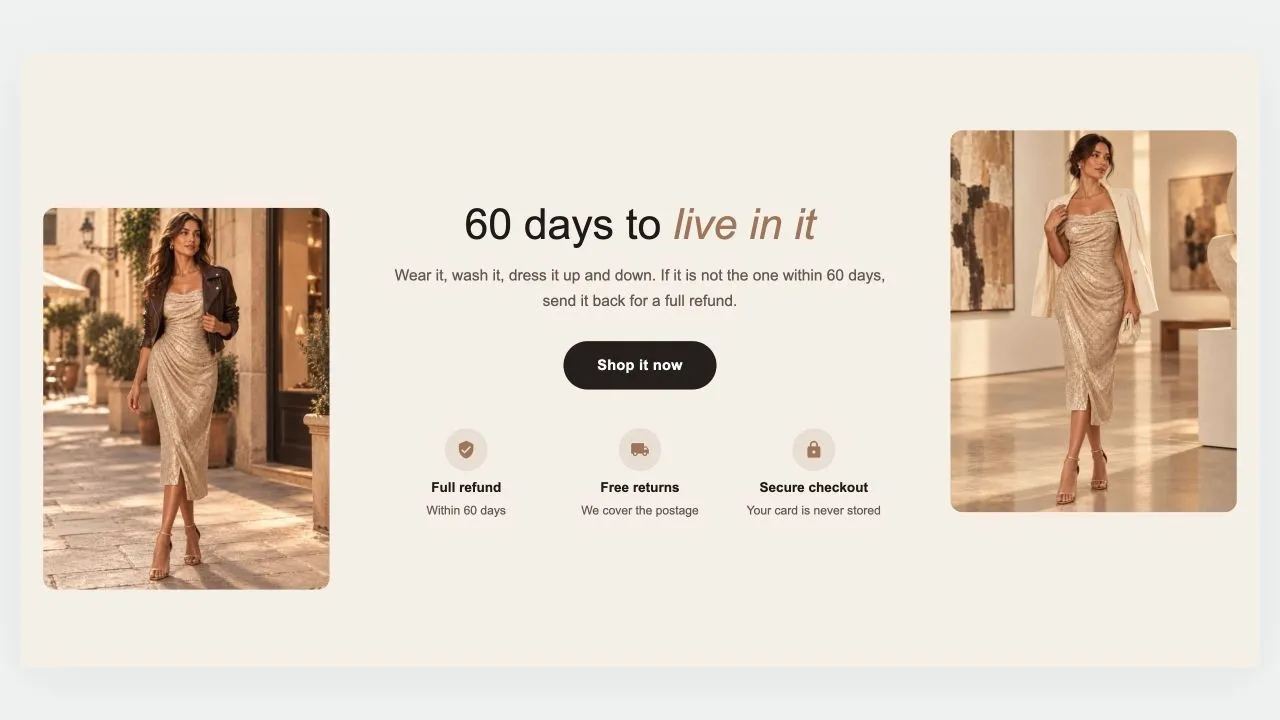 Free
Free Guarantee Band 1
Image with Text
A guarantee told between two photos: a heading, a short promise and a button in the middle, a row of reassurances underneath, and a picture on each side, staggered for a little movement. On phones the photos sit side by side above the words, or step aside altogether.
View section →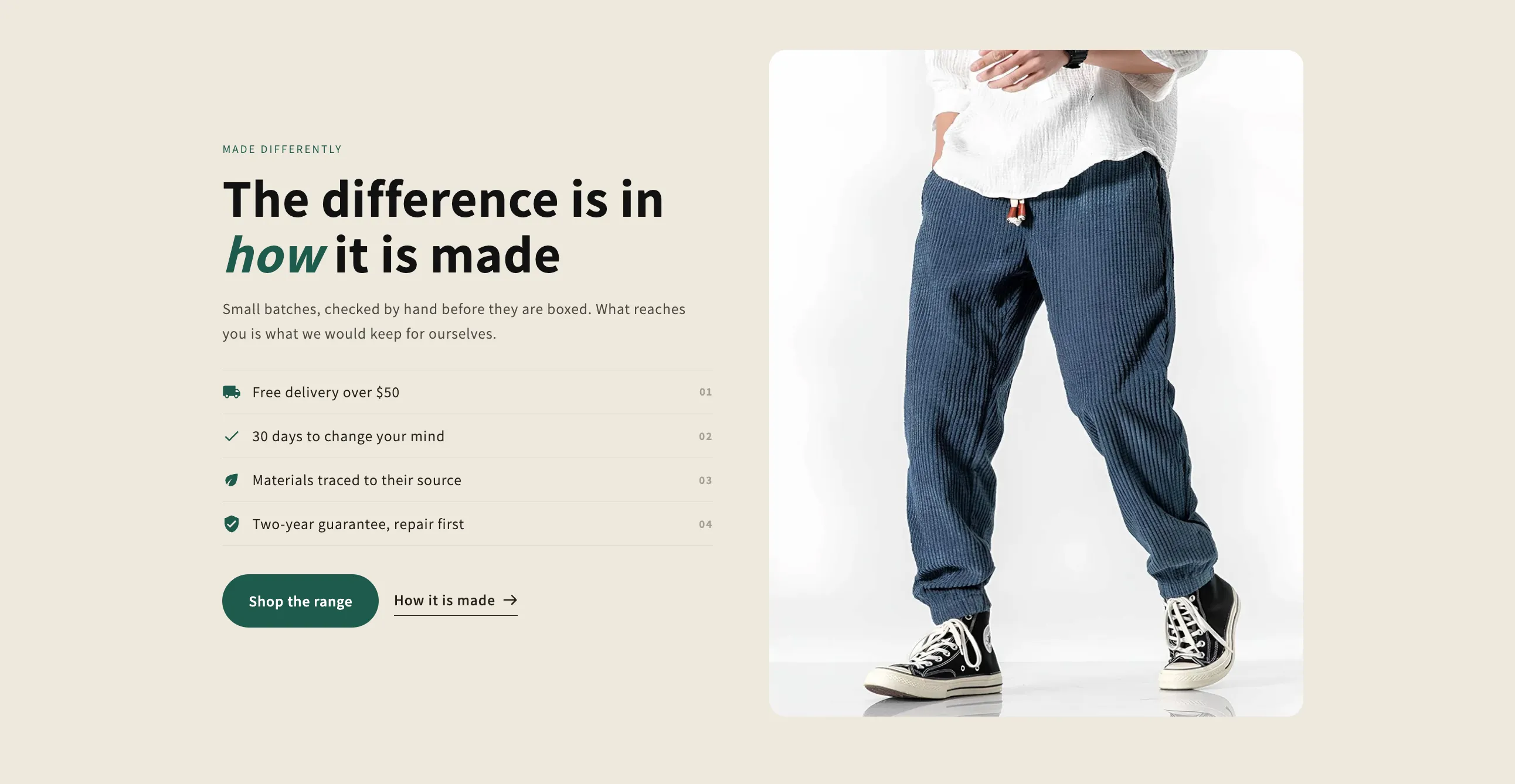 Free
Free Selling Points
Image with Text
One picture or clip beside the argument for buying: a headline, a paragraph, a numbered checklist of reasons and two buttons. External video opens in a popup that loads nothing until it is clicked.
View section →