
Product Grid 6
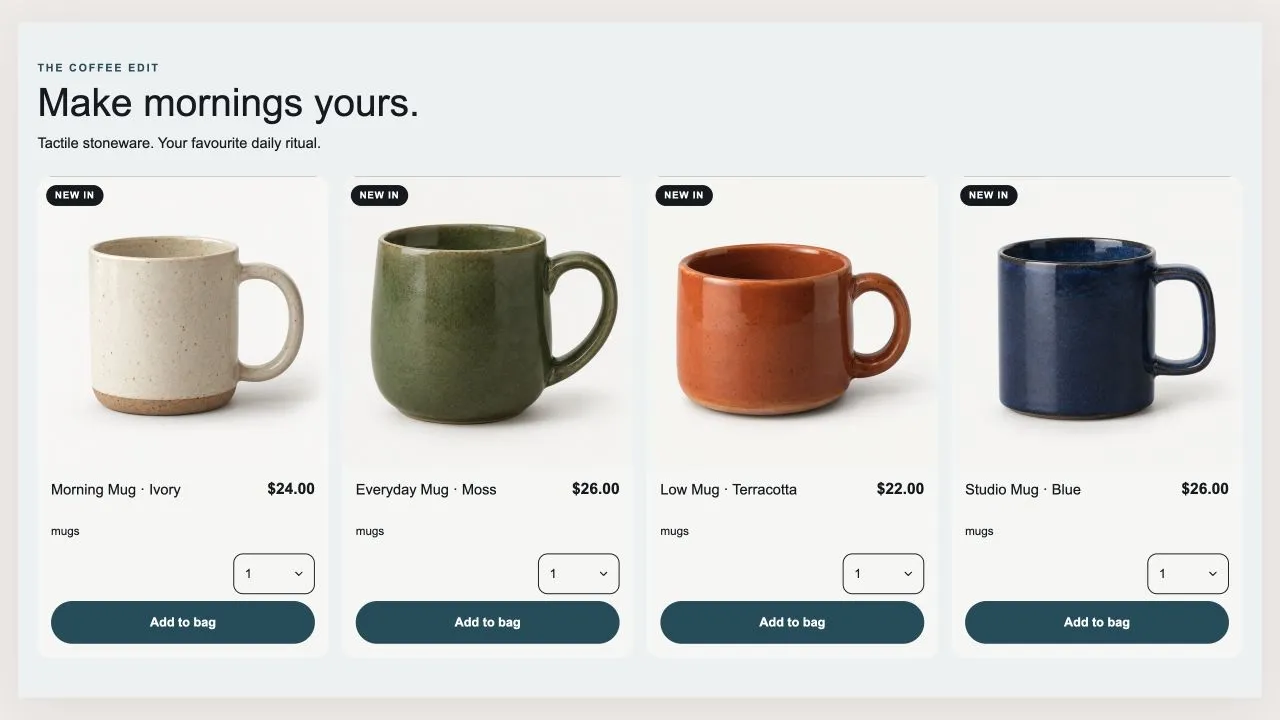
Product Grid 6
A shelf that can be a grid or a swipe row, with optional tabs across the top. Every card carries a size menu and a quantity menu, so a shopper can buy two of something without adding it twice. Card height is decided once for the whole section, so switching tabs never makes the shelf jump.
- Price
- Free
- Category
- Product Showcases
- Merchant installs
- 6
- Works with
- Any OS 2.0 theme
Installs via the Section Shop app · shows as “SShop:Product Grid 6” in your editor
- product grid
- tabs
- carousel
- variant picker
- quantity
- add to cart
How to add Product Grid 6 to your store
- 1
Install Section Shop
Get the free app from the Shopify App Store — takes one click.
- 2
Add “Product Grid 6”
Find it in the Product Showcases category and click Add to theme.
- 3
Customize in your editor
It appears as “SShop:Product Grid 6” — edit text, images, colors and fonts, then save.
More product showcases sections
View all →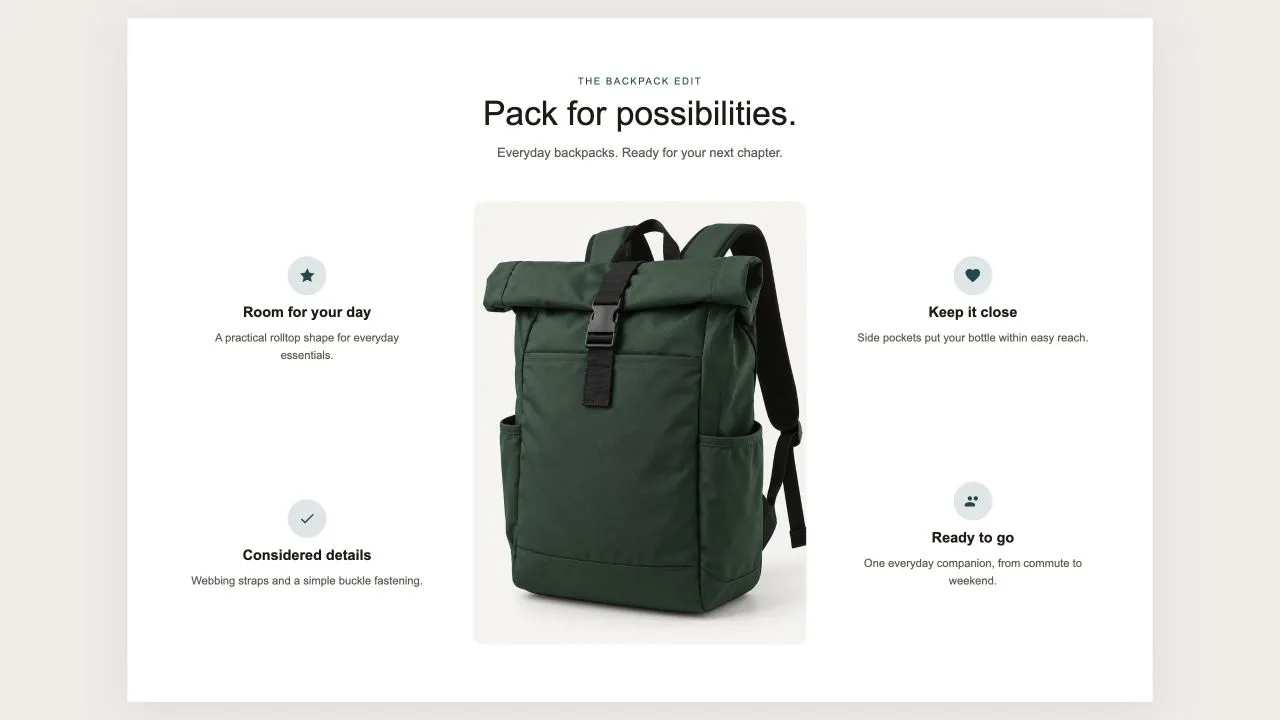 Free
Free Product Callouts 1
Product Showcases
One photo in the middle and the reasons to buy set around it, half on each side, each with an icon from the shared set or your own, a title and a line of text. On a product page the photo can be the product's own until you pick another, and on phones the callouts fall into a tidy grid under the picture.
View section →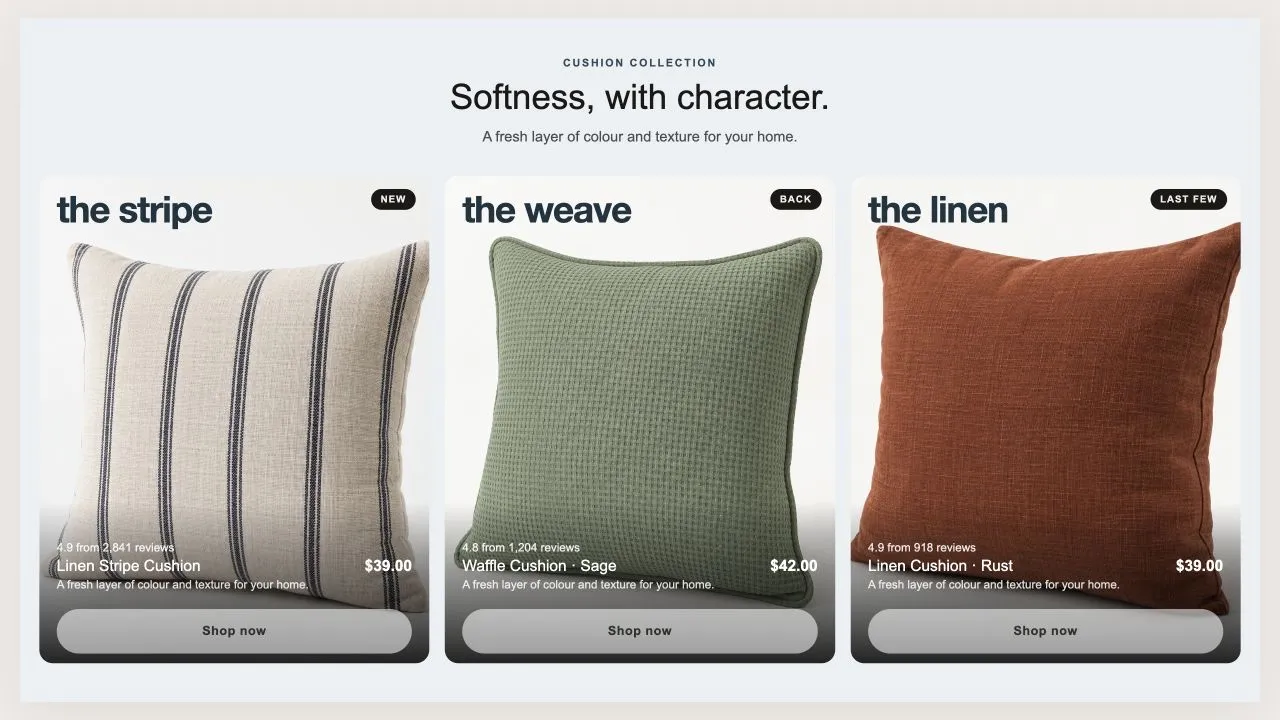 Free
Free Product Tiles 1
Product Showcases
Three tall tiles, each carrying one product under a big display word. The photo flips on hover when a second one is set, and the caption trades places with the buy button. On a phone the caption can sit on the photo or under it, and the text is contrast-checked for whichever you choose.
View section →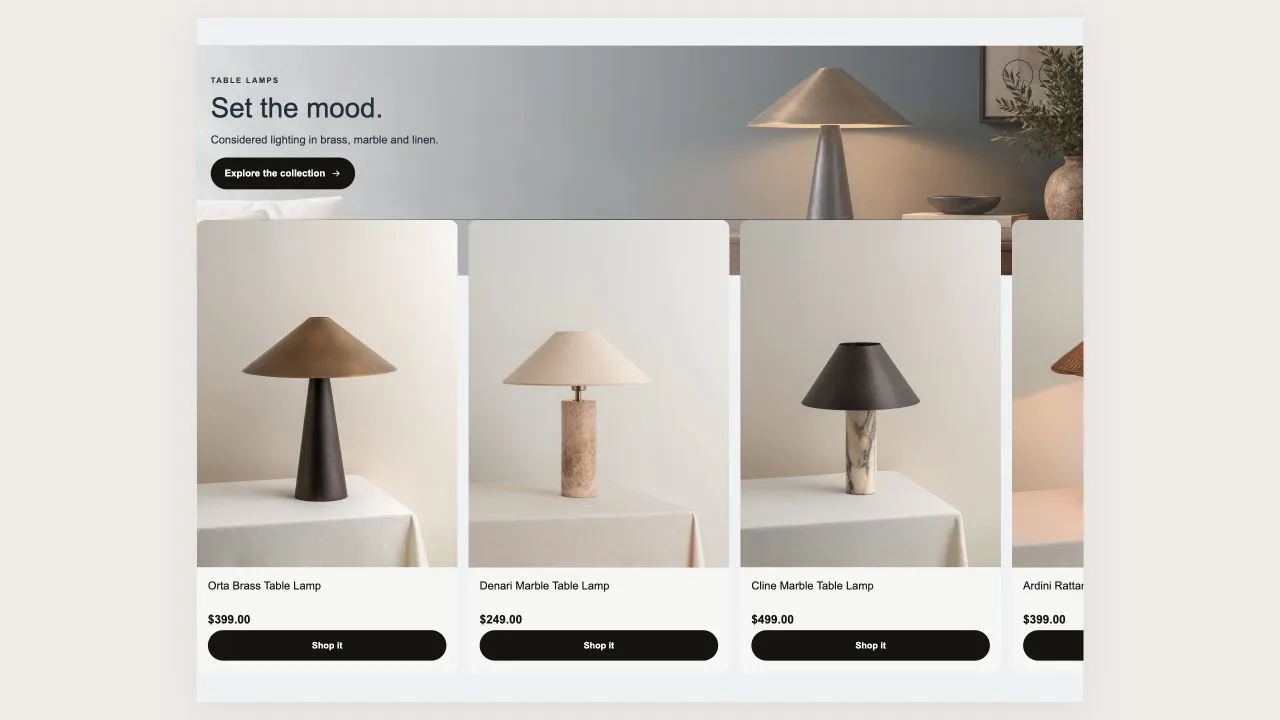 Free
Free Product Banner 2
Product Showcases
The restrained treatment of the same shape: a light banner, one button per card, no glow, and the arrows on the banner itself rather than in a strip under the row. A lit seam is drawn where the cards meet the banner, so the overlap reads as placed rather than cropped.
View section →