
Slideshow 2
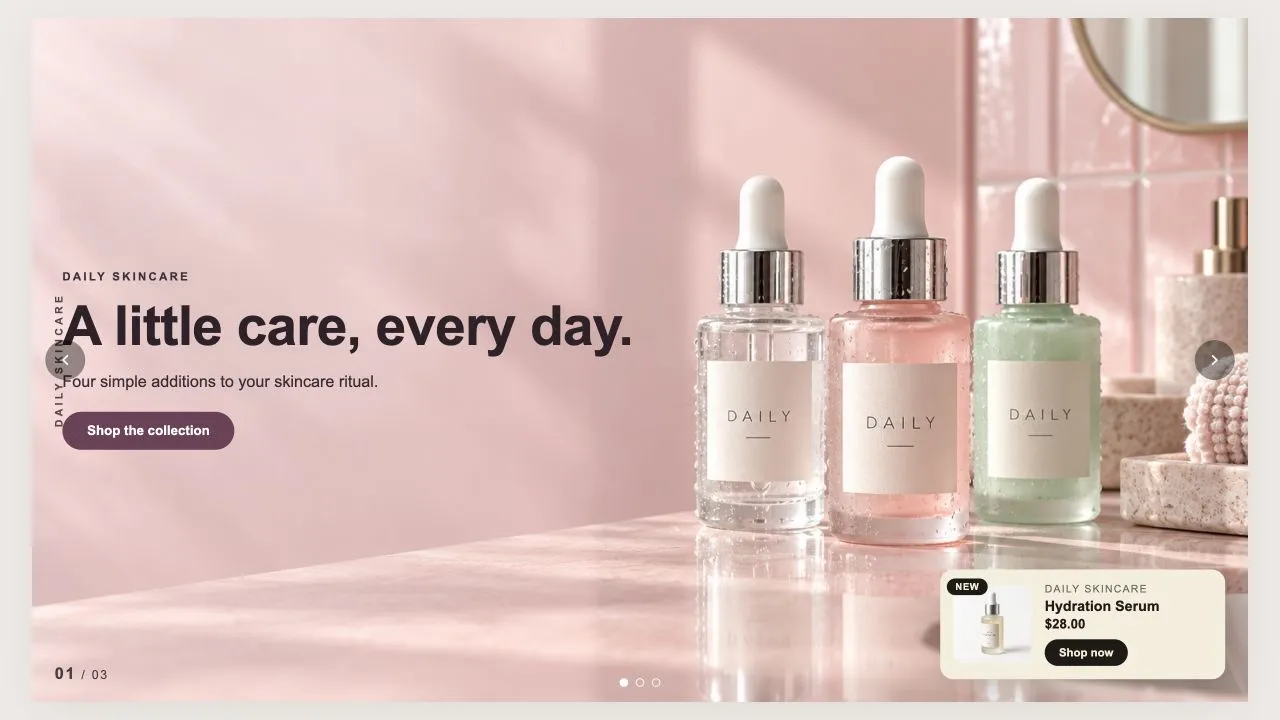
Slideshow 2
An editorial slideshow: a rotated category label down the edge, a slide counter, and an optional product card pinned to the corner. Pick a product and the card fills itself in, or override any field by hand. Each slide declares whether its photo is light or dark, which moves the text colour and the veil together.
- Price
- Free
- Category
- Hero & Banners
- Merchant installs
- 9
- Works with
- Any OS 2.0 theme
Installs via the Section Shop app · shows as “SShop:Slideshow 2” in your editor
- slideshow
- editorial
- product card
- vertical label
- counter
- lookbook
How to add Slideshow 2 to your store
- 1
Install Section Shop
Get the free app from the Shopify App Store — takes one click.
- 2
Add “Slideshow 2”
Find it in the Hero & Banners category and click Add to theme.
- 3
Customize in your editor
It appears as “SShop:Slideshow 2” — edit text, images, colors and fonts, then save.
More hero & banners sections
View all →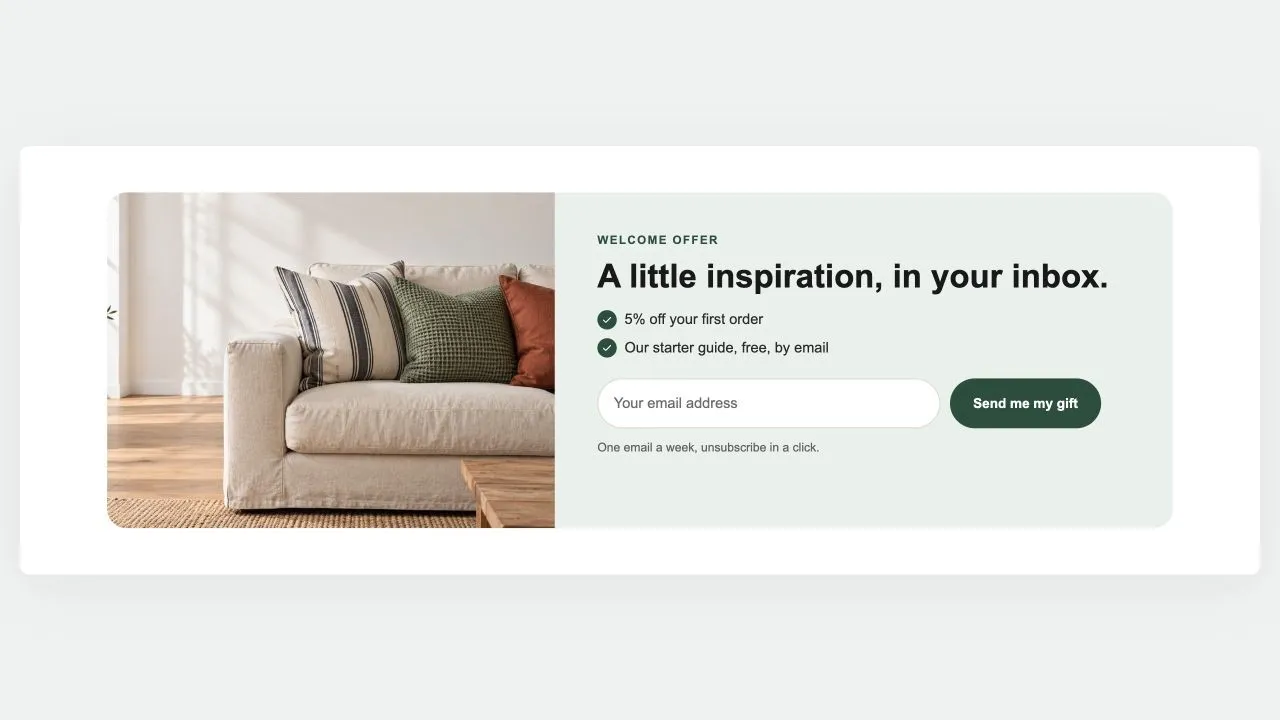 Free
Free Newsletter Band 1
Hero & Banners
A sign-up band with an offer: a heading, three perks with a tick, the email field and the button, a photo beside it if you like. Subscribers get the newsletter tag; the thank-you shows in place.
View section →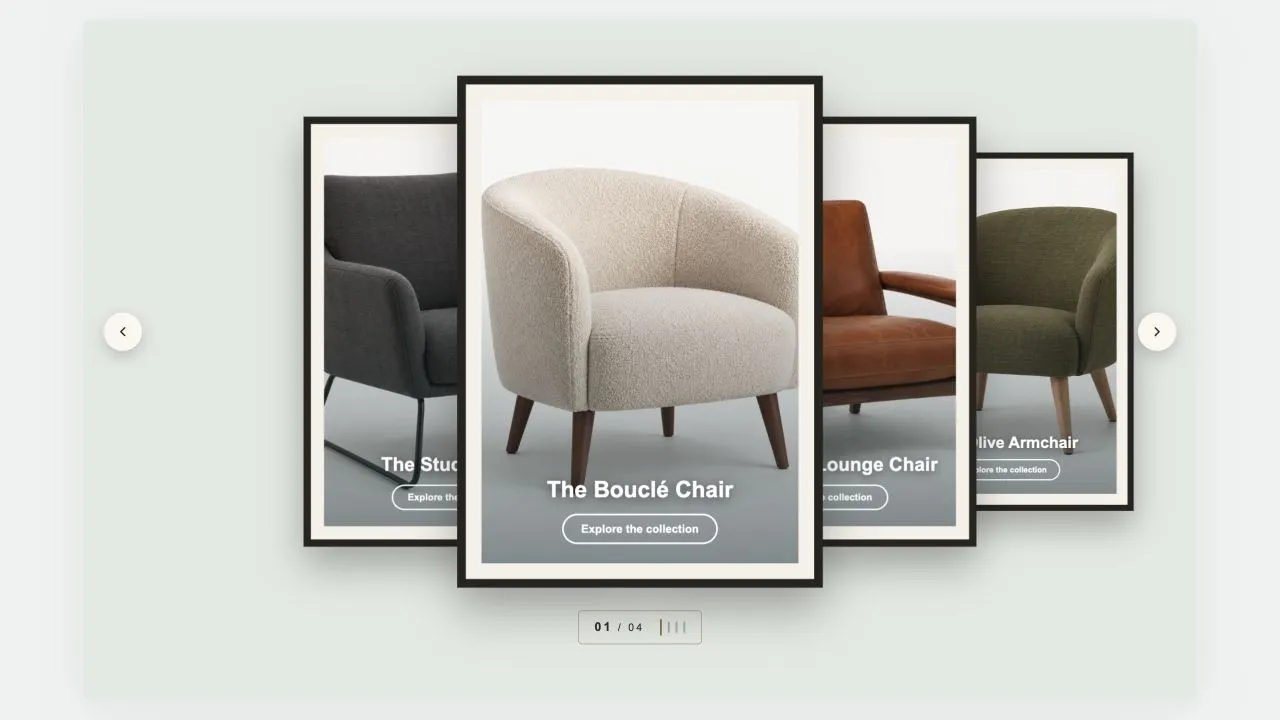 Free
Free Coverflow 2
Hero & Banners
A gallery wall: each photograph sits in a mat and a frame, hung in a row that recedes to either side of the one in front. Navigation is a brass plaque with the piece number and a row of tick marks, the way a wall label works. Hangs flat by default, and leans as far as you want it to.
View section →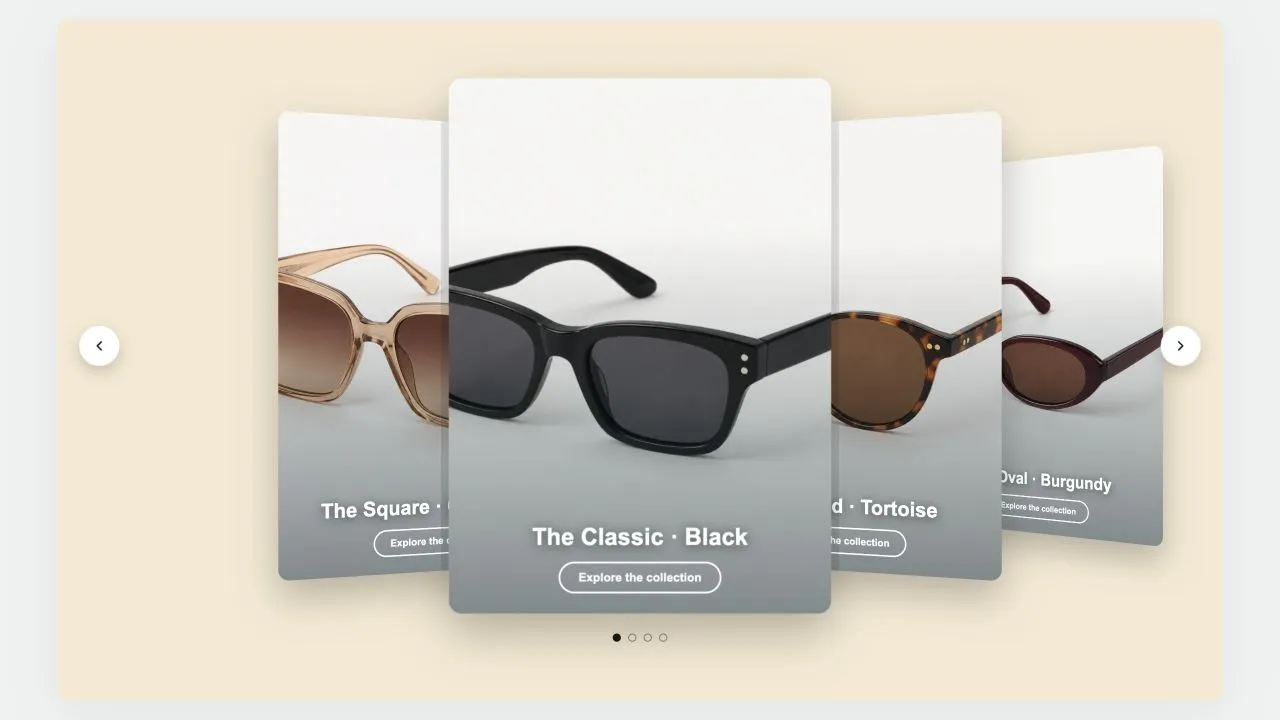 Free
Free Coverflow 1
Hero & Banners
A leaning deck of cards: one in front, its neighbours fanned out behind and shrinking with distance. Each card carries a signed offset from the centre as a CSS custom property and one transform rule reads it, so moving the deck rewrites numbers rather than markup. Clicking a card behind brings it forward.
View section →