
Split Content Banner
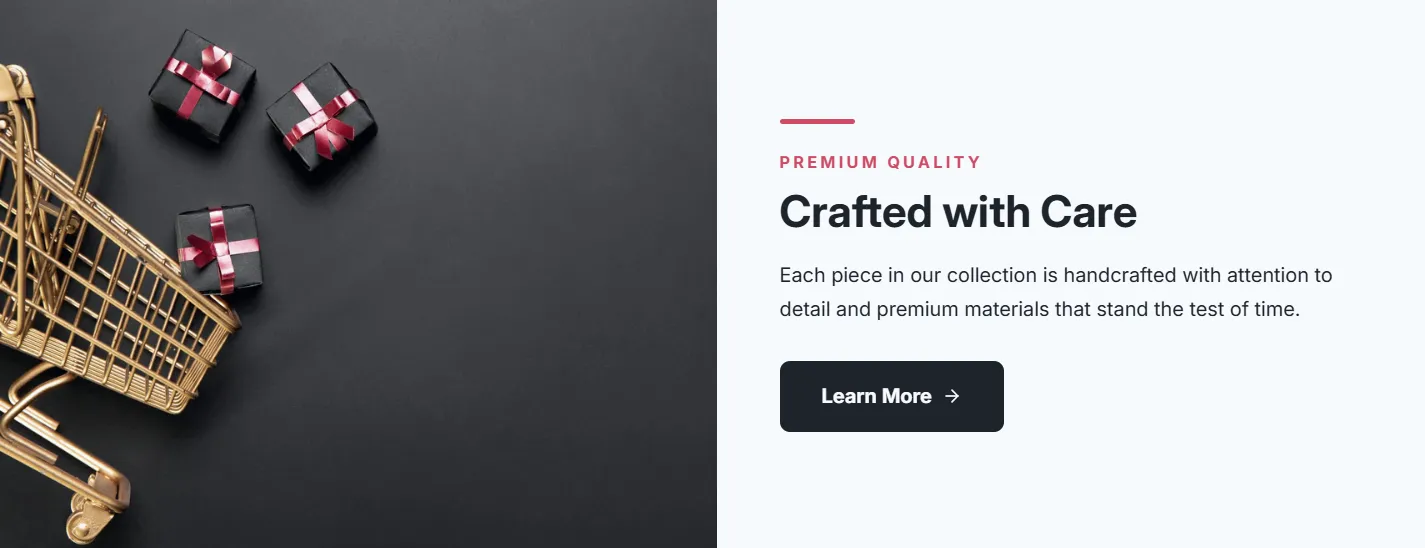
Split Content Banner
Two-column layout with image and text, smooth animations, and hover effects. Features customizable split ratios (50/50, 40/60, 60/40, 30/70, 70/30), optional badge, accent line, and reversible layout.
- Price
- Free
- Category
- Hero & Banners
- Merchant installs
- 21
- Works with
- Any OS 2.0 theme
Installs via the Section Shop app · shows as “SShop:Split Banner” in your editor
- split layout
- two column
- image text
- hover effects
- badge
- animated
How to add Split Content Banner to your store
- 1
Install Section Shop
Get the free app from the Shopify App Store — takes one click.
- 2
Add “Split Content Banner”
Find it in the Hero & Banners category and click Add to theme.
- 3
Customize in your editor
It appears as “SShop:Split Banner” — edit text, images, colors and fonts, then save.
More hero & banners sections
View all →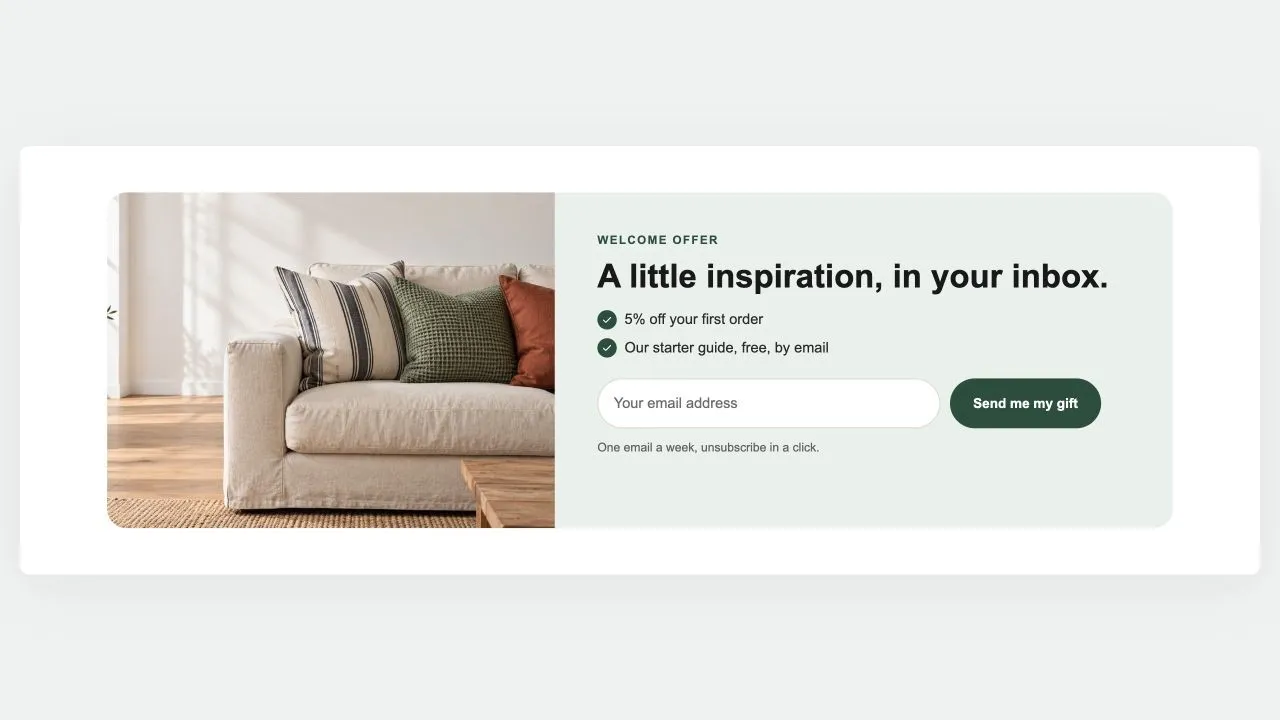 Free
Free Newsletter Band 1
Hero & Banners
A sign-up band with an offer: a heading, three perks with a tick, the email field and the button, a photo beside it if you like. Subscribers get the newsletter tag; the thank-you shows in place.
View section →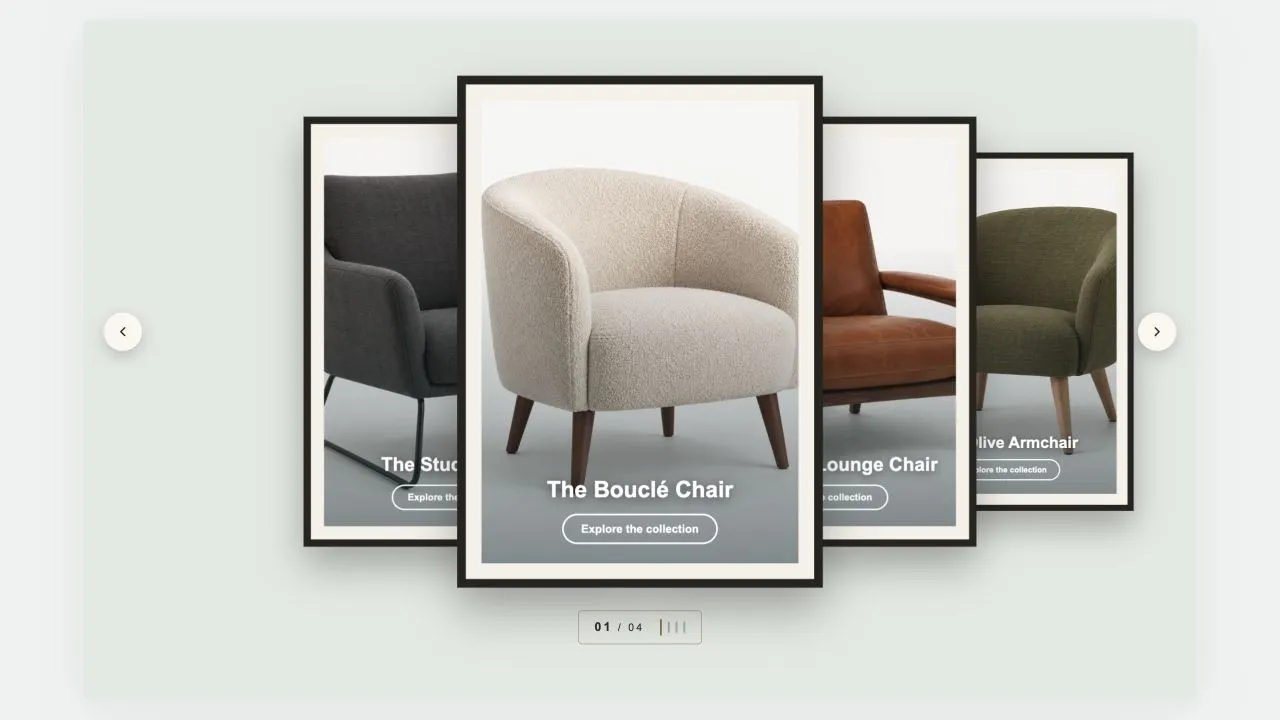 Free
Free Coverflow 2
Hero & Banners
A gallery wall: each photograph sits in a mat and a frame, hung in a row that recedes to either side of the one in front. Navigation is a brass plaque with the piece number and a row of tick marks, the way a wall label works. Hangs flat by default, and leans as far as you want it to.
View section →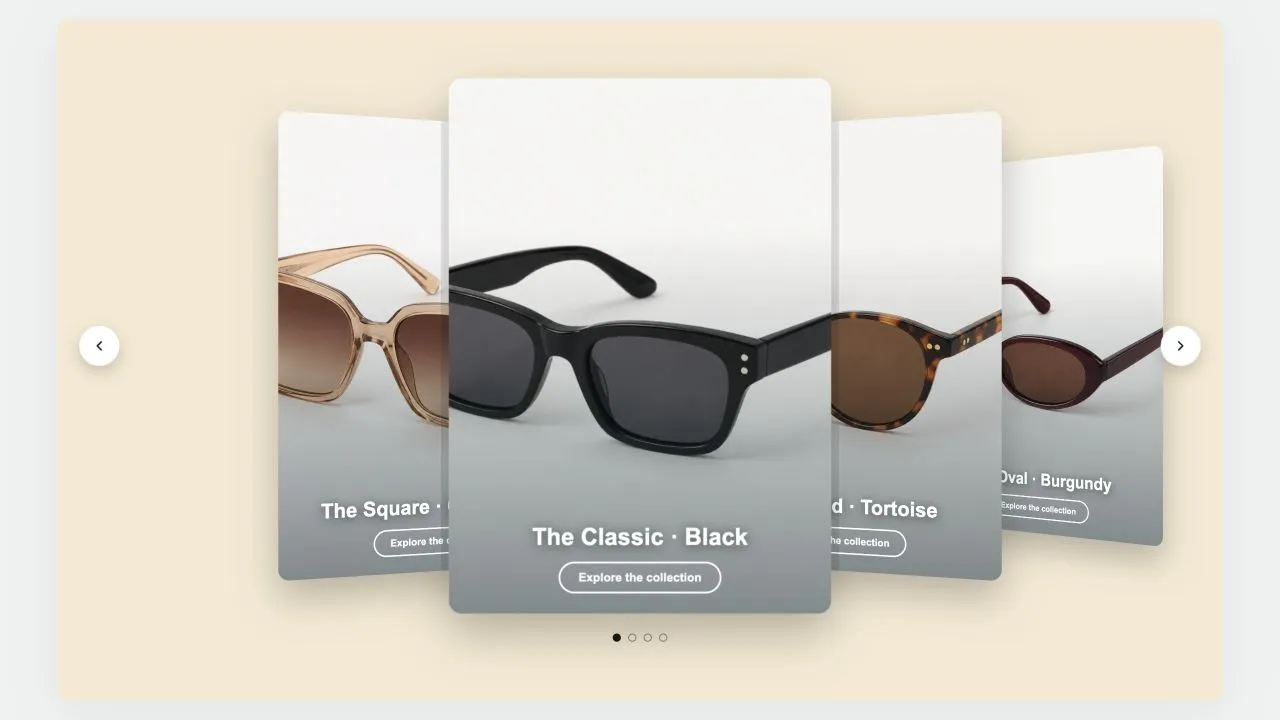 Free
Free Coverflow 1
Hero & Banners
A leaning deck of cards: one in front, its neighbours fanned out behind and shrinking with distance. Each card carries a signed offset from the centre as a CSS custom property and one transform rule reads it, so moving the deck rewrites numbers rather than markup. Clicking a card behind brings it forward.
View section →