
Team Grid 1

Team Grid 1
The people behind the shop: a heading, a few lines that turn "we" into faces, then the team in a grid with a round photo, a first name, a role and one line each. Three or four per row, the last row centred.
- Price
- Free
- Category
- Content & Extras
- Merchant installs
- 5
- Works with
- Any OS 2.0 theme
Installs via the Section Shop app · shows as “SShop:Team Grid 1” in your editor
- team
- about us
- people
- staff
- founders
- our story
How to add Team Grid 1 to your store
- 1
Install Section Shop
Get the free app from the Shopify App Store — takes one click.
- 2
Add “Team Grid 1”
Find it in the Content & Extras category and click Add to theme.
- 3
Customize in your editor
It appears as “SShop:Team Grid 1” — edit text, images, colors and fonts, then save.
More content & extras sections
View all →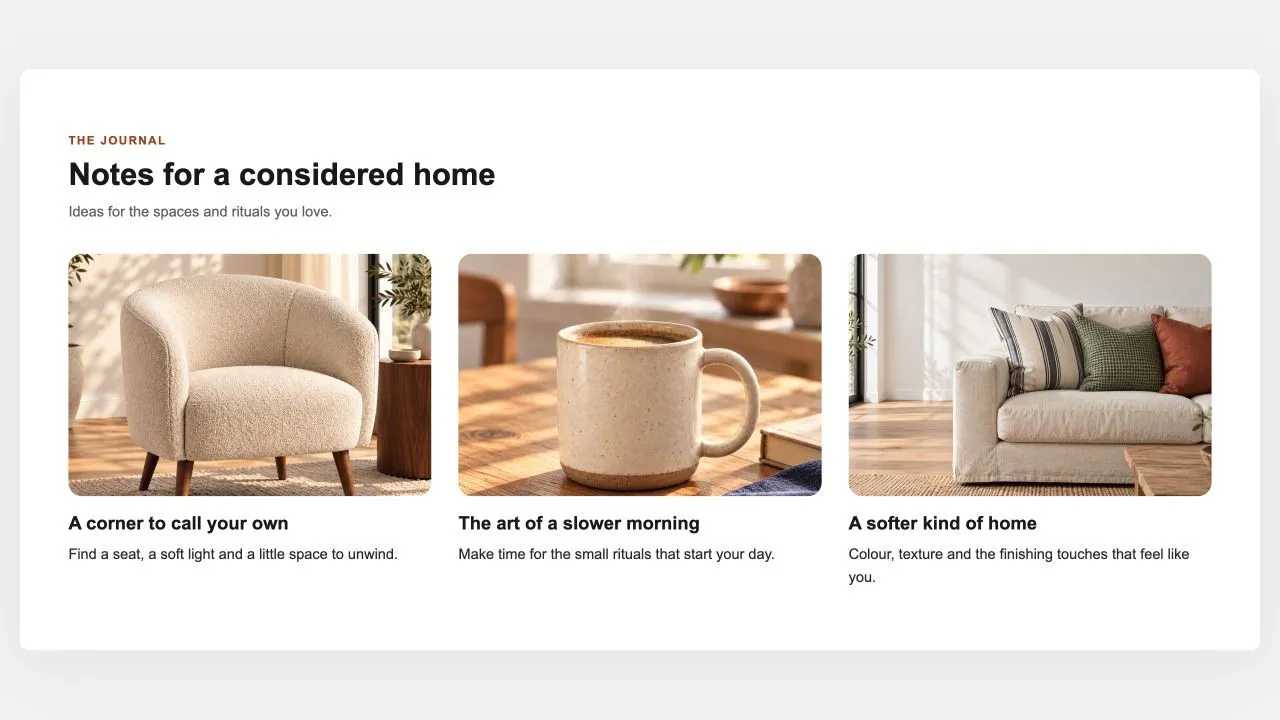 Free
Free Blog Posts 1
Content & Extras
The latest posts of a blog as cards: photo, date, title, an excerpt and a read-more link, two to four per row. On an article page it leaves the current post out, so it reads as "read next".
View section →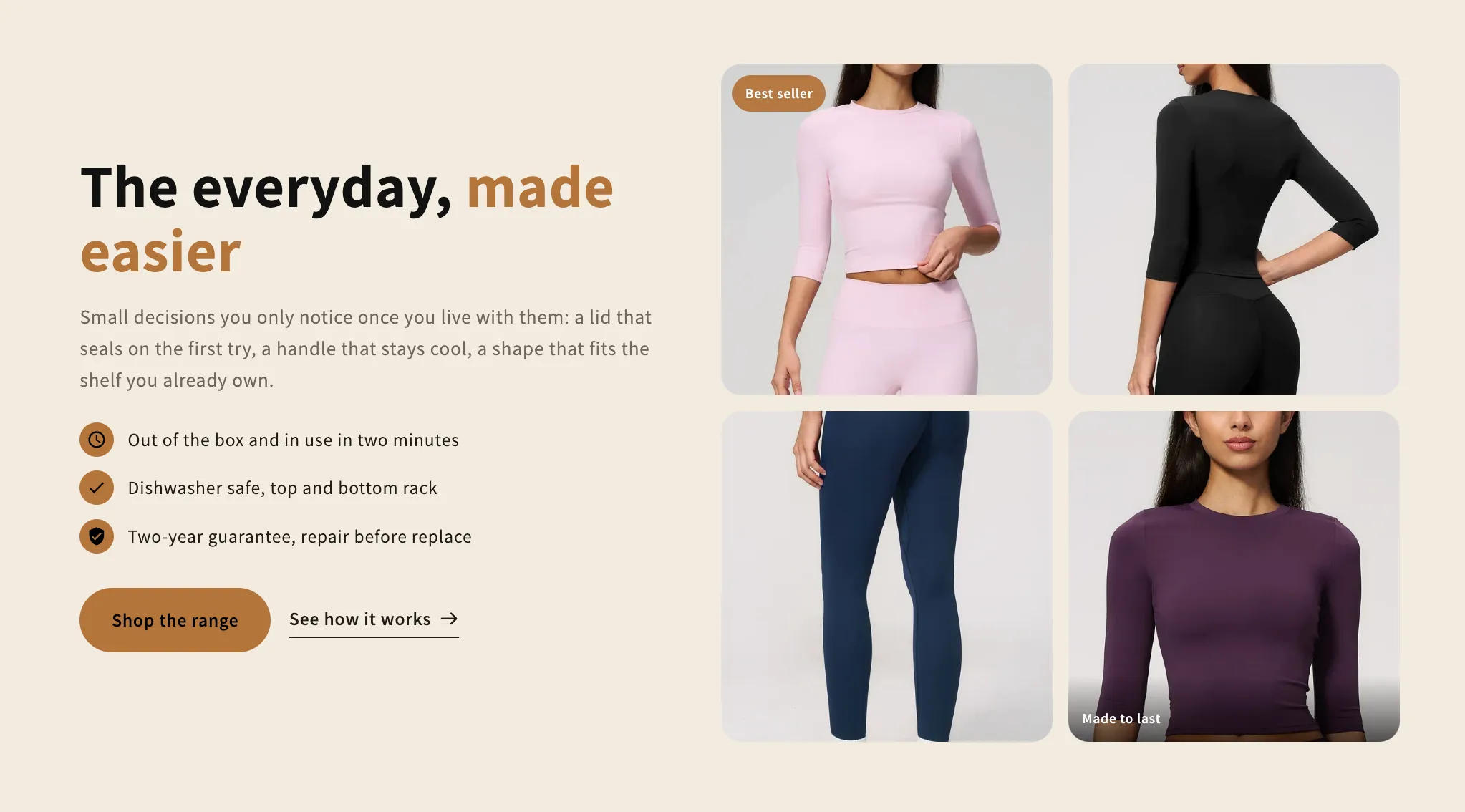 Free
Free Image Collage
16 installsContent & Extras
Copy and a checklist beside a grid of photos that rearranges itself around how many there are, from one to a full gallery. Every photo takes its own caption and link.
View section →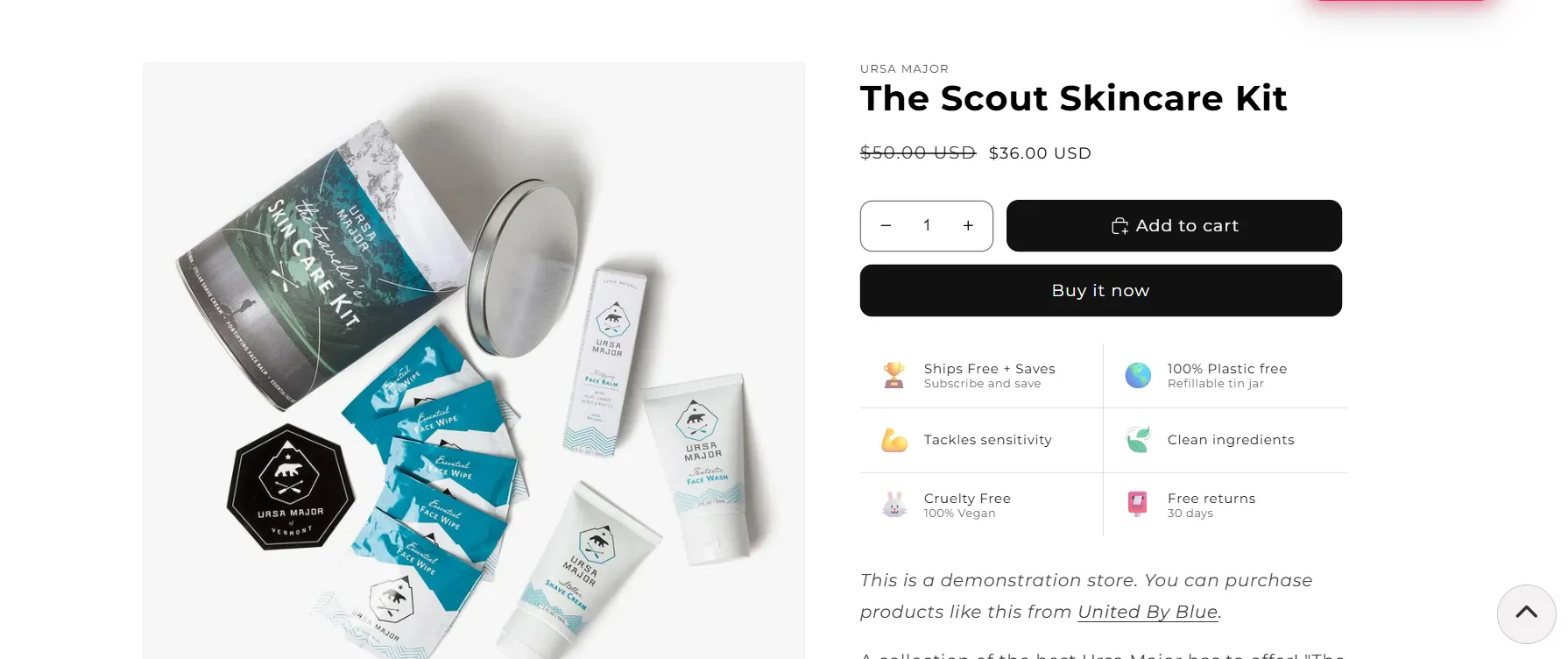 Free
Free Back to Top
22 installsContent & Extras
Enhance your store’s browsing experience with a simple “Back to Top” button. Smooth, user-friendly navigation helps customers explore your site with ease.
View section →