
Benefit Cards 1
Free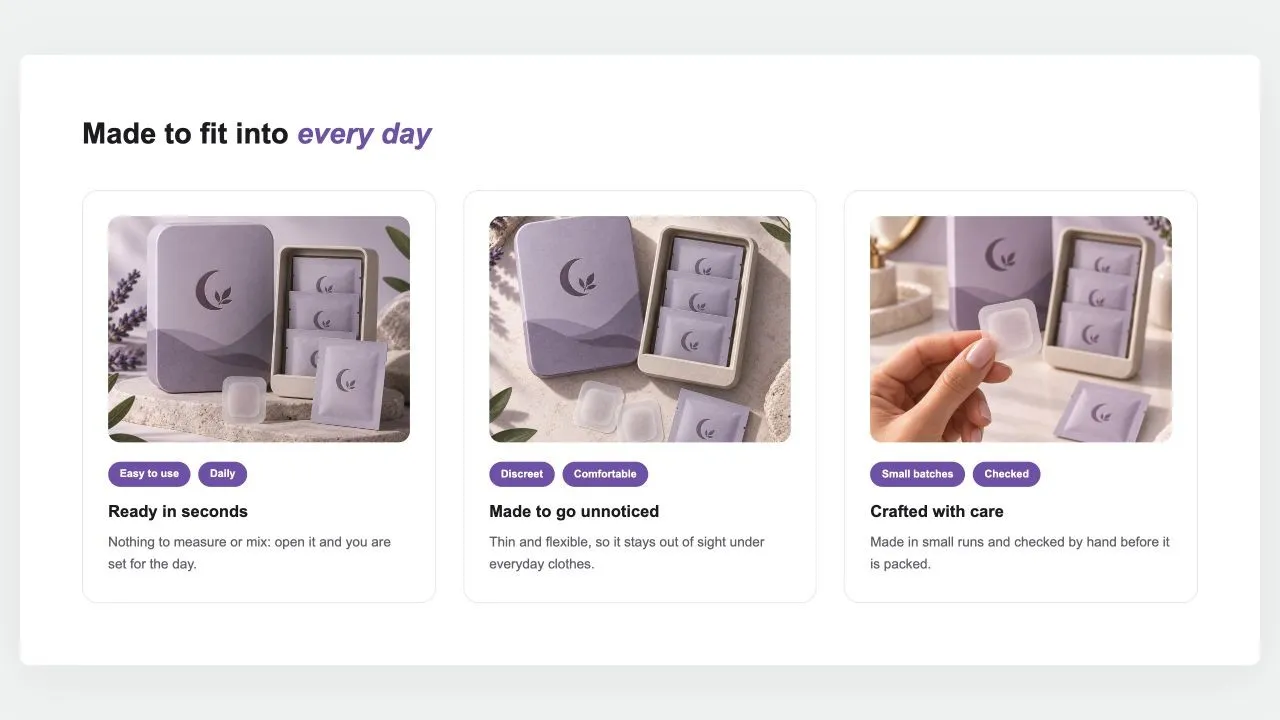
Full section details, tags and related sections: Benefit Cards 1 →
Why Benefit Cards 1 works on Craft
Icon grids, cards and numbered steps that turn product benefits into scannable, convincing layouts. On Craft, Benefit Cards 1 slots in like any built-in section: it inherits the theme's fonts by default, picks up your color choices in the editor, and lives alongside Craft's own sections in the picker — prefixed "SShop:" so it's easy to spot.
- Theme
- Craft (free)
- Section category
- Feature Highlights
- Merchant installs
- 6
- Shows in editor as
- SShop:Benefit Cards 1
How to add Benefit Cards 1 to Craft, step by step
- 1
Install Section Shop (free)
Add the app from the Shopify App Store. It's free, carries the Built for Shopify badge, and changes nothing in your Craft setup until you add a section.
- 2
Find “Benefit Cards 1” in the library
Open the app and browse to it — it's in the Feature Highlights category — or use search.
- 3
Click “Add to theme”
Section Shop writes the section into your Craft theme through Shopify's official theme API, the same mechanism Craft uses for its own sections.
- 4
Open the Craft theme editor
In Online Store → Themes → Customize, click “Add section”: you'll find it as “SShop:Benefit Cards 1” in the picker.
- 5
Customize and save
Adjust text, images, colors and layout. Typography follows your Craft font settings by default — or switch the section to any Shopify font. Hit Save and it's live.
Benefit Cards 1 on Craft — FAQ
Does Benefit Cards 1 work with the Craft theme?
Yes. Craft is an Online Store 2.0 theme, and Benefit Cards 1 installs as a native OS 2.0 section through Shopify's official theme API. It appears in Craft's theme editor as “SShop:Benefit Cards 1”, alongside the theme's own sections.
Will Benefit Cards 1 match Craft's design?
By default the section inherits your theme's fonts, so it picks up Craft's typography automatically. Colors, spacing, images and content are all editable in the theme editor — no CSS required.
Is Benefit Cards 1 free, and what if I uninstall Section Shop?
Benefit Cards 1 is free, like every section in the 164-section library. Once added it's a standard theme file: if you uninstall the app, the section stays in your Craft theme and keeps working.
Add Benefit Cards 1 to another theme
More feature highlights for Craft
Pairs well with Benefit Cards 1
 Free
Free Results Timeline 1
Feature Highlights
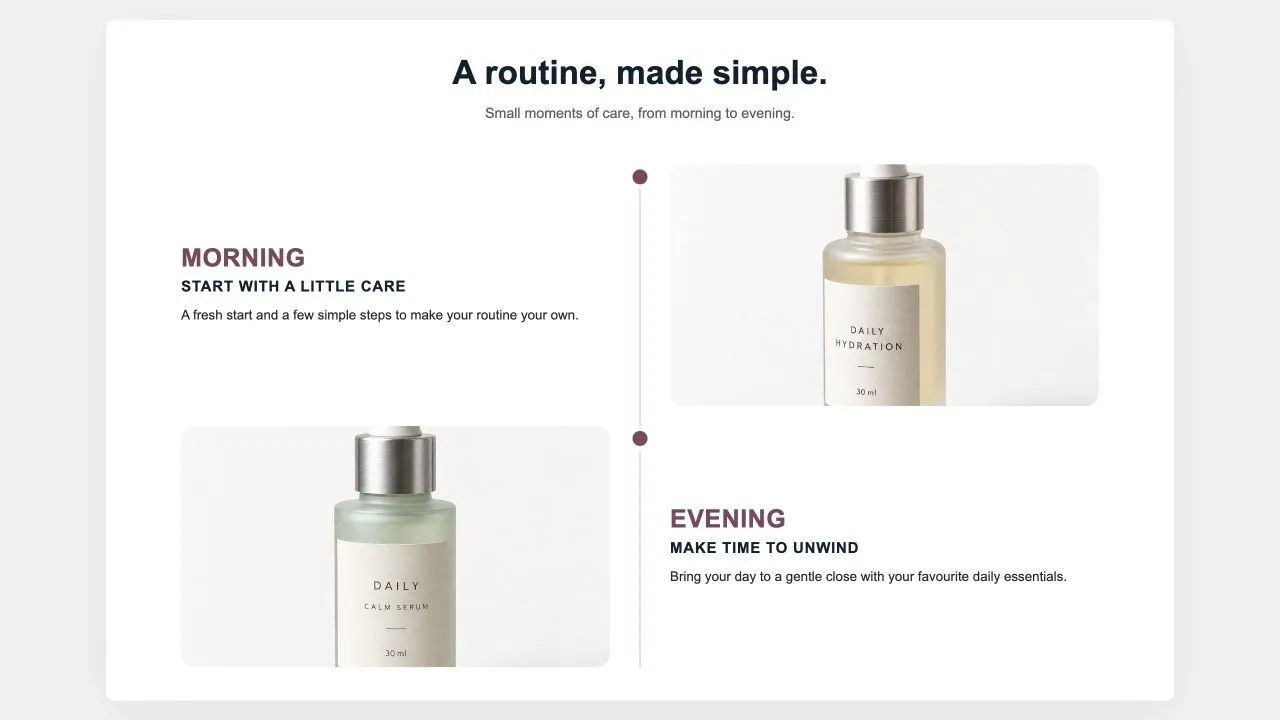
Milestones down a centre line: a big time label, a title, a few lines, a customer quote in a card and a photo on the other side, alternating. For "what to expect and when" on a product page.
View section →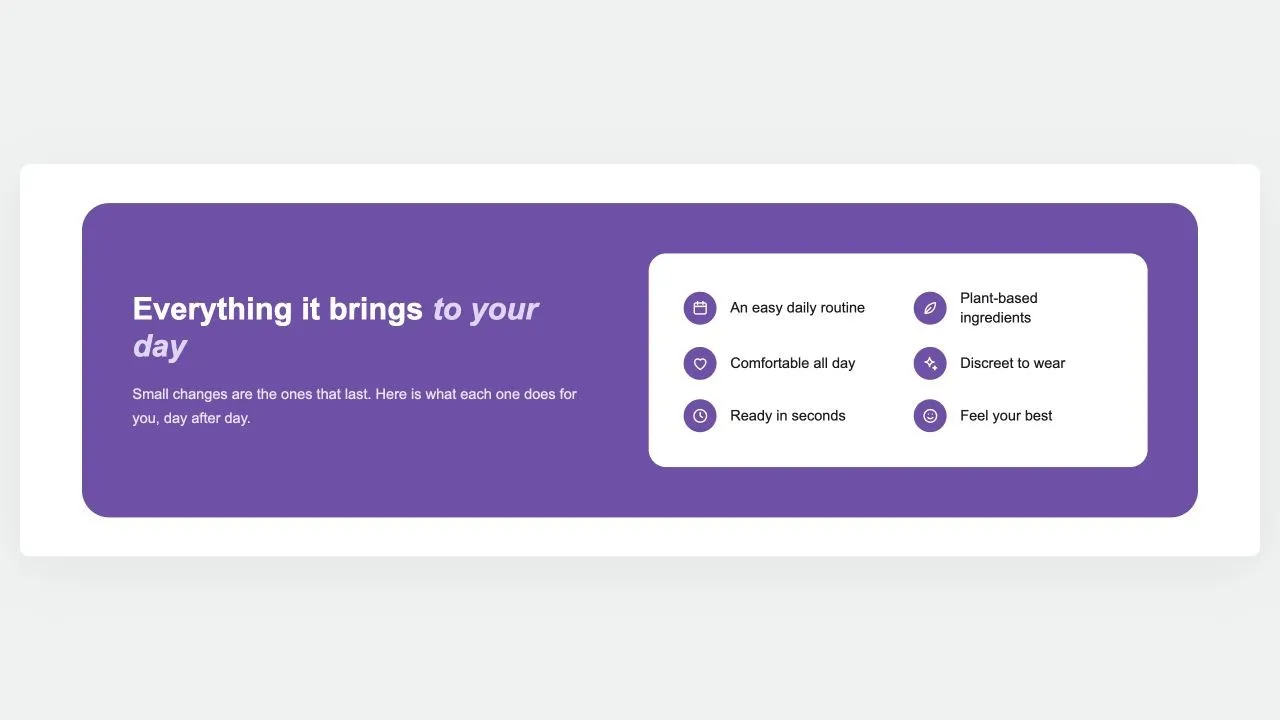 Free
Free Benefits Panel 1
Feature Highlights
A rounded panel in your brand colour: the argument and a button on one side, and on a white card every benefit as an icon and a short label, reading down one or two columns.
View section →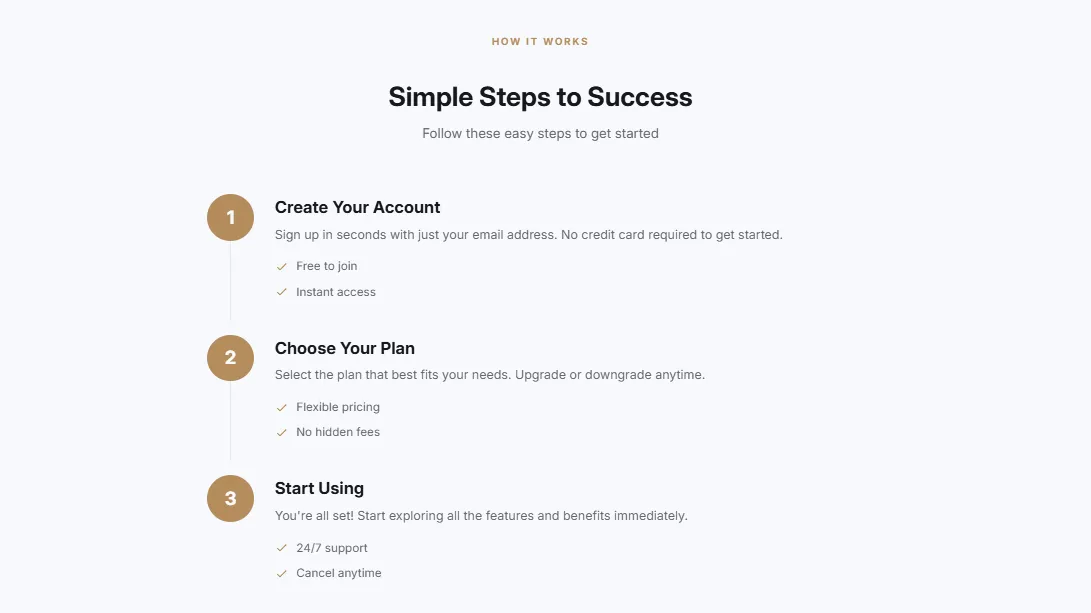 Free
Free Features Numbered
18 installsFeature Highlights
Numbered features/steps with descriptions in a timeline style. Circular number badges, connecting lines between steps, and optional feature bullet points per step.
View section →