
Countdown Product Launch
Free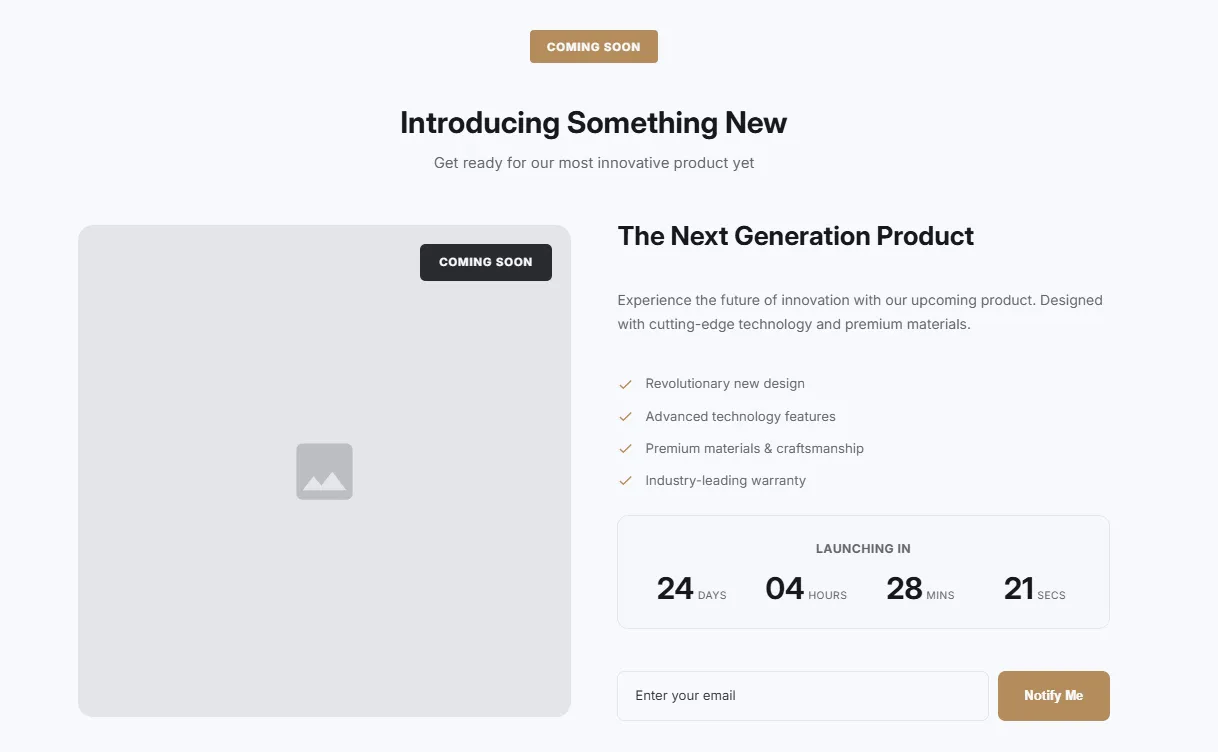
Full section details, tags and related sections: Countdown Product Launch →
Why Countdown Product Launch works on Impulse
Deadline-driven sections for launches, drops and sales — hero countdowns, boxed timers and product-launch layouts. For Impulse specifically, this is one of the strongest matches in the library: even more urgency formats for launches and drops, and Countdown Product Launch fills that gap while inheriting Impulse's typography automatically, so it looks native from the first save. Stack an Urgency Split Bar above a Countdown Hero for launches — Impulse’s promo DNA plus a hard deadline.
- Theme
- Impulse (premium)
- Section category
- Countdown Timers
- Merchant installs
- 18
- Shows in editor as
- SShop:Launch Countdown
How to add Countdown Product Launch to Impulse, step by step
- 1
Install Section Shop (free)
Add the app from the Shopify App Store. It's free, carries the Built for Shopify badge, and changes nothing in your Impulse setup until you add a section.
- 2
Find “Countdown Product Launch” in the library
Open the app and browse to it — it's in the Countdown Timers category — or use search.
- 3
Click “Add to theme”
Section Shop writes the section into your Impulse theme through Shopify's official theme API, the same mechanism Impulse uses for its own sections.
- 4
Open the Impulse theme editor
In Online Store → Themes → Customize, click “Add section”: you'll find it as “SShop:Launch Countdown” in the picker.
- 5
Customize and save
Adjust text, images, colors and layout. Typography follows your Impulse font settings by default — or switch the section to any Shopify font. Hit Save and it's live.
Countdown Product Launch on Impulse — FAQ
Does Countdown Product Launch work with the Impulse theme?
Yes. Impulse is an Online Store 2.0 theme, and Countdown Product Launch installs as a native OS 2.0 section through Shopify's official theme API. It appears in Impulse's theme editor as “SShop:Launch Countdown”, alongside the theme's own sections.
Will Countdown Product Launch match Impulse's design?
By default the section inherits your theme's fonts, so it picks up Impulse's typography automatically. Colors, spacing, images and content are all editable in the theme editor — no CSS required.
Is Countdown Product Launch free, and what if I uninstall Section Shop?
Countdown Product Launch is free, like every section in the 164-section library. Once added it's a standard theme file: if you uninstall the app, the section stays in your Impulse theme and keeps working.
Add Countdown Product Launch to another theme
More countdown timers for Impulse
Pairs well with Countdown Product Launch
 Free
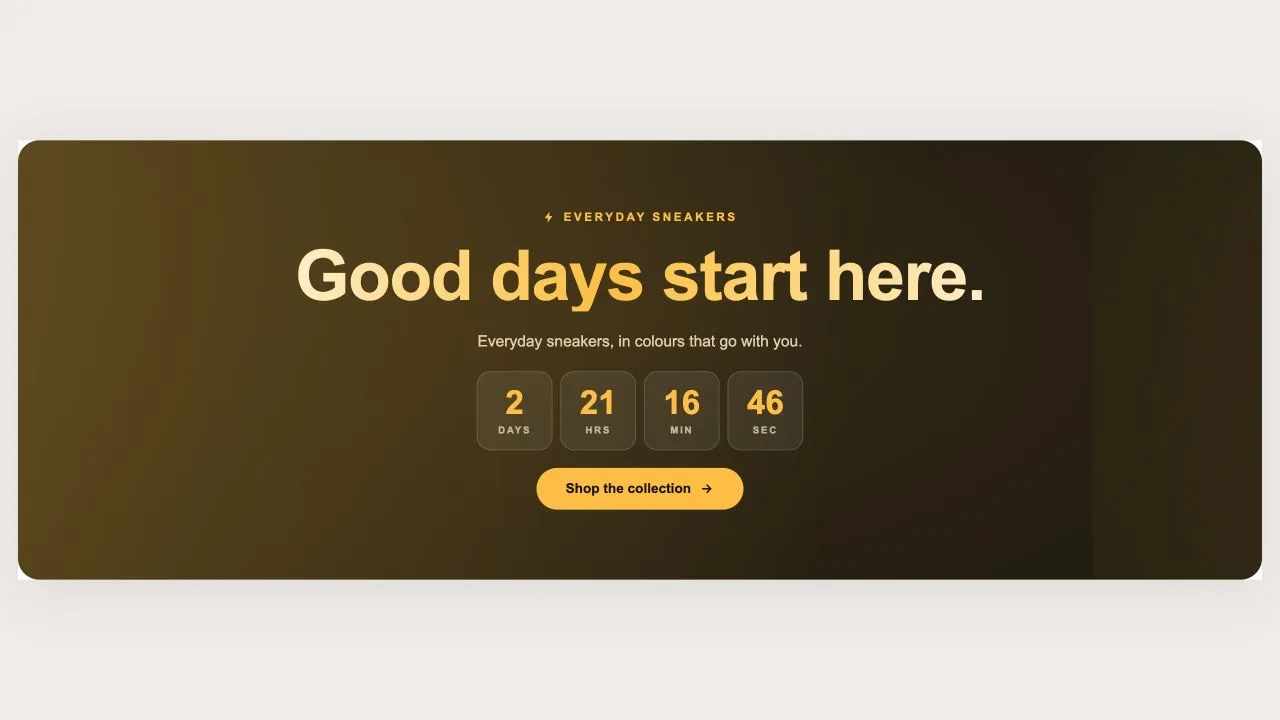
Free Countdown Drop 1
Countdown Timers
A holographic banner for a launch or a restock, running either as a countdown to a scheduled drop or as a pulsing live badge for one already open. The drop name is rendered as a holographic wordmark with a plain-colour fallback, so it is never invisible on an older browser.
View section →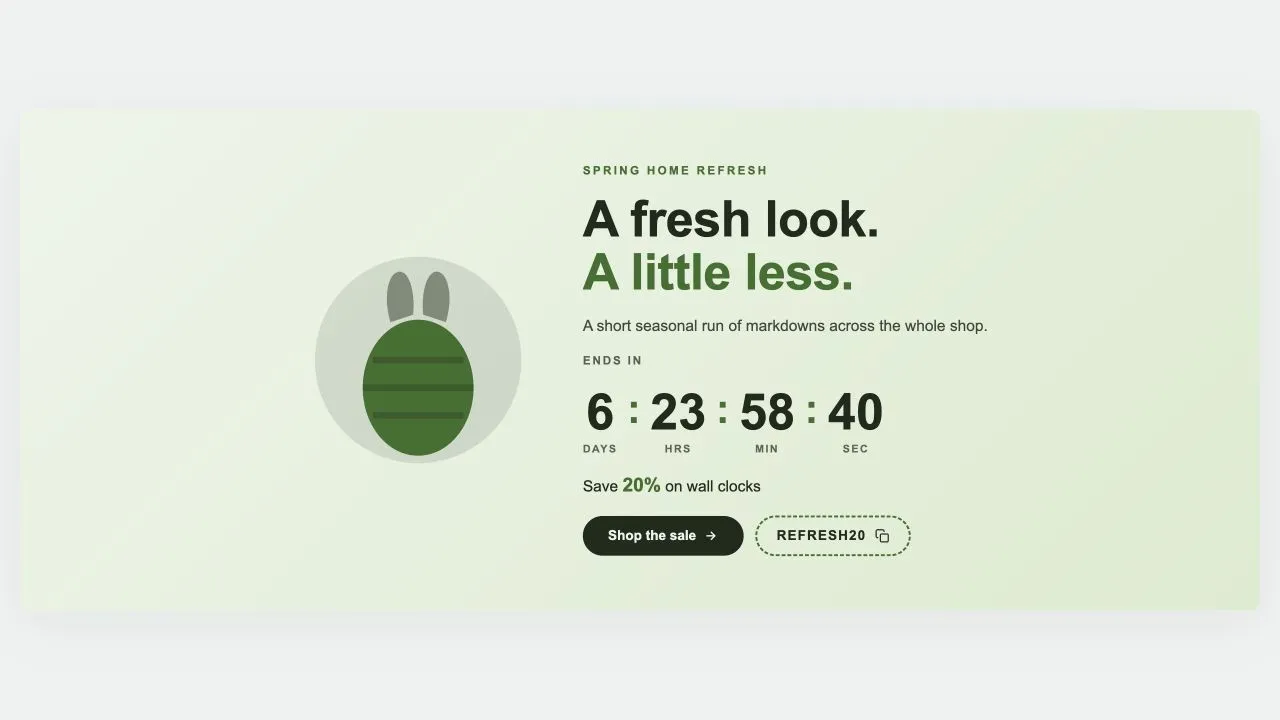 Free
Free Countdown Sale 5
Countdown Timers
A seasonal sale band with an illustration beside the wording: pick Easter, Mother's Day, Summer, Launch day or Lunar New Year and the artwork changes while everything else stays put. Every season is drawn inline in the band's own two colours, so switching costs no extra request and can never clash. Ships with five ready-made presets.
View section →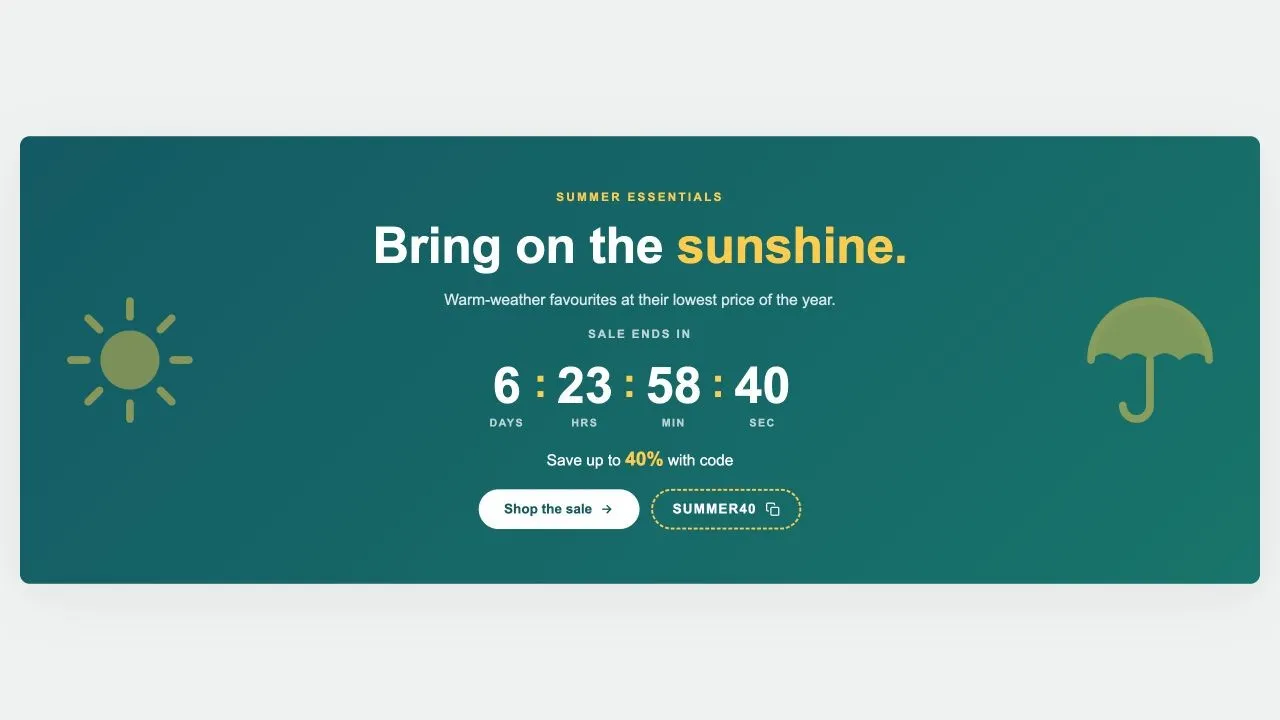 Free
Free Countdown Sale 4
Countdown Timers
A seasonal sale band flanked by two large emblems, from a sun and a parasol to a pumpkin and a bat. The emblems are inline SVG in the band's own highlight colour, fade back on tablets, and step aside entirely on phones where the wording needs the room.
View section →