
Shop Collections 1
Free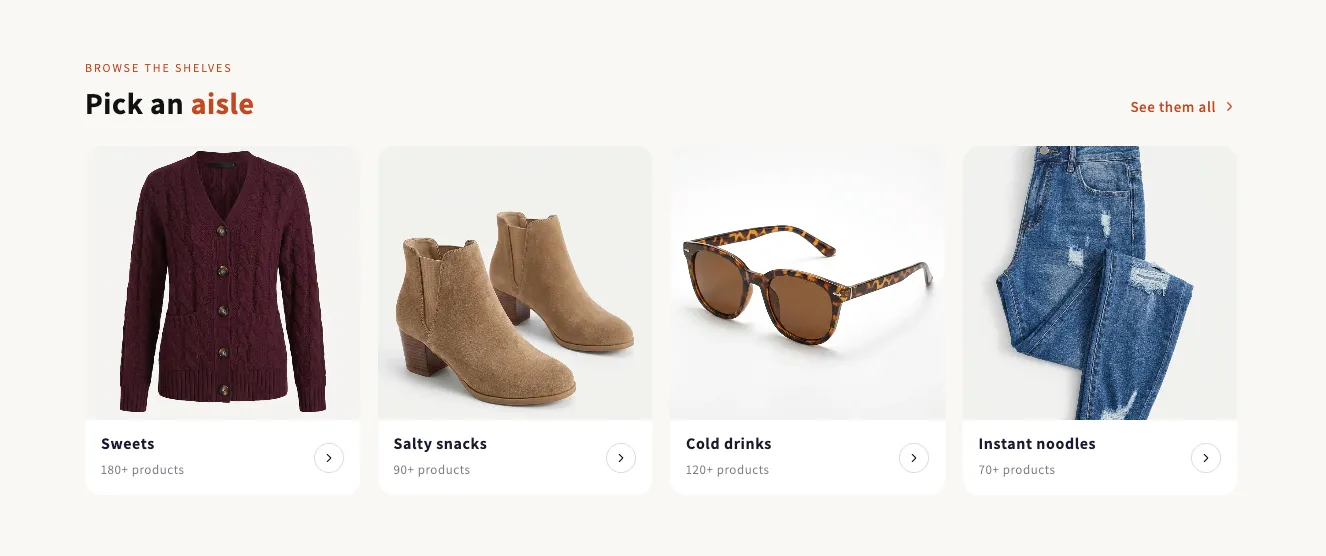
Full section details, tags and related sections: Shop Collections 1 →
Why Shop Collections 1 works on Impulse
Collection cards, circles and editorial grids to help shoppers find their next favorite. On Impulse, Shop Collections 1 slots in like any built-in section: it inherits the theme's fonts by default, picks up your color choices in the editor, and lives alongside Impulse's own sections in the picker — prefixed "SShop:" so it's easy to spot.
- Theme
- Impulse (premium)
- Section category
- Collection Showcases
- Merchant installs
- 17
- Shows in editor as
- SShop:Shop Collections 1
How to add Shop Collections 1 to Impulse, step by step
- 1
Install Section Shop (free)
Add the app from the Shopify App Store. It's free, carries the Built for Shopify badge, and changes nothing in your Impulse setup until you add a section.
- 2
Find “Shop Collections 1” in the library
Open the app and browse to it — it's in the Collection Showcases category — or use search.
- 3
Click “Add to theme”
Section Shop writes the section into your Impulse theme through Shopify's official theme API, the same mechanism Impulse uses for its own sections.
- 4
Open the Impulse theme editor
In Online Store → Themes → Customize, click “Add section”: you'll find it as “SShop:Shop Collections 1” in the picker.
- 5
Customize and save
Adjust text, images, colors and layout. Typography follows your Impulse font settings by default — or switch the section to any Shopify font. Hit Save and it's live.
Shop Collections 1 on Impulse — FAQ
Does Shop Collections 1 work with the Impulse theme?
Yes. Impulse is an Online Store 2.0 theme, and Shop Collections 1 installs as a native OS 2.0 section through Shopify's official theme API. It appears in Impulse's theme editor as “SShop:Shop Collections 1”, alongside the theme's own sections.
Will Shop Collections 1 match Impulse's design?
By default the section inherits your theme's fonts, so it picks up Impulse's typography automatically. Colors, spacing, images and content are all editable in the theme editor — no CSS required.
Is Shop Collections 1 free, and what if I uninstall Section Shop?
Shop Collections 1 is free, like every section in the 164-section library. Once added it's a standard theme file: if you uninstall the app, the section stays in your Impulse theme and keeps working.
Add Shop Collections 1 to another theme
More collection showcases for Impulse
Pairs well with Shop Collections 1
 Free
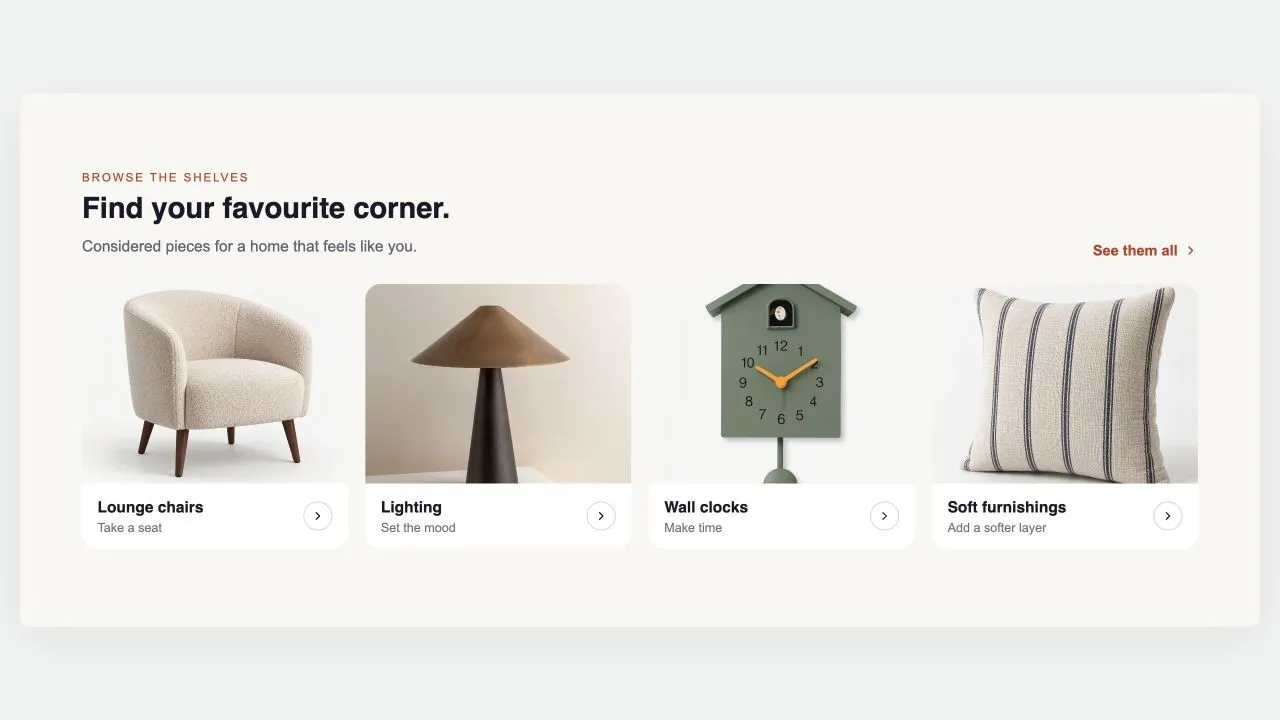
Free Collection Grid
Collection Showcases
Replaces your theme's own product grid on a collection page: products, sorting and pagination, with the caption rows built from blocks you can reorder or remove. Every card in a row shares an identical height, photo bottom, name top and button top, because the vendor and rating rows are decided once for the whole grid rather than card by card.
View section →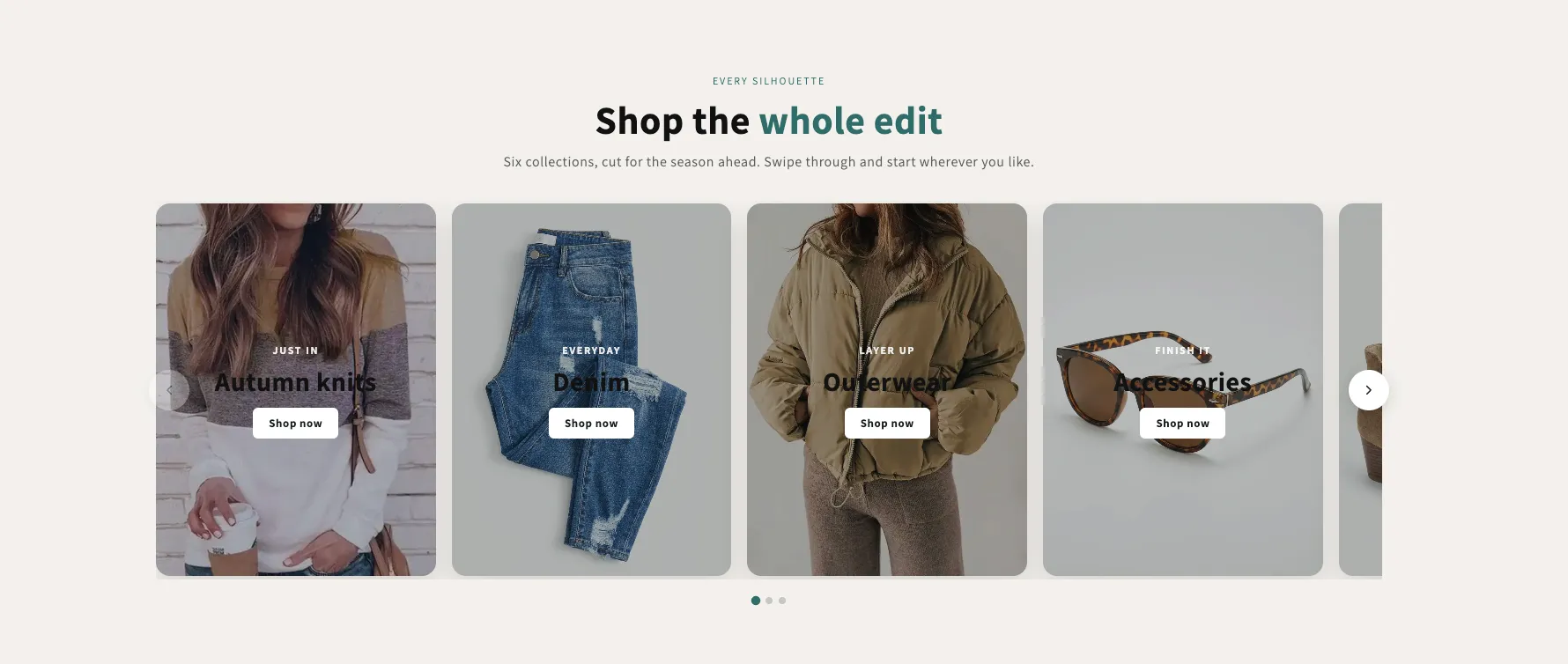 Free
Free Shop Collections 7
29 installsCollection Showcases
A rail of full-bleed collection cards with the copy laid over the photo, positioned in any of nine spots — set separately for desktop and phones. Optional autoplay, dots and arrows, each toggled per screen size.
View section →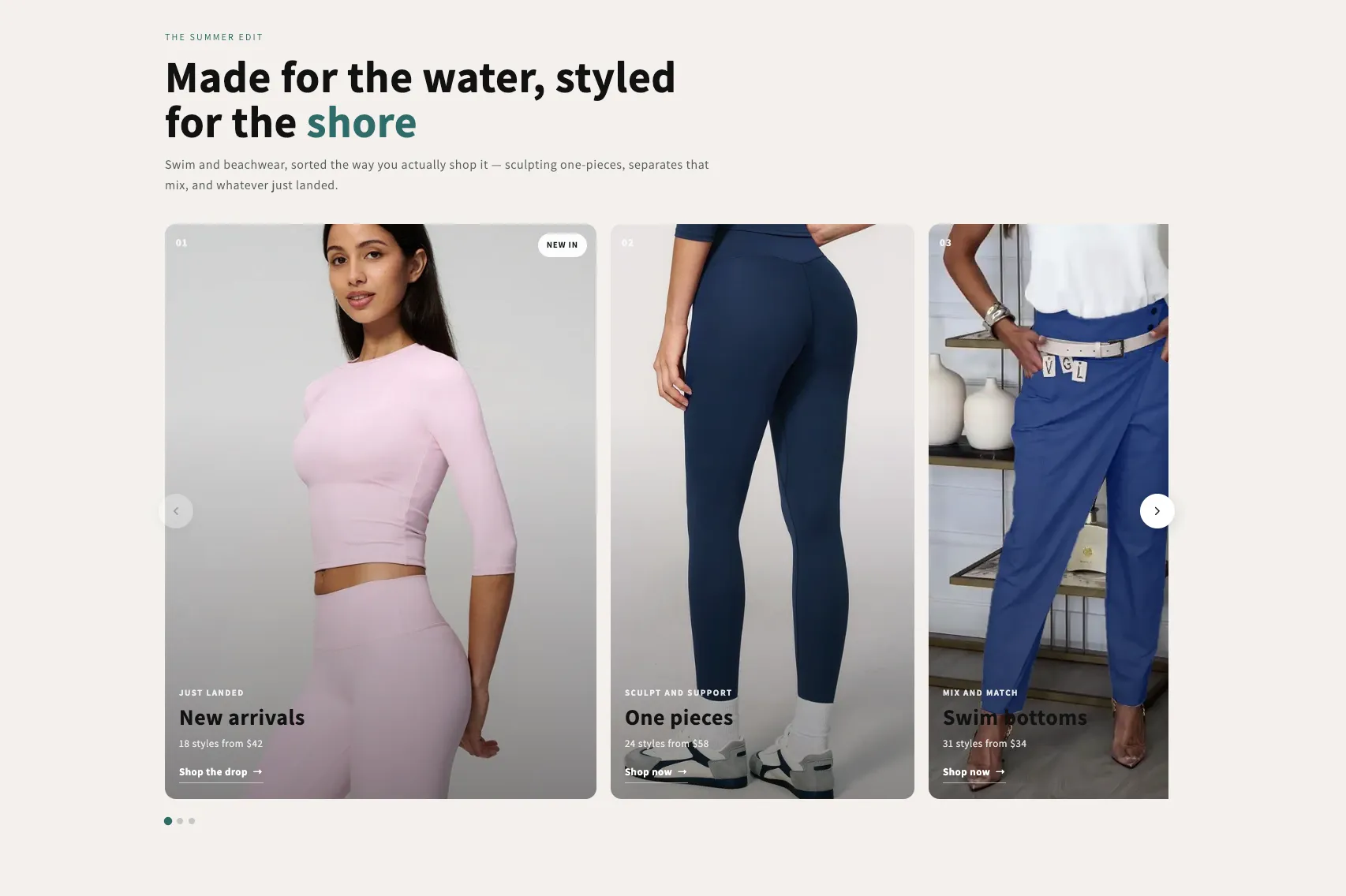 Free
Free Shop Collections 6
19 installsCollection Showcases
An editorial rail of collection cards with a numbered index, a badge, a kicker, a title and a meta line over a graded photo. One grade across mismatched photography makes the set read as one. Optional autoplay with a real pause control.
View section →