
Stock Ticker Pro
Free
Full section details, tags and related sections: Stock Ticker Pro →
Why Stock Ticker Pro works on Prestige
Marquees, tickers and rotating bars that push promotions, shipping thresholds and urgency without touching your theme. On Prestige, Stock Ticker Pro slots in like any built-in section: it inherits the theme's fonts by default, picks up your color choices in the editor, and lives alongside Prestige's own sections in the picker — prefixed "SShop:" so it's easy to spot.
- Theme
- Prestige (premium)
- Section category
- Announcement Bars
- Merchant installs
- 14
- Shows in editor as
- SShop:Stock Ticker Pro
How to add Stock Ticker Pro to Prestige, step by step
- 1
Install Section Shop (free)
Add the app from the Shopify App Store. It's free, carries the Built for Shopify badge, and changes nothing in your Prestige setup until you add a section.
- 2
Find “Stock Ticker Pro” in the library
Open the app and browse to it — it's in the Announcement Bars category — or use search.
- 3
Click “Add to theme”
Section Shop writes the section into your Prestige theme through Shopify's official theme API, the same mechanism Prestige uses for its own sections.
- 4
Open the Prestige theme editor
In Online Store → Themes → Customize, click “Add section”: you'll find it as “SShop:Stock Ticker Pro” in the picker.
- 5
Customize and save
Adjust text, images, colors and layout. Typography follows your Prestige font settings by default — or switch the section to any Shopify font. Hit Save and it's live.
Stock Ticker Pro on Prestige — FAQ
Does Stock Ticker Pro work with the Prestige theme?
Yes. Prestige is an Online Store 2.0 theme, and Stock Ticker Pro installs as a native OS 2.0 section through Shopify's official theme API. It appears in Prestige's theme editor as “SShop:Stock Ticker Pro”, alongside the theme's own sections.
Will Stock Ticker Pro match Prestige's design?
By default the section inherits your theme's fonts, so it picks up Prestige's typography automatically. Colors, spacing, images and content are all editable in the theme editor — no CSS required.
Is Stock Ticker Pro free, and what if I uninstall Section Shop?
Stock Ticker Pro is free, like every section in the 164-section library. Once added it's a standard theme file: if you uninstall the app, the section stays in your Prestige theme and keeps working.
More announcement bars for Prestige
Pairs well with Stock Ticker Pro
 Free
Free Marquee 4
Announcement Bars
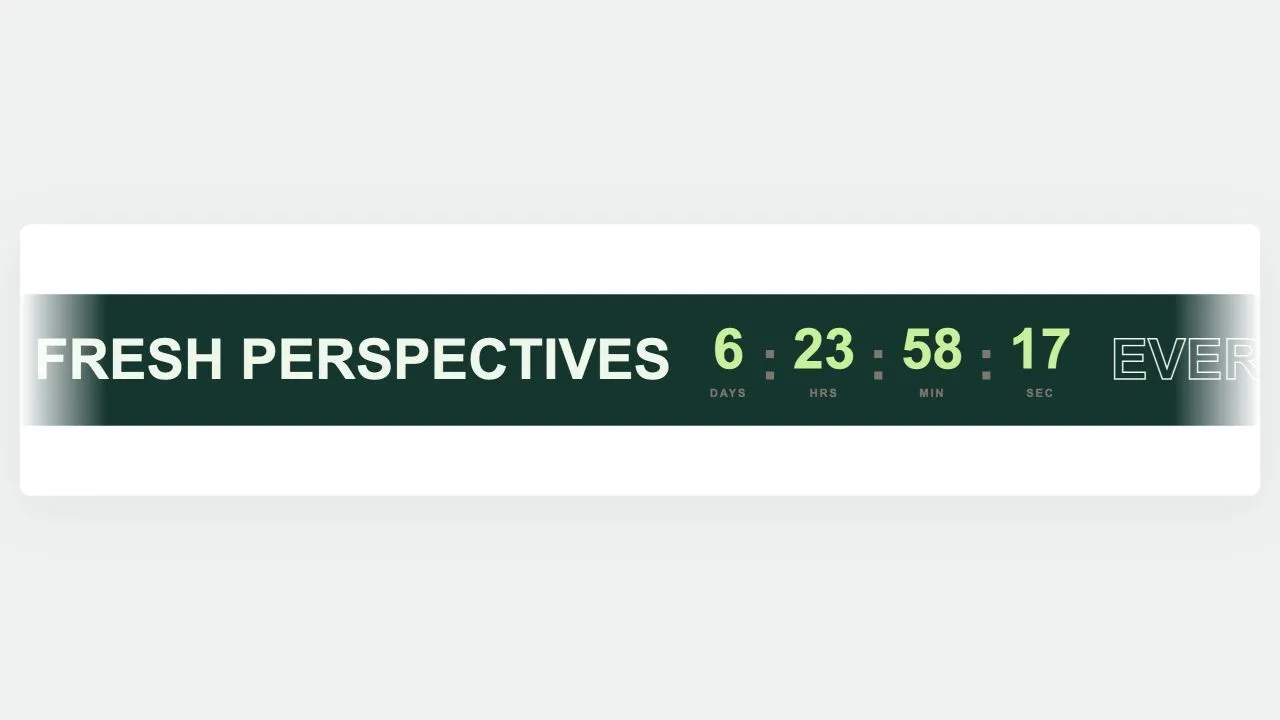
A scrolling band that can carry words, images, buttons and a live countdown together. The digits use tabular figures and the days field reserves the width it needs at render time, so a tick can never change the set width and jog the loop. The clock is worked out server-side first, so the numbers are right at first paint.
View section → Free
Free Marquee 3
Announcement Bars
A sale marquee with depth: a faint oversized ghost of the same words drifts behind at half speed, and the emblems bob gently in place. Words alternate filled and hollow, which is what gives the band its rhythm without needing a second colour. An emblem set to turn keeps turning, because spin and bob both animate the same property.
View section → Free
Free Marquee 2
Announcement Bars
A holographic drop band for launches and restocks. One glow palette retunes the background, the words and the emblems together, with a Custom option for your own colours. A slow band of light drifts across behind the words, and stops for anyone who asks for reduced motion.
View section →