
Product Specifications
Free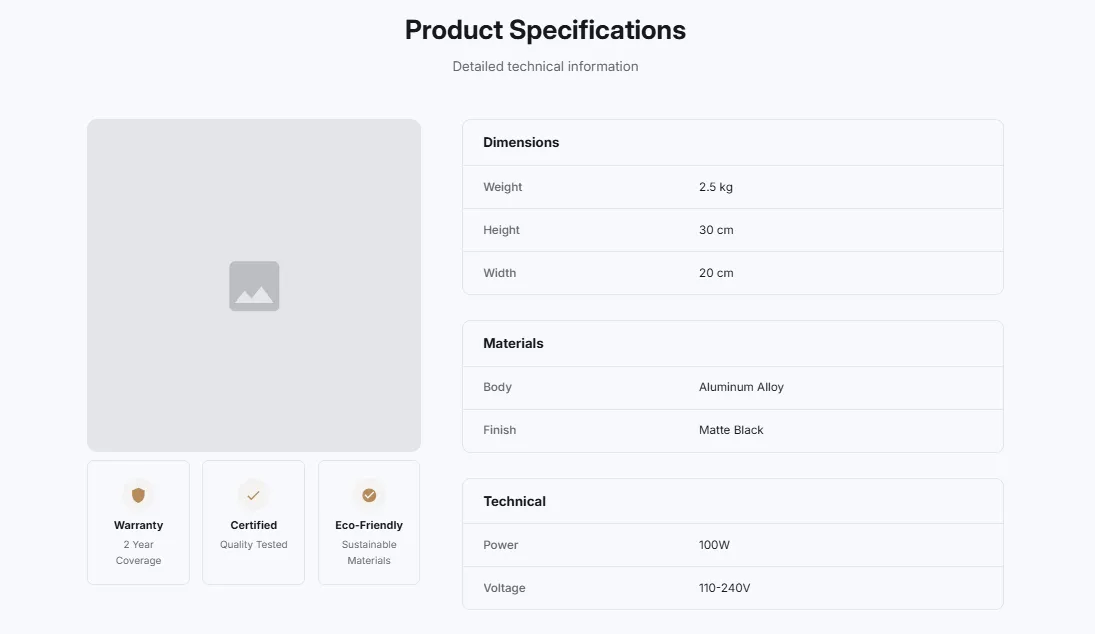
Full section details, tags and related sections: Product Specifications →
Why Product Specifications works on Refresh
Galleries, spec tables, bundles and ingredient breakdowns that give product pages the detail buyers look for. On Refresh, Product Specifications slots in like any built-in section: it inherits the theme's fonts by default, picks up your color choices in the editor, and lives alongside Refresh's own sections in the picker — prefixed "SShop:" so it's easy to spot.
- Theme
- Refresh (free)
- Section category
- Product Showcases
- Merchant installs
- 41
- Shows in editor as
- SShop:Product Specs
How to add Product Specifications to Refresh, step by step
- 1
Install Section Shop (free)
Add the app from the Shopify App Store. It's free, carries the Built for Shopify badge, and changes nothing in your Refresh setup until you add a section.
- 2
Find “Product Specifications” in the library
Open the app and browse to it — it's in the Product Showcases category — or use search.
- 3
Click “Add to theme”
Section Shop writes the section into your Refresh theme through Shopify's official theme API, the same mechanism Refresh uses for its own sections.
- 4
Open the Refresh theme editor
In Online Store → Themes → Customize, click “Add section”: you'll find it as “SShop:Product Specs” in the picker.
- 5
Customize and save
Adjust text, images, colors and layout. Typography follows your Refresh font settings by default — or switch the section to any Shopify font. Hit Save and it's live.
Product Specifications on Refresh — FAQ
Does Product Specifications work with the Refresh theme?
Yes. Refresh is an Online Store 2.0 theme, and Product Specifications installs as a native OS 2.0 section through Shopify's official theme API. It appears in Refresh's theme editor as “SShop:Product Specs”, alongside the theme's own sections.
Will Product Specifications match Refresh's design?
By default the section inherits your theme's fonts, so it picks up Refresh's typography automatically. Colors, spacing, images and content are all editable in the theme editor — no CSS required.
Is Product Specifications free, and what if I uninstall Section Shop?
Product Specifications is free, like every section in the 164-section library. Once added it's a standard theme file: if you uninstall the app, the section stays in your Refresh theme and keeps working.
Add Product Specifications to another theme
More product showcases for Refresh
Pairs well with Product Specifications
 Free
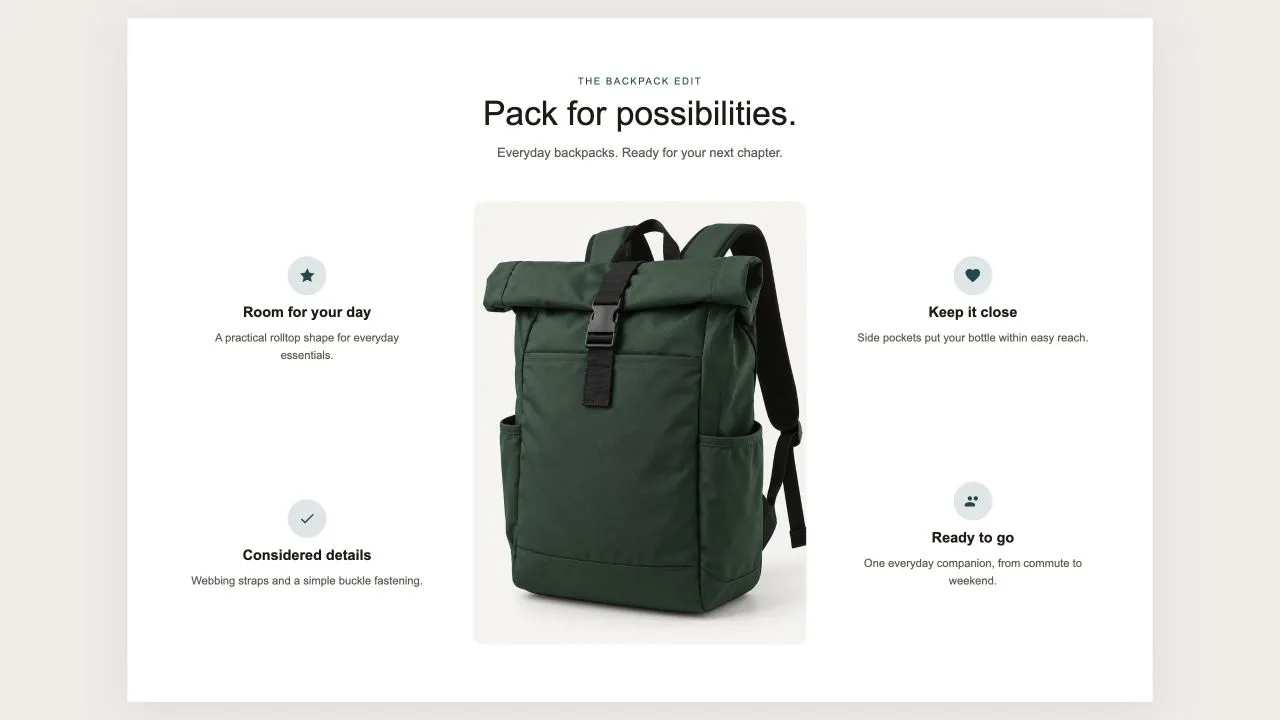
Free Product Callouts 1
Product Showcases
One photo in the middle and the reasons to buy set around it, half on each side, each with an icon from the shared set or your own, a title and a line of text. On a product page the photo can be the product's own until you pick another, and on phones the callouts fall into a tidy grid under the picture.
View section →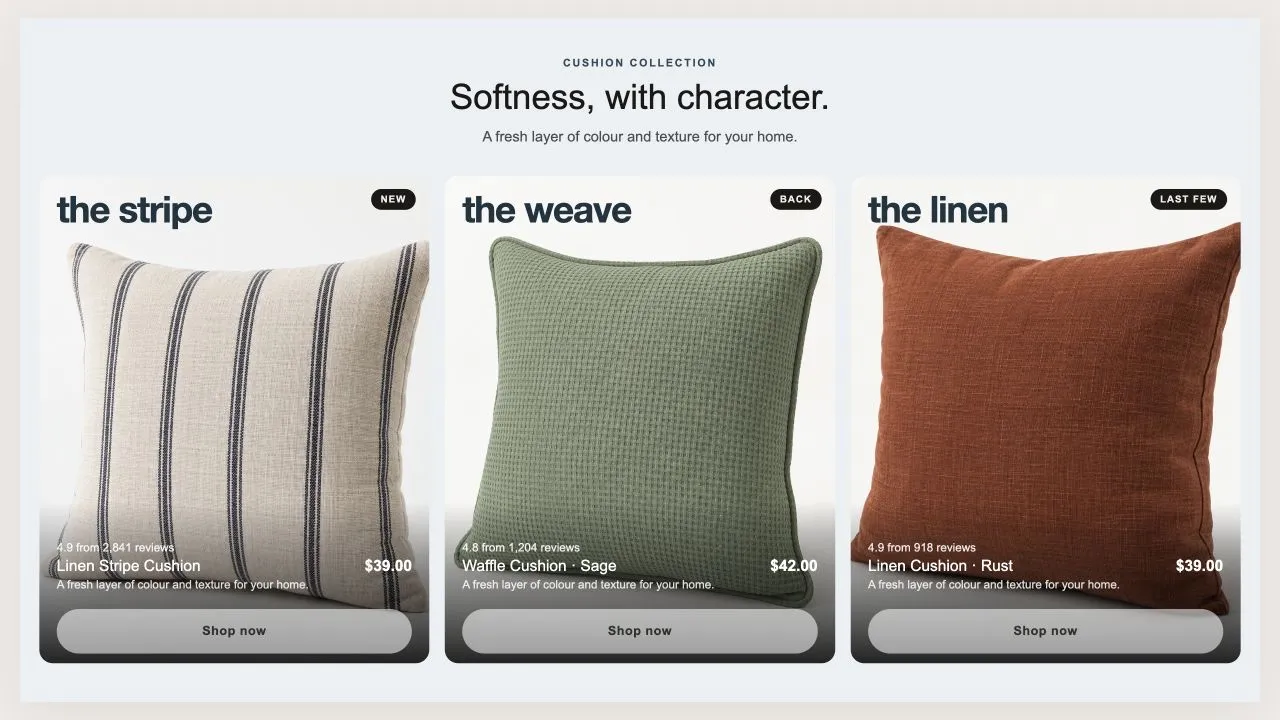 Free
Free Product Tiles 1
Product Showcases
Three tall tiles, each carrying one product under a big display word. The photo flips on hover when a second one is set, and the caption trades places with the buy button. On a phone the caption can sit on the photo or under it, and the text is contrast-checked for whichever you choose.
View section →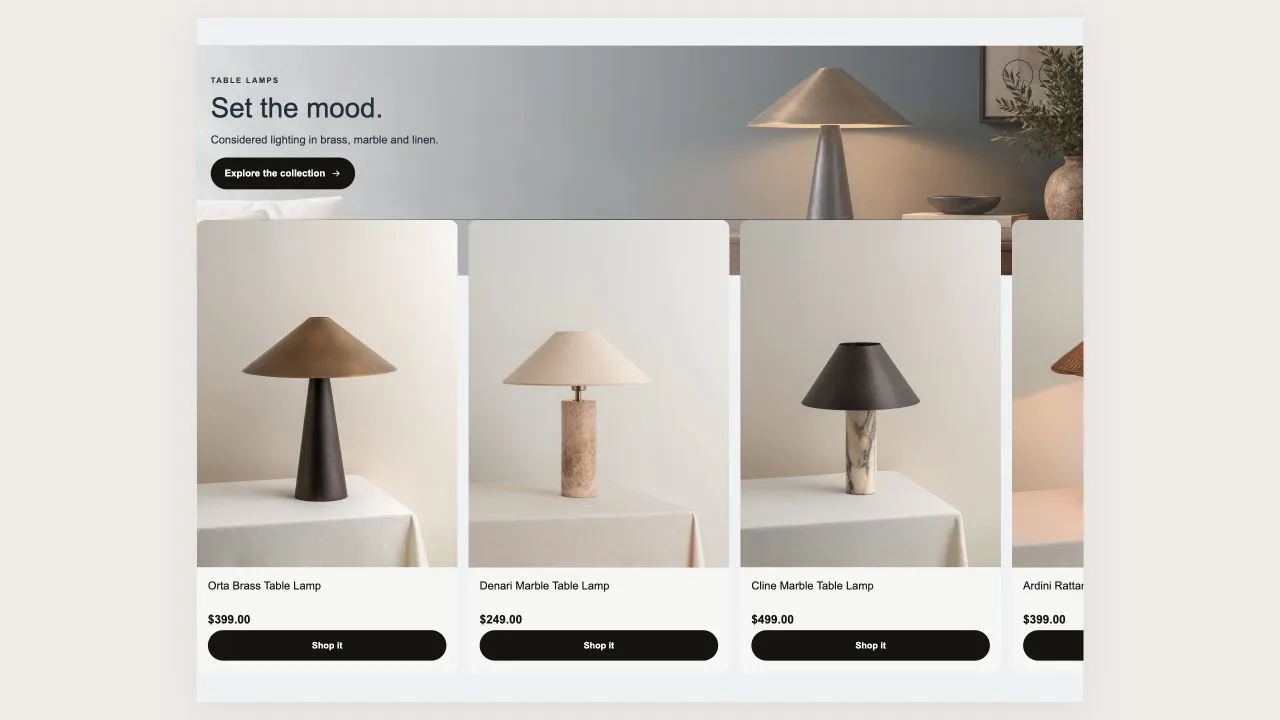 Free
Free Product Banner 2
Product Showcases
The restrained treatment of the same shape: a light banner, one button per card, no glow, and the arrows on the banner itself rather than in a strip under the row. A lit seam is drawn where the cards meet the banner, so the overlap reads as placed rather than cropped.
View section →